Skip to content

Launching soon.

What’s open now

Free guide · For iPhone creators

iPhone content creation setup

Your iPhone is already a good camera. The right settings and a few small accessories do the rest — no camera bag needed.

  • 10 min read
  • 8 chapters
  • Gear and prices checked September 2026

Phone tripod

Wireless mic

Pocket LED

Sound, light and a steady frame≈ €142 + your phoneTypical prices, September 2026 — they may change.

01 · Settings first

Set up the camera you already have

A few minutes in Settings make every clip better: the right format, a straight frame, a lens that doesn't jump mid-take. All free, all in the built-in Camera app. What's available depends on your model — the table says where it differs.

Camera settings worth checking (iOS 27)

SettingWhereWhat it does
Resolution and frame rateTop of the screen in Video mode; more in Settings › Camera › Record VideoHD saves storage; 4K lets you crop in the edit. 24, 25 or 30 fps for most videos, 60 for smooth motion
Grid and LevelSettings › CameraKeeps the horizon straight and the framing the same from take to take
Enhanced StabilizationSettings › Camera › Record VideoSteadier handheld shots with a slight zoom; on by default from iPhone 14
Lock CameraSettings › Camera › Record VideoStops the iPhone switching lenses mid-take; off by default (iPhone 13 and later, not 16e, 17e or Air)
Action modeVideo mode › controls › ActionExtra-steady shots while you walk or run, up to 2.8K at 60 fps (iPhone 14 and later, not 16e or 17e)
Dual CaptureVideo mode › controls › Dual CaptureFilms the front and back camera at once, up to 4K at 30 fps — for reactions (iPhone 17 models except 17e, iPhone Air, 18 Pro models)
Record SoundSettings › Camera › Record SoundSpatial Audio, Stereo or Mono, with its own switch for wind noise reduction (iPhone 16 and later)
FormatsSettings › Camera › FormatsHigh Efficiency (HEVC) saves storage; Most Compatible (H.264) for apps that can't open HEVC

Film with the back camera, at eye level, facing a window. Wipe the lens before every shoot — a smudge softens the whole image.

Before you record, touch and hold on your face until “AE/AF Lock” appears, so focus and brightness stay put when you move. On iPhones with Camera Control, turn on Lock Focus and Exposure under Settings › Camera › Camera Control; a light press and hold then locks both while you record.

Pro models from the iPhone 15 Pro record Apple ProRes and Log. Log keeps more room for colour grading but looks flat until you grade it — skip it unless you enjoy colour work.

Eye level, eyes on the top third. Put the iPhone at the height of your eyes, not below them. Turn on the grid under Settings › Camera, then place your eyes on its upper line.

Know what you'll film?

A good setup needs a format behind it. Our content ideas collect short-form formats for music and rap creators, with the videos that worked.

Browse free ideas

02 · Sound

Sound: the upgrade you hear first

The iPhone's built-in mics hear the whole room. For a voice that is close and clear, the mic has to be close to the voice — clipped to your shirt or plugged into the phone.

USB-C or Lightning?

iPhone 15 and later have USB-C; older iPhones have Lightning. Mics that plug into the phone come in one version or the other, so check your port before you buy.

Mics for the iPhone

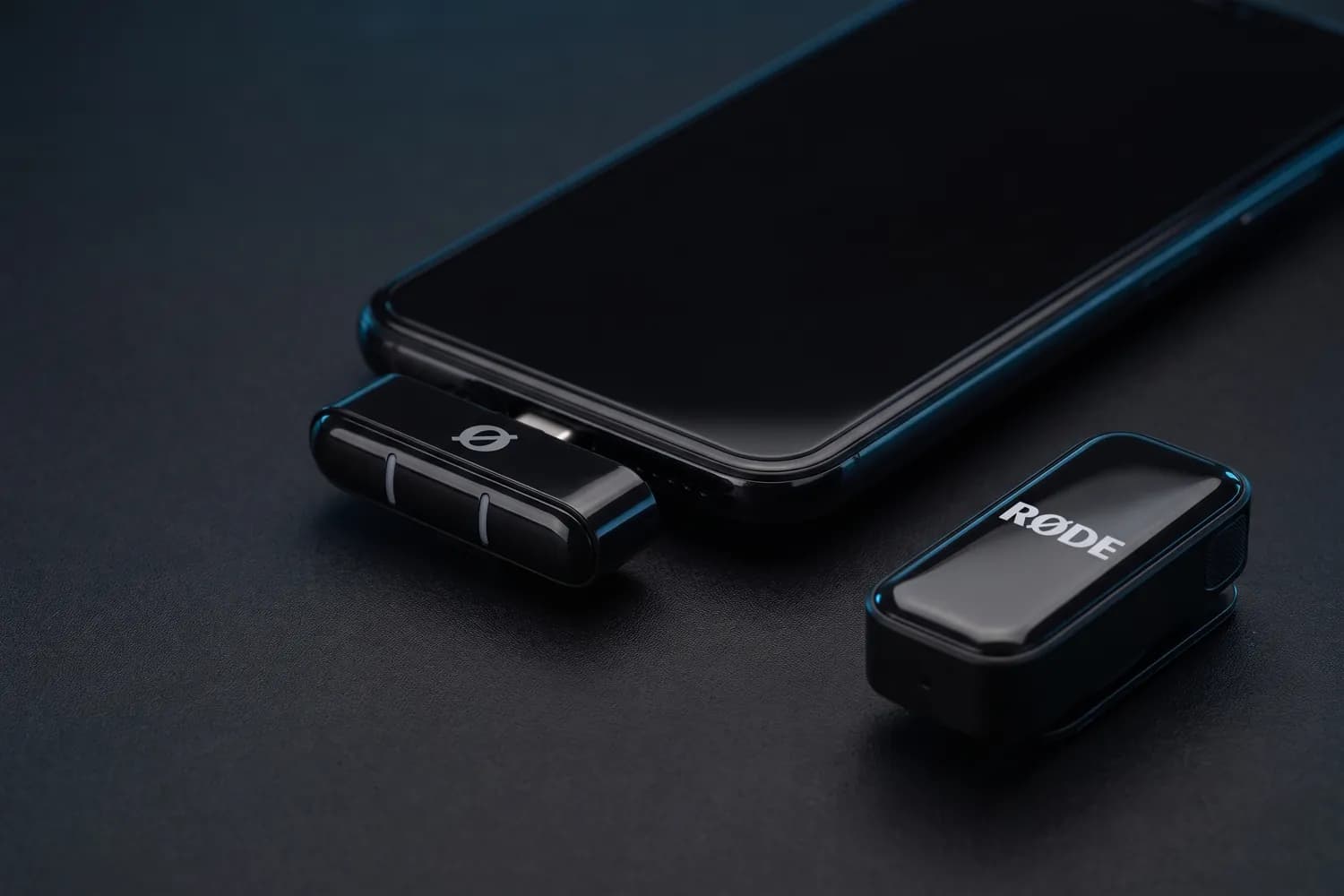
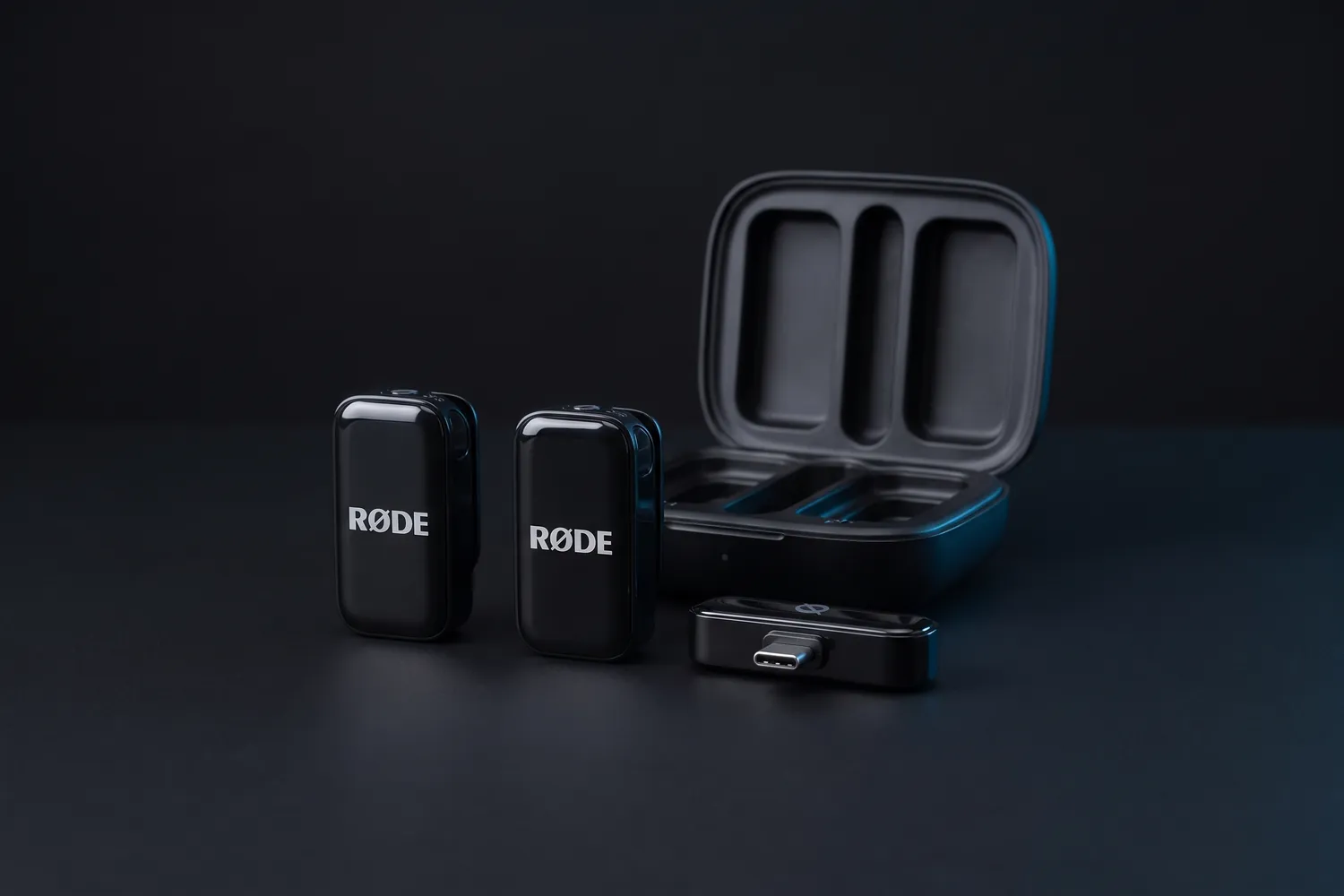
RØDE Wireless Micro: two transmitters, the USB-C receiver and the charging caseAI-generated image
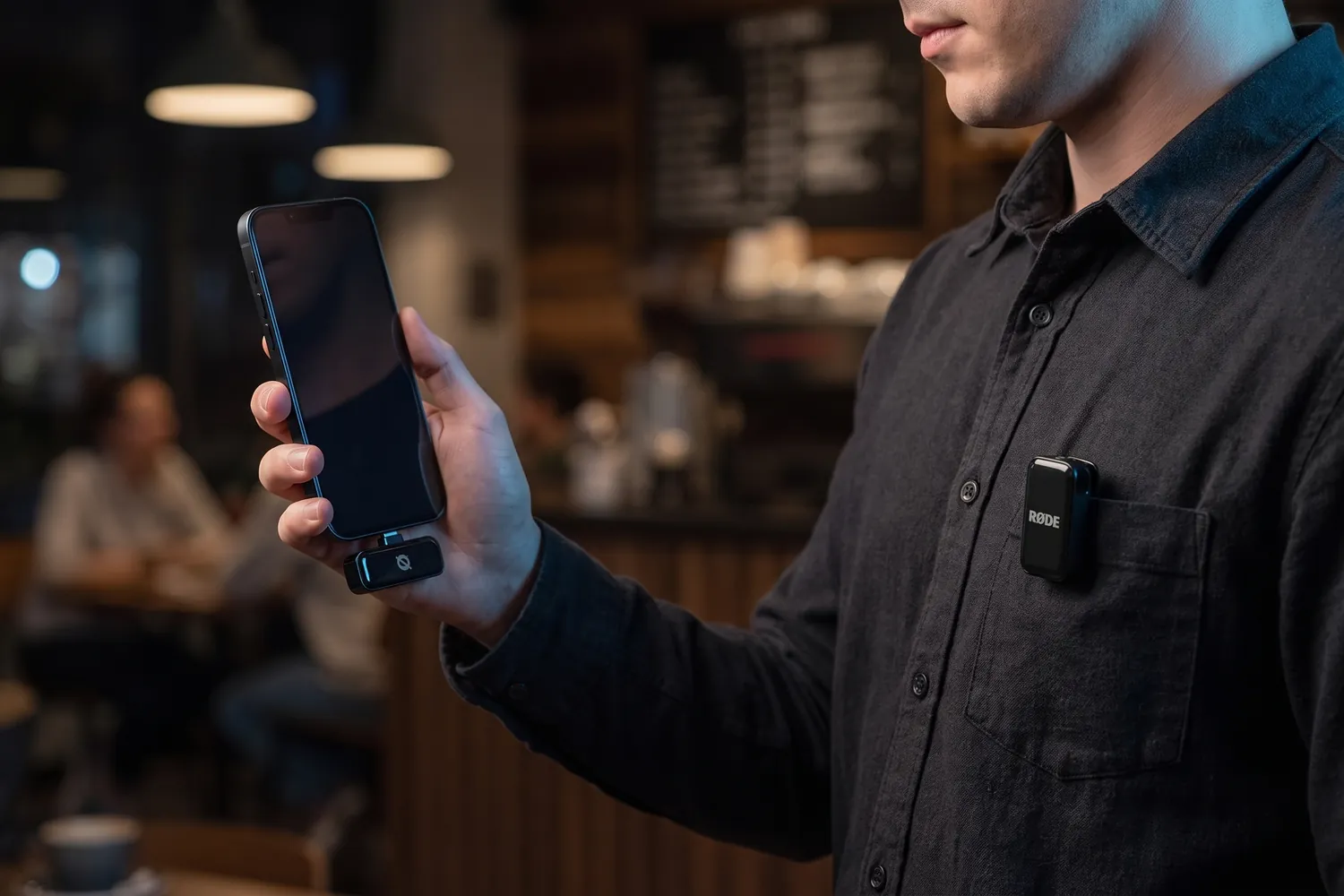
A creator filming with a phone that has the RØDE Wireless Micro receiver plugged in, a transmitter on the shirt pocketAI-generated image
Two people on a park bench, each wearing a RØDE Wireless Micro transmitterAI-generated image
RØDE Wireless Micro receiver in a phone's USB-C port, a transmitter beside itAI-generated image

Best for iPhone-only creators

RØDE Wireless Micro

USB-C version (Lightning for older iPhones), 2 transmitters

A wireless kit made for phones: the receiver plugs straight into the phone's port.

Why we recommend it

  • The receiver sits in your phone's USB-C or Lightning port — no cables
  • Charging case with two transmitters, up to 21 hours of use in total
  • On an iPhone, the transmitters can also connect over Bluetooth in RØDE's Capture app
Who actually needs this?
Creators who only film on a phone and want the fewest parts possible.
Skip it if
You also film with a camera or need a backup recording — neither is its job.
DJI Mic Mini 2 charging case with the receiver and two transmittersAI-generated image
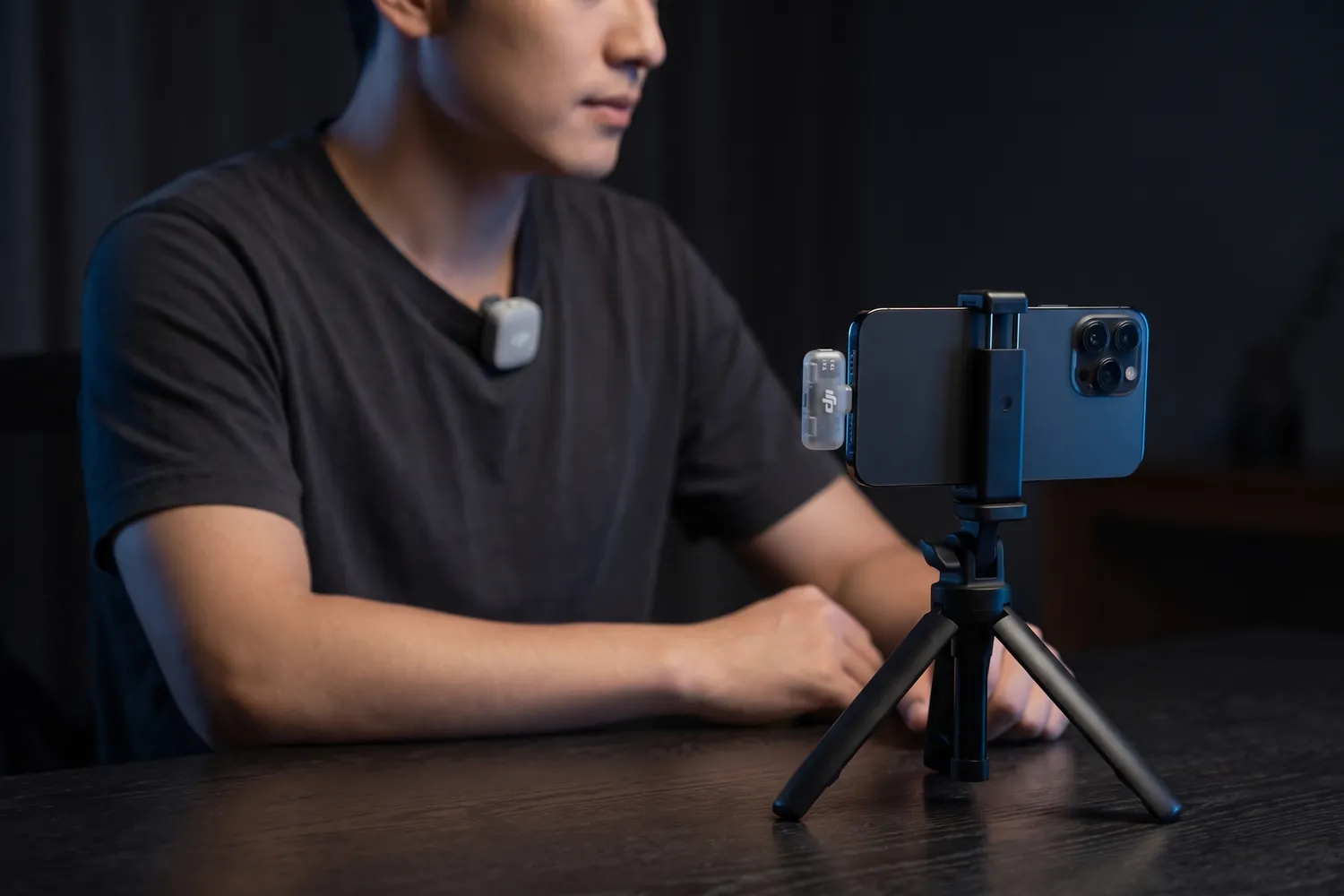
A creator filming a talking-head video on a phone, a DJI Mic Mini 2 transmitter on the T-shirt and the receiver in the phoneAI-generated image
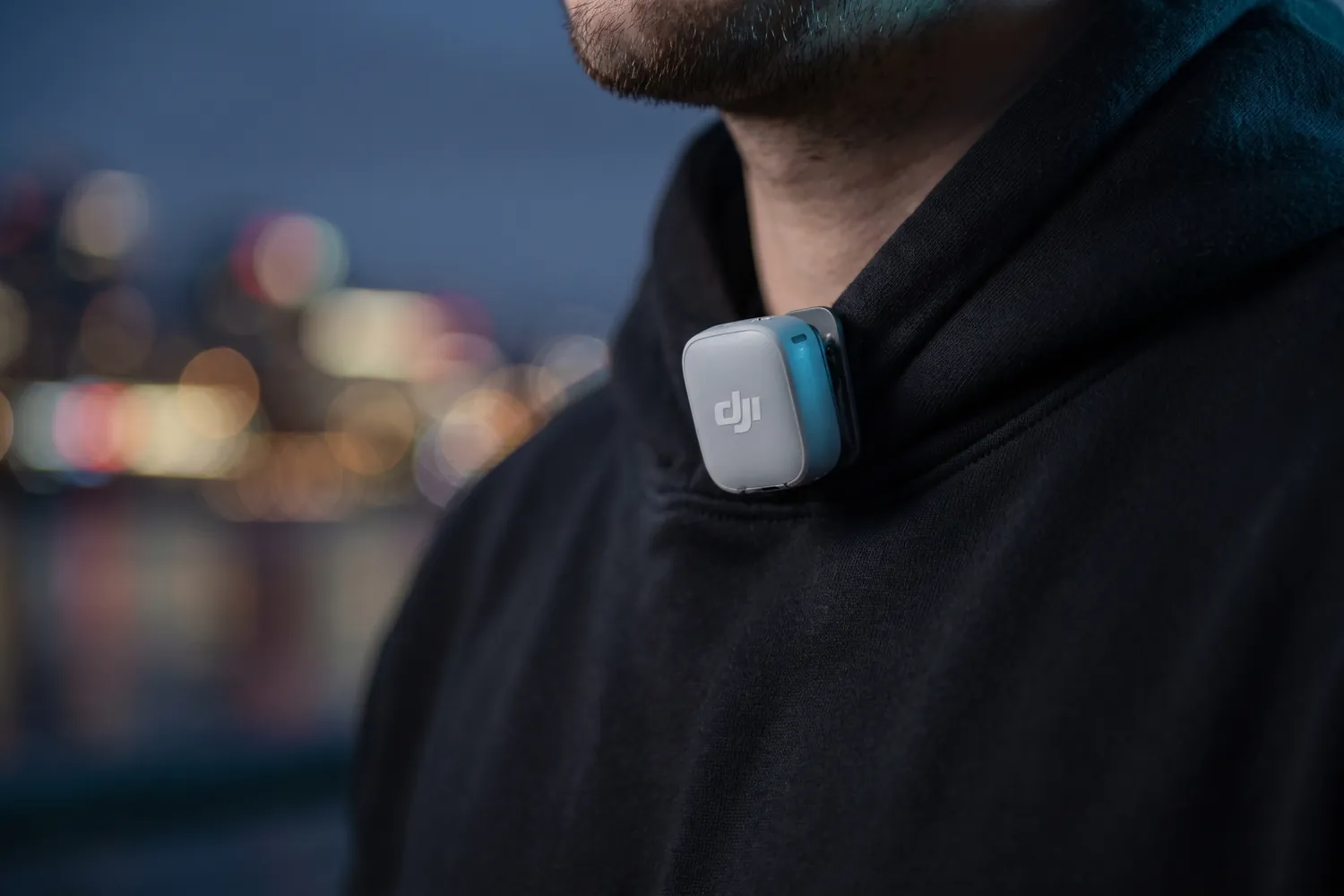
DJI Mic Mini 2 transmitter clipped to the collar of a black hoodieAI-generated image
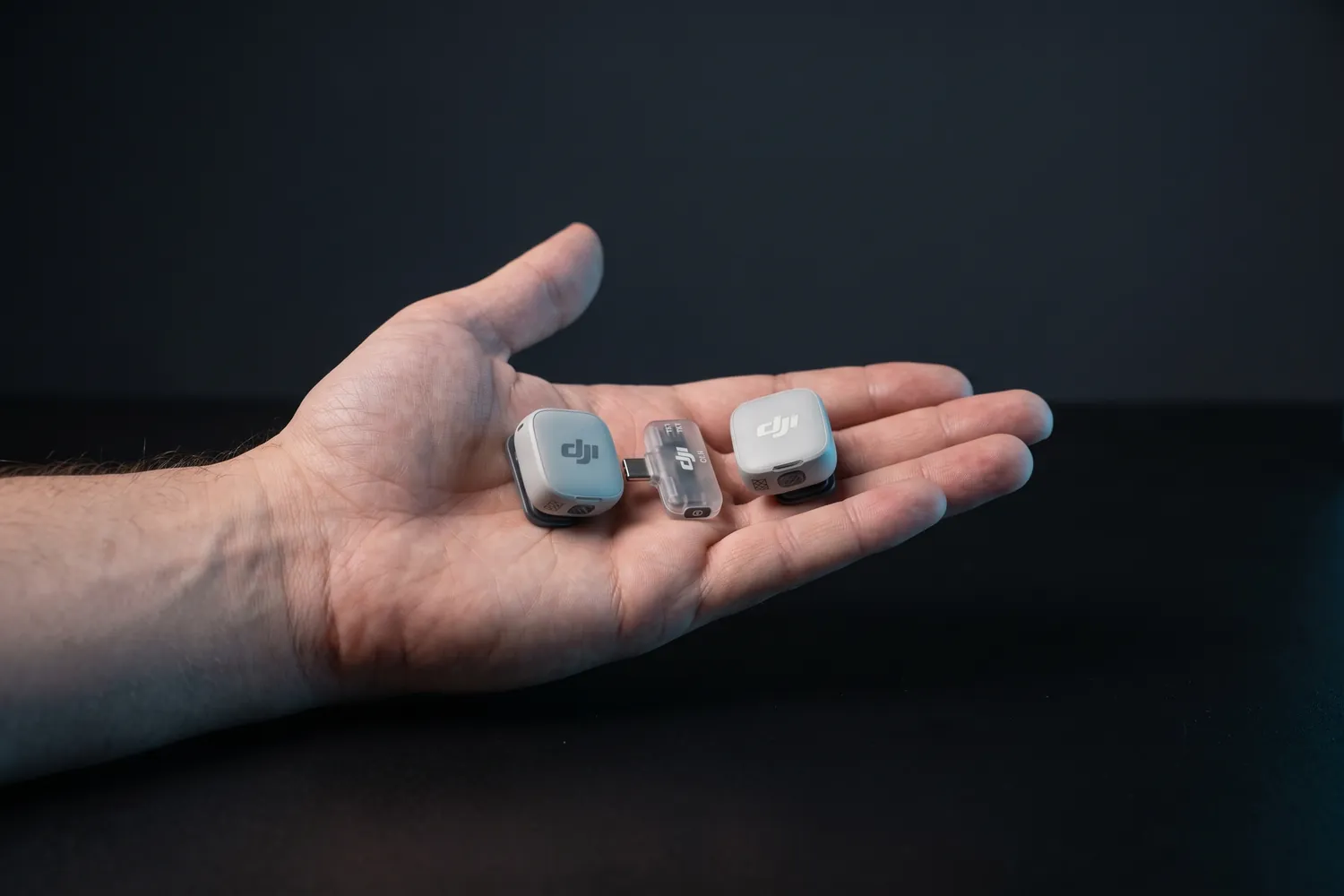
Both DJI Mic Mini 2 transmitters and the receiver in an open handAI-generated image

Best value wireless kit

DJI Mic Mini 2

2 transmitters, phone receiver, charging case

Two tiny clip-on transmitters and a receiver that plugs into your phone, in a charging case.

Why we recommend it

  • Transmitters weigh about 11 g — they disappear on a T-shirt
  • About 11.5 hours per transmitter; the case recharges the set about three and a half times
  • Two transmitters: film yourself and a guest at the same time
Who actually needs this?
Anyone who talks on camera — talking heads, interviews, vlogs. Our default pick.
Skip it if
You want a backup recording inside the transmitter — the Mic Mini 2S and the Mic 3 add that.

Good to know: Not officially sold in the US; there, the RØDE Wireless Micro is the easy alternative.

≈ €77typical price, Sep 2026 · may change

Do you actually need this?

Do you need an external mic?

Yes, if…

  • You talk to the camera from more than an arm's length away
  • You film outside, in wind or traffic, or interview someone
  • You record your voice or instrument live for the video

Not yet, if…

  • You lip-sync or perform to your released track — add the song in the edit
  • Your videos are music, captions and b-roll only

03 · Steady shots

A steady frame

A shaky frame looks accidental. A tripod keeps every take framed the same and frees your hands; a gimbal is only for shots on the move.

Tripods, grips and a gimbal

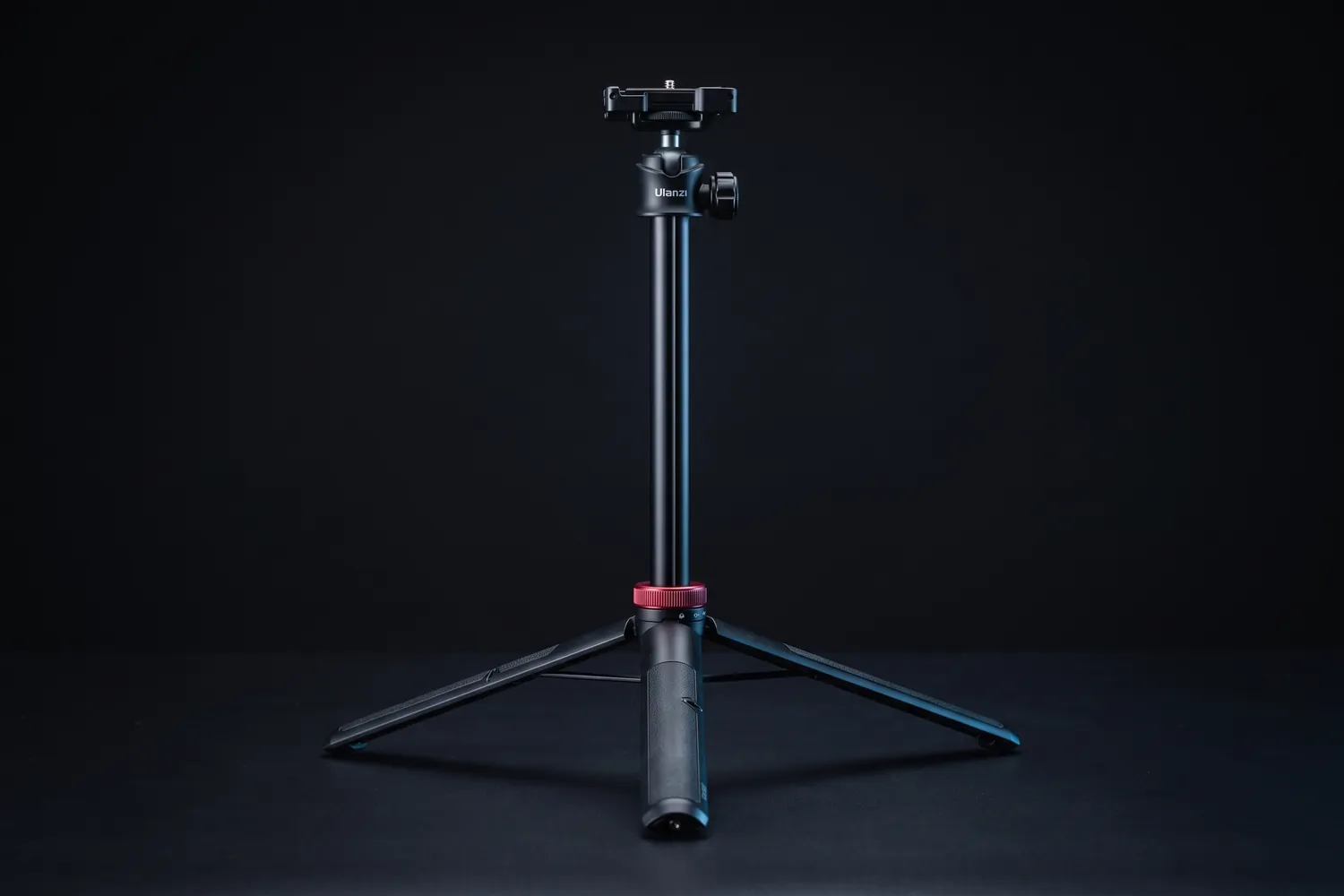
Ulanzi MT-44 tripod extended with its phone clampAI-generated image
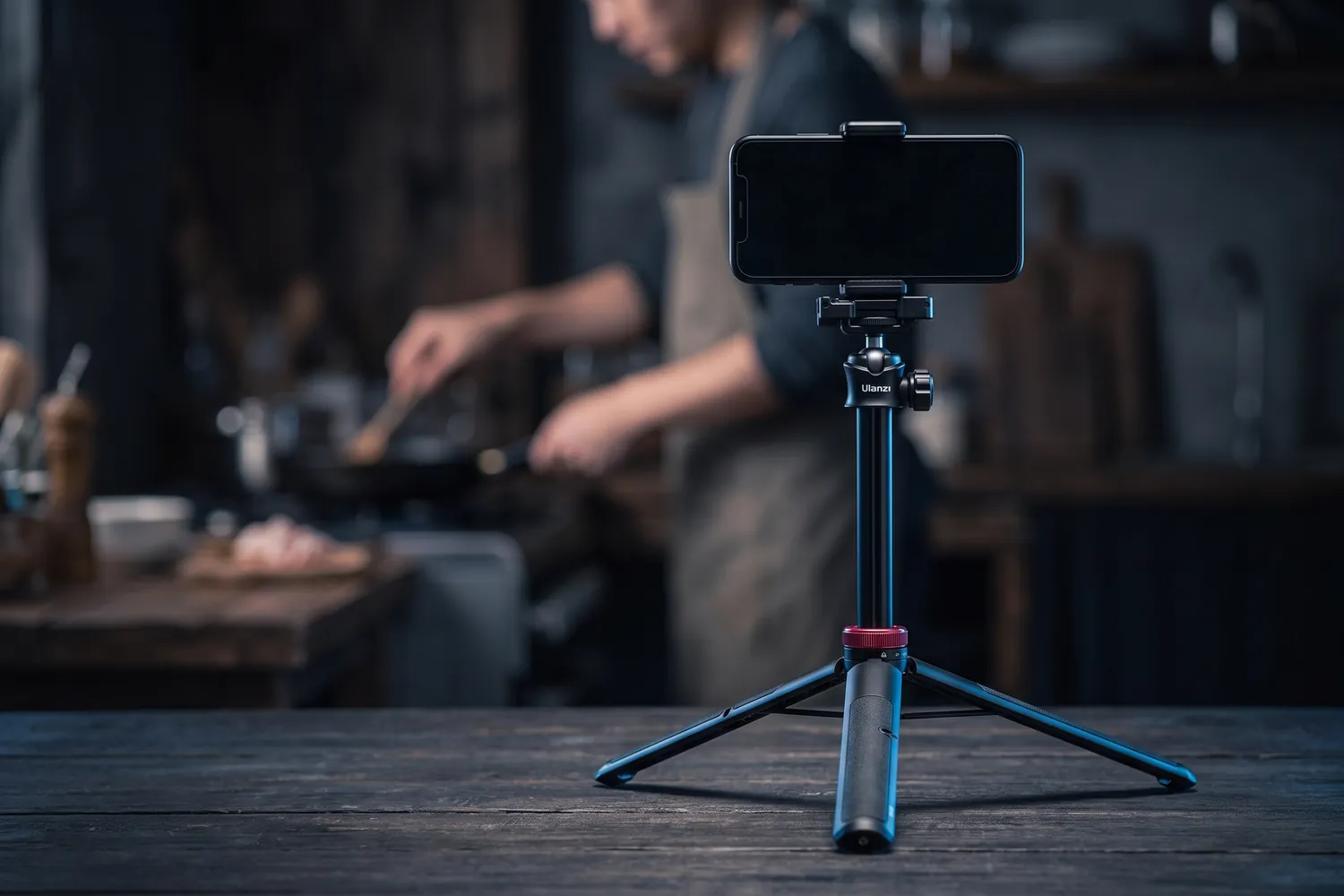
Ulanzi MT-44 holding a phone on a kitchen table, filming someone cookingAI-generated image
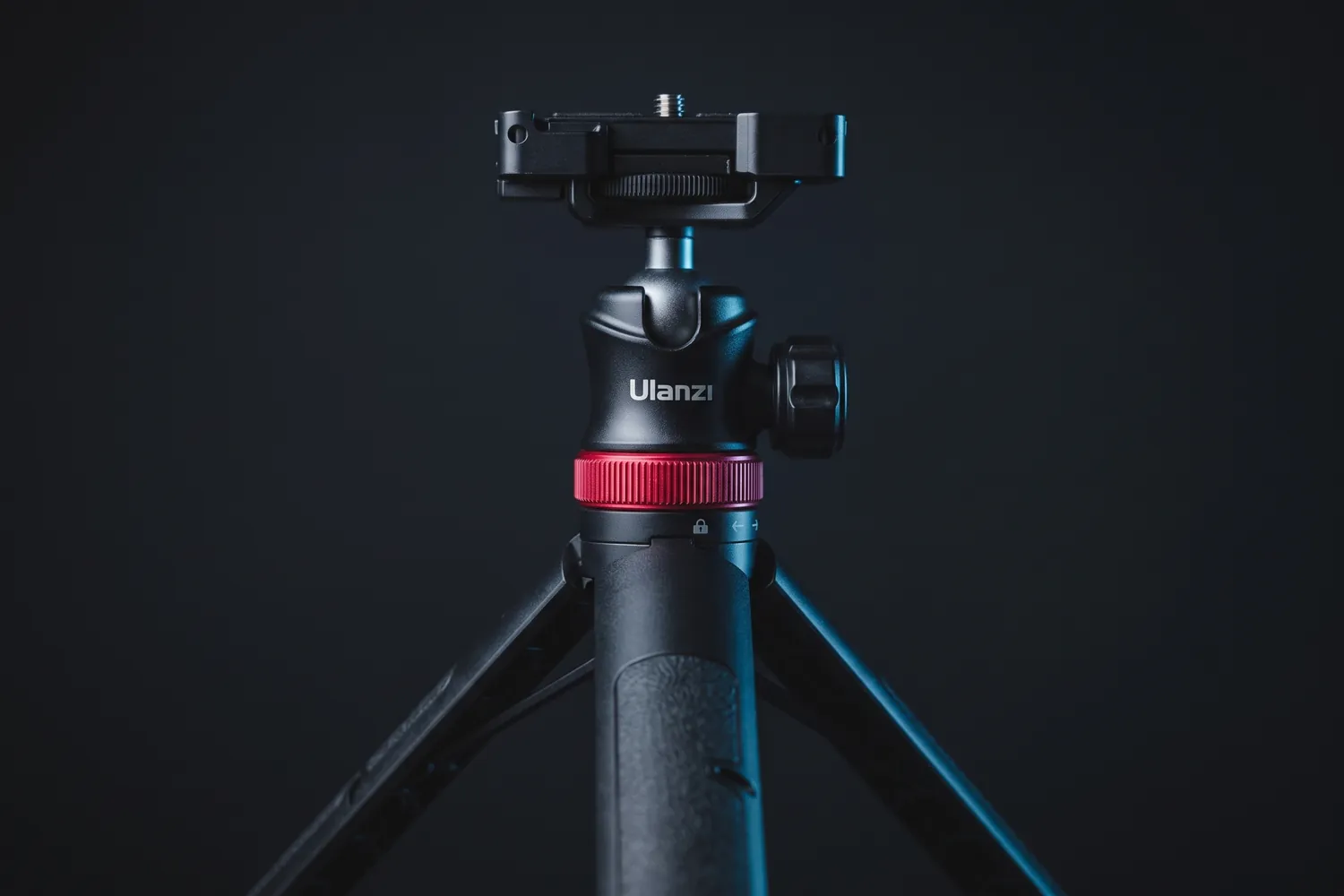
Close-up of the Ulanzi MT-44's ball head and phone clampAI-generated image

Best first tripod

Ulanzi MT-44

A light tripod that doubles as a selfie stick and extends to standing height.

Why we recommend it

  • Extends from 32 to 146.5 cm: desk height to standing
  • Six sections, with a phone clamp that folds away
  • Tripod and selfie stick in one
Who actually needs this?
Everyone — the first tripod for desk, handheld and travel.
Skip it if
You often film at full height outdoors — reviewers note it sways fully extended; a floor tripod is steadier.

≈ €26typical price, Sep 2026 · may change
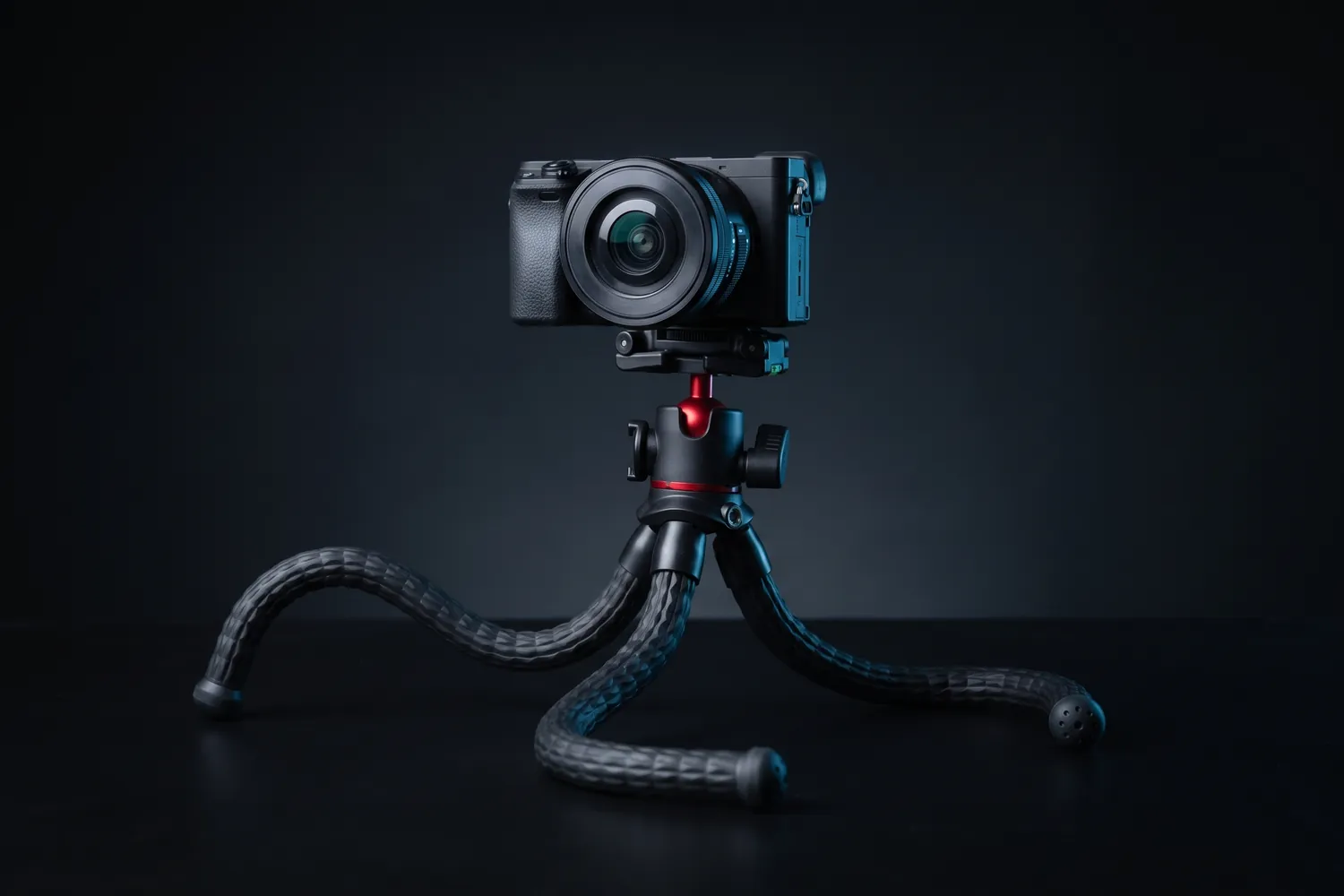
Ulanzi MT-33 bendable tripod holding a small cameraAI-generated image
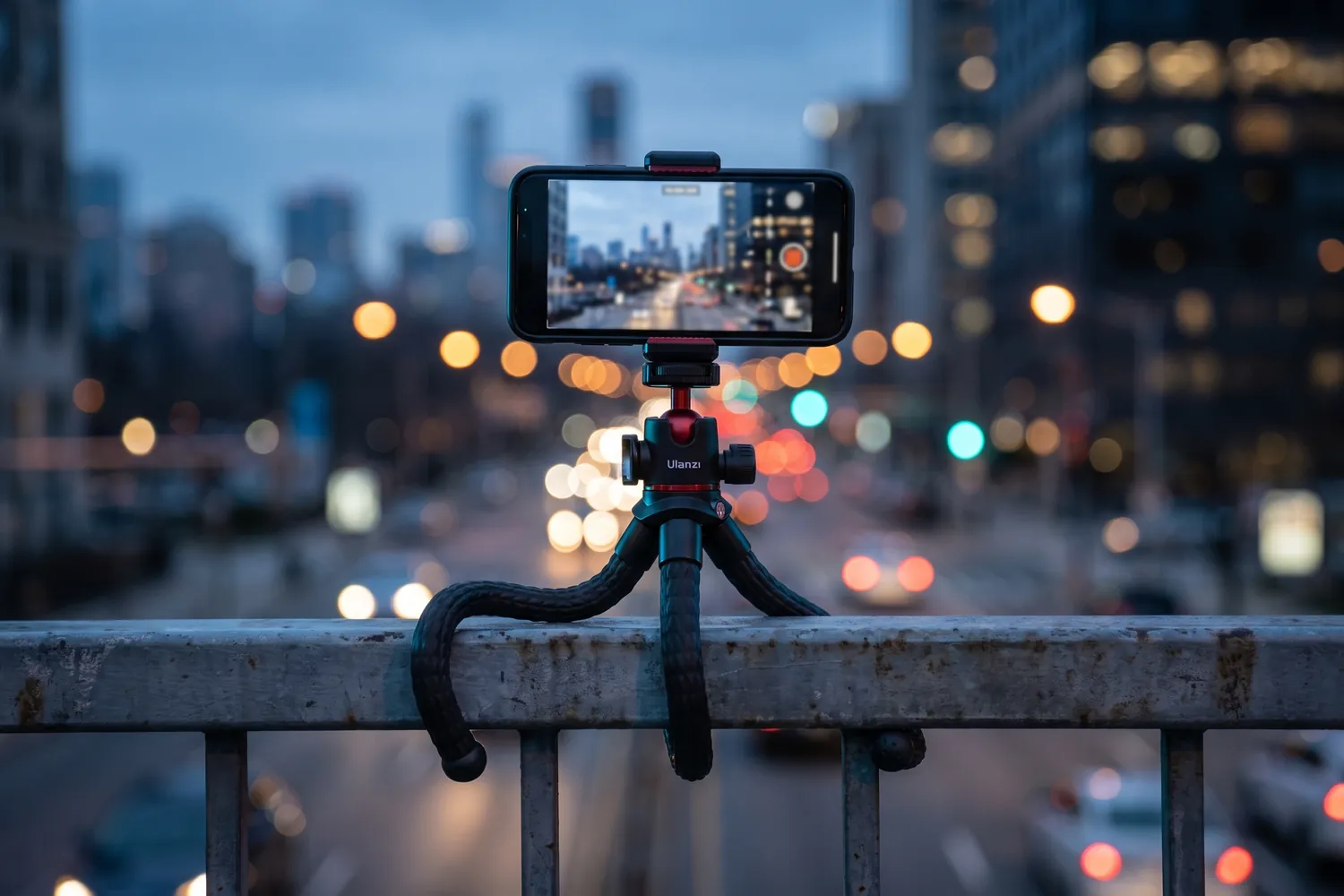
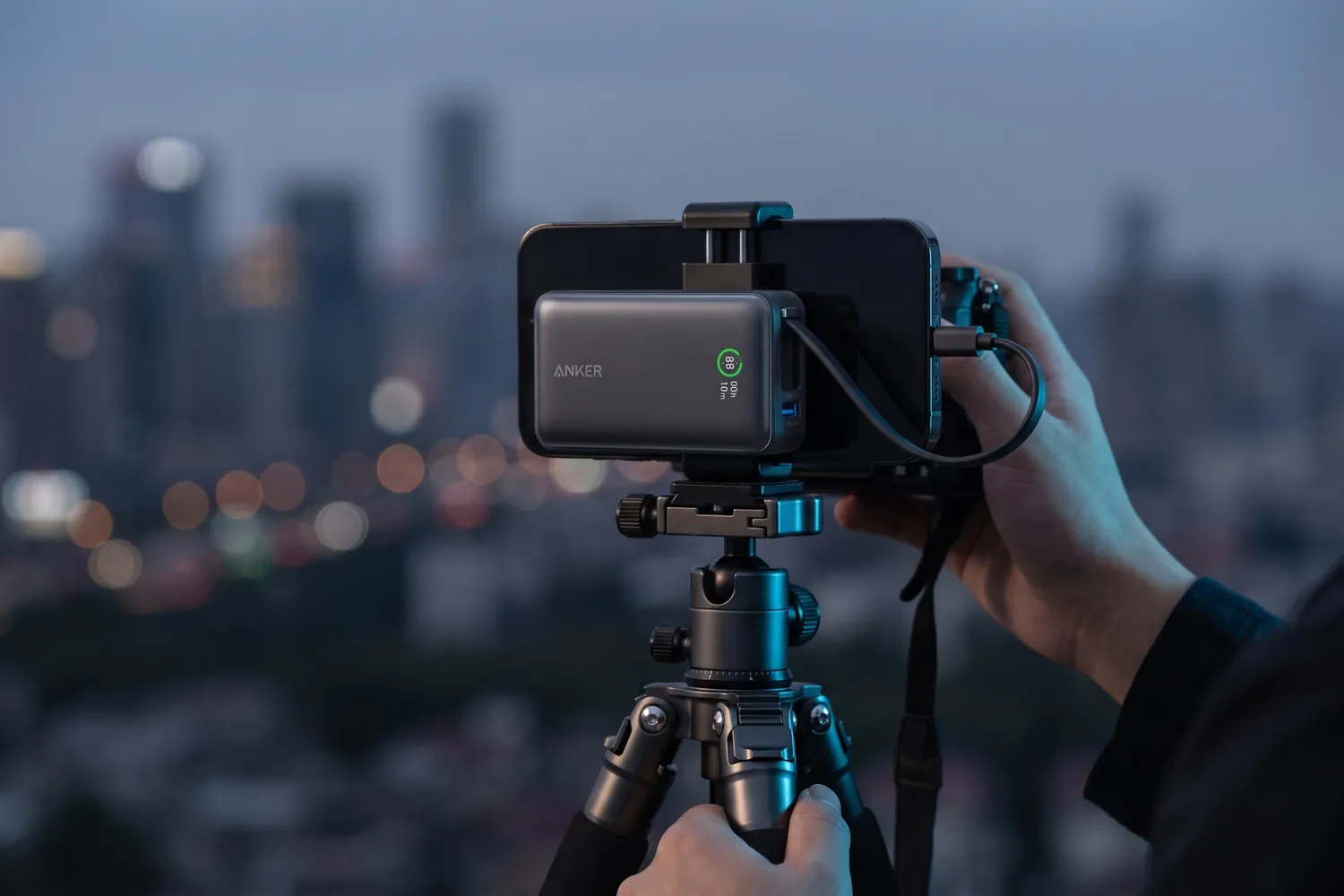
Ulanzi MT-33 wrapped around a railing, filming a city at dusk with a phoneAI-generated image
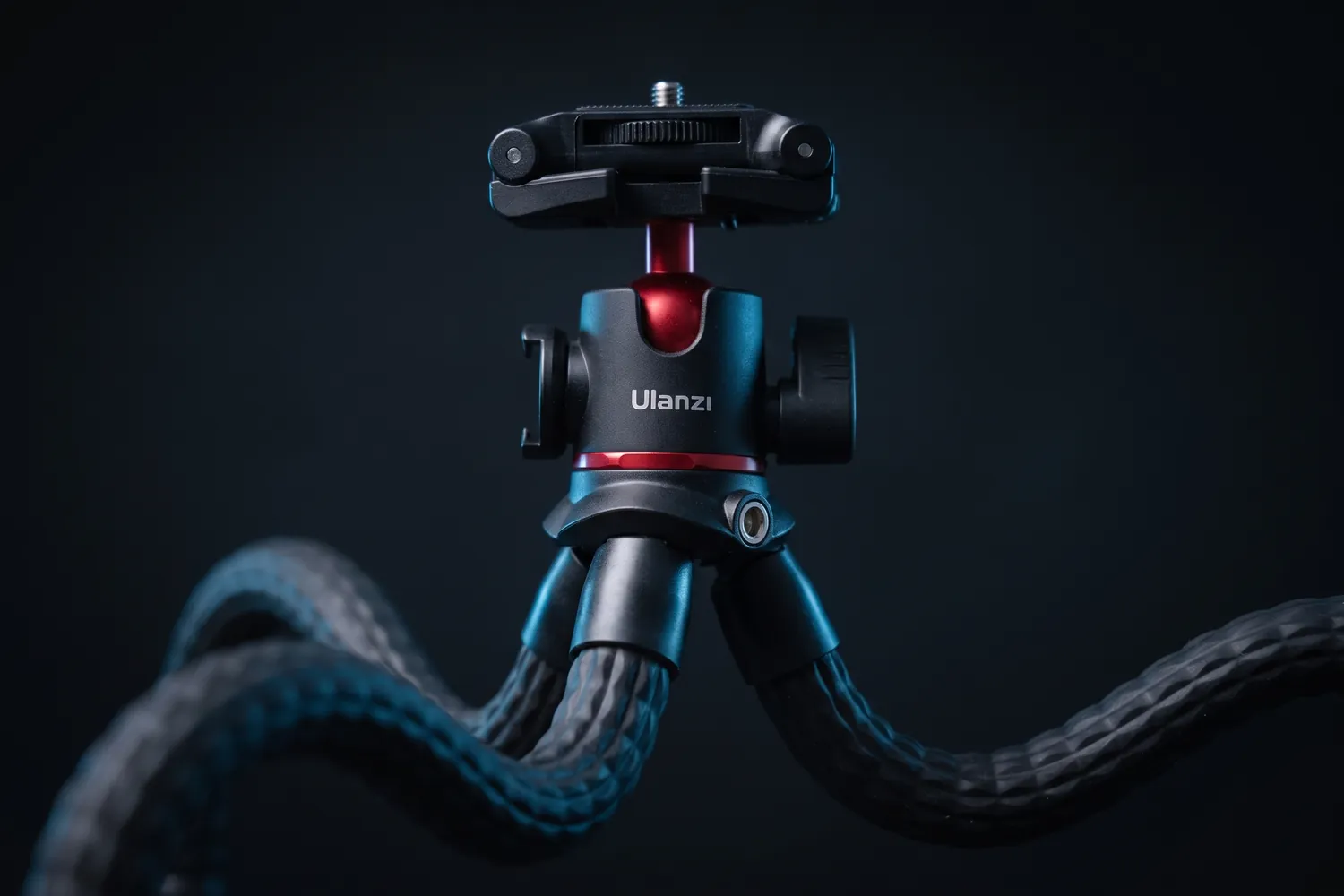
Close-up of the Ulanzi MT-33's ball head and bendable legsAI-generated image

Wraps around poles and benches

Ulanzi MT-33

Bendable legs that wrap around poles and benches — or stand on a desk.

Why we recommend it

  • Built-in phone clamp for phones 6 to 8.5 cm wide, on a 360° ball head for upright or sideways shots
  • Cold shoes on top and at the side for a mic receiver or a small light
  • Holds up to 2 kg and weighs 321 g
Who actually needs this?
Travel, vlog and POV creators who film in unpredictable places.
Skip it if
You want eye-level shots — the legs are short.

≈ €28typical price, Sep 2026 · may change
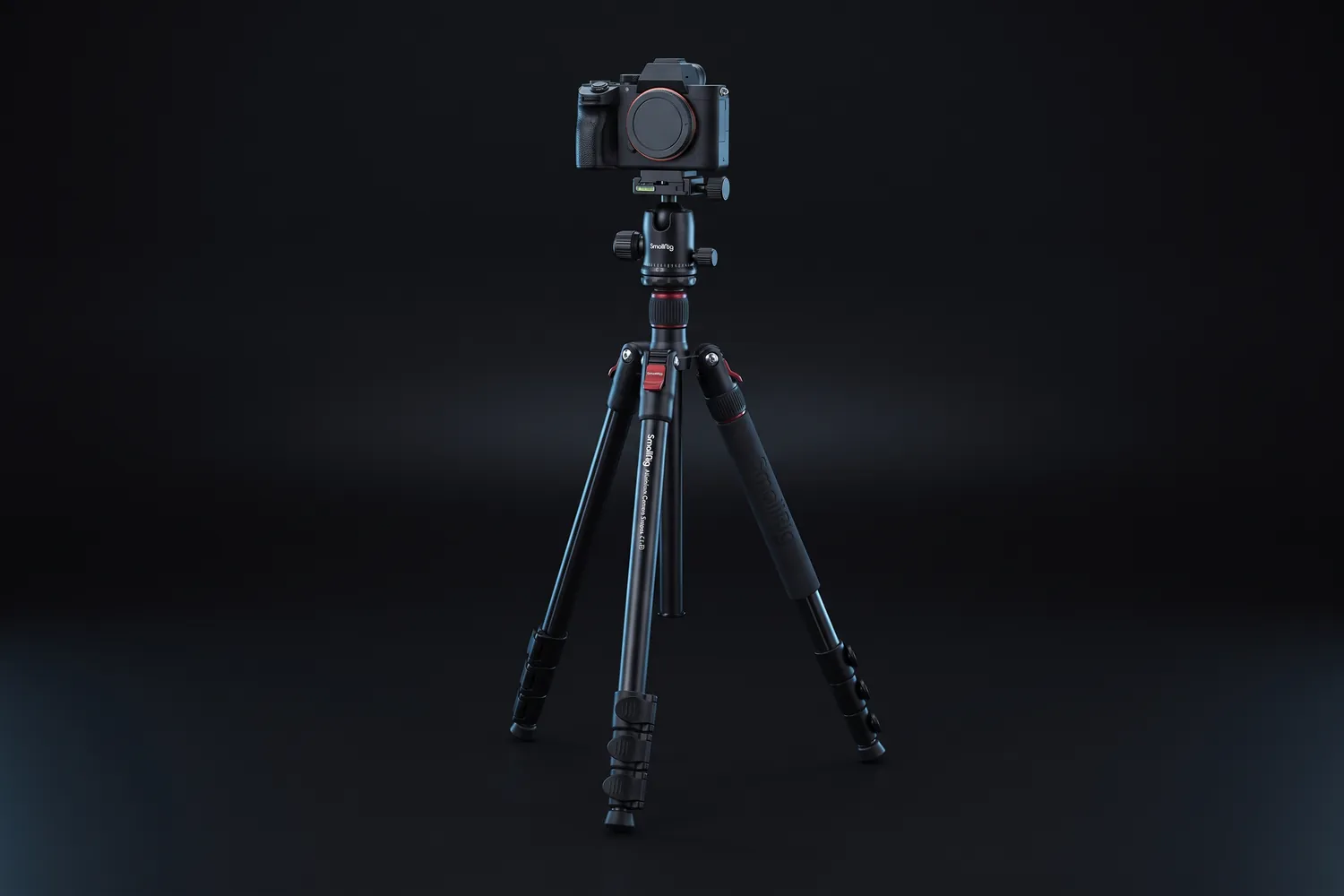
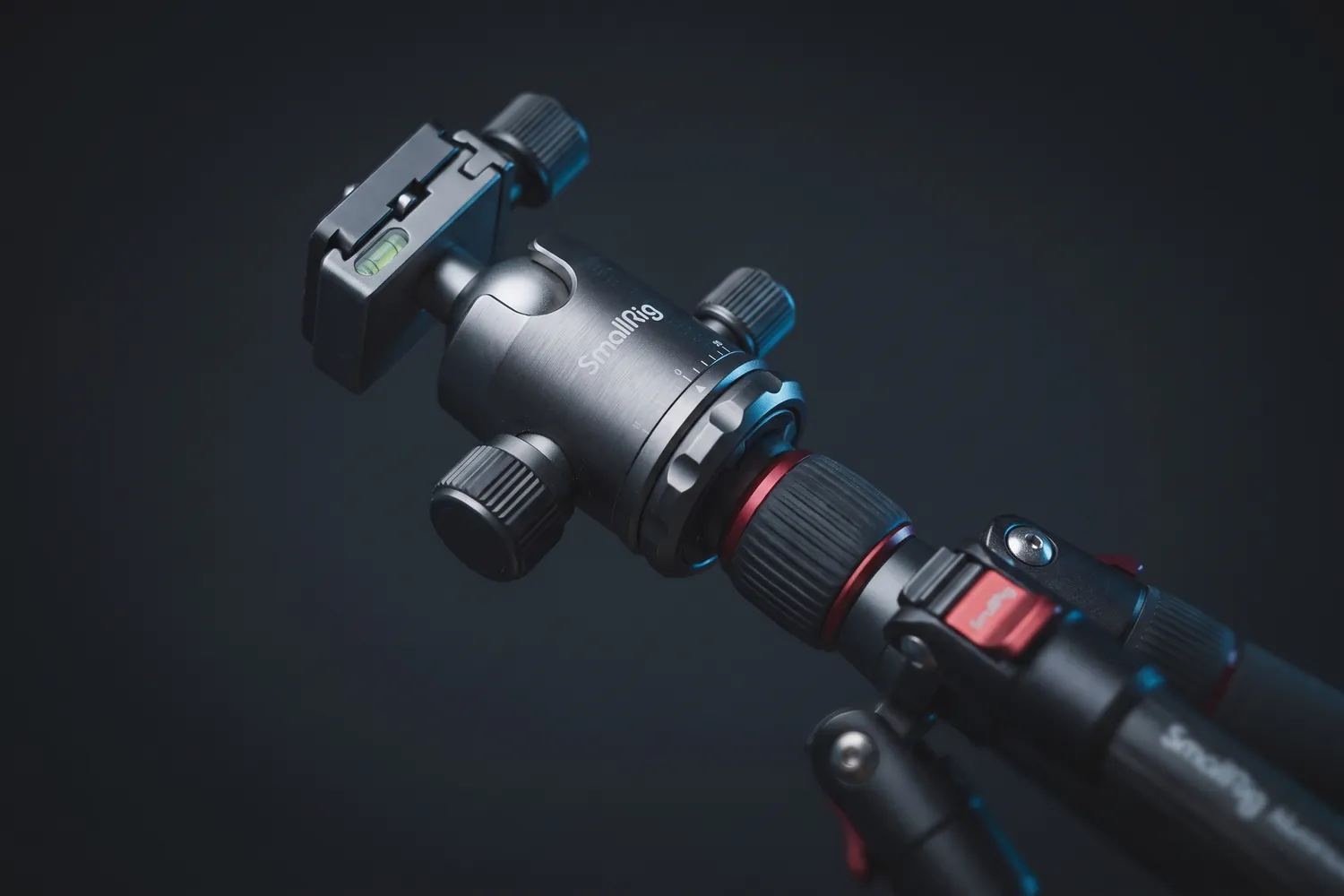
SmallRig CT-10 tripod fully extended with a cameraAI-generated image
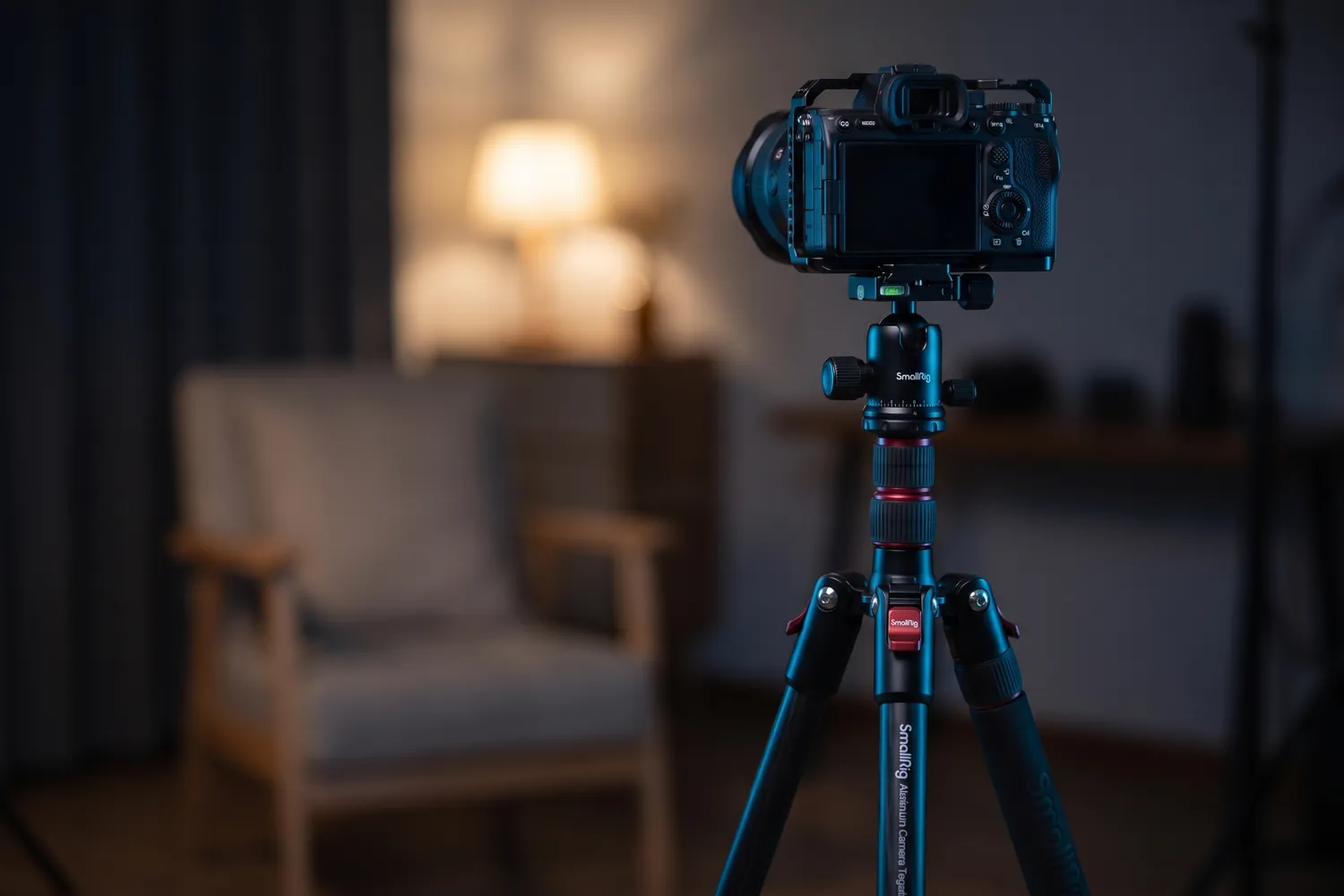
SmallRig CT-10 holding a camera for a talking-head video in a home studioAI-generated image
Close-up of the SmallRig CT-10's ball head and leg lockAI-generated image

Eye level, standing

SmallRig CT-10

A sturdy floor tripod that brings the lens to eye level, even for tall people.

Why we recommend it

  • 59 to 180 cm, and it holds up to 15 kg
  • Ball head and phone holder included
  • Turns into a monopod
Who actually needs this?
Performance clips, music videos, dance and anyone filming standing up.
Skip it if
You travel light — at 1.53 kg it's a tripod for home and set.

≈ €77typical price, Sep 2026 · may change
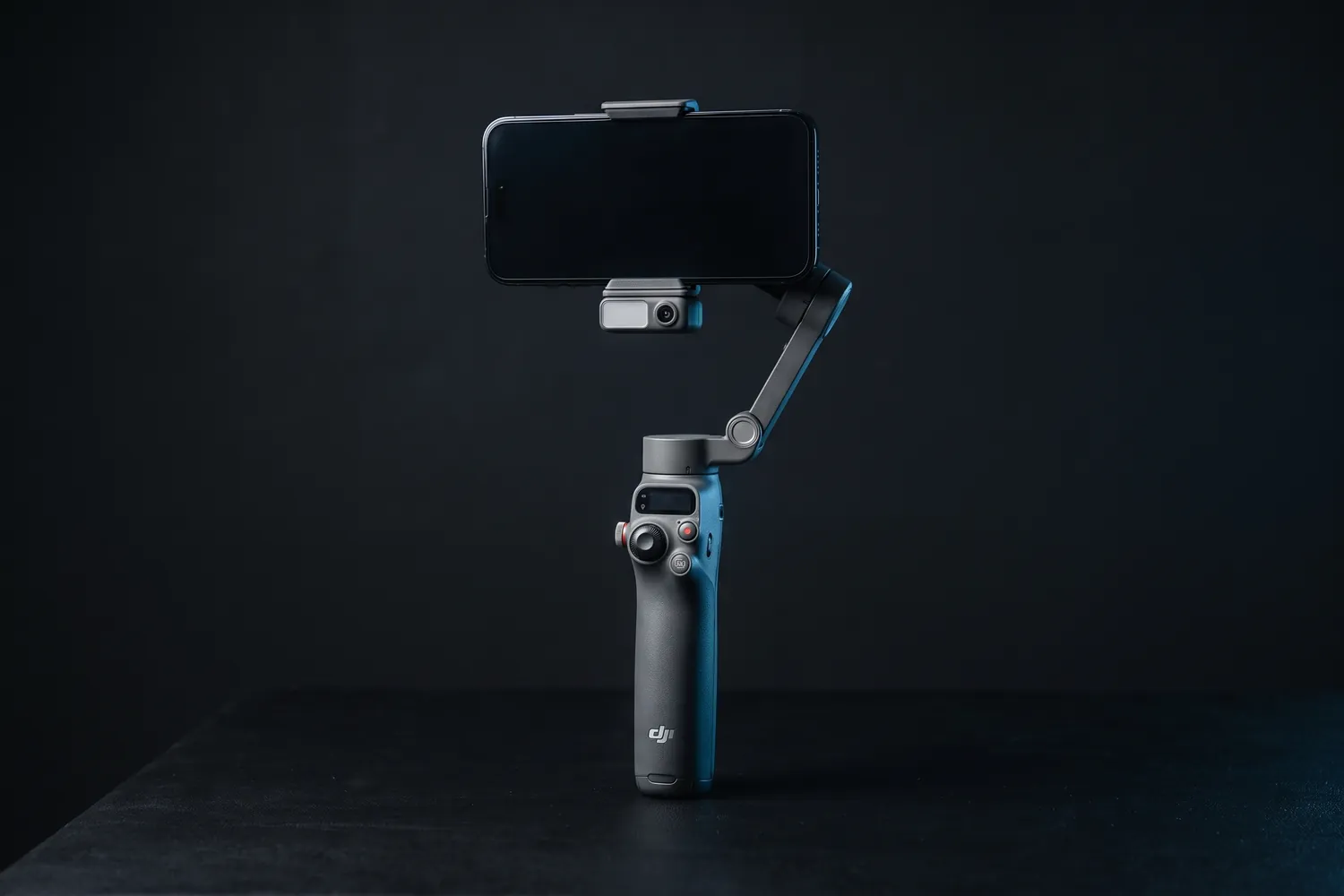
DJI Osmo Mobile 8 gimbal holding a phoneAI-generated image
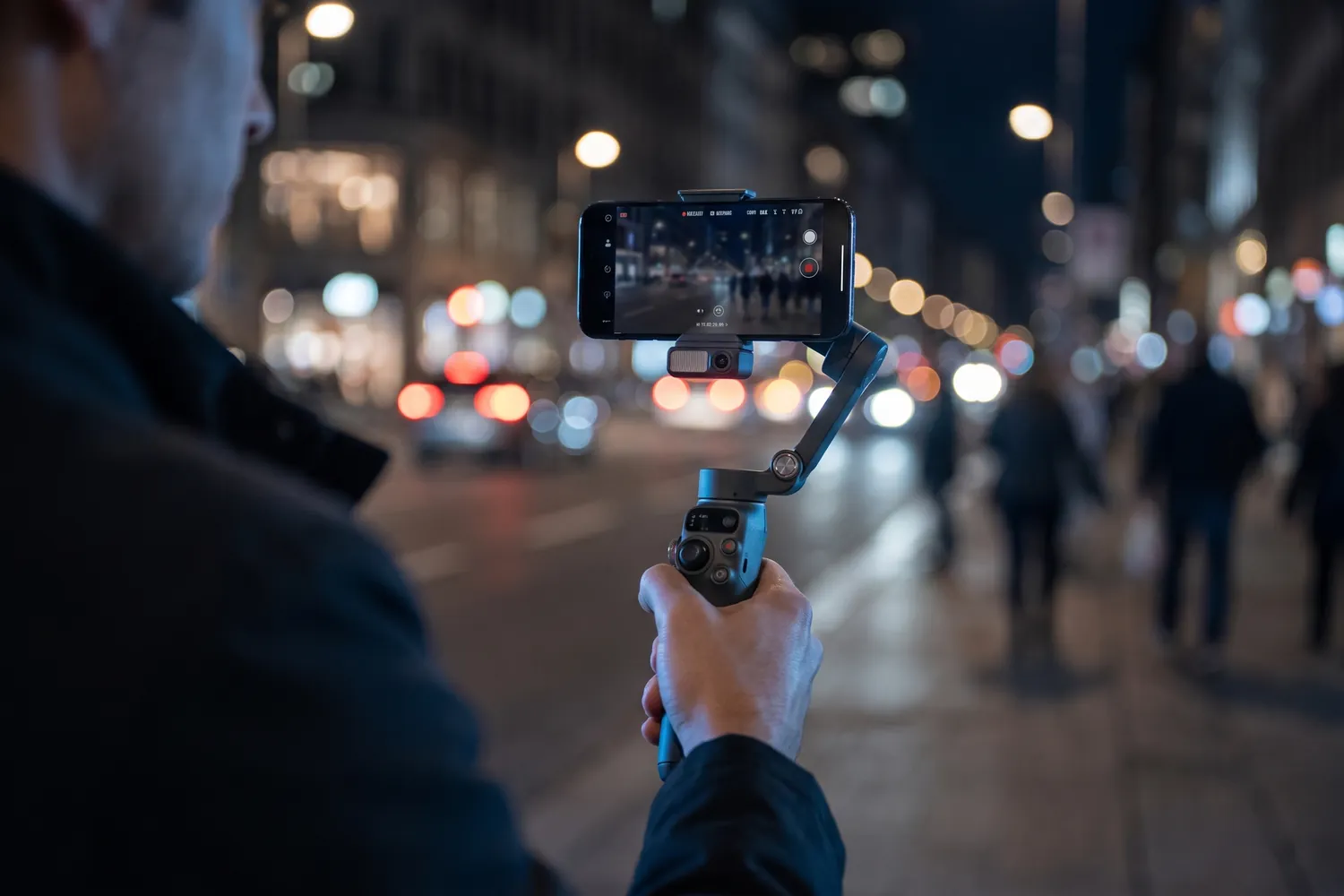
A creator filming a city street at night with the DJI Osmo Mobile 8AI-generated image
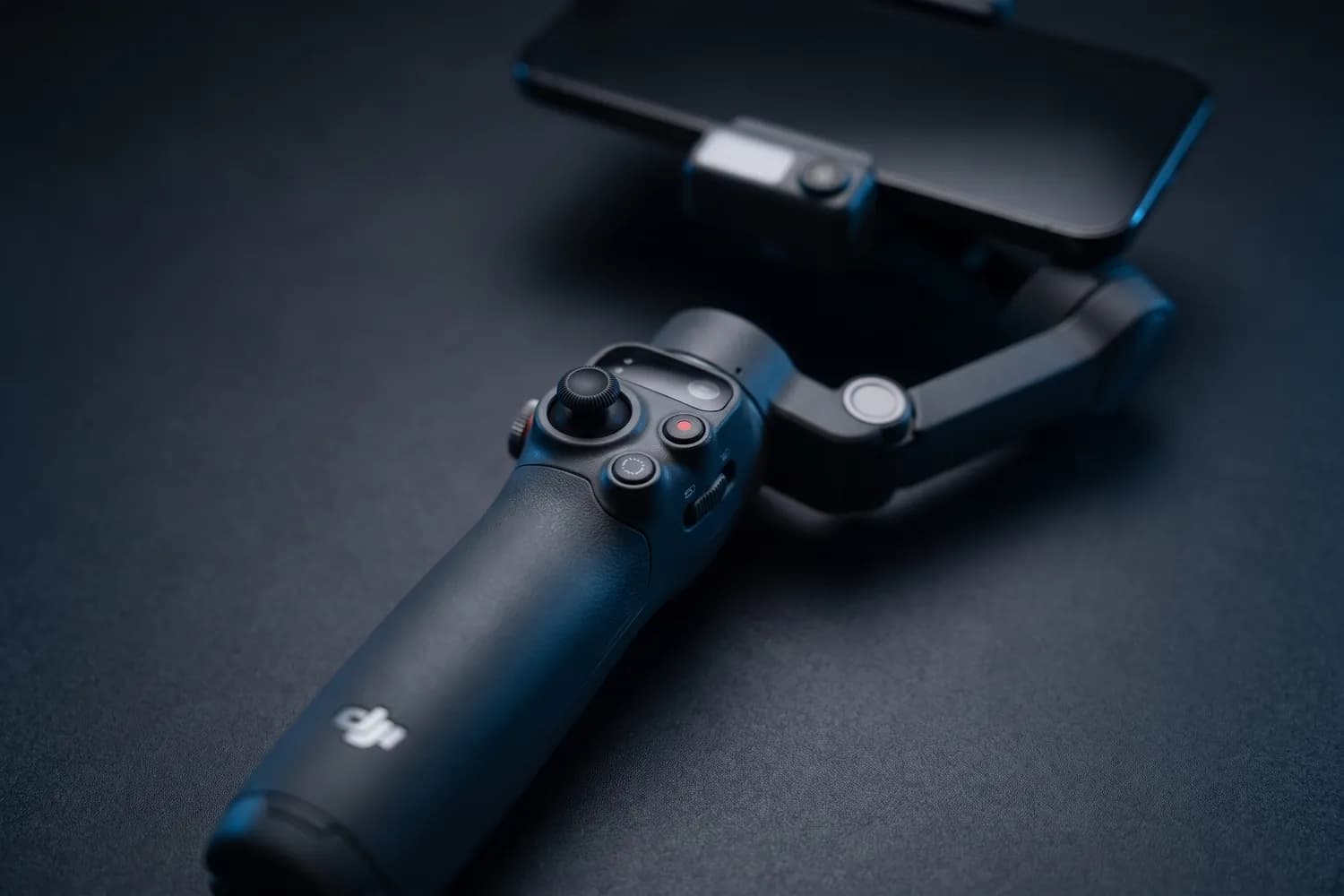
Close-up of the DJI Osmo Mobile 8's handle controlsAI-generated image

Smooth shots while walking

DJI Osmo Mobile 8

Standard Combo

A motorised phone handle that keeps footage smooth while you move.

Why we recommend it

  • 3-axis stabilisation with unlimited 360° panning
  • Built-in extension rod and tripod
  • About 10 hours of battery — and it can charge your phone
Who actually needs this?
Anyone filming while walking — vlogs, travel, events, B-roll.
Skip it if
You film standing still; your phone's stabilisation plus a tripod is enough.

Good to know: Not officially sold in the US; there, the Insta360 Flow 2 Pro is the alternative.

≈ €96typical price, Sep 2026 · may change
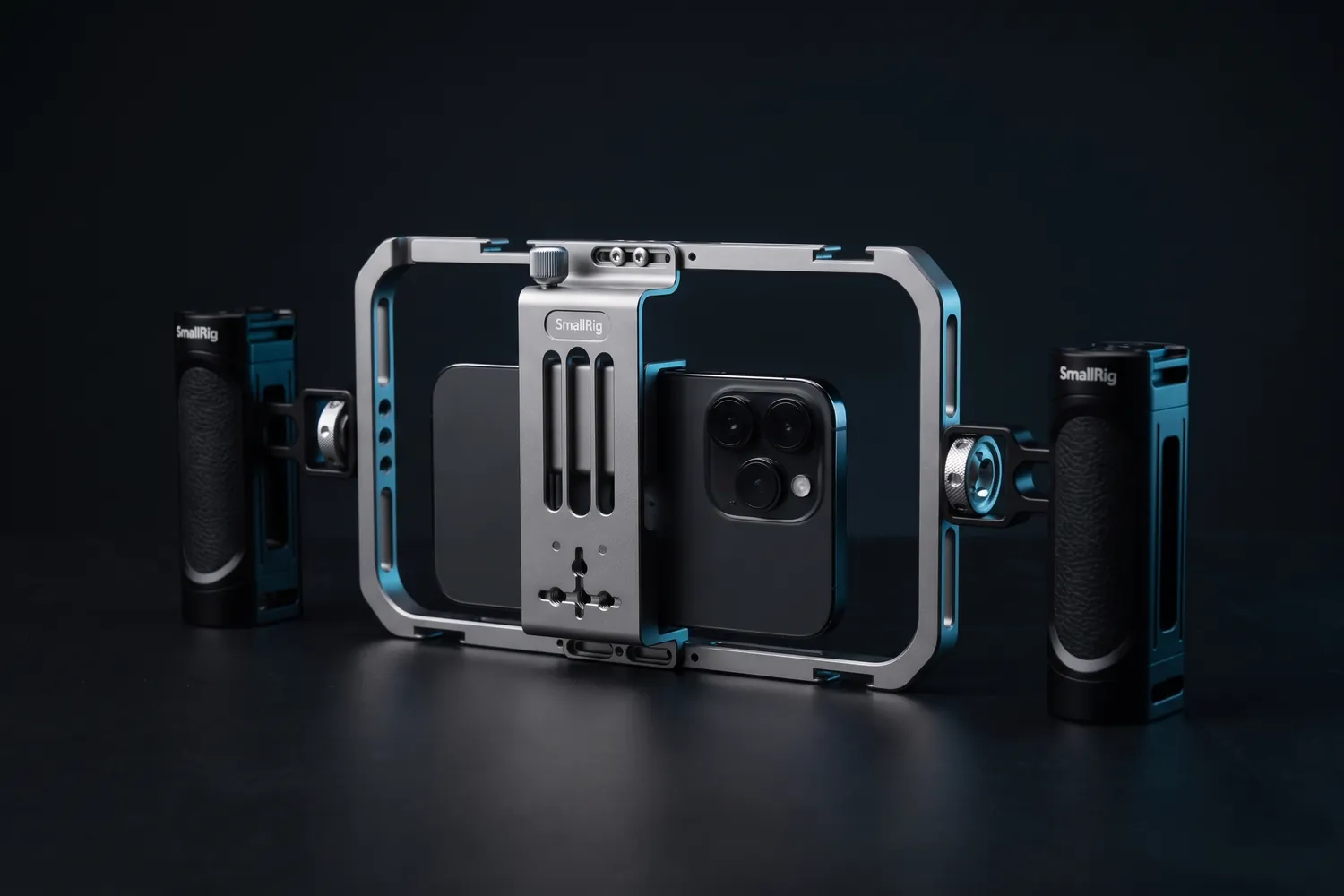
SmallRig phone cage with a phone and two side handlesAI-generated image
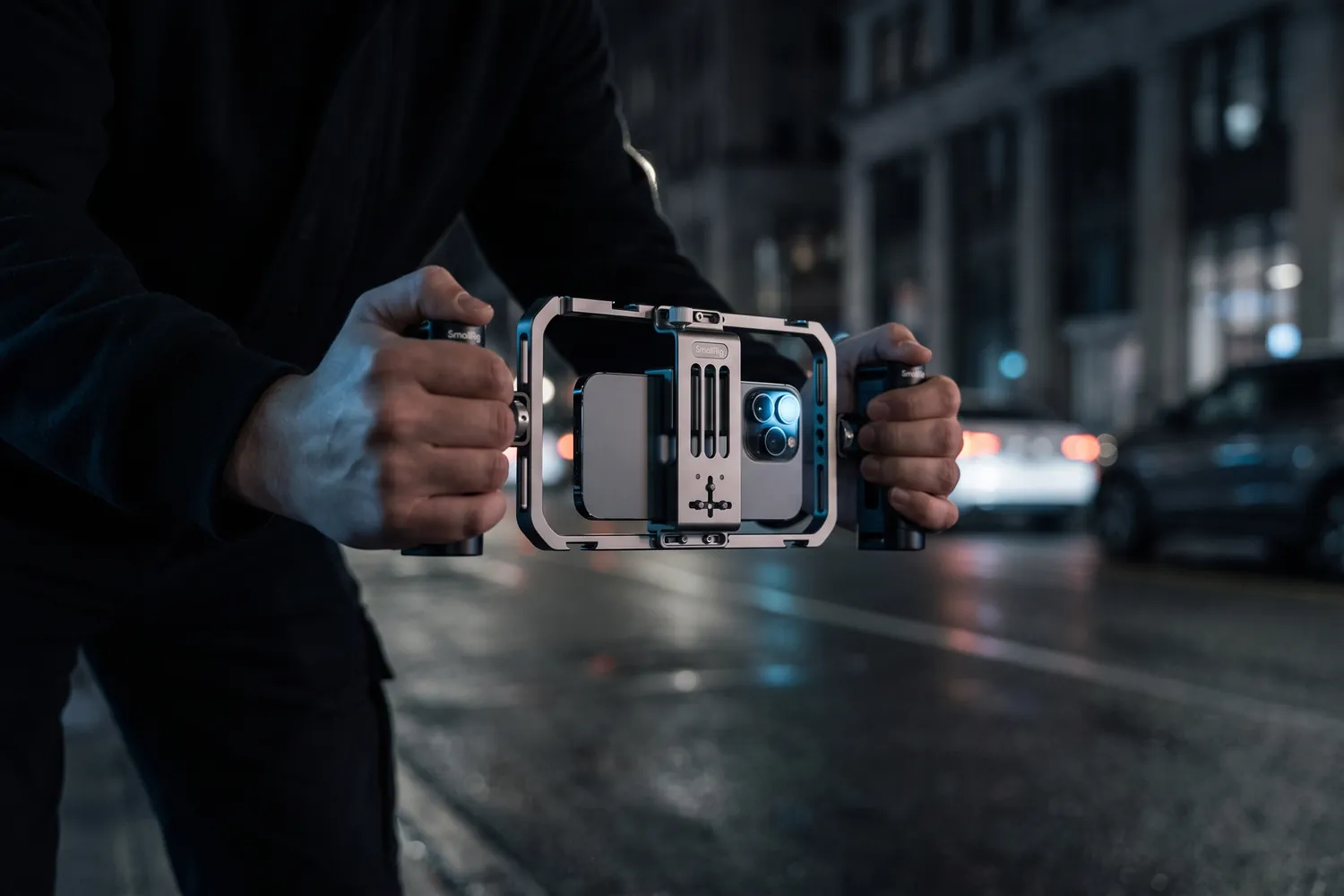
Hands holding the SmallRig phone cage by both handles on a street at nightAI-generated image
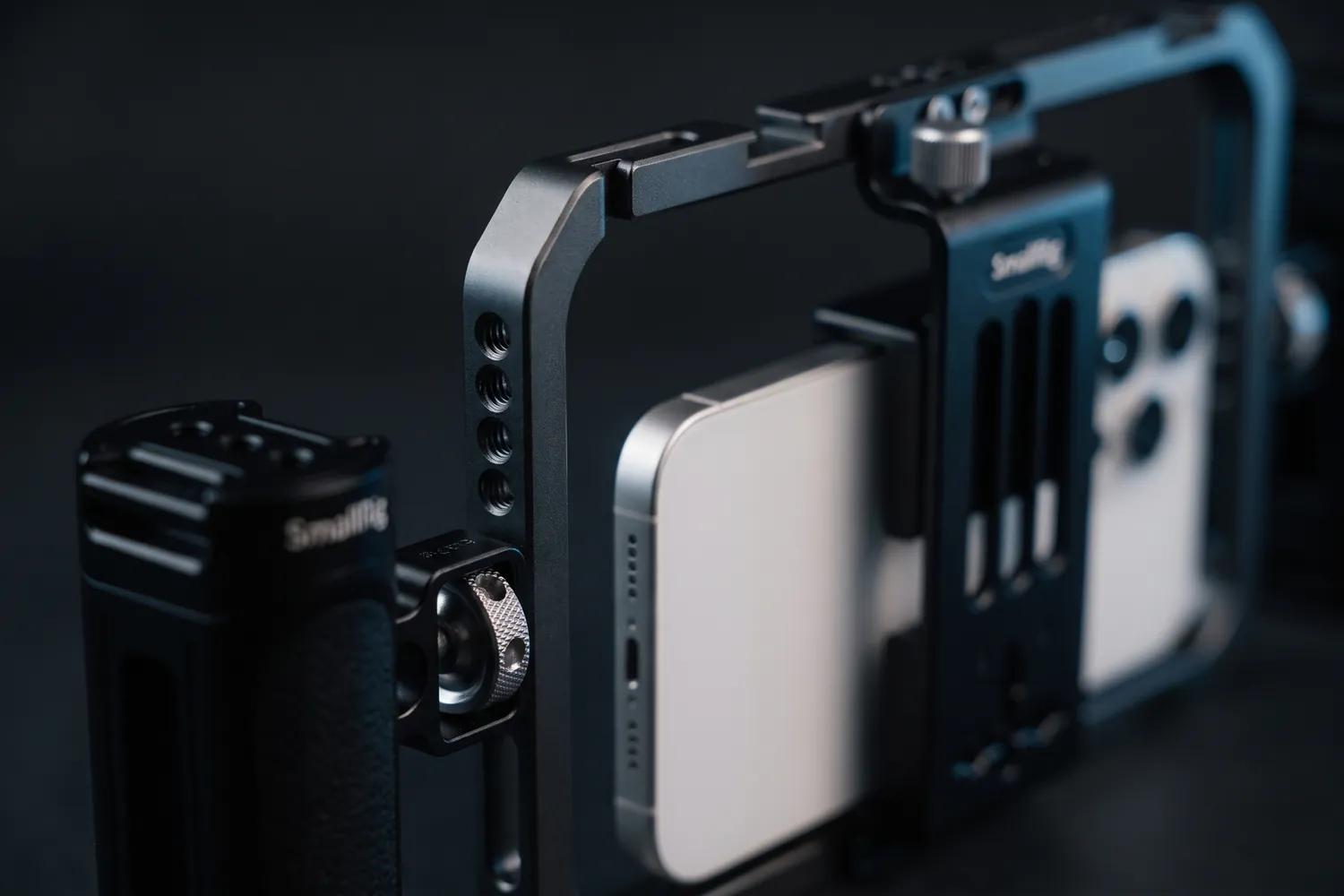
Close-up of a SmallRig handle and the cage's phone clampAI-generated image

Handles and mounts for handheld shots

SmallRig All-in-One Video Kit Basic

Phone cage with two handles

A phone cage with two handles and mounts for a mic and a light.

Why we recommend it

  • Two handles: steady one- or two-handed filming
  • Cold shoes and 1/4-inch threads for a mic receiver and a light
  • Vertical or horizontal; fits phones 5.7–9 cm wide, case included
Who actually needs this?
Street interviews and handheld vlogs.
Skip it if
You mostly film on a tripod.

Do you actually need this?

Do you need a gimbal?

Yes, if…

  • You film while walking, following someone or turning around
  • You want the phone to track your face as you move

Not yet, if…

  • You film from one spot — a tripod does that better
  • Your walking shots are short — Action mode in the Camera app steadies those (iPhone 14 and later, not 16e or 17e)

04 · Light

Light your face, not the room

A window beside you is the best free light. After dark, or in a room with one lamp on the ceiling, a small light in front of you and slightly to the side makes the biggest difference.

Ceiling lamp → small light from the side

Lamp straight above

  • Dark eyes, bright forehead
  • The iPhone raises the brightness and the image turns grainy
  • Colours shift with every lamp in the room

Small LED at eye level, from the side

  • Even light on your face, with shape
  • Less noise in the image
  • The same look in every take

Lights

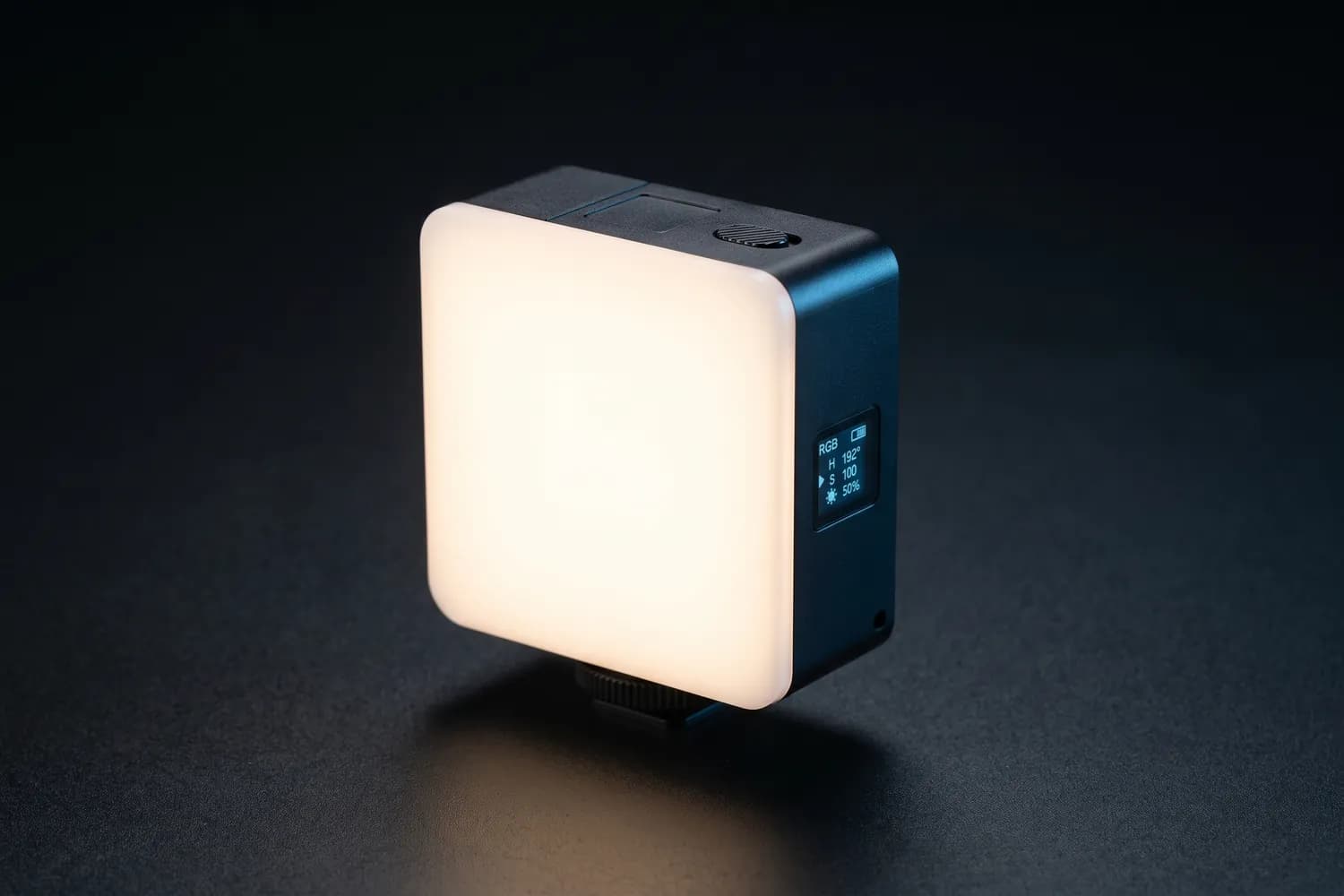
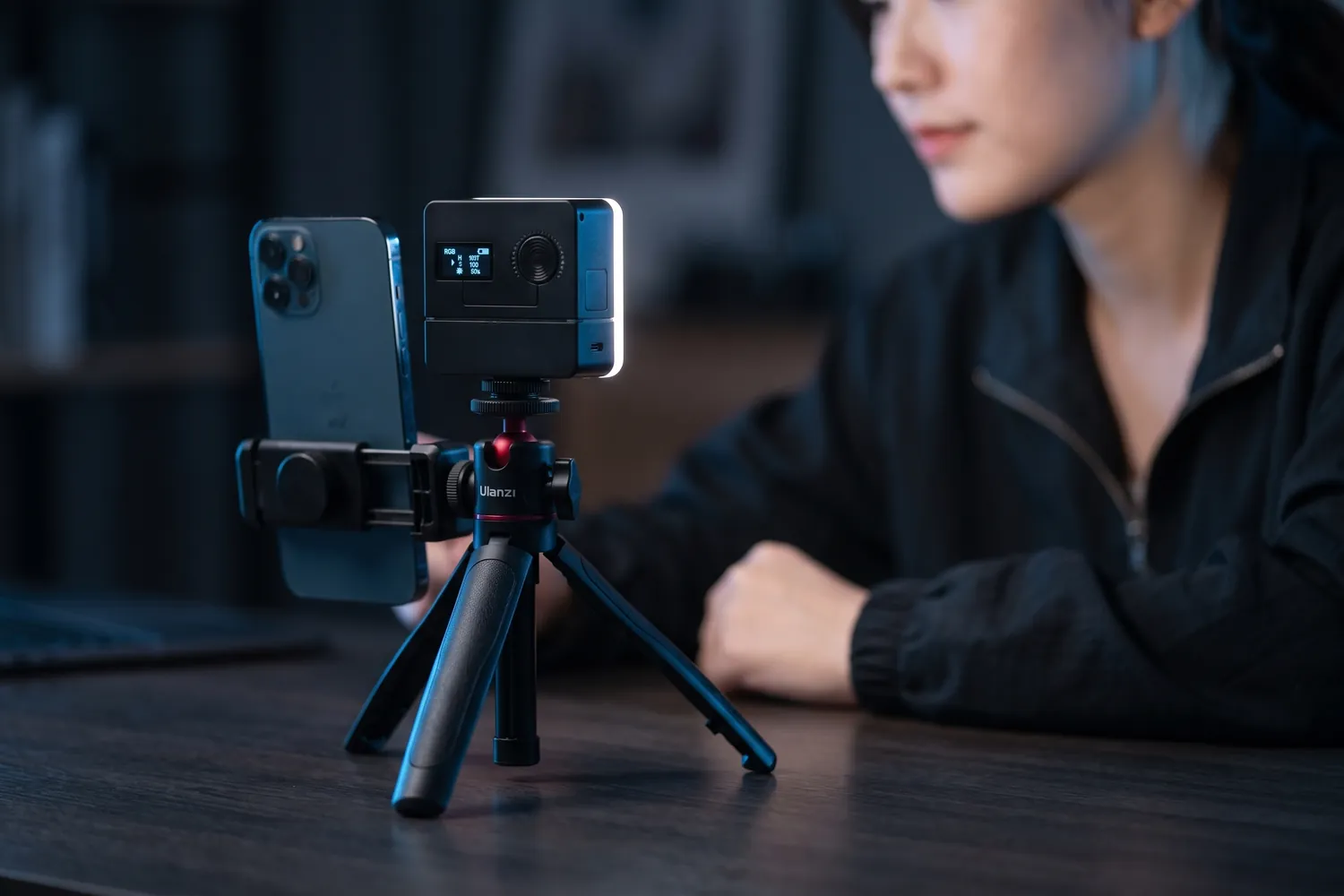
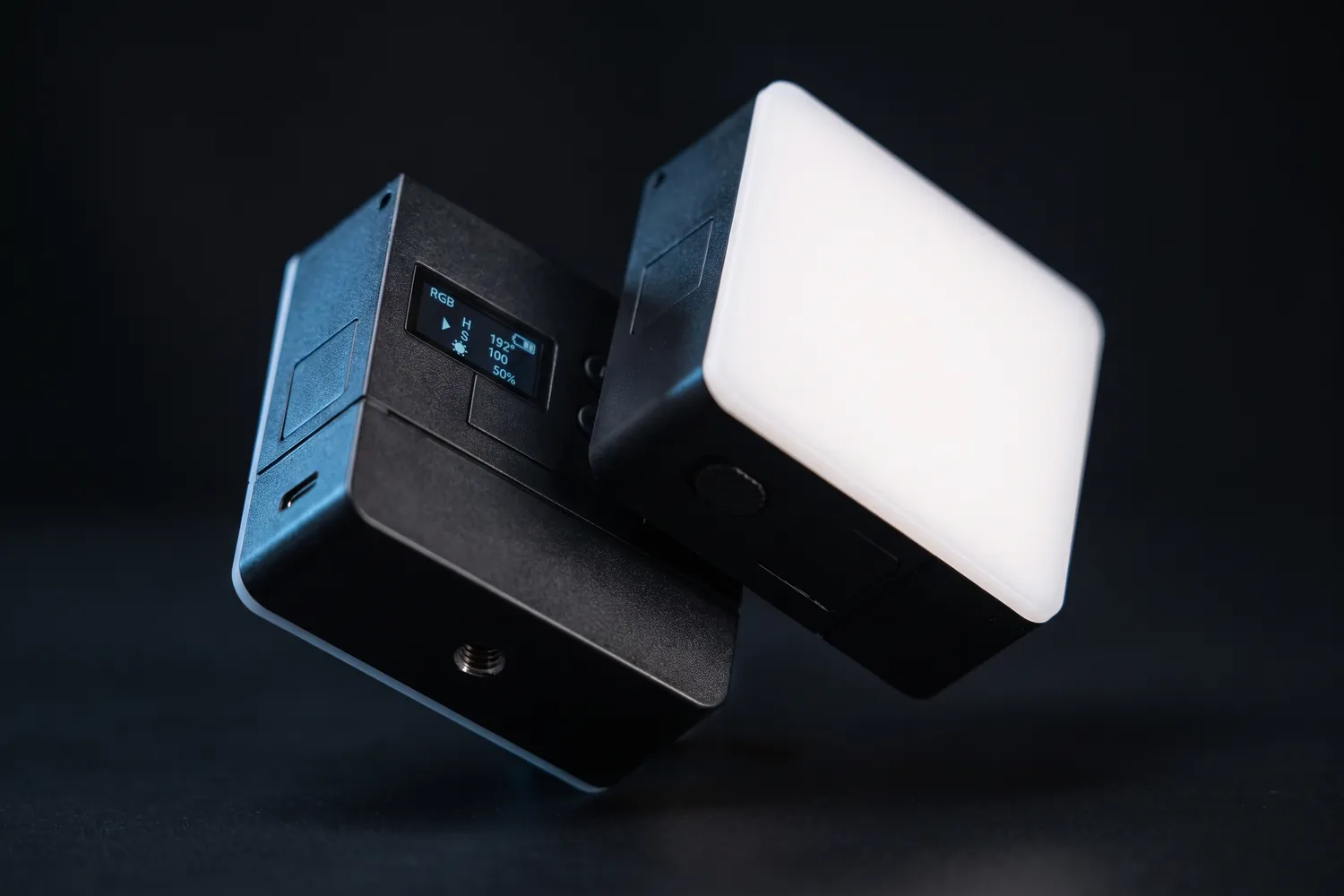
Ulanzi VL49 Pro pocket LED light glowing on a dark surfaceAI-generated image
Ulanzi VL49 Pro next to a phone on a small tripod, lighting a creator at a deskAI-generated image
Close-up of the Ulanzi VL49 Pro's display and mount threadAI-generated image

Clip-on light for anywhere

Ulanzi VL49 Pro

A pocket-sized LED light with adjustable colour, for fill light anywhere.

Why we recommend it

  • About 90 minutes at full brightness; charges over USB-C
  • Accurate colour (CRI 95+), 2,500–9,000 K plus RGB
  • Weighs about 114 g — it fits in any bag
Who actually needs this?
Anyone filming after dark or in dim rooms, especially on the go.
Skip it if
You need to light a whole face softly from a distance — get a bigger key light.

≈ €30typical price, Sep 2026 · may change
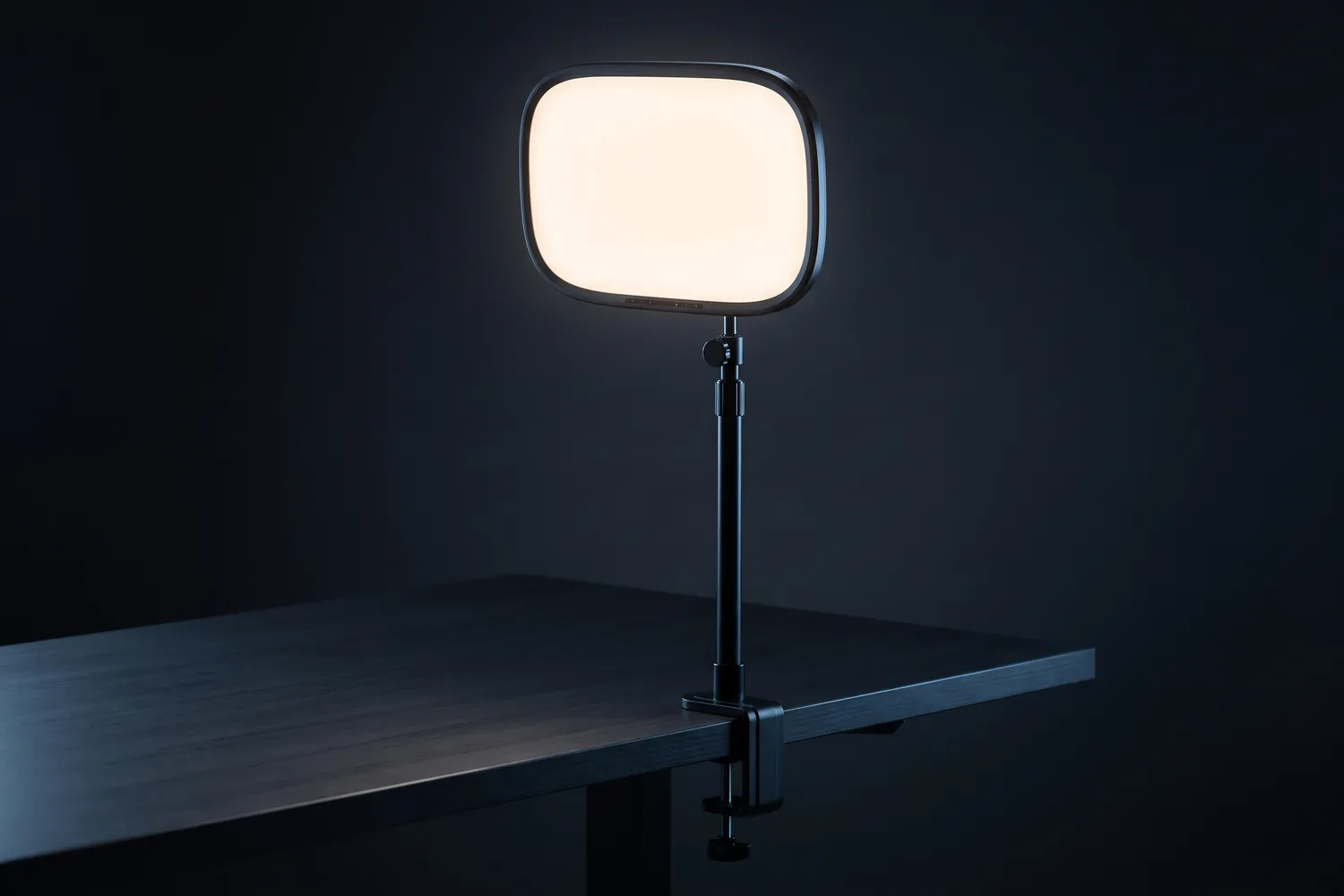
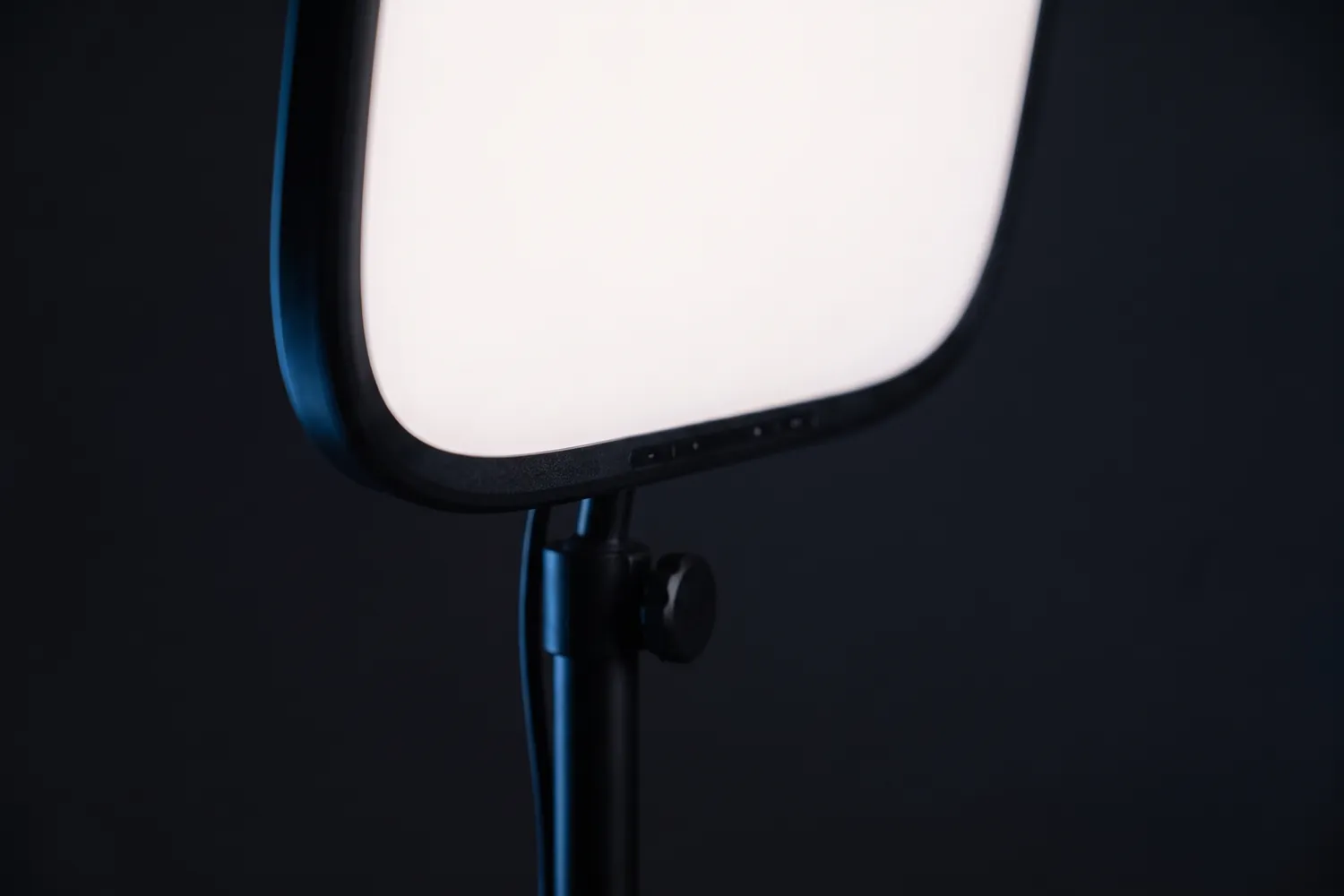
Elgato Key Light Air clamped to a desk, the panel glowingAI-generated image
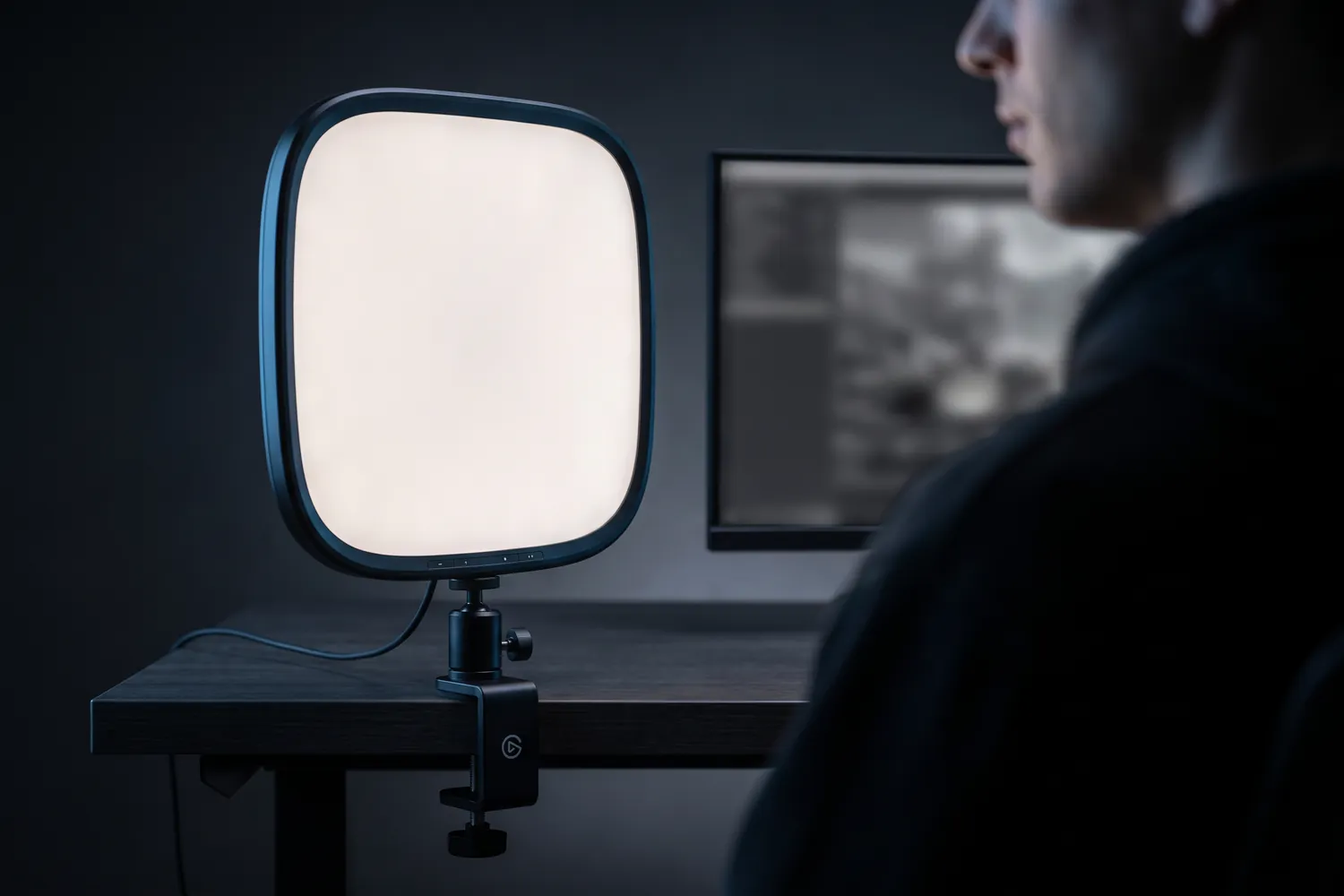
Elgato Key Light Air lighting a streamer in front of a monitorAI-generated image
Close-up of the Elgato Key Light Air's panel and tilt jointAI-generated image

Soft light for a desk setup

Elgato Key Light Air MK.2

With desk clamp

A flat, diffused panel on a desk pole that you control from your phone or computer.

Why we recommend it

  • Large diffused panel: soft light on your face
  • 2,900–7,000 K, adjustable by touch, app or Stream Deck
  • The desk pole adjusts from 60 to 88 cm
Who actually needs this?
Talking heads, podcasts and streams filmed at a desk.
Skip it if
You film standing or in different places — a light on a stand is more flexible.

Good to know: Full brightness needs a USB-C charger with at least 30 W, which isn't included.

05 · Power & storage

Power and storage for long shoots

Video fills storage and drains the battery, 4K most of all. A power bank keeps you filming away from a socket; a fast drive takes footage off the phone.

Power and storage

Anker Nano Power Bank with its built-in USB-C cableAI-generated image
Anker Nano Power Bank charging a phone on a tripod during an outdoor shootAI-generated image
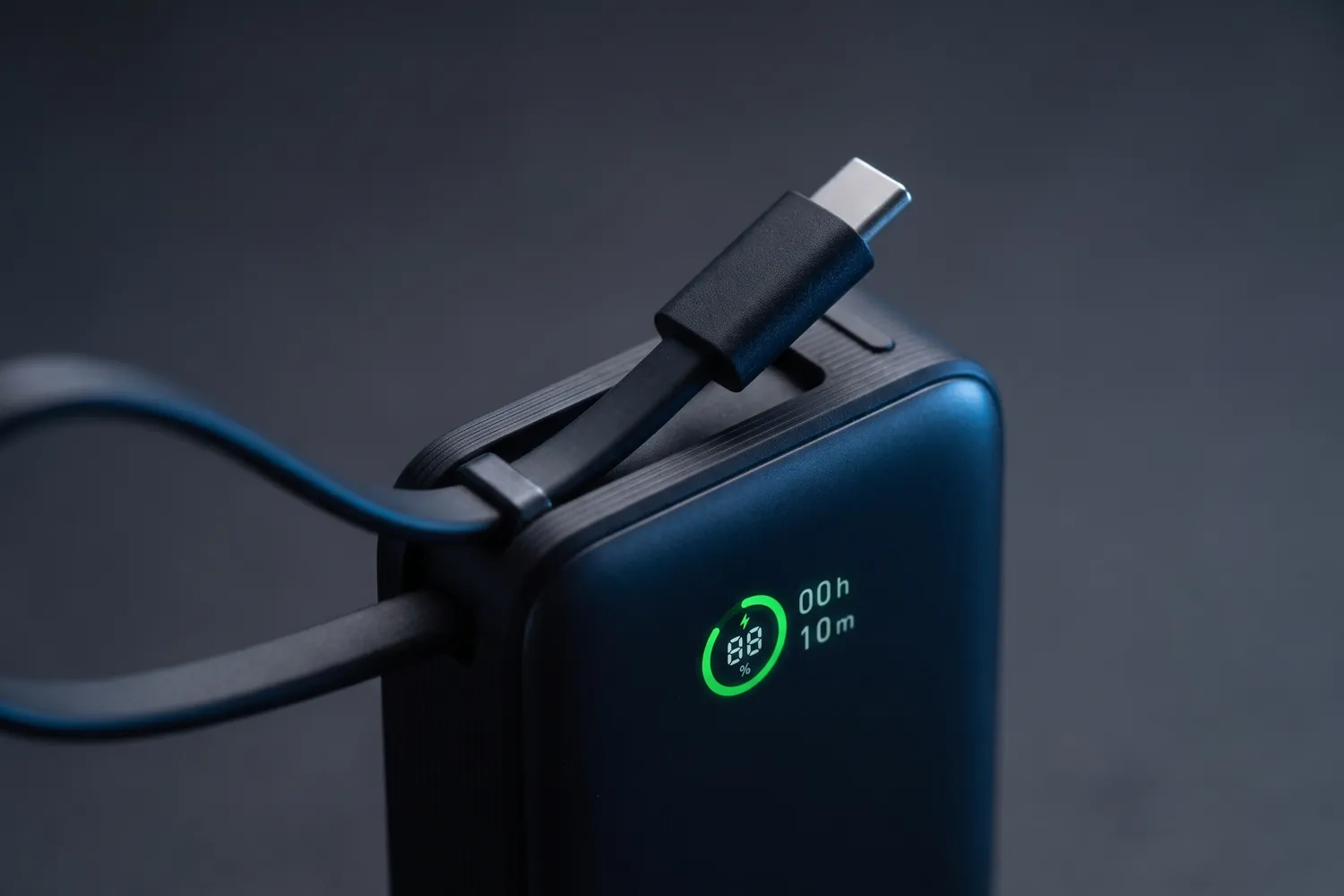
Close-up of the Anker Nano Power Bank's display and built-in cableAI-generated image

Top up between takes

Anker Nano Power Bank (10,000 mAh, 30 W)

With built-in USB-C cable

A compact power bank with its own cable for phone, mic and light.

Why we recommend it

  • 10,000 mAh with up to 30 W output
  • Built-in USB-C cable, plus USB-C and USB-A ports
  • Weighs 215 g
Who actually needs this?
Everyone who films away from a socket.
Skip it if
You only film at home next to a charger.
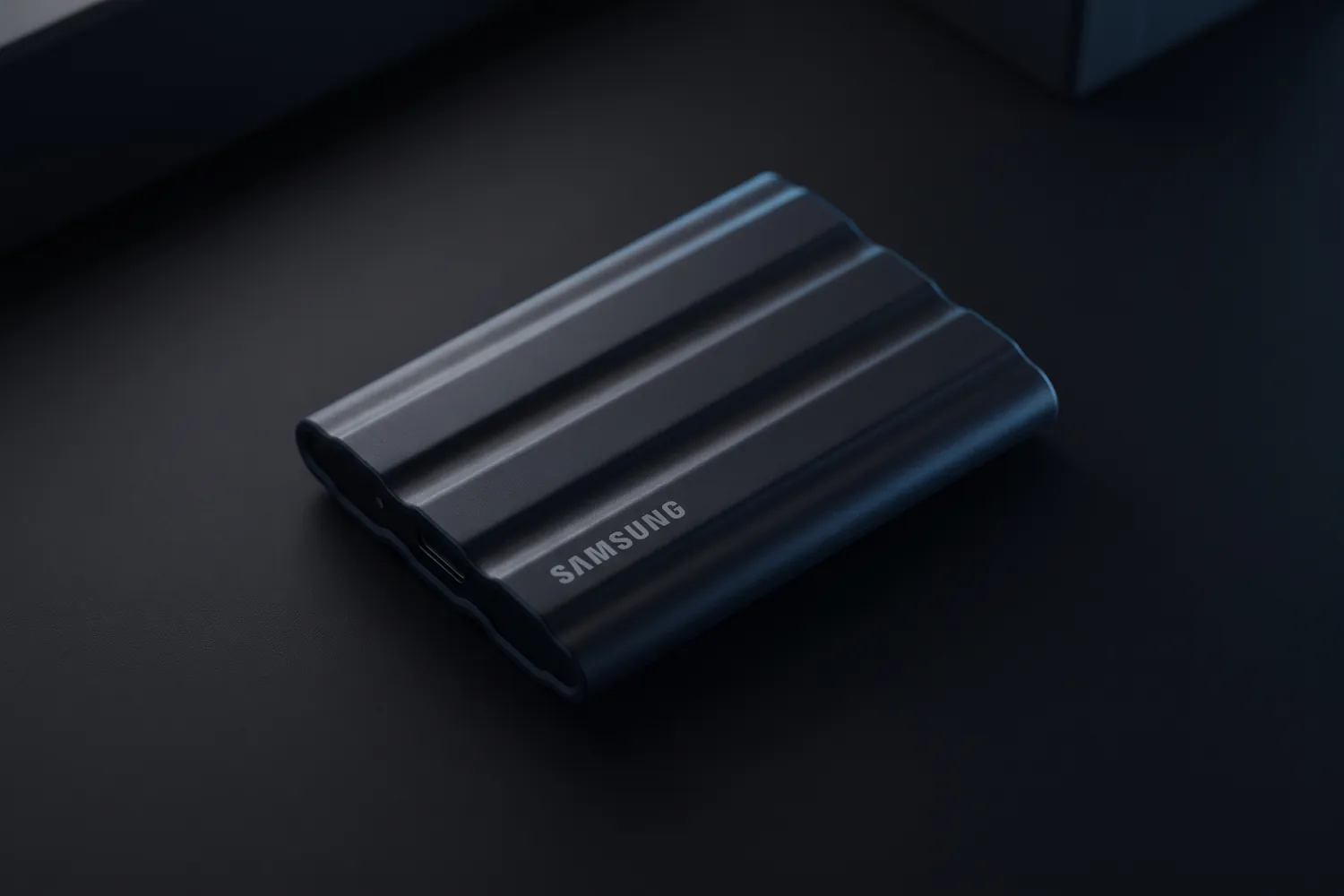
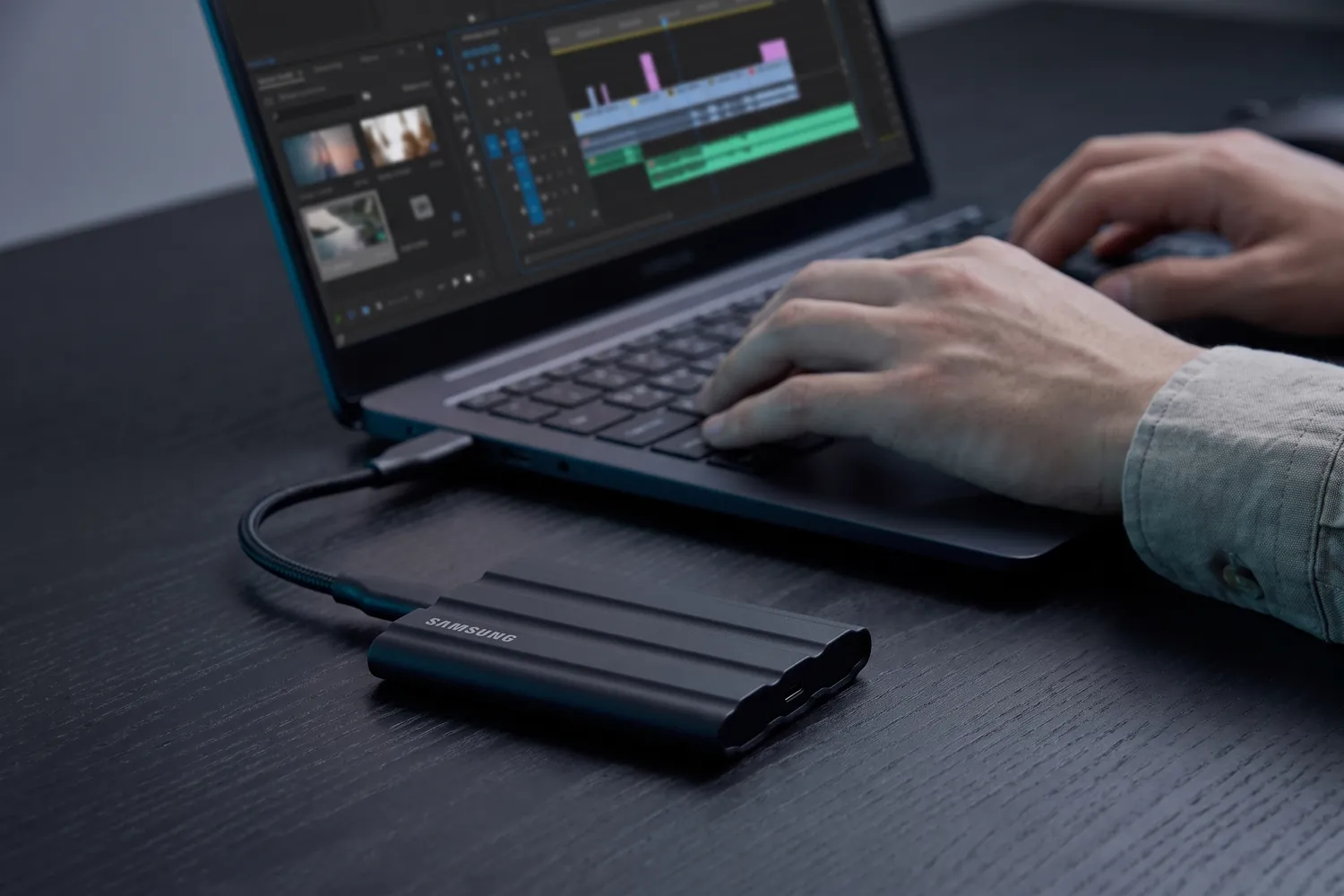
Samsung T7 Shield portable SSD on a dark surfaceAI-generated image
Samsung T7 Shield connected to a laptop while someone edits videoAI-generated image
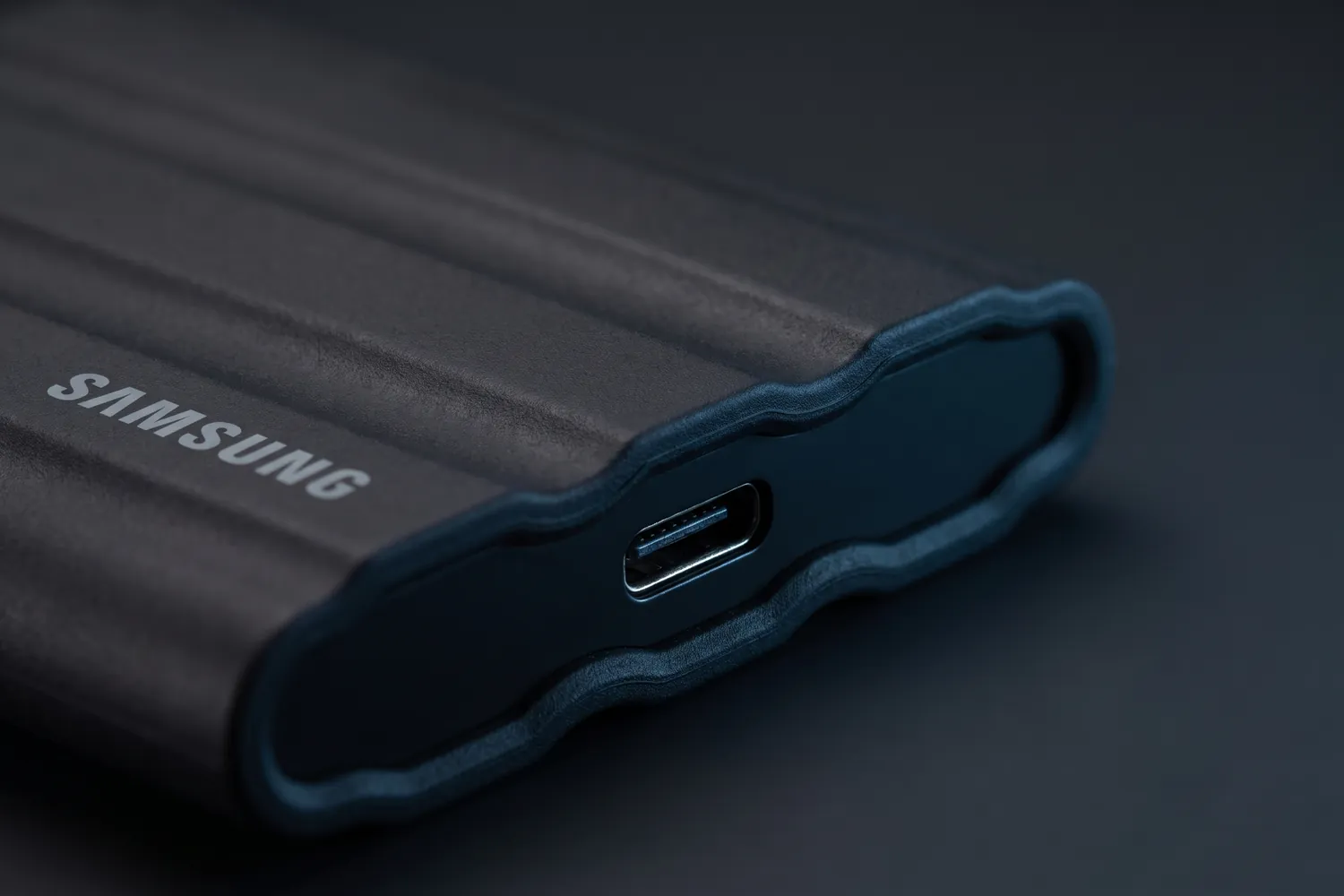
Close-up of the Samsung T7 Shield's USB-C port and rubber shellAI-generated image

Move footage off the iPhone

Samsung T7 Shield 1 TB

A rugged pocket drive that moves footage off your phone or laptop fast.

Why we recommend it

  • Up to 1,050 MB/s — far faster than a hard drive or USB stick
  • Dust- and water-resistant (IP65) and survives 3 m drops
  • 98 g, with a 3-year warranty
Who actually needs this?
Anyone whose phone or laptop keeps running out of space.
Skip it if
You keep only a few clips and back up to the cloud.

Good to know: SSD prices roughly doubled in 2026 — compare before you buy.

Recording straight to a drive (Pro models)

The Camera app on iPhone 15 Pro and later Pro models can record ProRes straight to a USB-C drive — up to 4K at 60 fps on the 15 Pro, up to 4K at 120 fps from the 16 Pro. Apple asks for an exFAT drive that draws no more than 4.5 W and writes at least 220 MB/s for 4K at 60 fps, and a USB 3 cable with at least 10 Gb/s. Check your drive's specs before a shoot.

06 · Apps

Apps for filming and editing

The built-in Camera app is enough for most videos. Two free apps add manual control and a full editor.

Blackmagic Camera is free and adds manual controls — frame rate, shutter angle, ISO and white balance — plus a histogram, focus peaking and zebras for exposure. It needs iOS 18 or later.

CapCut is free to start, with optional paid features, and runs on the iPhone and on computers — enough to cut, caption and export short-form videos.

Do you actually need this?

Do you need a camera app with manual controls?

Yes, if…

  • The light changes during a take and the image keeps adjusting
  • You want the same look in every clip of a series

Not yet, if…

  • You film short clips in steady light — the Camera app handles that
  • You'd rather spend the time on the idea than on settings

07 · By budget

iPhone setups by budget

Start with the free setup, film for a few weeks and add only what fixes a problem you actually notice. Every total is computed from the typical prices above.

What you already have

The camera settings above, a window beside you and the phone propped up at eye level.

€0nothing to buy

  • Your iPhoneFree
  • A window beside youFree
  • A stack of books as a standFree

08 · Skip this

What you can skip

Money that's better spent elsewhere — or not at all.

Not needed for iPhone videos

  • A new iPhone to look better on camera

    Sound, light and a steady frame change a video more than a newer model. Upgrade the phone when it's really what holds you back.

  • A gimbal for talking heads

    If you film from one spot, a tripod keeps the frame steadier and costs less.

  • Clip-on lenses

    Try what your iPhone already does — its other built-in lenses, zoom, simply stepping closer — before adding glass in front of the camera.

Transparency

How we pick

  • We start with the problem — sound, light, a steady frame — and only then name a product.
  • Every pick works with an iPhone; where it needs a certain model or port, the card says so.
  • iPhone features come from Apple's own support pages, with the models they need.
  • Picks are based on specs, reviews and price. Gear we use ourselves is marked “We use this”.

Prices are typical German street prices, checked in September 2026. They change often — the shop always shows today’s price.

FAQ

Quick answers

What iPhone creators ask before buying gear.

Filmed and ready to edit? Fonts, colour presets, sound effects and overlays for your edits are in our editing packs.

See the editing packs
Which iPhone is best for content creation?

The one you have. For short-form video any recent iPhone is enough; fix sound, light and a steady frame first.

Do USB-C mics work with my iPhone?

On iPhone 15 and later, yes — Apple lists microphones among the USB-C accessories they support. Older iPhones with Lightning need the Lightning version of a mic or its receiver.

Should I film in 4K?

For short-form videos HD is usually enough and saves storage and battery. Film in 4K when you want to crop or zoom in the edit.

Can I use AirPods as a microphone?

With iOS 26 or later, AirPods 4, AirPods 5, AirPods Pro 2, AirPods Pro 3 and AirPods Max 2 work as a mic in the Camera app — but not in the EU. For interviews or filming away from you, a clip-on mic is still the better choice.

Front or back camera?

The back camera for anything important — on most iPhones it's the sharper one. Frame the shot, record a short test, check it, then film.

Next step

Your iPhone is ready — what will you film?

Viral Music Content Ideas collects 100 proven short-form formats for music and rap creators — each with the original videos and the hook that worked. The first 10 are free.