Skip to content

Launching soon.

What’s open now

Free guide · Audio for creators

Best microphones for content creators

Which mic to buy for talking on camera, performing, podcasts and voiceovers — and when the one in your phone is enough.

  • 9 min read
  • 9 chapters
  • Gear and prices checked September 2026

Wireless mic

USB mic

Headphones

Phone videos and desk recordings≈ €363 + your phoneTypical prices, September 2026 — they may change.

01 · Short answer

The short answer

Most creators need one good mic, not five. Find the line that sounds like your videos — each one jumps to the full card further down.

02 · Which type

Which kind of mic do you need?

Mics differ less in price than in where they sit. The closer a mic is to the sound you want, the less of the room it records — that decides more than the brand.

Mic types at a glance

TypeBest forWatch out for
Wireless clip-onTalking on camera, walking, interviewsBatteries to charge; the receiver has to fit your phone or camera
Portable recorderRehearsals, jams, a backup recordingSound and picture are separate files you line up in the edit
On-camera shotgunVlogging with a cameraWorks best within arm's reach; further away, the room gets louder
USB desk micVoiceovers, demo vocals, streams at a computerCondenser models hear the whole room, echo included
Dynamic micPodcasts and streams in loud or bare roomsNeeds to stay close to your mouth

Do you actually need this?

Do you need a microphone at all?

Yes, if…

  • People have to understand what you say — talking heads, tutorials, interviews
  • You record outside, in traffic or in a room with echo
  • The sound of your voice or instrument is the content

Not yet, if…

  • You lip-sync or perform to your released track — add the song in the edit
  • Your videos run on text, b-roll and music without speech

03 · Wireless

Wireless clip-on mics

For anyone who talks on camera. A small transmitter clips to your shirt, a receiver plugs into your phone or camera, and you can move freely — even film someone else.

Wireless picks

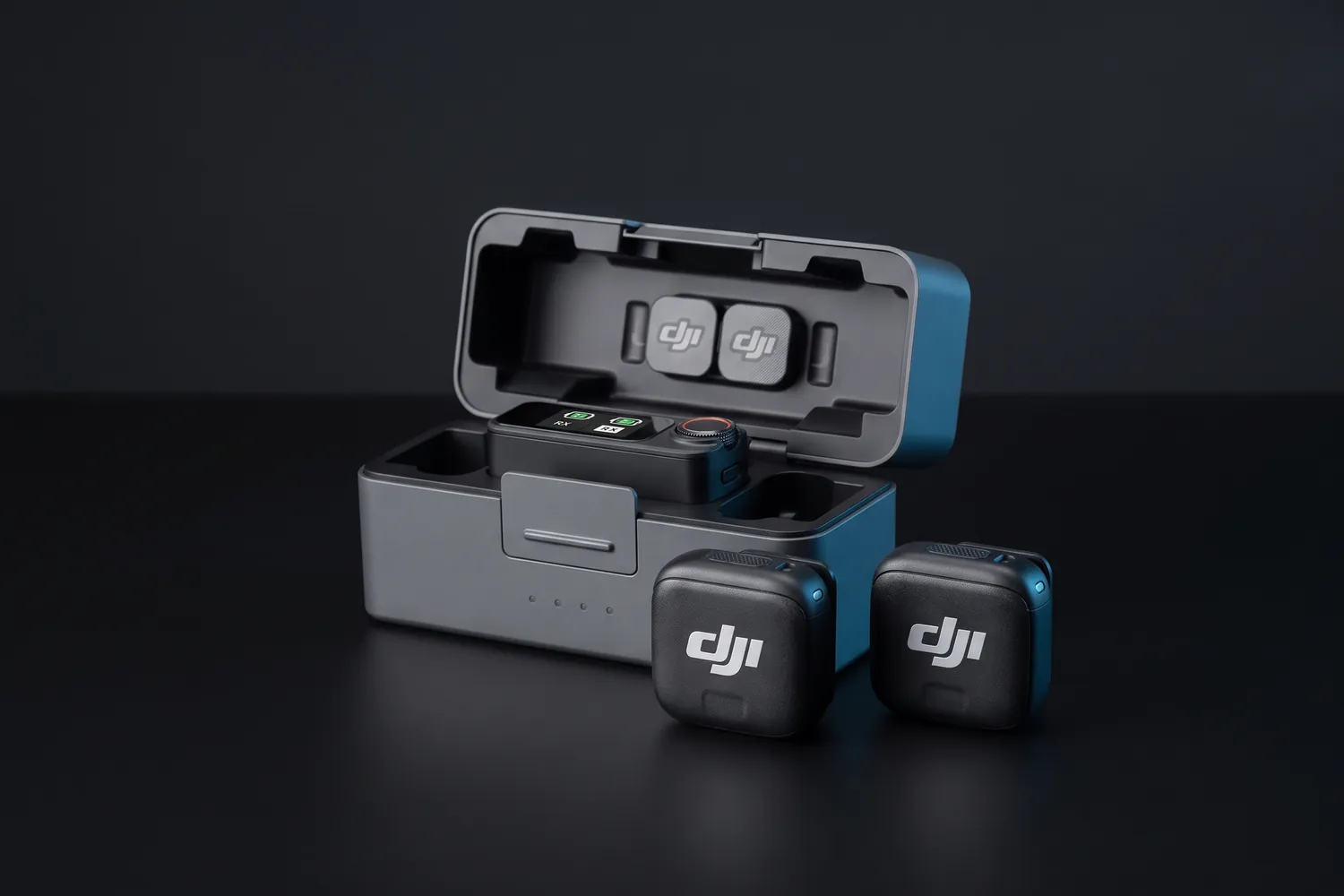
DJI Mic Mini 2 charging case with the receiver and two transmittersAI-generated image
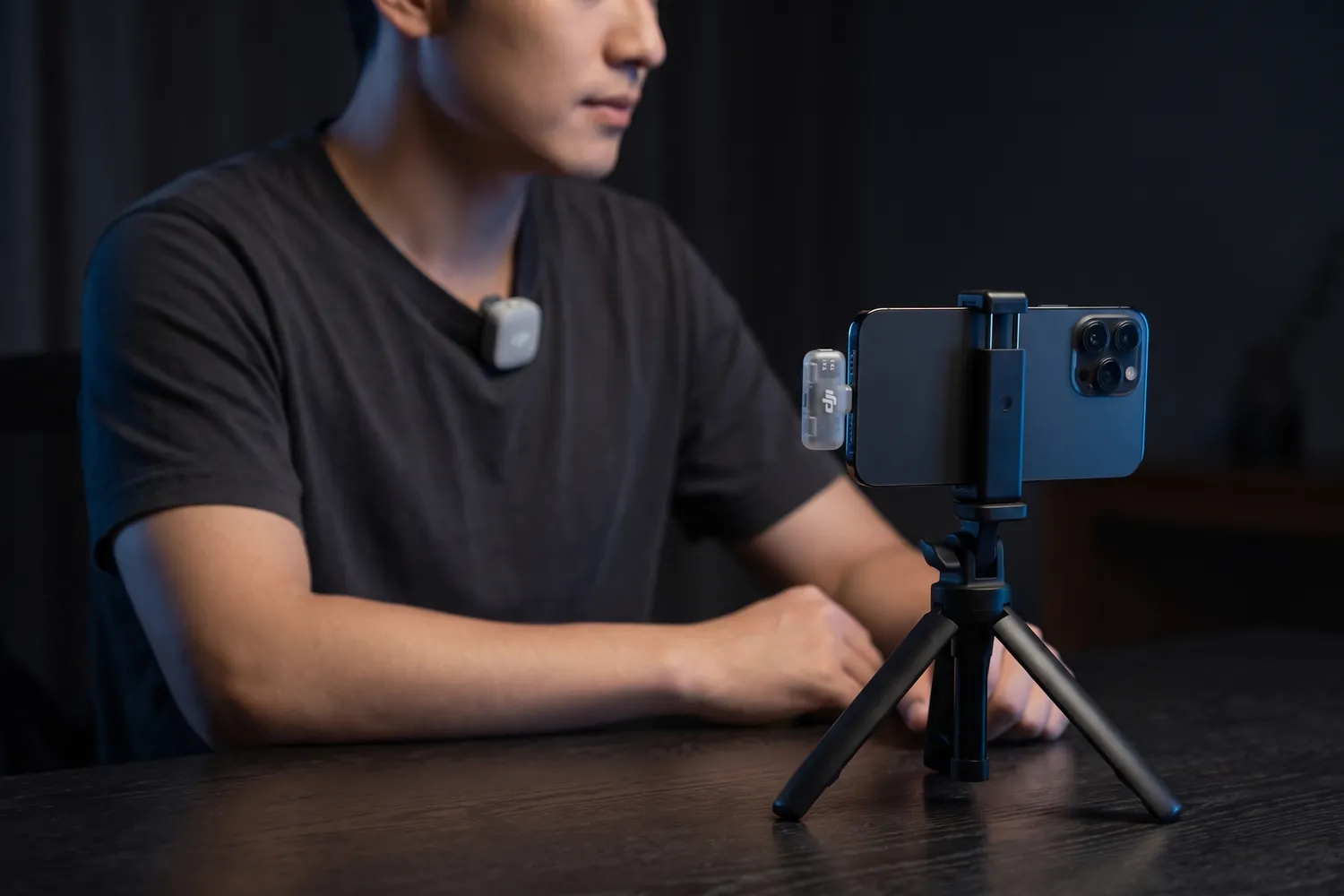
A creator filming a talking-head video on a phone, a DJI Mic Mini 2 transmitter on the T-shirt and the receiver in the phoneAI-generated image
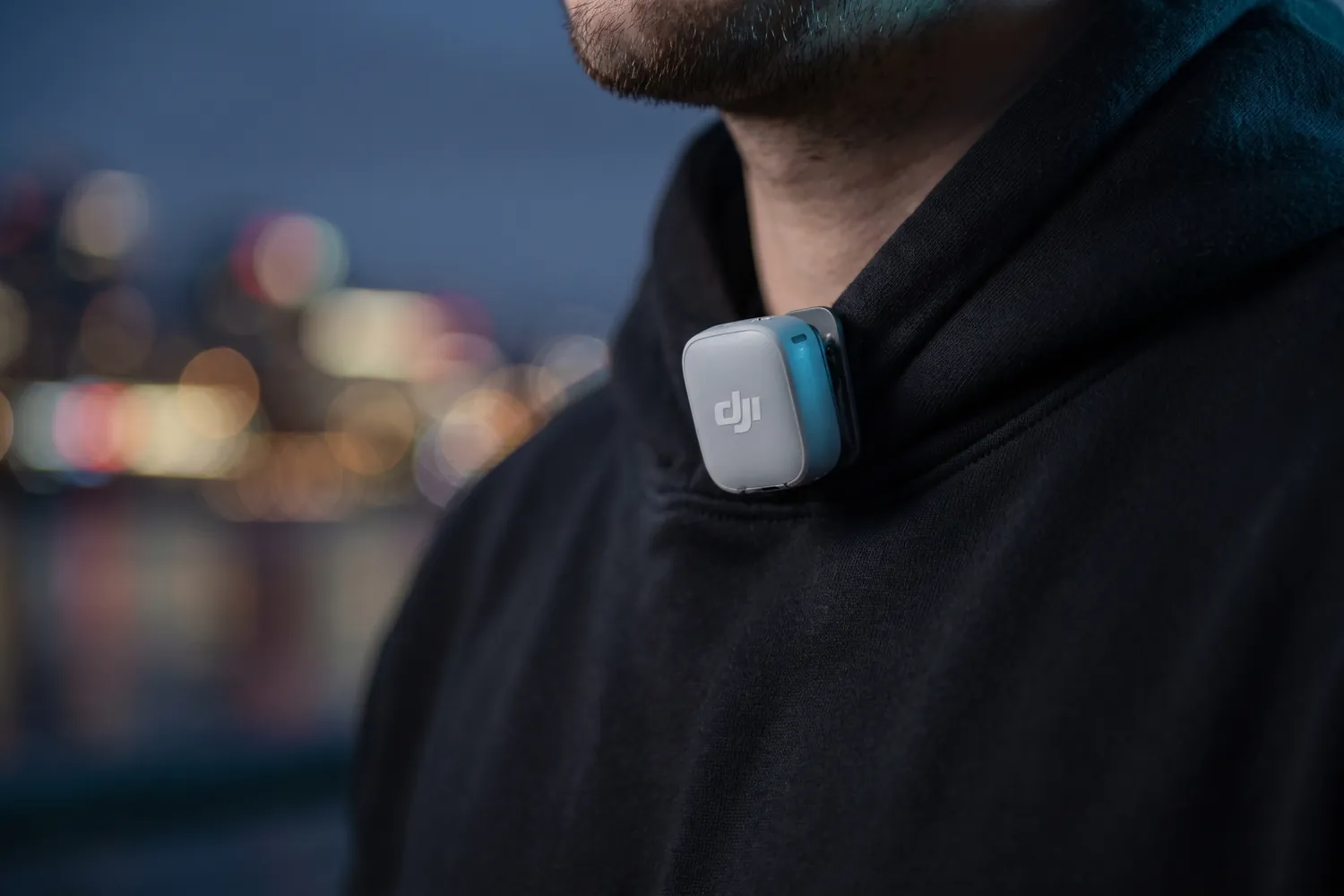
DJI Mic Mini 2 transmitter clipped to the collar of a black hoodieAI-generated image
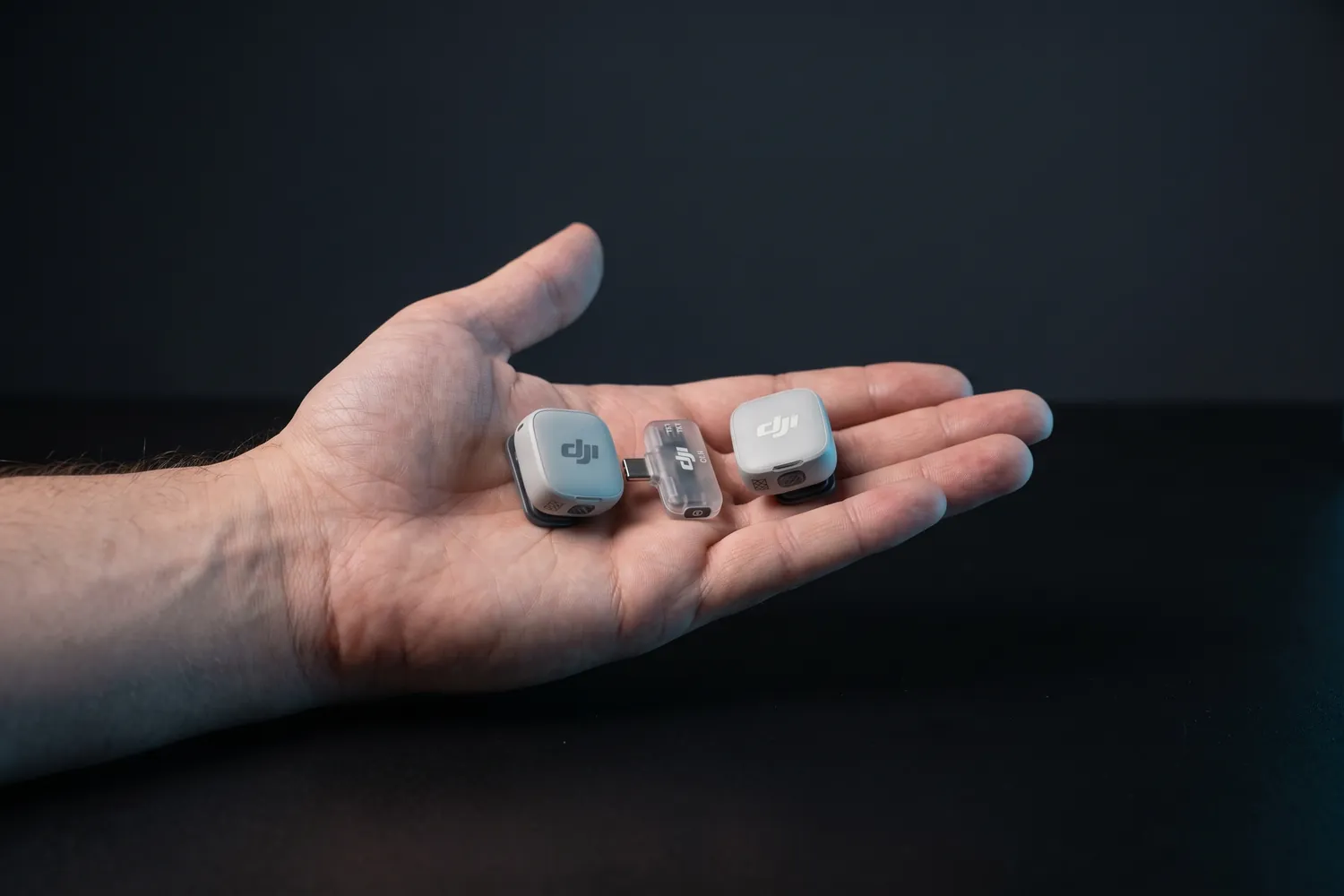
Both DJI Mic Mini 2 transmitters and the receiver in an open handAI-generated image

Best for most creators

DJI Mic Mini 2

2 transmitters, phone receiver, charging case

Two tiny clip-on transmitters and a receiver that plugs into your phone, in a charging case.

Why we recommend it

  • Transmitters weigh about 11 g — they disappear on a T-shirt
  • About 11.5 hours per transmitter; the case recharges the set about three and a half times
  • Two transmitters: film yourself and a guest at the same time
Who actually needs this?
Anyone who talks on camera — talking heads, interviews, vlogs. Our default pick.
Skip it if
You want a backup recording inside the transmitter — the Mic Mini 2S and the Mic 3 add that.

Good to know: Not officially sold in the US; there, the RØDE Wireless Micro is the easy alternative.

≈ €77typical price, Sep 2026 · may change
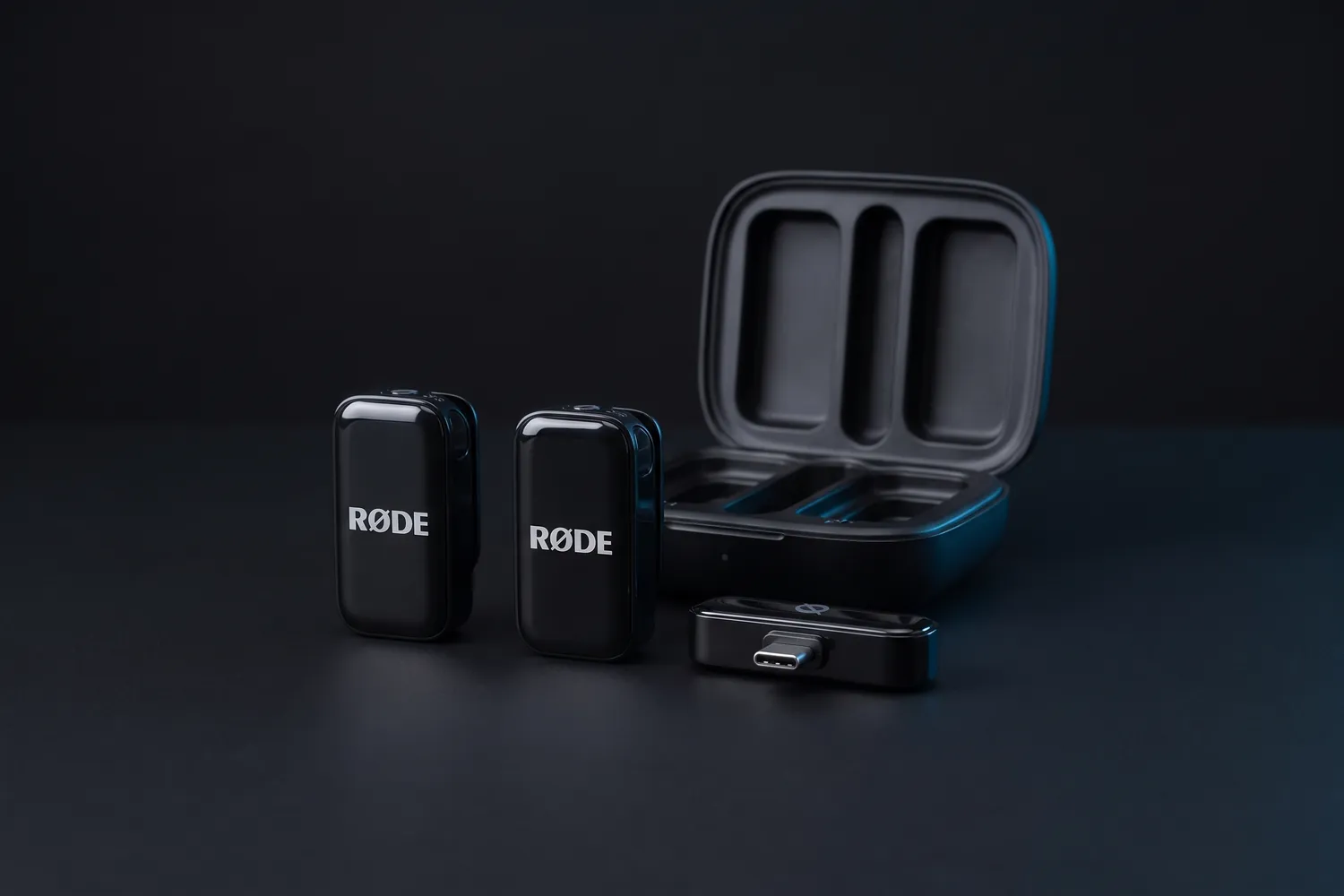
RØDE Wireless Micro: two transmitters, the USB-C receiver and the charging caseAI-generated image
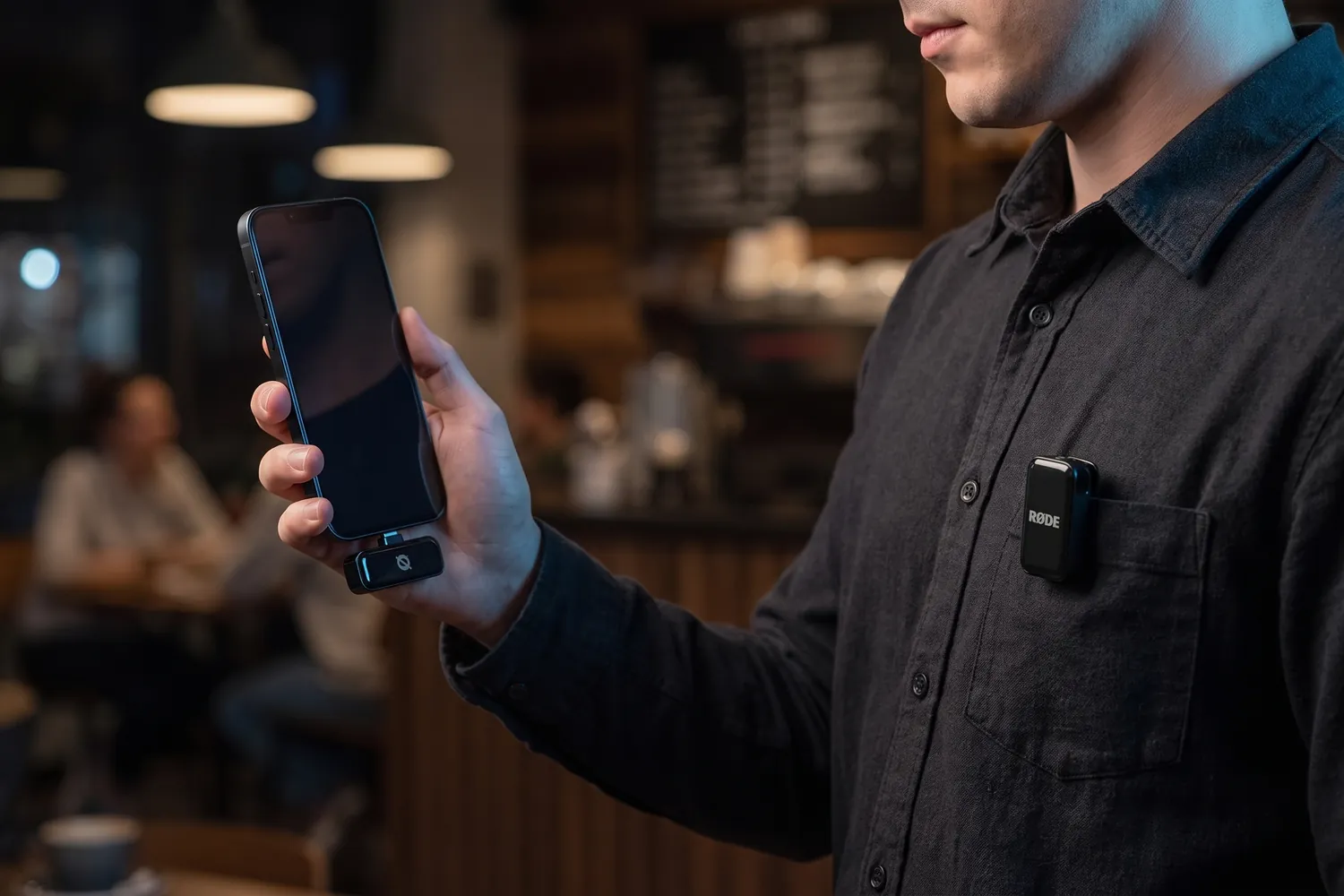
A creator filming with a phone that has the RØDE Wireless Micro receiver plugged in, a transmitter on the shirt pocketAI-generated image
Two people on a park bench, each wearing a RØDE Wireless Micro transmitterAI-generated image
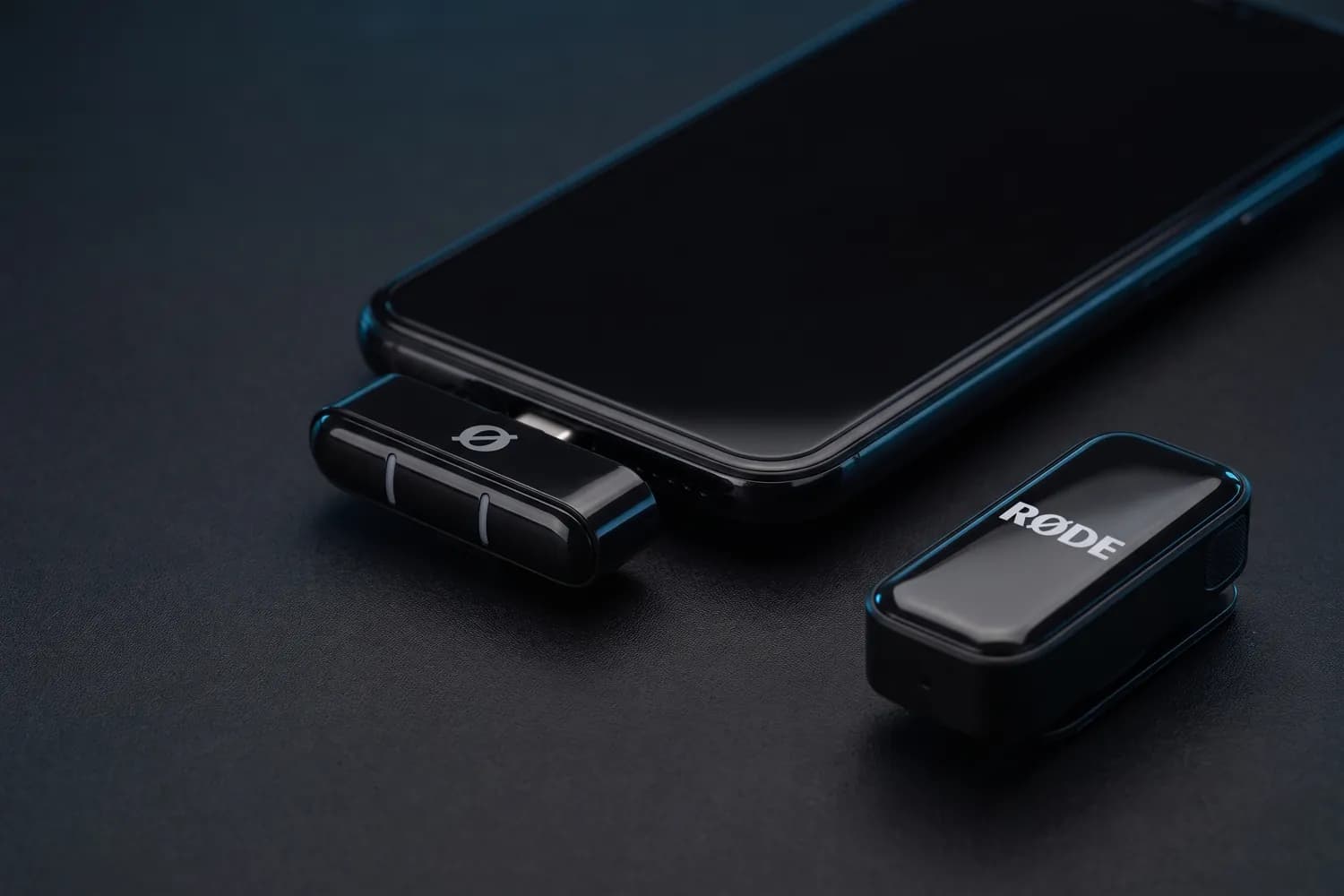
RØDE Wireless Micro receiver in a phone's USB-C port, a transmitter beside itAI-generated image

Best for phone-only creators

RØDE Wireless Micro

USB-C version (Lightning for older iPhones), 2 transmitters

A wireless kit made for phones: the receiver plugs straight into the phone's port.

Why we recommend it

  • The receiver sits in your phone's USB-C or Lightning port — no cables
  • Charging case with two transmitters, up to 21 hours of use in total
  • On an iPhone, the transmitters can also connect over Bluetooth in RØDE's Capture app
Who actually needs this?
Creators who only film on a phone and want the fewest parts possible.
Skip it if
You also film with a camera or need a backup recording — neither is its job.
DJI Mic 3 charging case with the receiver, two transmitters in frontAI-generated image
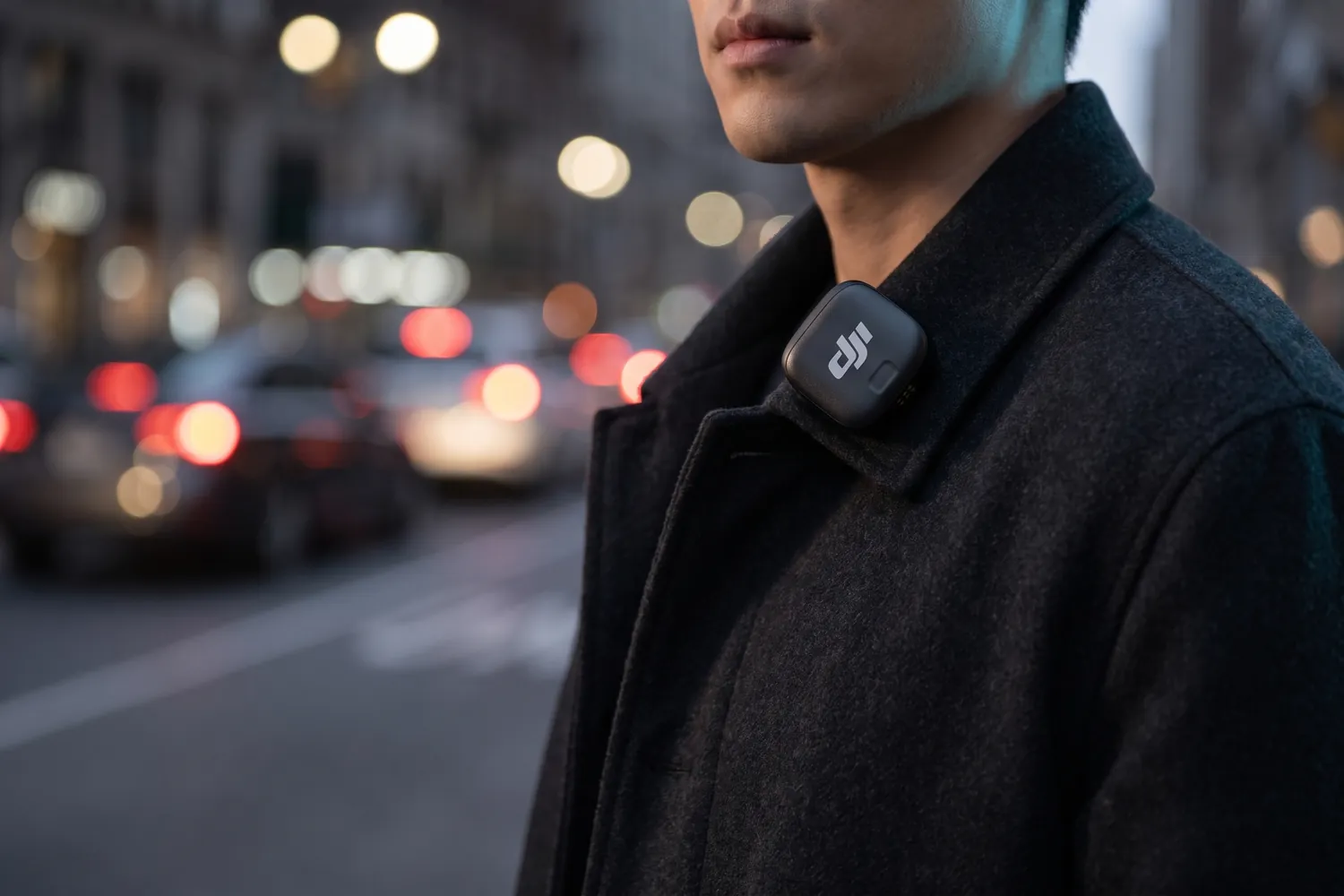
DJI Mic 3 transmitter clipped to a coat collar on a city street at duskAI-generated image
Camera on a tripod with the DJI Mic 3 receiver in its hot shoe, two chairs for an interview behindAI-generated image
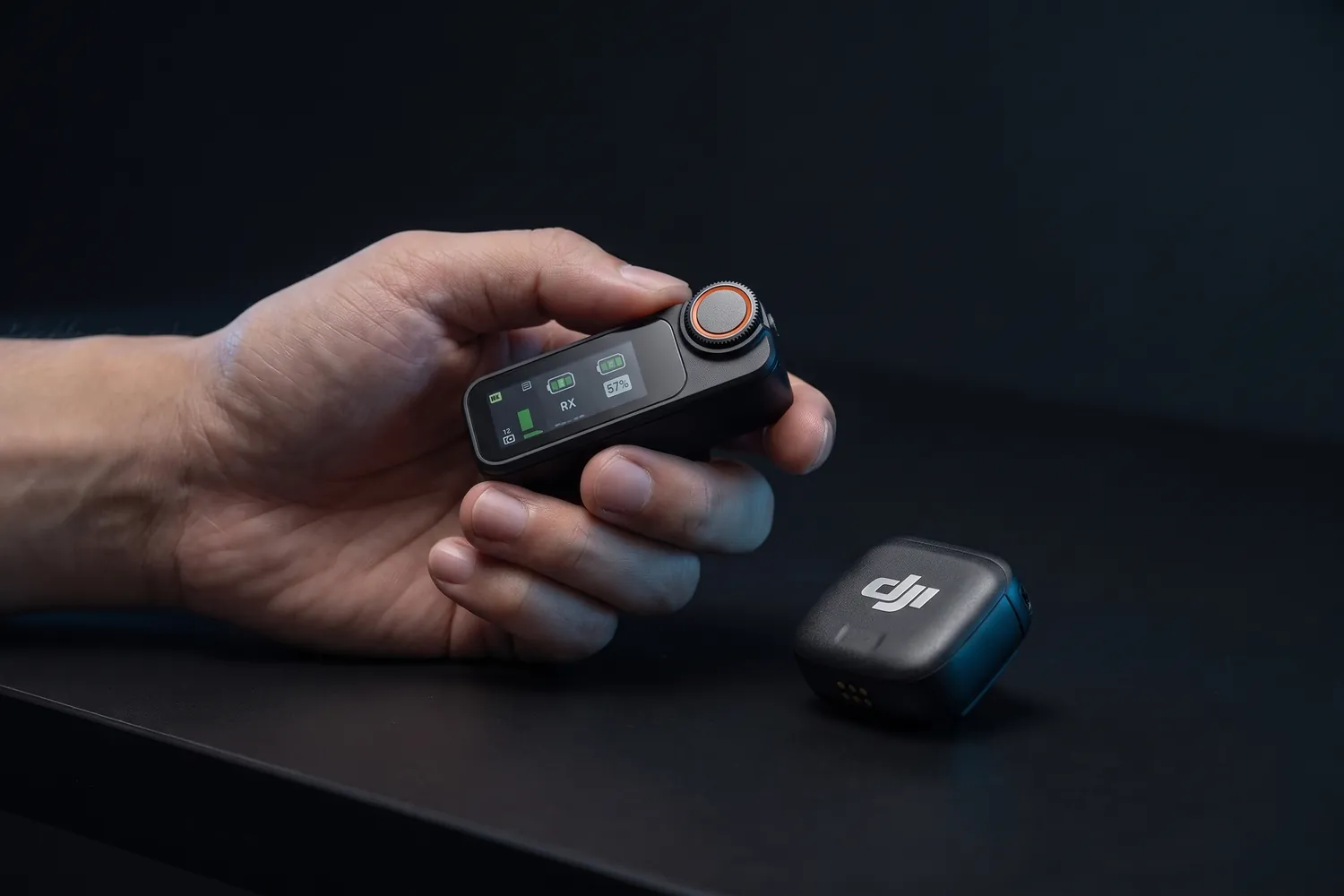
DJI Mic 3 receiver with its touchscreen and dial in a hand, a transmitter beside itAI-generated image

Best when a take can't fail

DJI Mic 3

2 transmitters, 1 receiver, charging case

The step up: every transmitter also records a backup, so a dropout never ruins a take.

Why we recommend it

  • 32-bit float backup recording in each transmitter
  • Up to 28 hours with the charging case; transmitters weigh about 12.5 g
  • Works with phones and cameras, up to four transmitters, with timecode
Who actually needs this?
Creators who film with a camera or can't repeat a take — interviews, events, paid shoots.
Skip it if
You only film short phone clips — the Mic Mini 2 covers that for far less.

Good to know: No input for an external lavalier. A USB-C phone adapter is included; the Lightning one costs extra.

≈ €219typical price, Sep 2026 · may change
Do you actually need this?

Do you need a backup recording in the transmitter?

Yes, if…

  • A take can't be repeated — interviews, events, paid shoots
  • You'd rather fix a dropout in the edit than film again

Not yet, if…

  • You film short clips you can simply record again
  • You listen back right after each take

04 · Music

Recording your music

Singing with a guitar, rapping in the room, a band rehearsal: here you want the whole performance, not just a voice. A small recorder captures it in one place; you line up its sound with the video in the edit.

Pick for music

Zoom H1essential handy recorder standing uprightAI-generated image
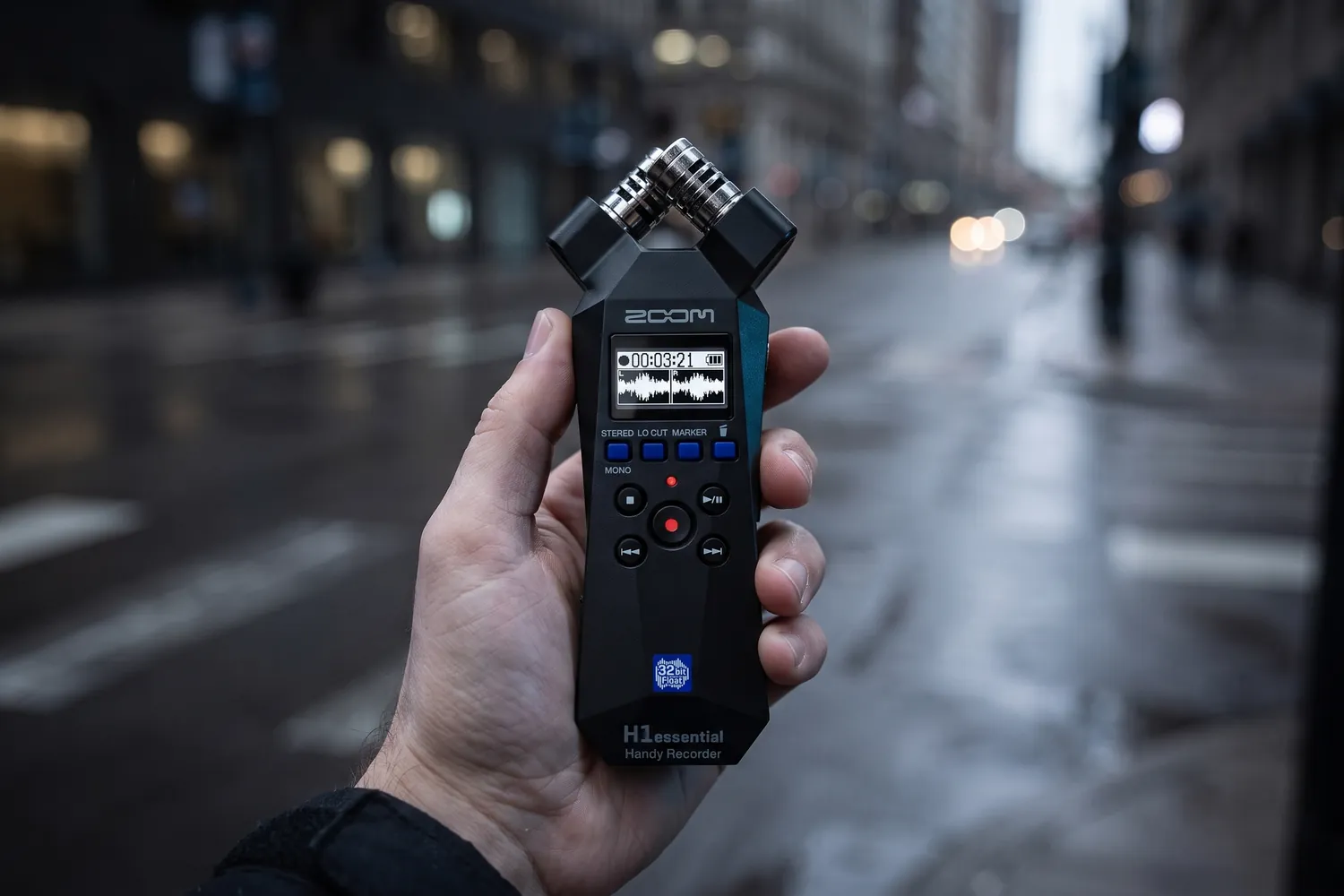
Zoom H1essential held up on a city street to record ambienceAI-generated image
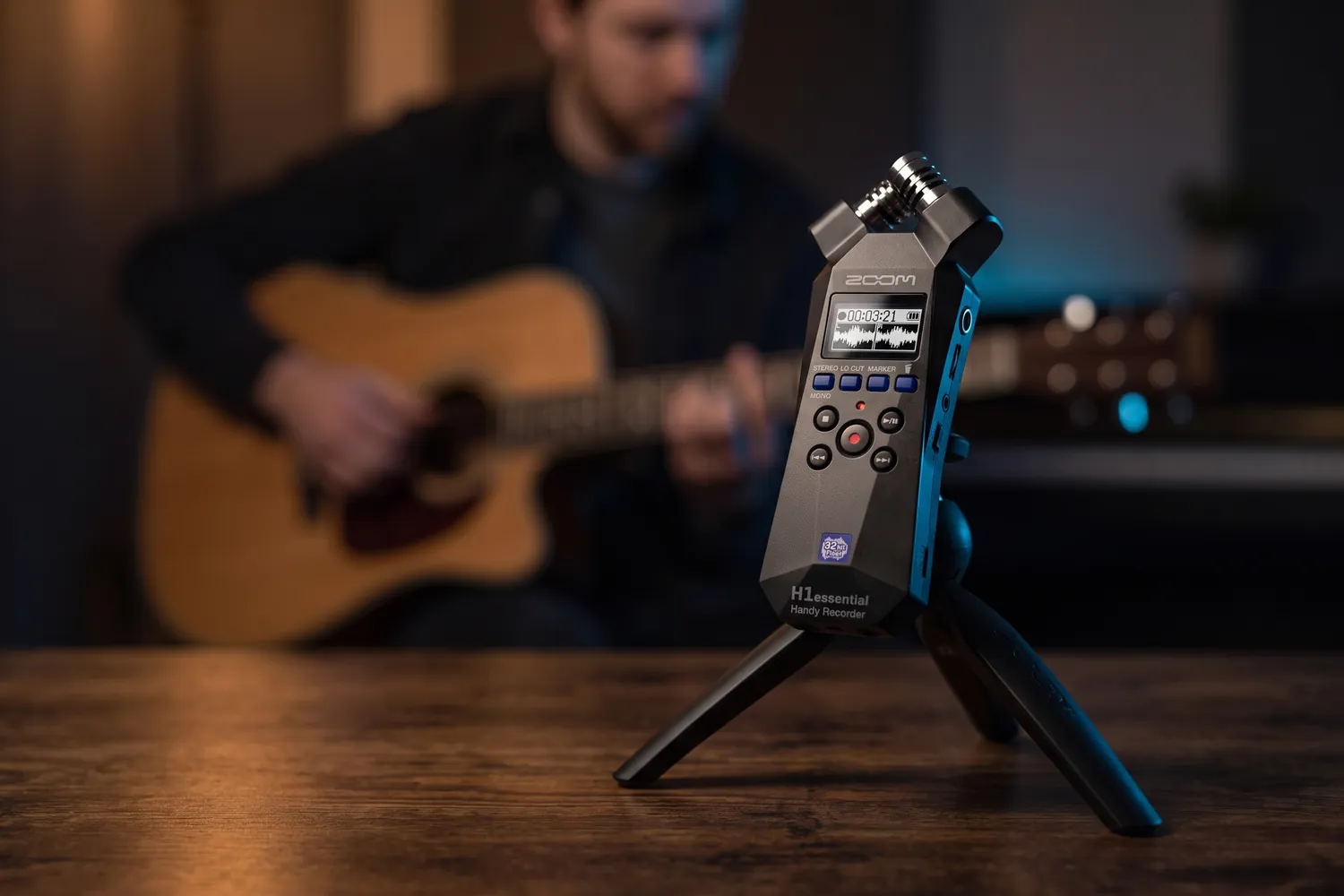
Zoom H1essential on a small tripod, recording a guitaristAI-generated image
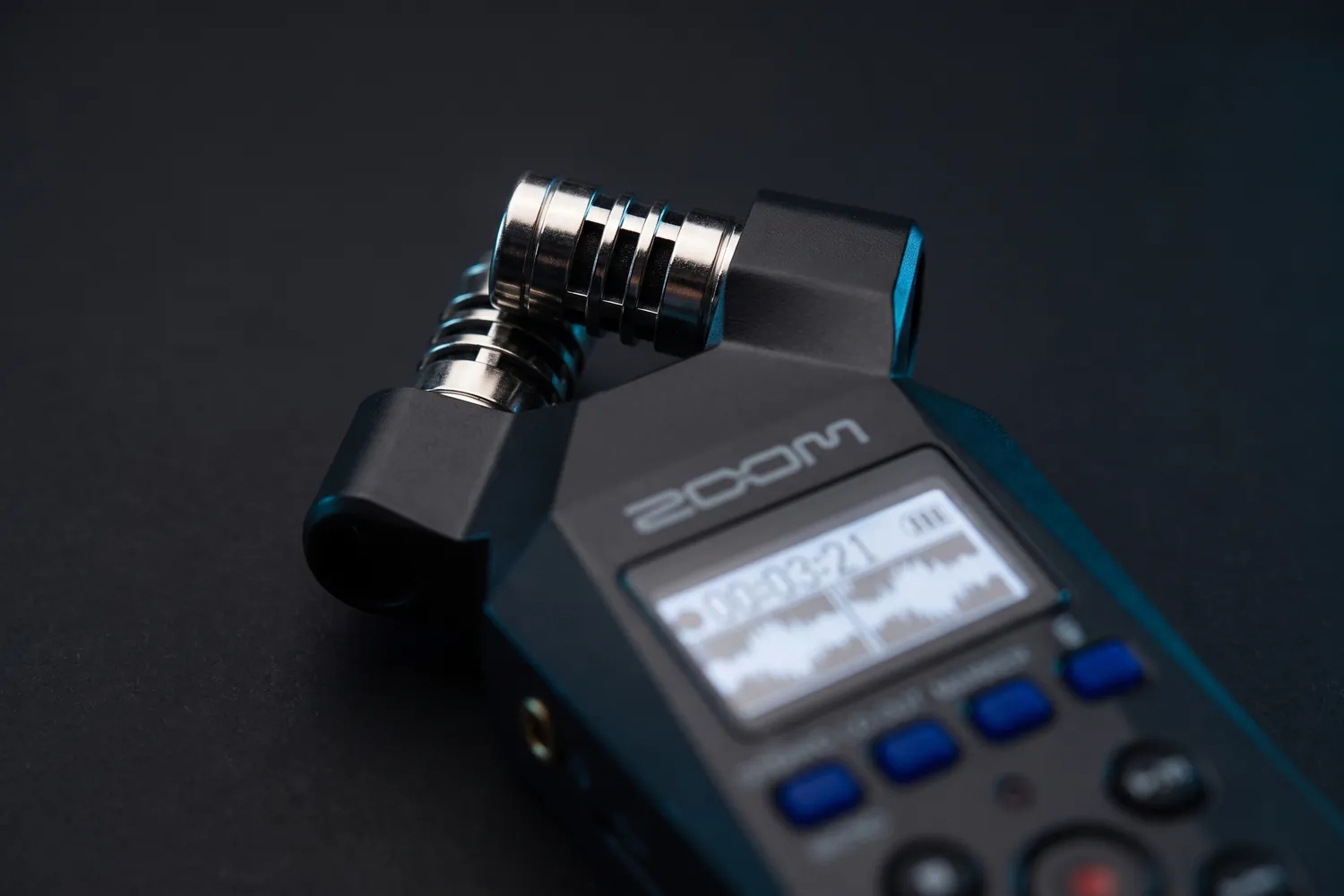
Close-up of the Zoom H1essential's X/Y microphones and screenAI-generated image

Best for rehearsals and backups

Zoom H1essential

A pocket recorder with built-in stereo mics, for rehearsals, jams and a backup of any take.

Why we recommend it

  • Records in 32-bit float, so there are no levels to set
  • Built-in XY stereo mics for the whole room, and a 3.5 mm input for an external mic
  • About 10 hours on two AAA batteries, 92 g; it also works as a USB-C mic for computers and phones
Who actually needs this?
Artists who record rehearsals, jams or quick interviews and want one button, no settings.
Skip it if
You need clean speech from someone walking around — a wireless clip-on is better at that.

Good to know: It picks up handling noise, so set it on a tripod. The windscreen and a small tripod cost extra, and there are no XLR inputs.

≈ €99typical price, Sep 2026 · may change
Know what you'll film?

Performance clips work best with a format behind them — a one-take chorus, a demo before the studio version, the story behind a line. Our content ideas collect formats like these, with the videos that worked.

Browse free ideas

05 · On a camera

On-camera mics

If you film with a camera, a mic on top beats the built-in one — as long as you stay within arm's reach. For more distance, use a wireless kit with a camera receiver, like the DJI Mic 3 above.

On-camera pick

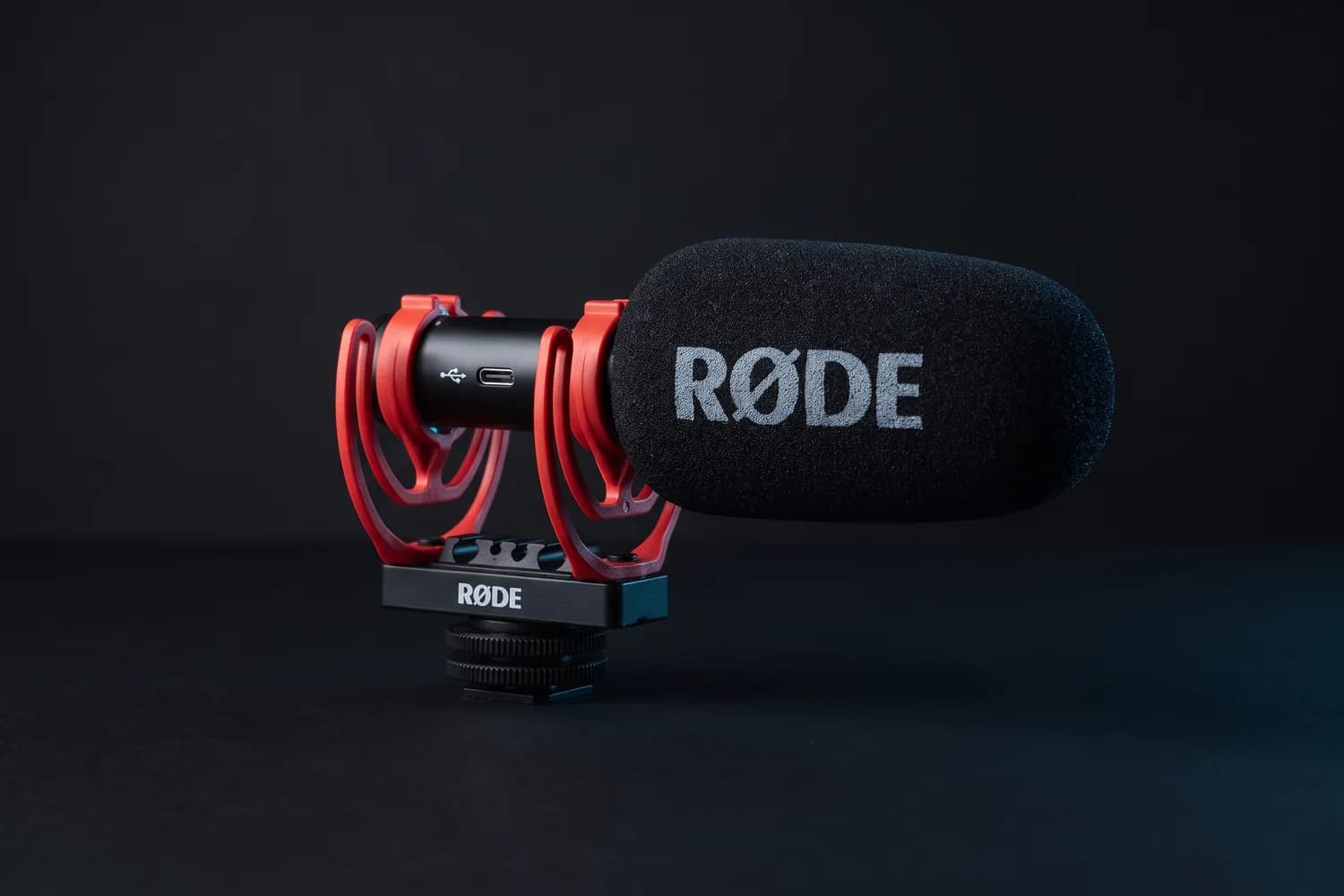
RØDE VideoMic GO II with its red shock mountAI-generated image
RØDE VideoMic GO II on a camera on a small tripodAI-generated image
A vlogger holding a camera with the RØDE VideoMic GO II on topAI-generated image
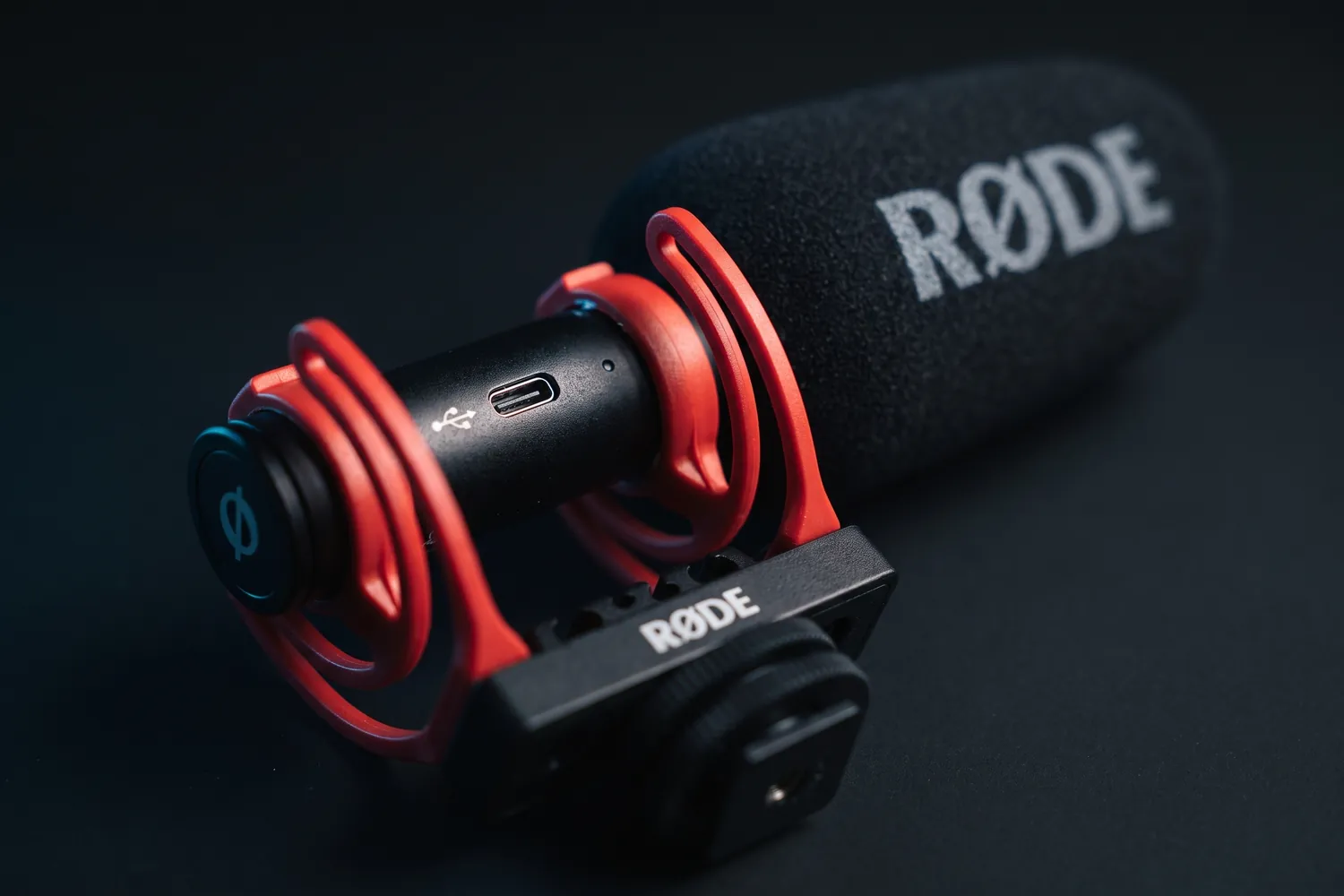
Close-up of the RØDE VideoMic GO II's USB-C port and red shock mountAI-generated image

Best for camera vloggers

RØDE VideoMic GO II

A light shotgun mic for the top of a camera — no battery, no pairing.

Why we recommend it

  • Weighs 33 g, so it doesn't unbalance small cameras
  • Needs no battery of its own
  • 3.5 mm output for cameras, USB for phones and computers
Who actually needs this?
Camera users who vlog or film run-and-gun and want better sound than the built-in mic.
Skip it if
You talk far from the camera — go wireless.

Good to know: Phones need RØDE's matching SC-series cable, sold separately.

06 · At the desk

At the desk: voiceovers, vocals and podcasts

At a computer, a USB mic is the simple choice: one cable, no extra box. The real question is condenser or dynamic — and that depends on your room.

Do you actually need this?

Do you need a condenser mic?

Yes, if…

  • The room is quiet and doesn't echo much
  • You record singing or detailed voiceovers

Not yet, if…

  • You hear traffic, neighbours or a computer fan
  • The room is bare and echoes — a dynamic mic, close to your mouth, suits it better

Desk picks

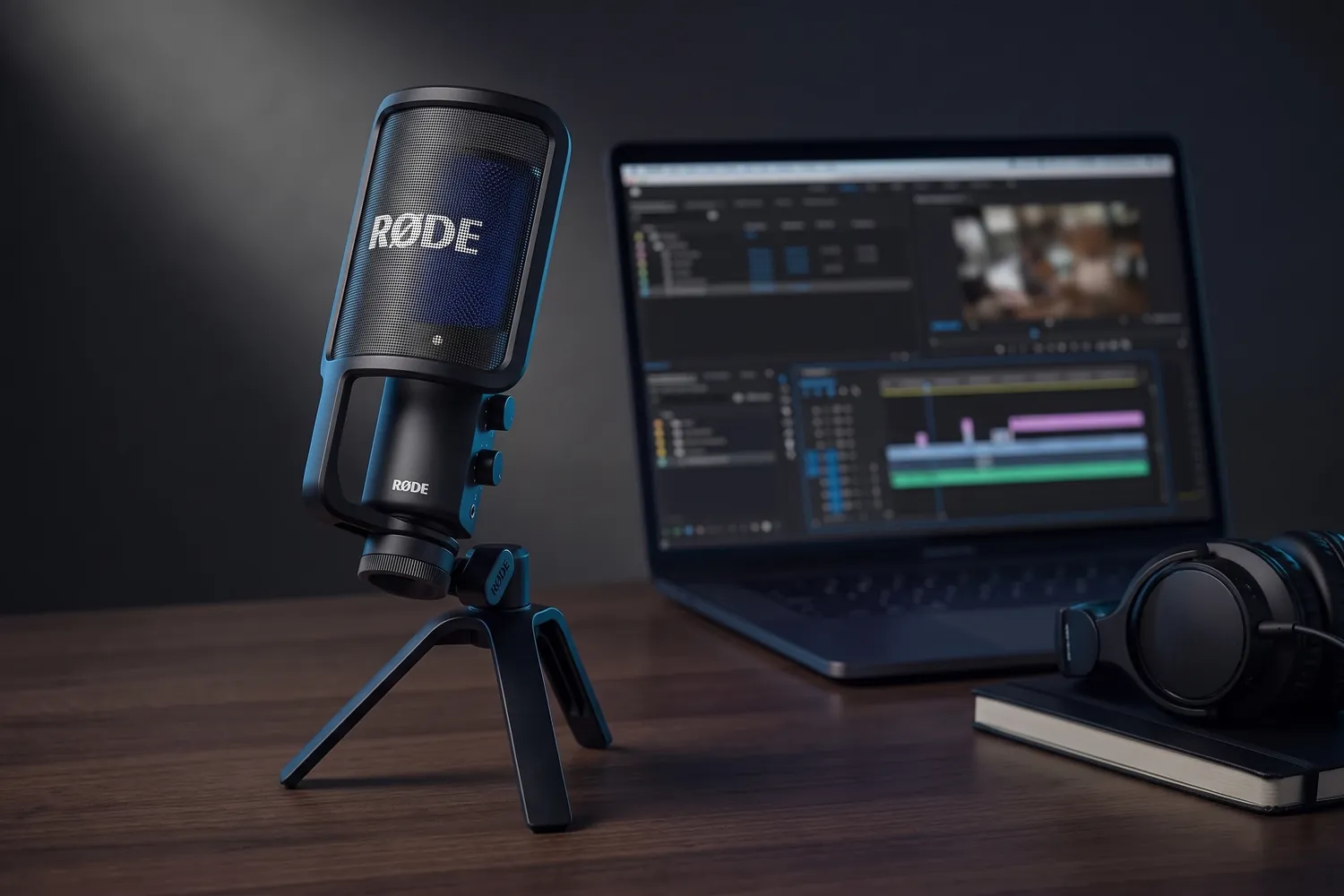
RØDE NT-USB+ on its tripod standAI-generated image
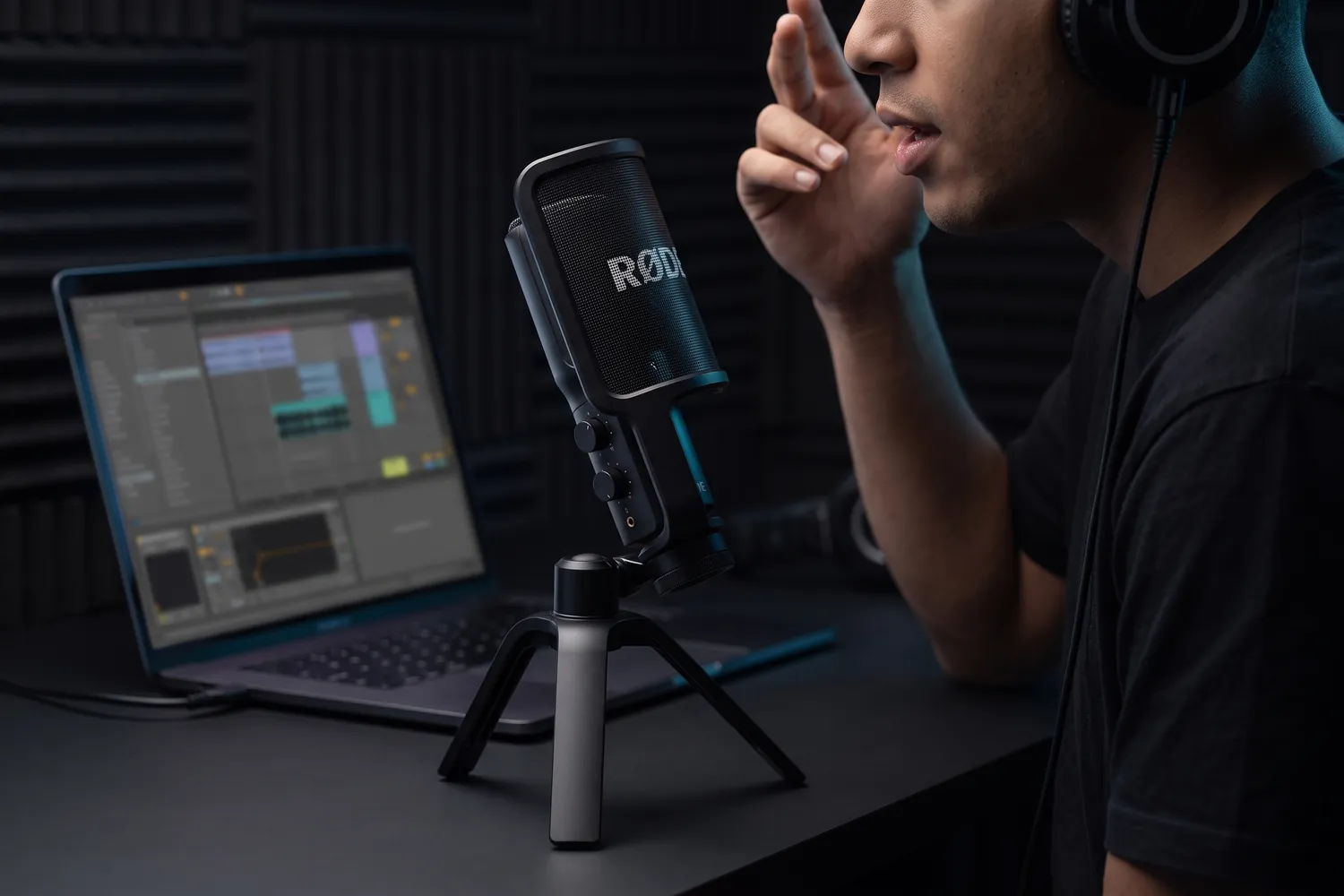
A musician recording vocals into the RØDE NT-USB+ next to a laptopAI-generated image
RØDE NT-USB+ on a desk next to a laptop, headphones and a notebookAI-generated image
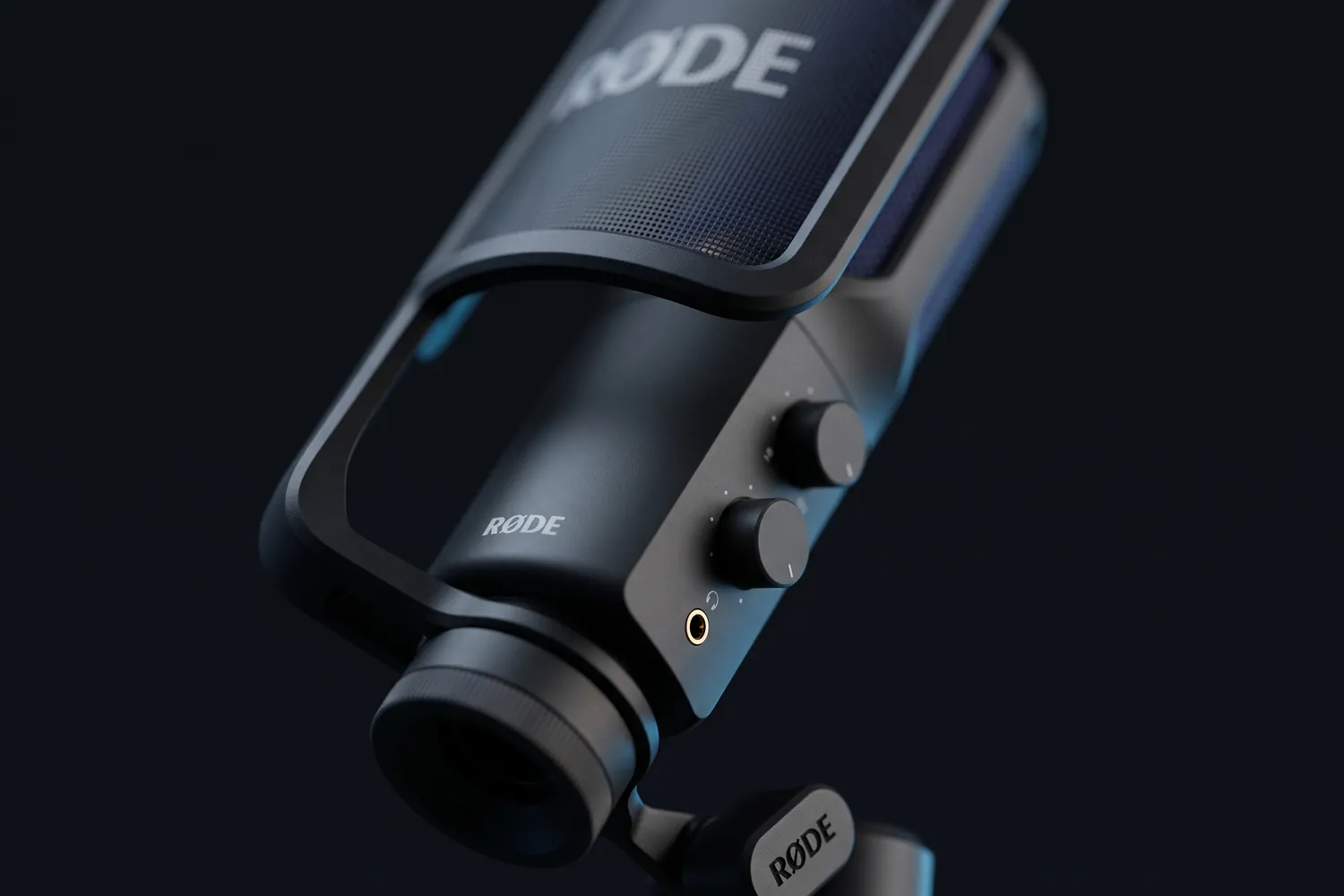
Close-up of the RØDE NT-USB+ control knobs and headphone jackAI-generated image

Best for vocals and voiceovers

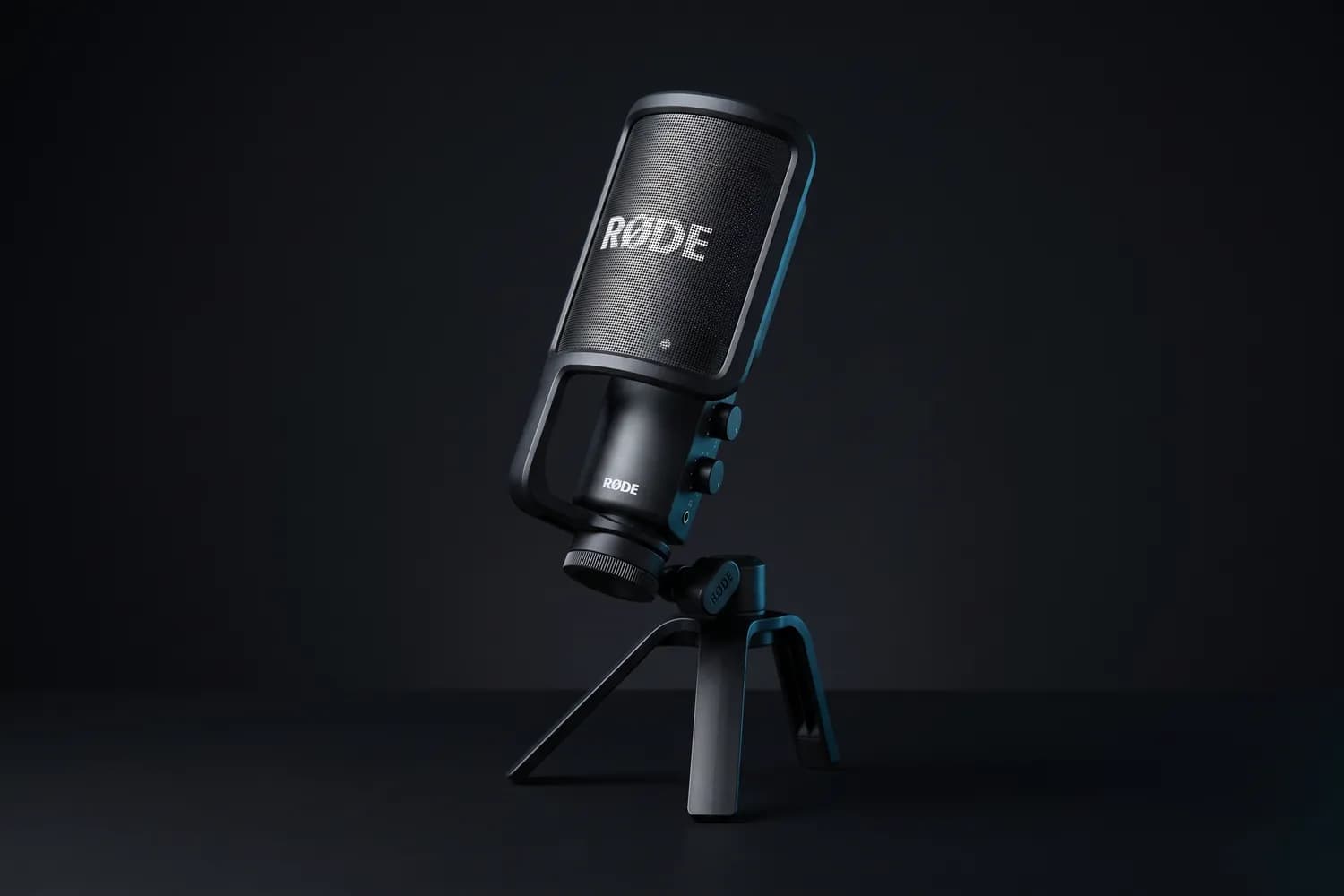
RØDE NT-USB+

A USB condenser mic for the desk, with a pop filter and a stand in the box.

Why we recommend it

  • Condenser capsule with a tight cardioid pattern, for detailed vocals and voiceovers
  • Records 24-bit/48 kHz over USB-C; the headphone output lets you listen without delay
  • Needs no drivers on computers, and it works with USB-C phones and tablets too
Who actually needs this?
Demos, vocals and voiceovers recorded at a desk in a quiet room.
Skip it if
Your room is noisy or echoes — a dynamic mic close to your mouth copes better.

Good to know: It hears computer fans, and the desk stand passes on knocks — an arm helps. iPhones with Lightning need RØDE's SC19 cable.

≈ €149typical price, Sep 2026 · may change
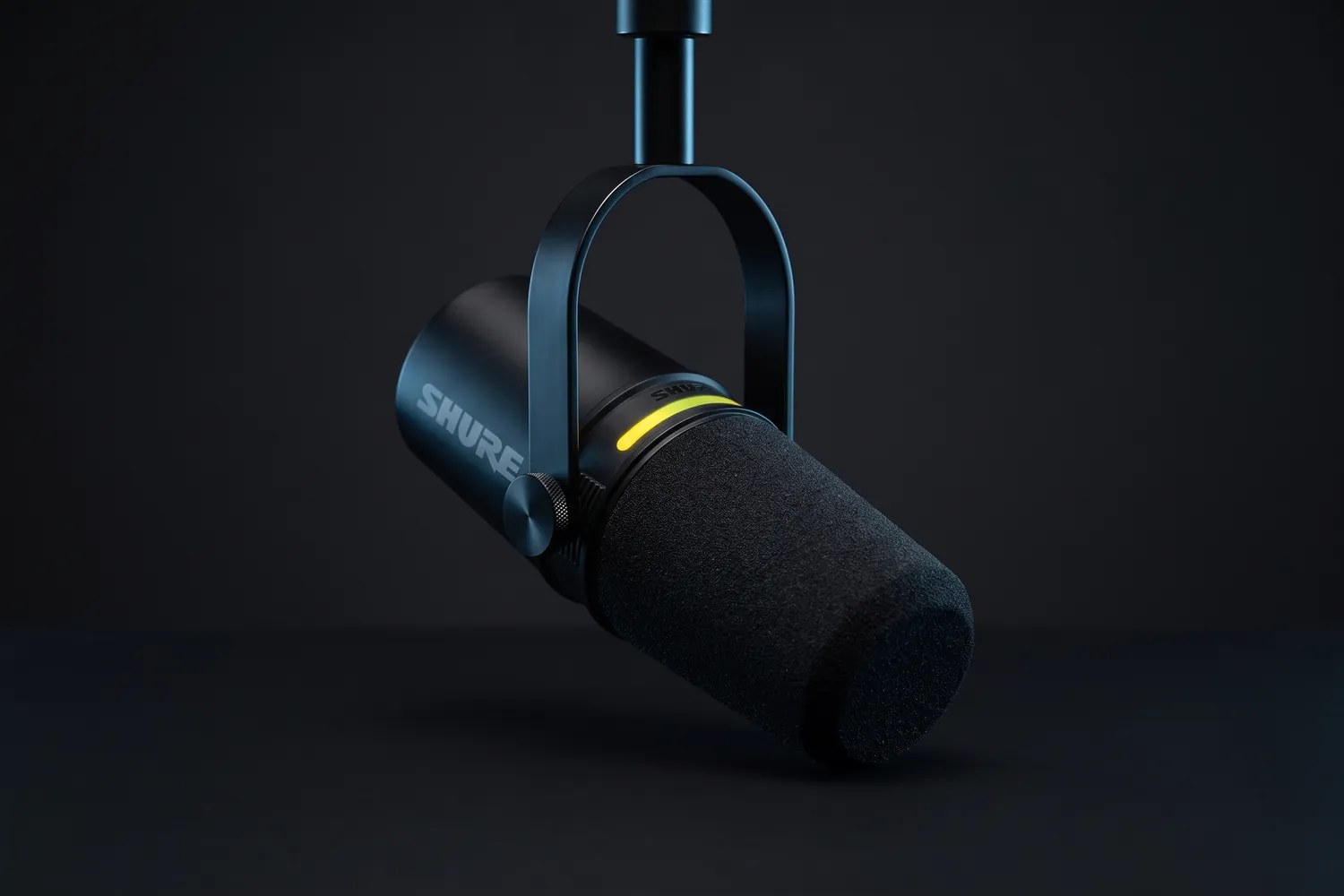
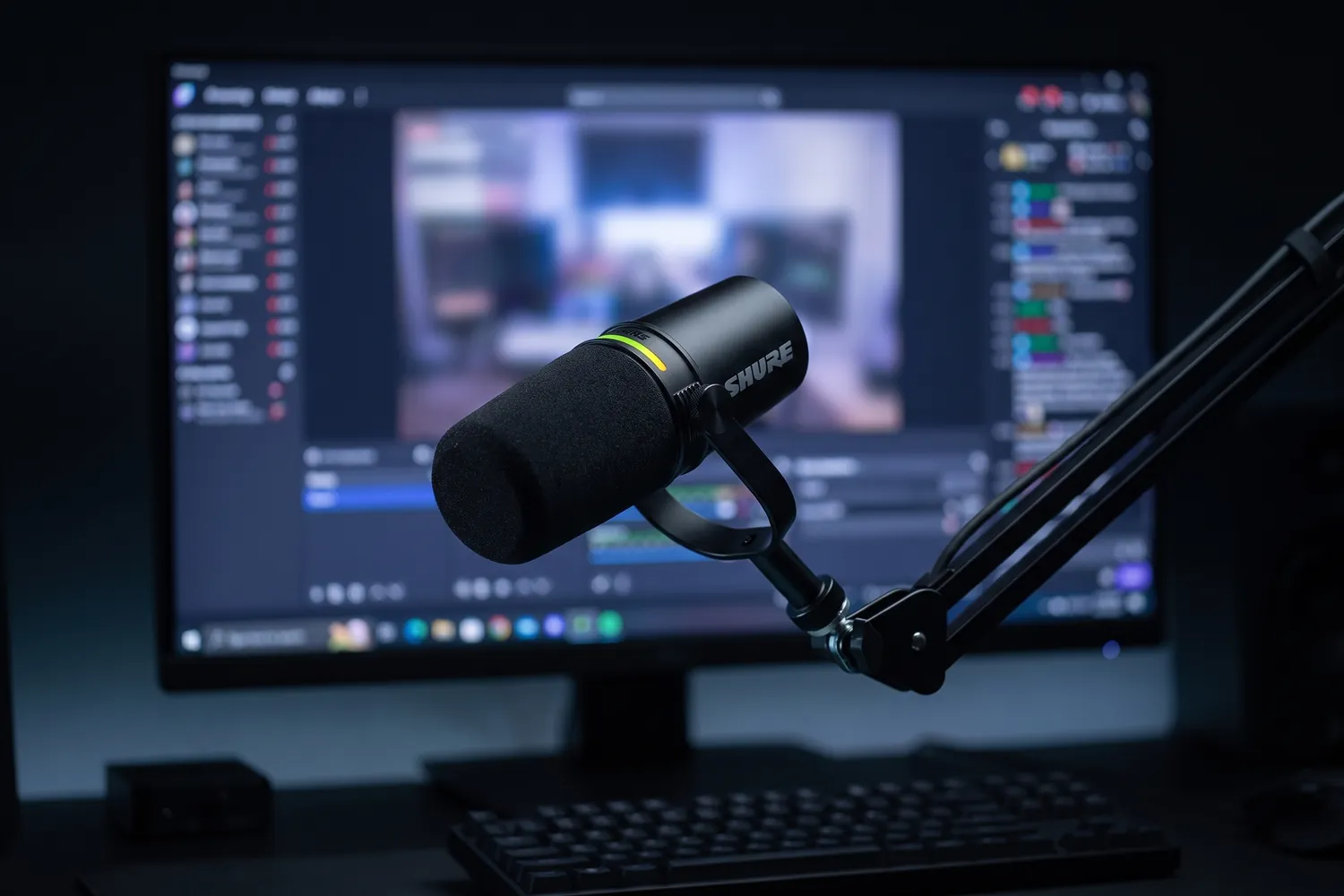
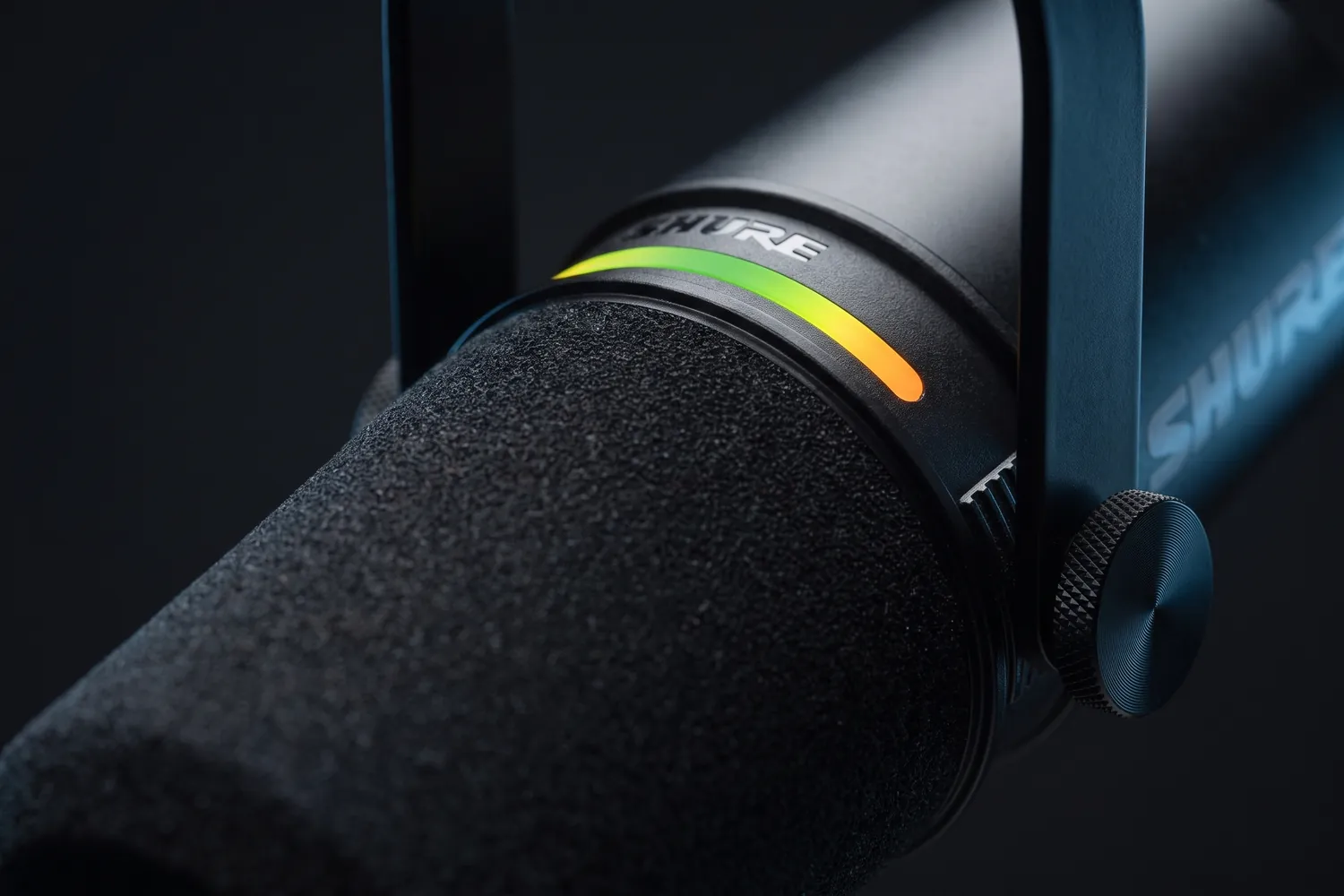
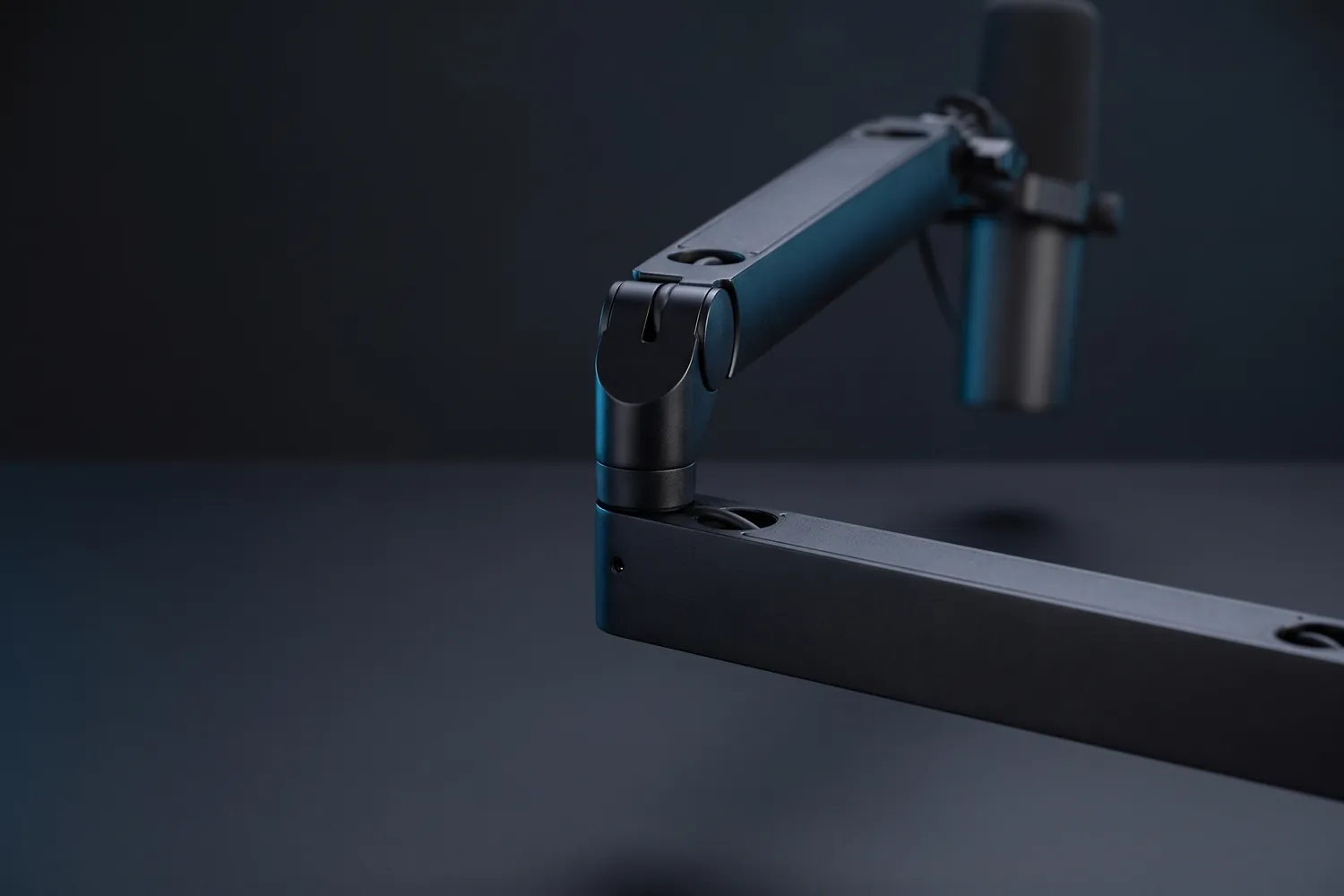
Shure MV7+ hanging from its yoke, the LED strip glowingAI-generated image
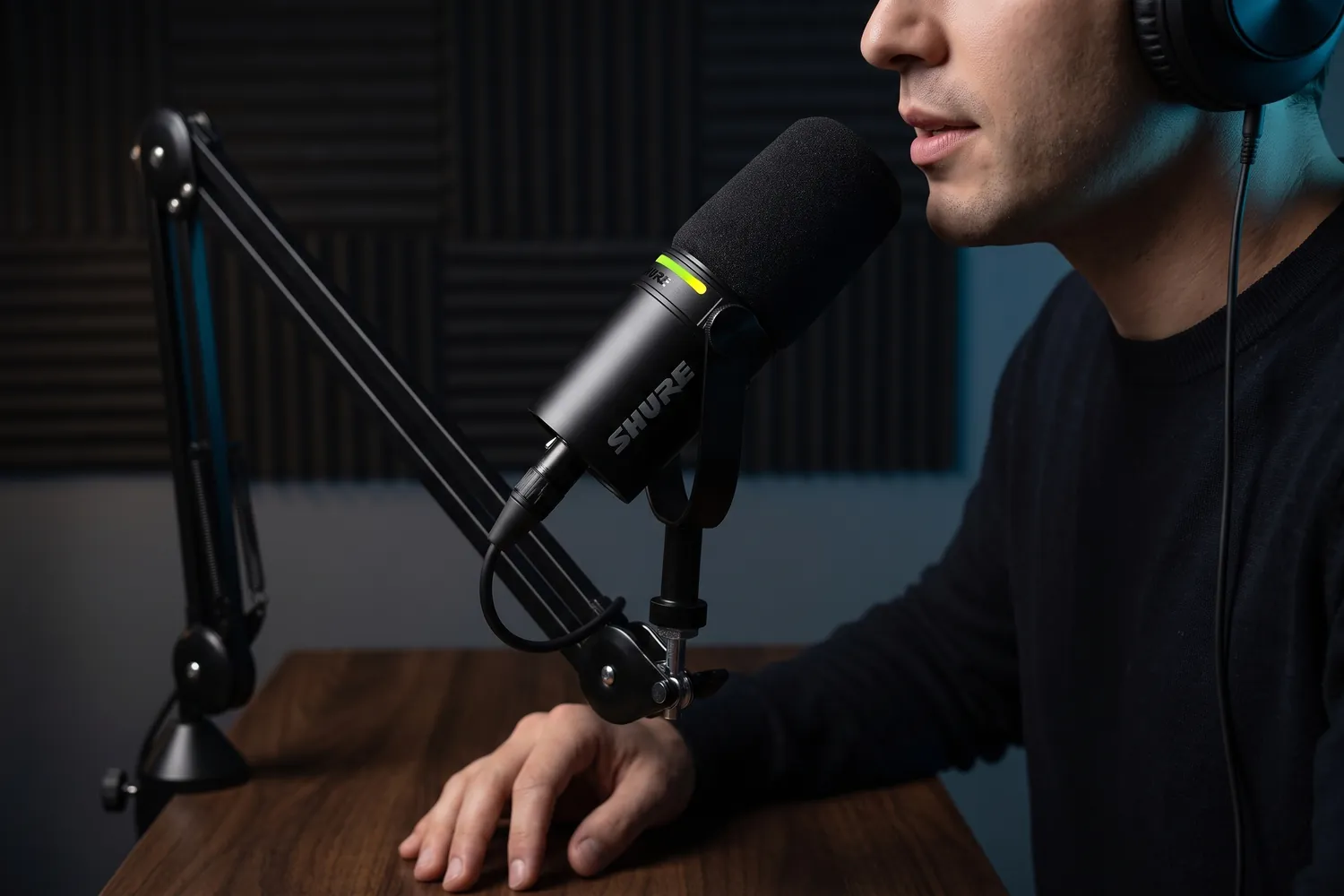
A podcaster speaking into the Shure MV7+ on a boom armAI-generated image
Shure MV7+ on a boom arm in front of a streaming monitor and keyboardAI-generated image
Close-up of the Shure MV7+ LED touch stripAI-generated image

Best if you'll add an interface later

Shure MV7+

A dynamic podcast mic with USB-C and XLR that focuses on your voice, not the room.

Why we recommend it

  • Dynamic mic: picks up your voice and far less of the room
  • USB-C for a computer today, XLR for an audio interface later
  • Built-in denoiser, digital pop filter and automatic level
Who actually needs this?
Podcasts, voiceovers and desk streams recorded at a computer.
Skip it if
You film away from a desk — a clip-on mic moves with you.

Good to know: It comes without a stand — plan for a mic arm or desk stand.

≈ €279typical price, Sep 2026 · may change

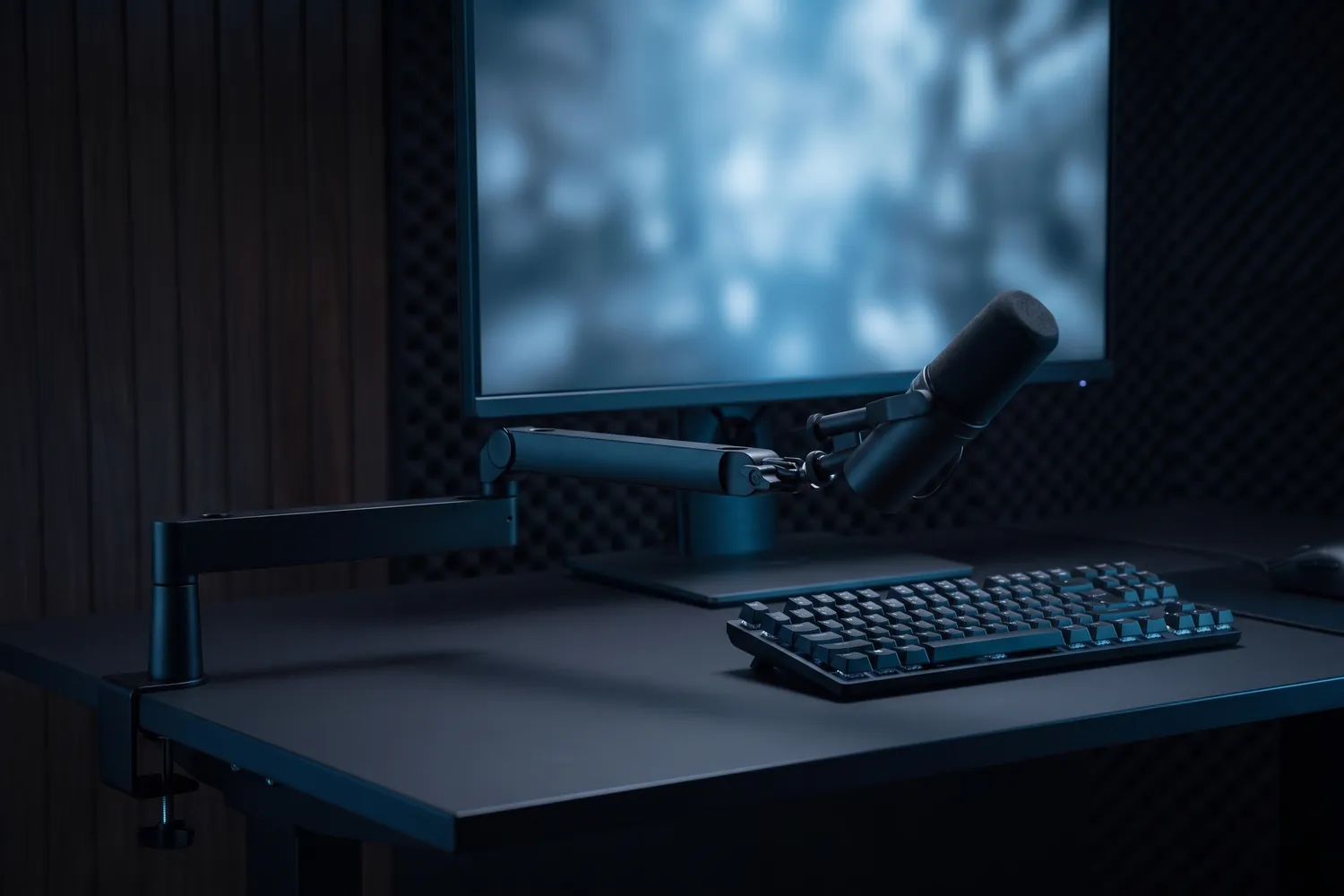
Elgato Wave Mic Arm LP clamped to a desk, holding a microphoneAI-generated image
Elgato Wave Mic Arm LP reaching in below a monitor on a streaming deskAI-generated image
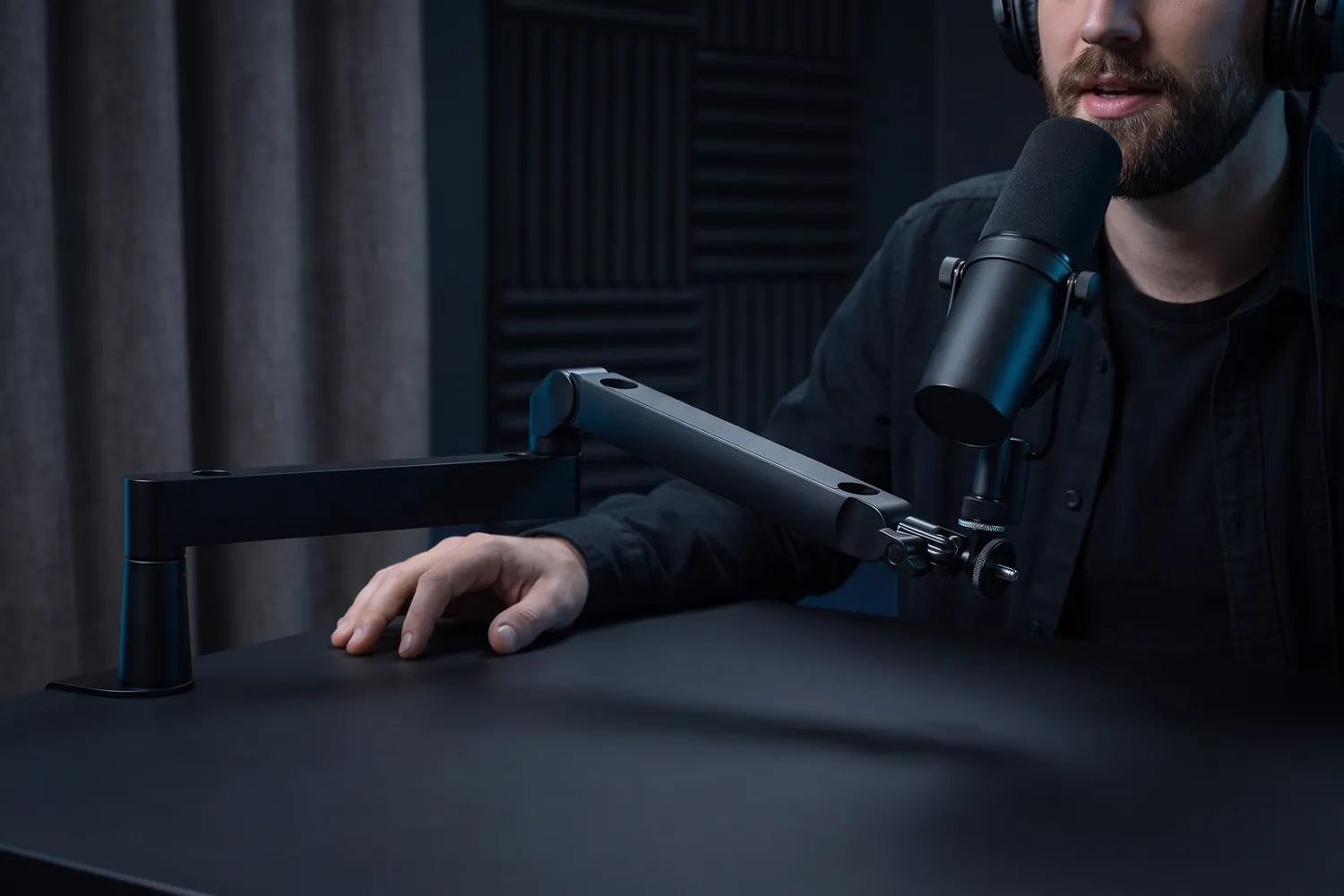
A podcaster speaking into a microphone on the Elgato Wave Mic Arm LPAI-generated image
Close-up of the Elgato Wave Mic Arm LP's hinge and flat arm segmentsAI-generated image

Keeps the mic close and out of the shot

Elgato Wave Mic Arm LP

A low-profile desk arm that holds the mic close to your mouth and below the camera's view.

Why we recommend it

  • Runs just 7 cm above the desk, so it stays out of the shot
  • Holds mics up to 2 kg with a 74 cm reach
  • Clamps to desks up to 6 cm thick
Who actually needs this?
Anyone filming podcasts or voiceovers at a desk.
Skip it if
Your mic sits on a desk stand and the framing works for you.
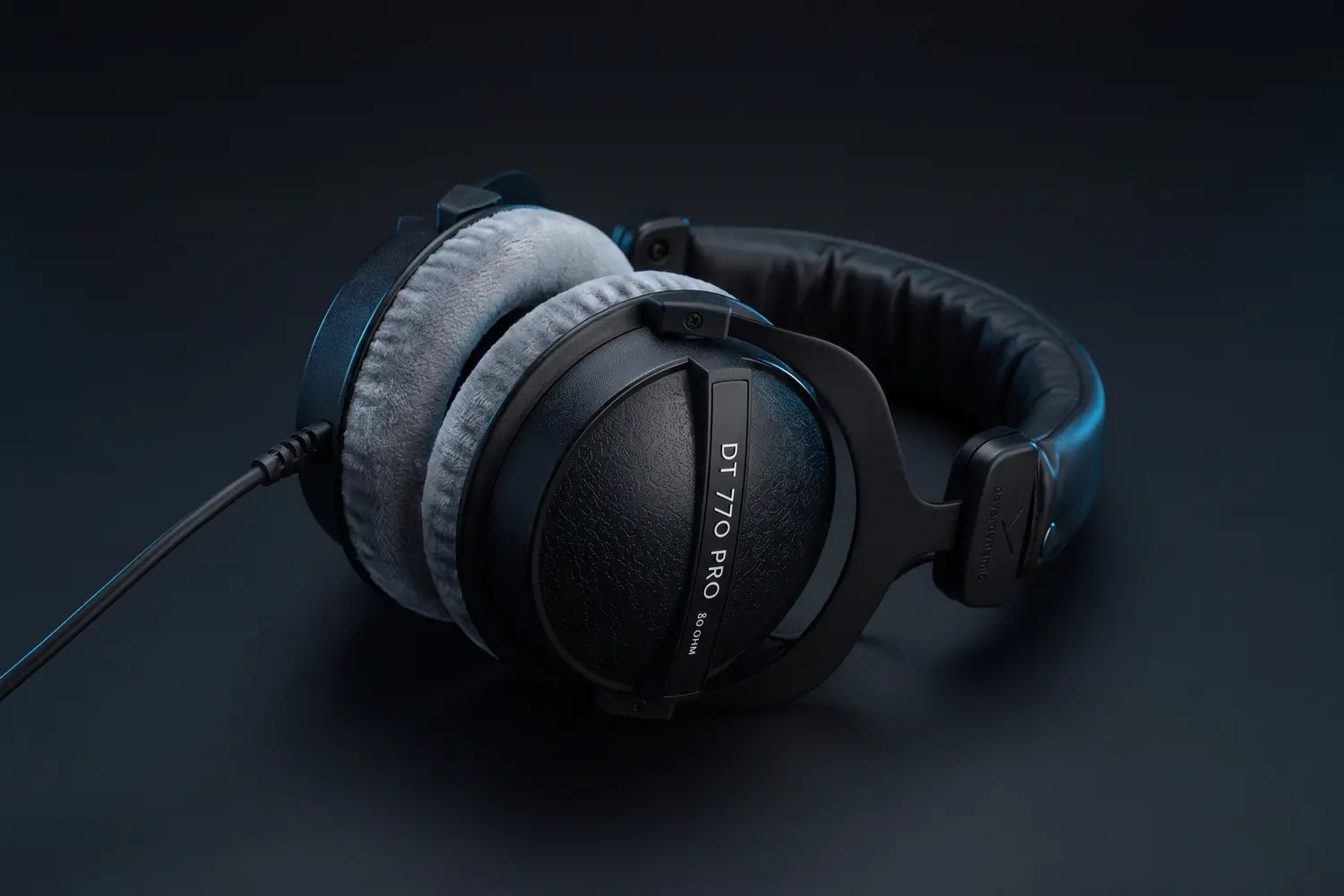
beyerdynamic DT 770 PRO 80 ohm headphones with grey velour ear pads, lying on a dark surfaceAI-generated image
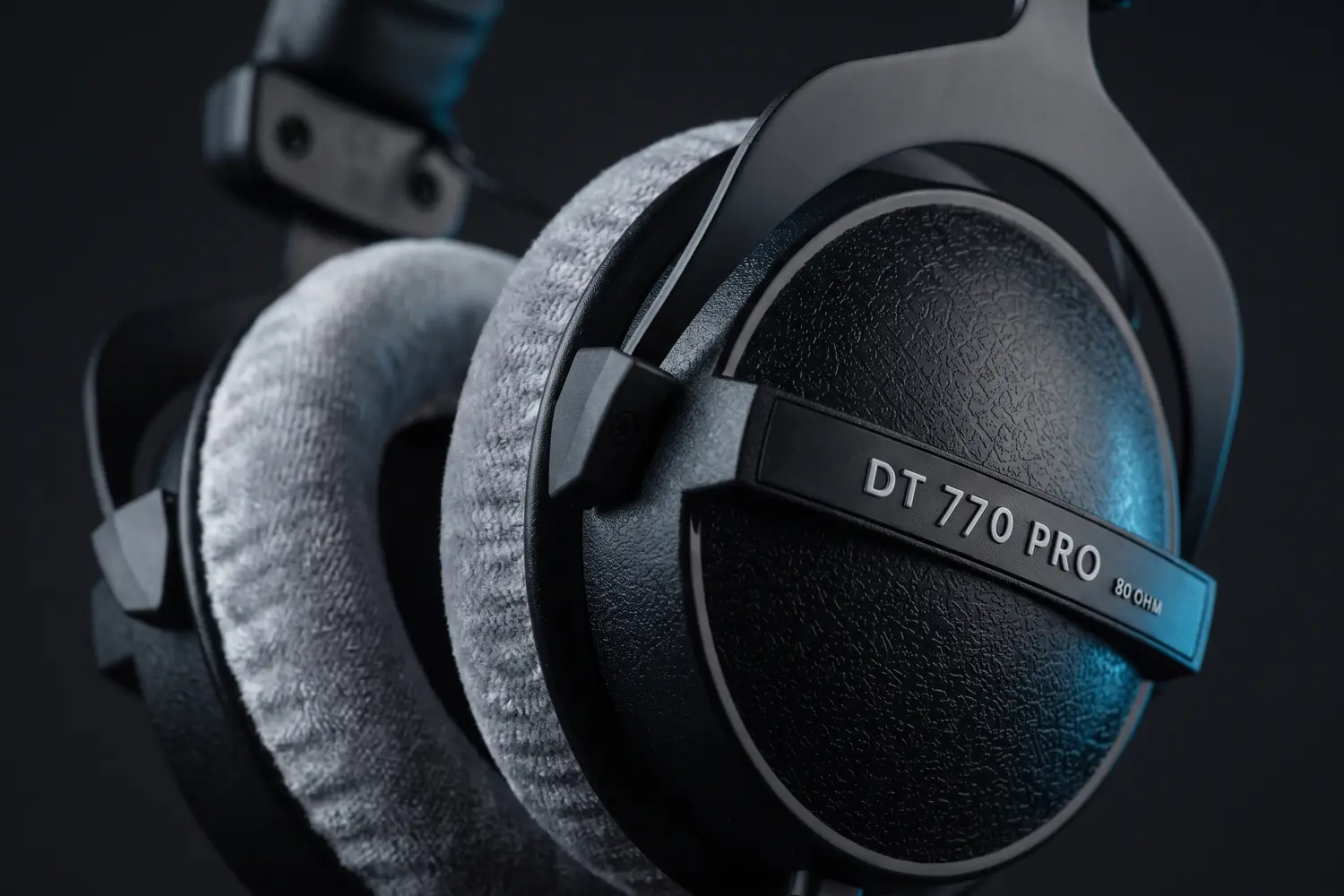
Close-up of a DT 770 PRO ear cup with its 80 OHM label and grey velour padAI-generated image

Hear what you record

beyerdynamic DT 770 PRO

80 ohms

Closed studio headphones with velour ear pads, in the 80-ohm version beyerdynamic makes for the studio.

Why we recommend it

  • Closed back, so little of what you hear leaks into the mic
  • Grey velour ear pads and a 3 m coiled cable
  • Made in Germany, and every part can be replaced
Who actually needs this?
Anyone editing sound, recording podcasts or checking a mix.
Skip it if
You want a cable you can unplug — this one is fixed; the Audio-Technica ATH-M50x has a detachable one.

Good to know: From a phone it plays quieter than the 32-ohm version, which beyerdynamic makes for mobile devices.

USB today, XLR later

A mic with both USB and XLR plugs into a computer now and into an audio interface later, so you don't have to replace it when your setup grows.

07 · Free fixes

Sound better before you buy anything

The room and the distance matter more than the mic. None of this costs anything.

Mic across the room → mic close to you

Mic an arm's length away or more

  • The room's echo is almost as loud as you
  • Fans, fridges and traffic come through
  • You turn your head and the level drops

Mic close to your mouth

  • Your voice is loud and clear against the room
  • Background noise falls away
  • Less to fix in the edit
Distance does more than the mic. At arm's length a mic hears the room almost as loudly as you: echo, fans, traffic. Close to your mouth it hears you. Clip it to your collar, or bring a desk mic to about a hand's width from your mouth.

Get closer. Moving the mic nearer to your mouth makes your voice louder compared to everything else — no setting does more.

Soften the room. Record where there are soft things: a sofa, curtains, a wardrobe full of clothes. Bare walls and tiles bounce sound back.

Switch off what hums — fans, the fridge, air conditioning — and record a few seconds of silence first. Listen back on headphones before the real take.

Leave headroom. Set the level so your loudest part stays well below the top; a distorted take usually can't be saved.

Light, tripods and the rest of the kit

Sound is one part of a good video. The creator setup guide covers cameras, light, tripods and editing, with setups by budget.

Read the setup guide

08 · By budget

Complete audio setups by budget

Pick the line that matches your videos. Every total is computed from the typical prices above.

Talk and move

A wireless kit for talking, walking and interviews — the upgrade most phone creators notice first.

≈ €77in total

€77 of a €100 budget

Typical prices, September 2026 — they may change.

09 · Skip this

What you can skip

Money that's better spent elsewhere — or not at all.

Not needed at the start

  • A studio condenser for a noisy room

    Sensitive condensers hear everything, including your neighbours. In an untreated room, a dynamic mic close to your mouth sounds cleaner.

  • A wireless kit for desk recording

    If you never leave the desk, a USB mic is simpler: no batteries, no pairing, nothing to charge.

  • Noise-removal tools before fixing the room

    Get closer and soften the room first. Noise removal works best on a recording that is already close and clean.

Transparency

How we pick microphones

  • We start with what you film — talking, performing, podcasting — and only then name a mic.
  • Every pick works with the phone or computer you already have, unless the card says otherwise.
  • When something cheaper does the job, we say so.
  • Picks are based on specs, reviews and price. Gear we use ourselves is marked “We use this”.

Prices are typical German street prices, checked in September 2026. They change often — the shop always shows today’s price.

FAQ

Quick answers

What creators ask before buying their first microphone.

Recorded and ready to edit? Sound effects, fonts, colour presets and overlays for your edits are in our editing packs.

See the editing packs
Which microphone is best for TikTok and Reels?

For most people a wireless clip-on mic that plugs into the phone: your voice stays clear while you move.

Do I need an audio interface?

Not for USB mics — they plug straight into a computer. You need an interface only for mics that have nothing but an XLR plug.

Do these mics work with an iPhone?

iPhone 15 and later have USB-C, so USB-C receivers and mics plug straight in. Older iPhones need the Lightning version or an adapter — check the connector before you buy.

Can I record vocals for my songs with a USB mic?

For demos and content, yes. For releases you may want an XLR mic and an audio interface later; mics with USB and XLR can grow into that.

Wireless or wired?

Wired is cheaper and never runs out of battery, but ties you to one spot. Wireless lets you move around and film other people.

What does 32-bit float mean?

Recorders and mics with 32-bit float store a far wider range of levels, so a take that came out too loud or too quiet can usually be fixed in the edit. A safety net, not a must.

Next step

Got the mic — now what do you say into it?

Viral Music Content Ideas collects 100 proven short-form formats for music and rap creators — each with the original videos and the hook that worked. The first 10 are free.