Skip to content

Launching soon.

What’s open now

Free guide · Gear for phone-first creators

The Complete Content Creator Setup Guide

Everything you actually need to create better content — without wasting money.

  • 20 min read
  • 9 chapters
  • Gear and prices checked September 2026

Phone tripod

Wireless mic

Pocket LED

Flexible tripod

Phone grip

Power bank

The under-€300 setup≈ €267 + your phoneTypical prices, September 2026 — they may change.

01 · Getting started

Start with what you already have

A phone from the last few years films sharper video than most cameras did a decade ago. For short-form content it is enough for almost everything — as long as the sound is clear, the light is good and the phone stands still.

What makes a video look cheap is rarely the camera. It's a voice that echoes, a face lit from the ceiling, a frame that shakes. All three are cheap to fix.

So before you buy anything: film with what you have, post it, and watch it back on your phone. Whatever bothers you first is what you buy first.

  • Talking head

    Phone at eye level on a stack of books, facing a window. Use the rear camera — it's sharper than the selfie one.

    First upgrade: a clip-on mic

  • Street interview

    Handheld, main lens, standing close. The phone mic only works when it's near the person speaking.

    First upgrade: a wireless mic with two transmitters

  • Studio reel

    Lean the phone against the desk, tap and hold to lock focus and exposure, keep the room light the same for every take.

    First upgrade: a small LED light

  • POV content

    Film your hands, not your face: phone at chest height, main lens, one steady angle.

    First upgrade: a flexible tripod

  • Music performance

    Play the finished track out loud, perform to it, then lay the studio file over the video. Phone mics can't handle loud music.

    First upgrade: a tripod and a light

  • Behind the scenes

    Imperfect is the point: handheld, natural light, short clips. Just wipe the lens first.

    First upgrade: a power bank

What actually improves this setup?

  1. Step 1: Sound

    A mic close to your mouth is the single biggest upgrade for anything with talking.

    from ≈ €38

  2. Step 2: Light

    Face a window first. A small LED light helps at night and in dark rooms.

    Free

  3. Step 3: Stability

    A tripod keeps every take framed the same and frees your hands.

    from ≈ €26

  4. Step 4: Camera

    Only once your phone is really what's holding you back.

    from ≈ €449

Typical prices, September 2026 — they may change.

What you don't need (yet)

  • A cinema camera

    It adds lenses, cards, batteries and editing time long before it adds views.

  • A ring light

    It lights you flat from the front. One soft light from the side looks better and costs less.

  • A green screen

    Worth it only for formats that need it. Most videos look better in a real room.

  • 4K at 60 fps for everything

    Platforms compress your upload anyway. 1080p saves storage and battery; use 4K when you want to crop in the edit.

02 · Camera

Smartphone or camera: when a camera is worth it

Your phone wins on convenience: it's always with you, edits in one app and posts in seconds. A camera wins in specific situations — low light, real background blur, long recordings and lenses.

Phone, pocket camera or mirrorless?

What changesYour phonePocket gimbal cameraMirrorless camera
SetupSeconds — it's already in your handSeconds — switch on and filmMinutes: lens, card, battery, settings
Background blurSimulated (portrait mode)Some, from a larger sensorReal blur, controlled by the lens
Low lightGood; noisy in dim roomsBetter than most phonesBest, especially with a bright lens
StabilisationGood for handheldExcellent: built-in 3-axis gimbalDepends on the lens; often a gimbal
From camera to postEdit and post on the phoneWireless transfer to the phone appCard or cable, usually a computer

Do you actually need this?

Do you need a camera?

Yes, if…

  • You often film in dim rooms or at night
  • You want real background blur for talking heads or studio content
  • You record long takes and your phone gets hot or runs out of space
  • You want to grow into different lenses

Not yet, if…

  • You mainly post short clips from wherever you are
  • Your phone is only a few years old
  • Your sound and light aren't sorted yet — they matter more

If you do upgrade

Two directions: pocket-sized and simple, or a real camera that grows with you. And one for action.

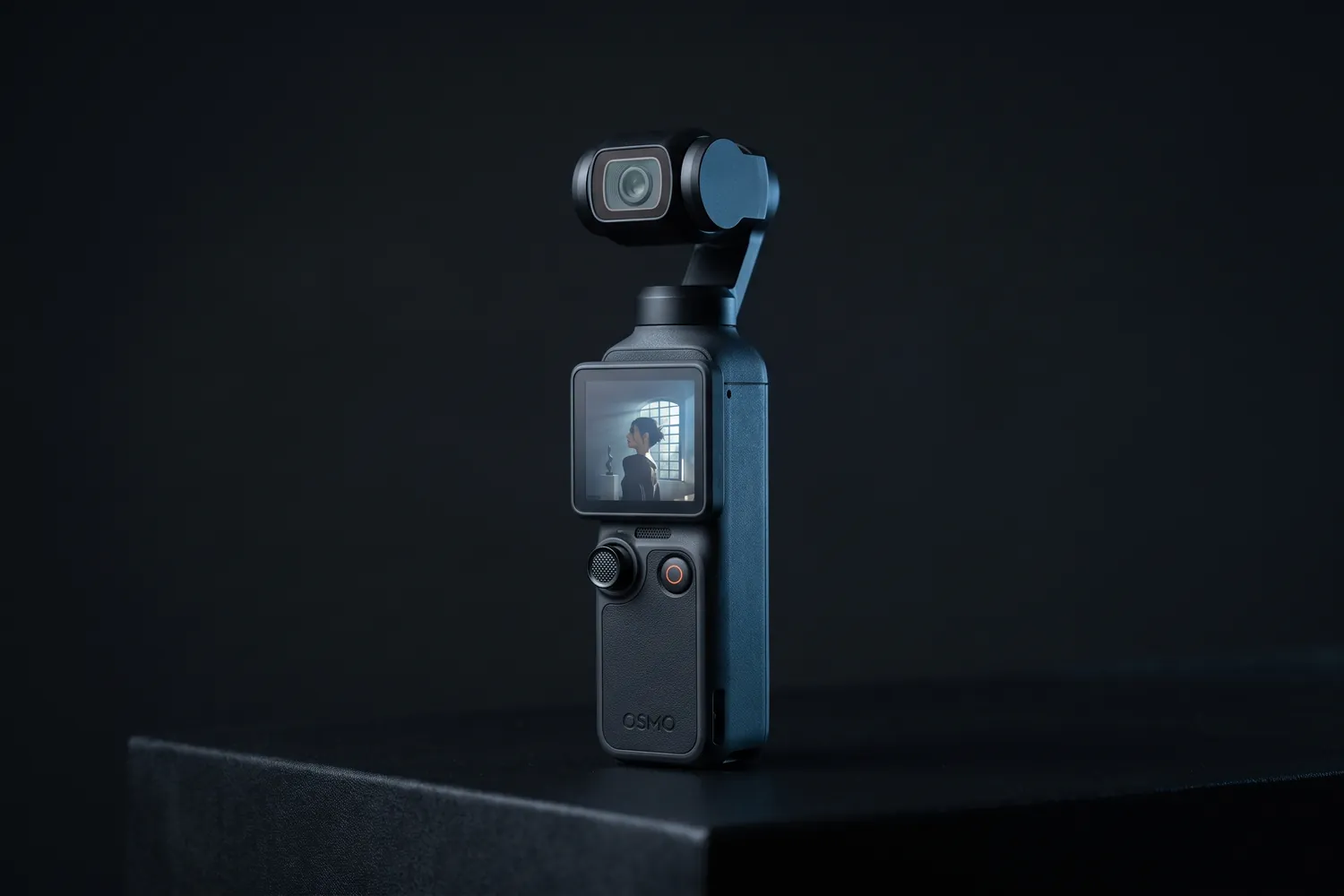
DJI Osmo Pocket 4 standing on a dark surfaceAI-generated image
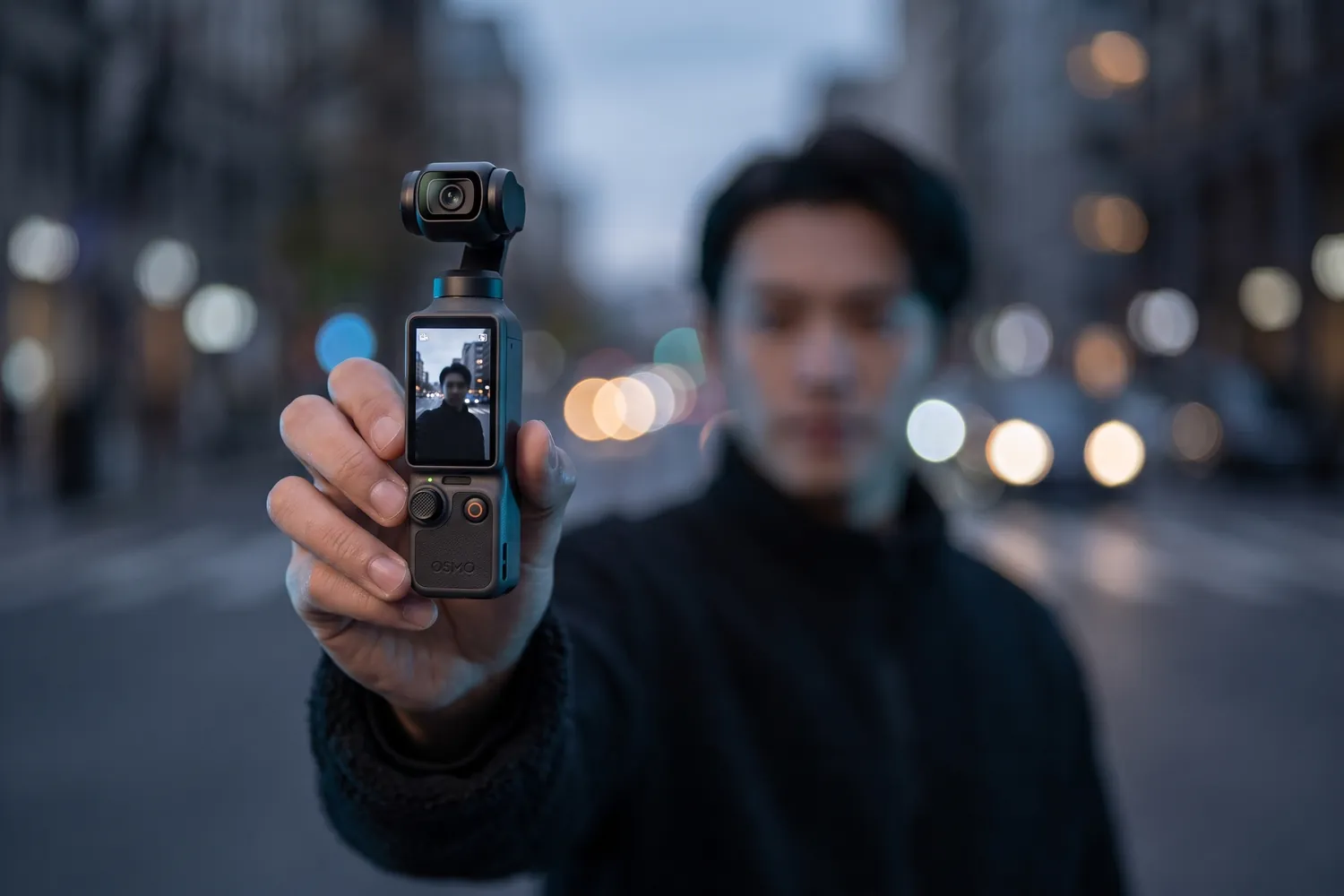
A vlogger filming themselves with the DJI Osmo Pocket 4 on a city streetAI-generated image
Close-up of the DJI Osmo Pocket 4's gimbal head and lensAI-generated image

Best first camera

DJI Osmo Pocket 4

Standard Combo

A camera the size of a candy bar with a built-in gimbal and a 1-inch sensor.

Why we recommend it

  • 1-inch sensor: cleaner images in dim light than most phones
  • Built-in 3-axis gimbal: smooth shots while walking, no extra gear
  • 4K at up to 240 fps for slow motion, and 107 GB of built-in storage
Who actually needs this?
Vloggers and travel creators who want better images without a camera bag.
Skip it if
You film mostly at home on a tripod — a light and a mic help more.

Good to know: Not officially sold in the US at launch.

≈ €449typical price, Sep 2026 · may change
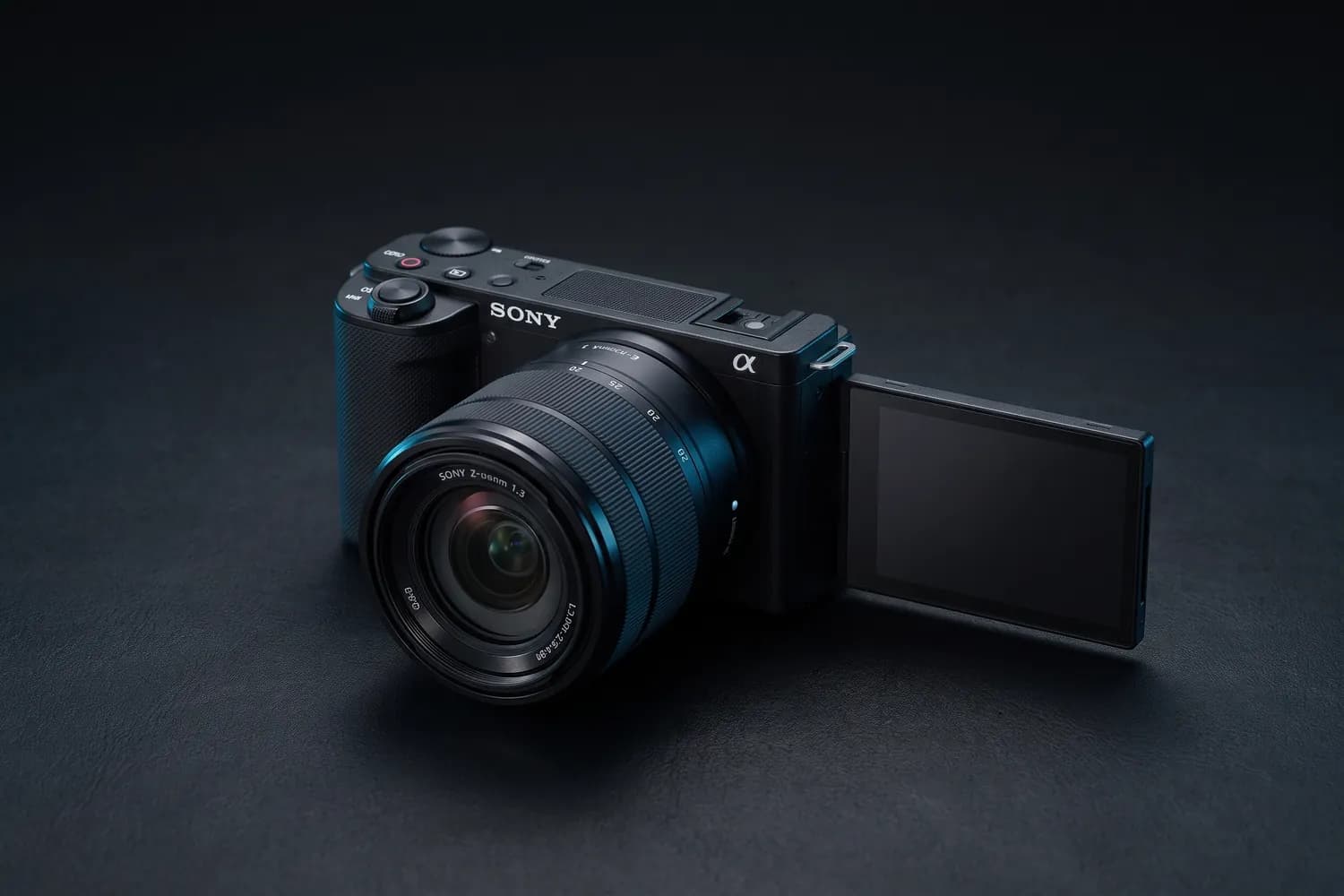
Sony ZV-E10 II with its kit lens and flip screen outAI-generated image
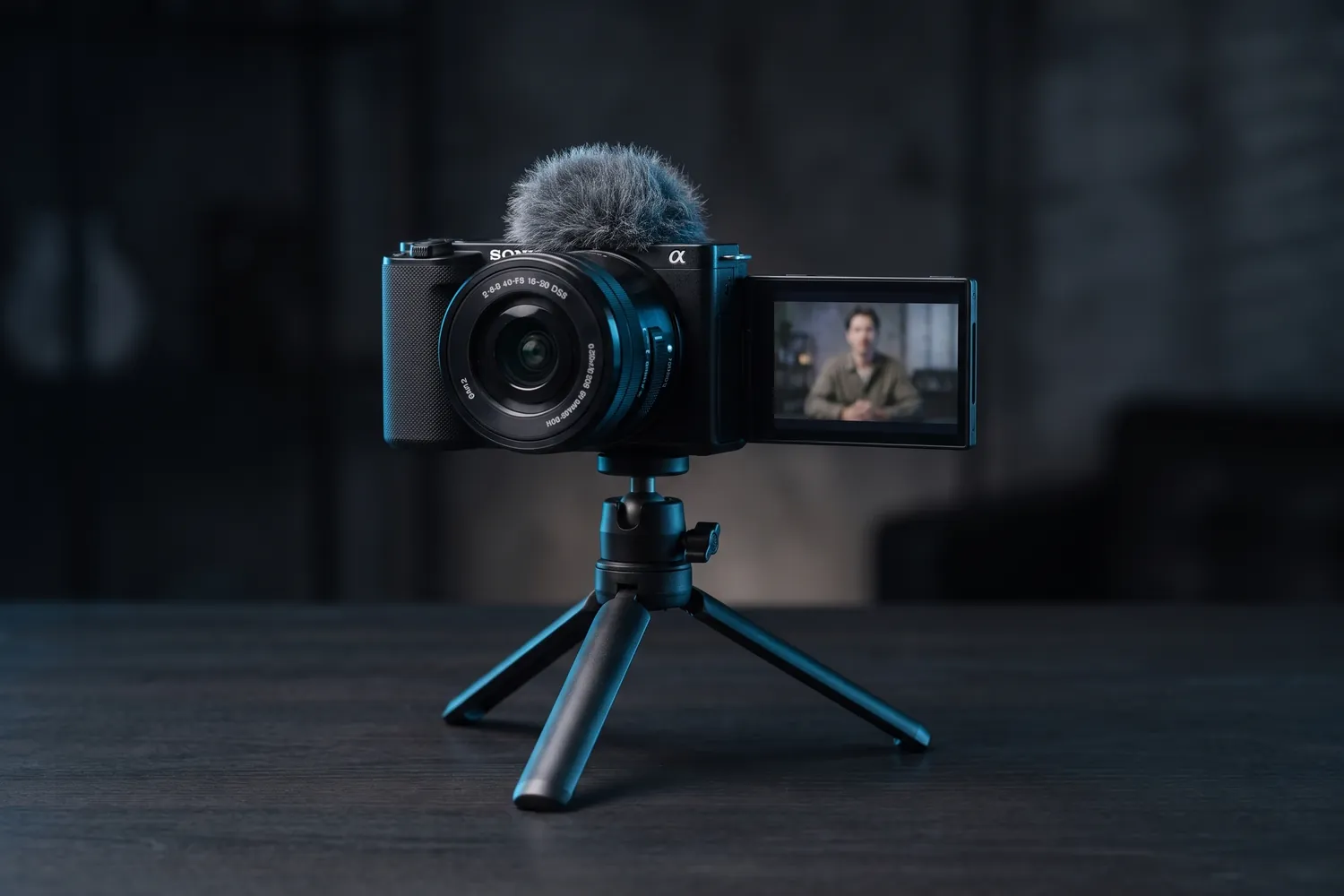
Sony ZV-E10 II on a small tripod filming a talking-head videoAI-generated image
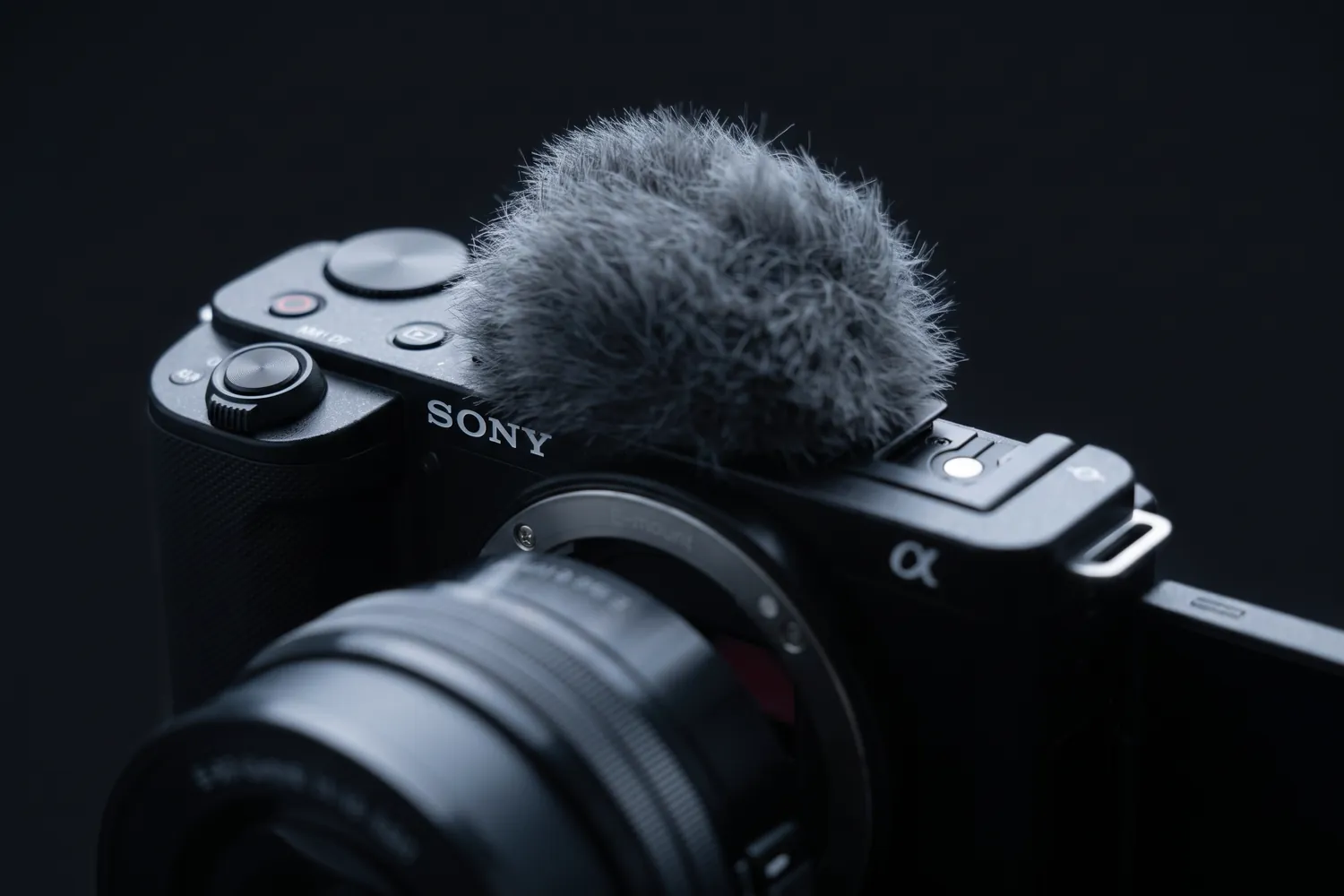
Close-up of the Sony ZV-E10 II's top controls and windscreenAI-generated image

Best for studio and talking heads

Sony ZV-E10 II

Kit with the 16–50 mm lens

A mirrorless vlog camera with a large sensor and interchangeable lenses.

Why we recommend it

  • 26 MP APS-C sensor: real background blur and strong low-light images
  • Microphone and headphone jacks for proper sound
  • Big battery: more than three hours of continuous recording
Who actually needs this?
Studio content, talking heads and podcasts where image quality is part of the brand.
Skip it if
You film on the move without a gimbal — it has no in-body stabilisation.

Good to know: For long 4K takes, set “Auto Power OFF Temp” to High; with the default setting it can stop after about five minutes.

≈ €900typical price, Sep 2026 · may change

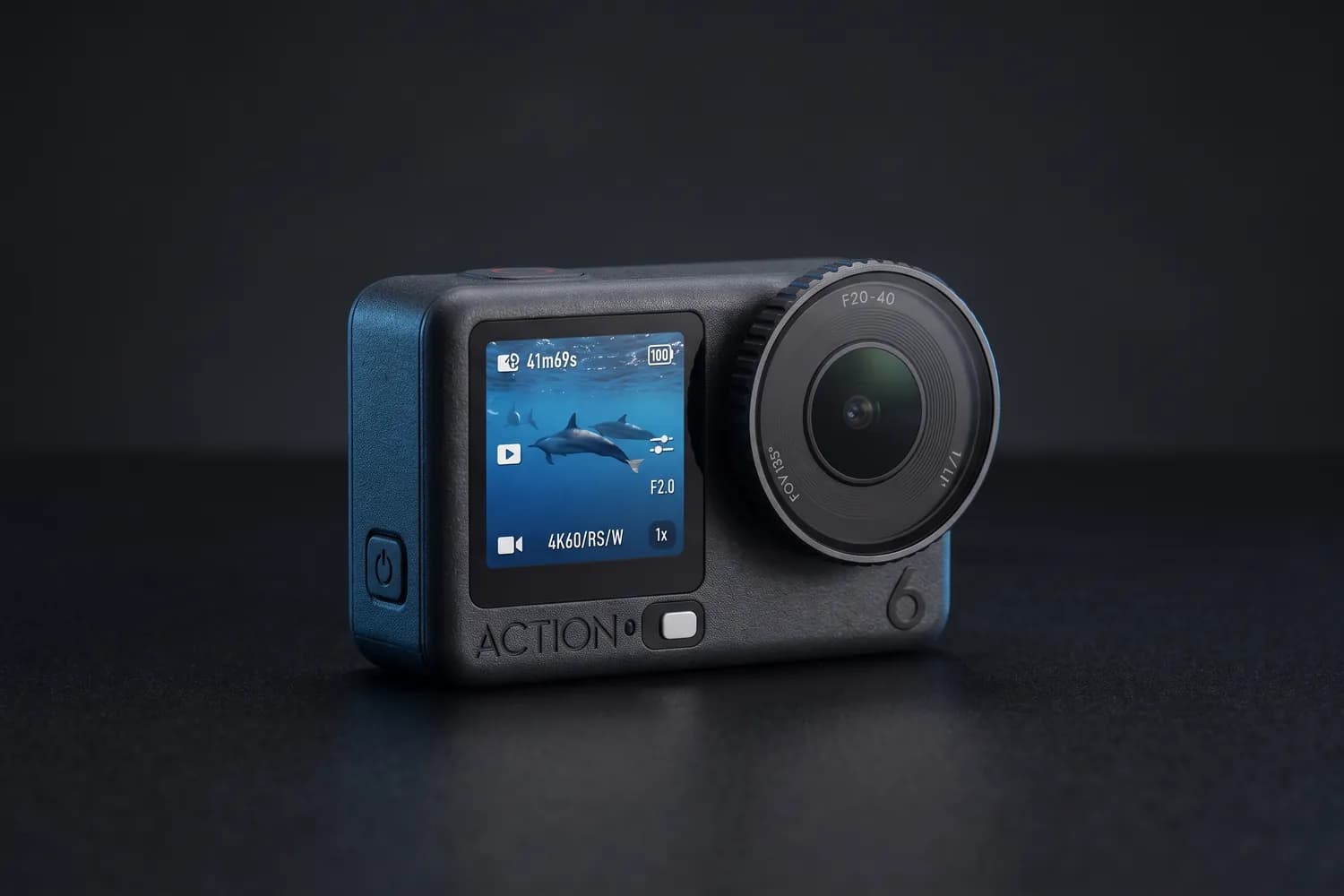
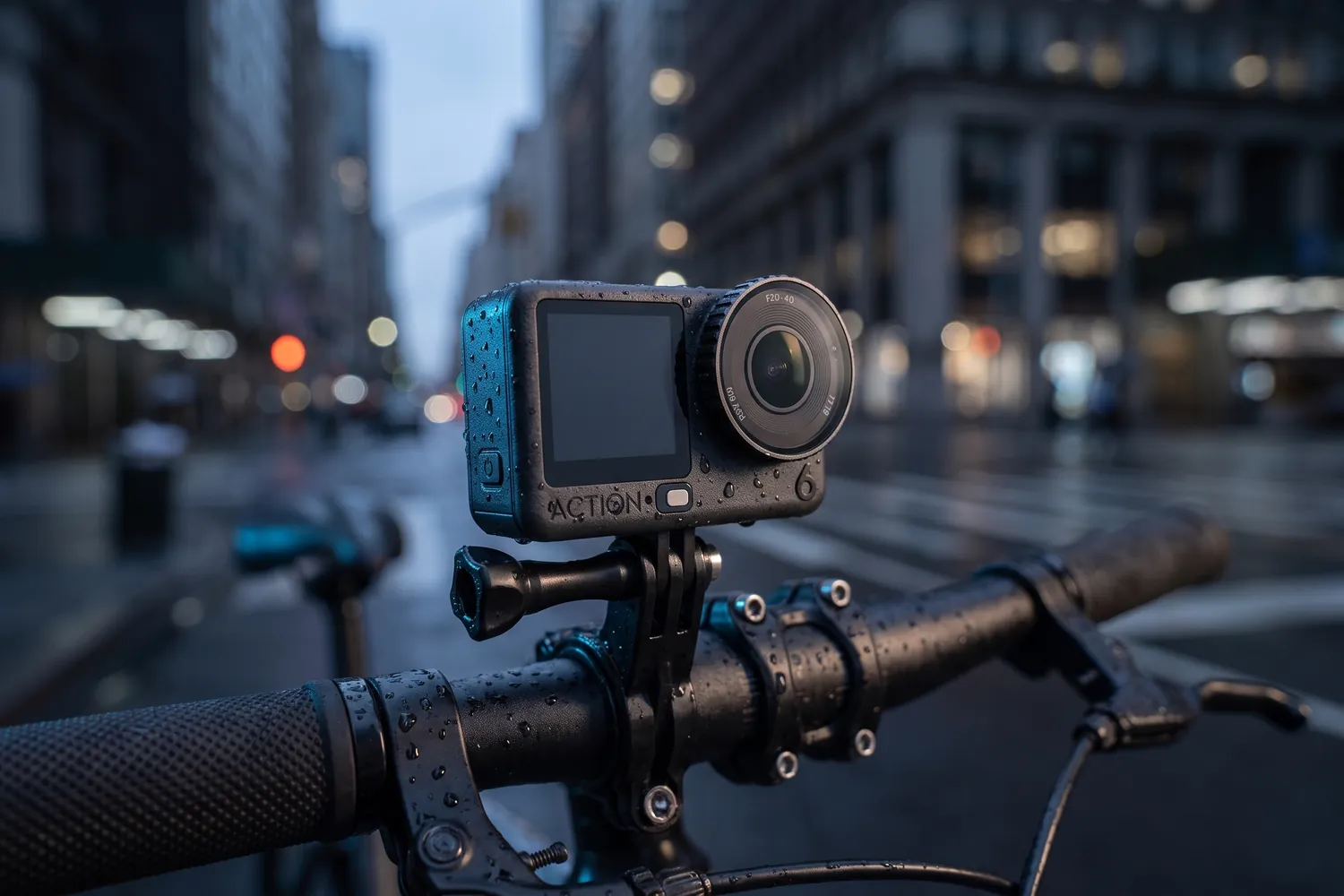
DJI Osmo Action 6 on a dark surfaceAI-generated image
DJI Osmo Action 6 on a bicycle's handlebar in a city at duskAI-generated image
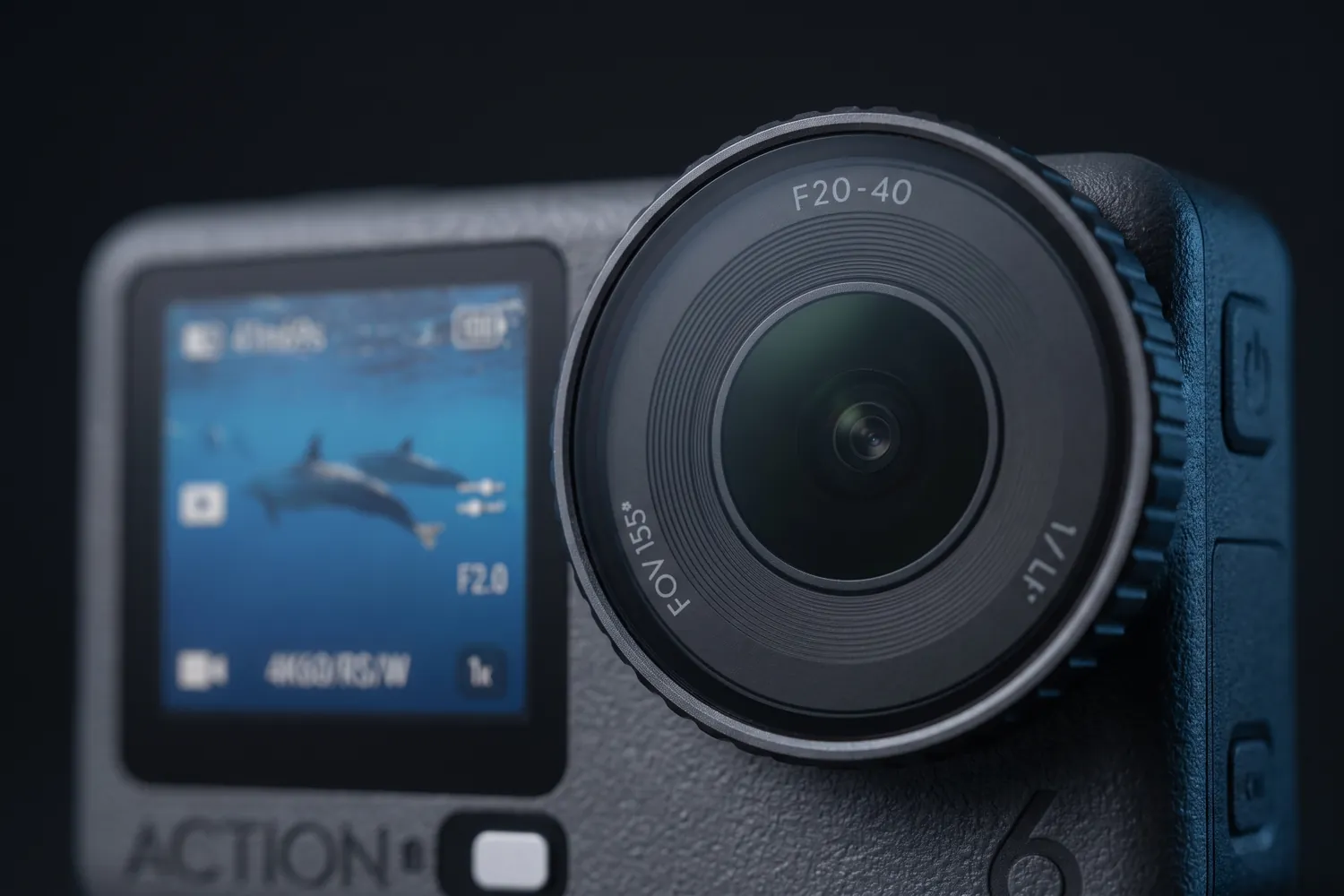
Close-up of the DJI Osmo Action 6's lens and front screenAI-generated image

For sport, POV and rough weather

DJI Osmo Action 6

Standard Combo

A small, rugged camera that goes where your phone shouldn't: water, bikes, snow.

Why we recommend it

  • Waterproof to 20 m without a case
  • Large 1/1.1-inch sensor with a variable aperture
  • Works from −20 °C to 45 °C, with 50 GB of built-in storage
Who actually needs this?
Sport, POV, outdoor and travel creators.
Skip it if
You film indoors or talk to camera — your phone is better at that.

≈ €379typical price, Sep 2026 · may change
03 · Audio

Audio matters more than camera quality

Viewers forgive a soft picture. They don't forgive sound that echoes, hisses or is too quiet — they just scroll on. Bad audio makes even good content feel cheap, and fixing it costs less than any camera.

Phone microphone → wireless microphone

Phone mic, a couple of metres away

  • Hears the room: echo, traffic, the fridge
  • Your voice sounds distant and thin
  • The level drops when you turn your head

Wireless mic clipped to your shirt

  • Your voice is close, clear and even
  • Background noise stays in the background
  • Sounds the same at 1 m or 10 m from the phone
Close beats far. A mic close to your mouth hears your voice. At arm's length it hears the room too: echo, traffic, the fridge. Clip the mic to your collar, about a hand's width below your chin.

For most creators the answer is a wireless clip-on mic: small transmitters that clip to your shirt and a receiver that plugs into your phone or camera. It fits talking heads, interviews, vlogs and phone podcasts.

Wireless microphones

The upgrade that fits almost every format.

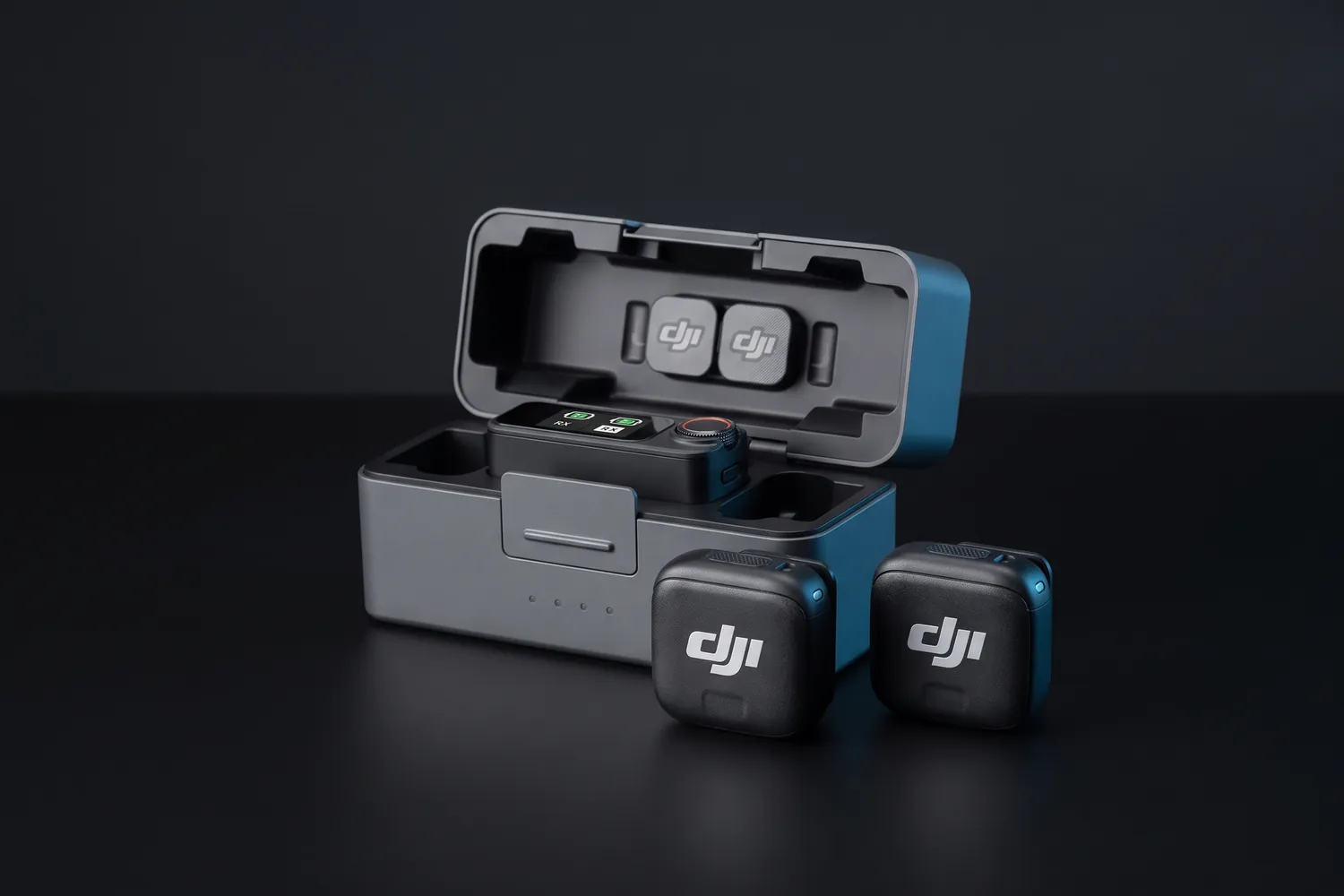
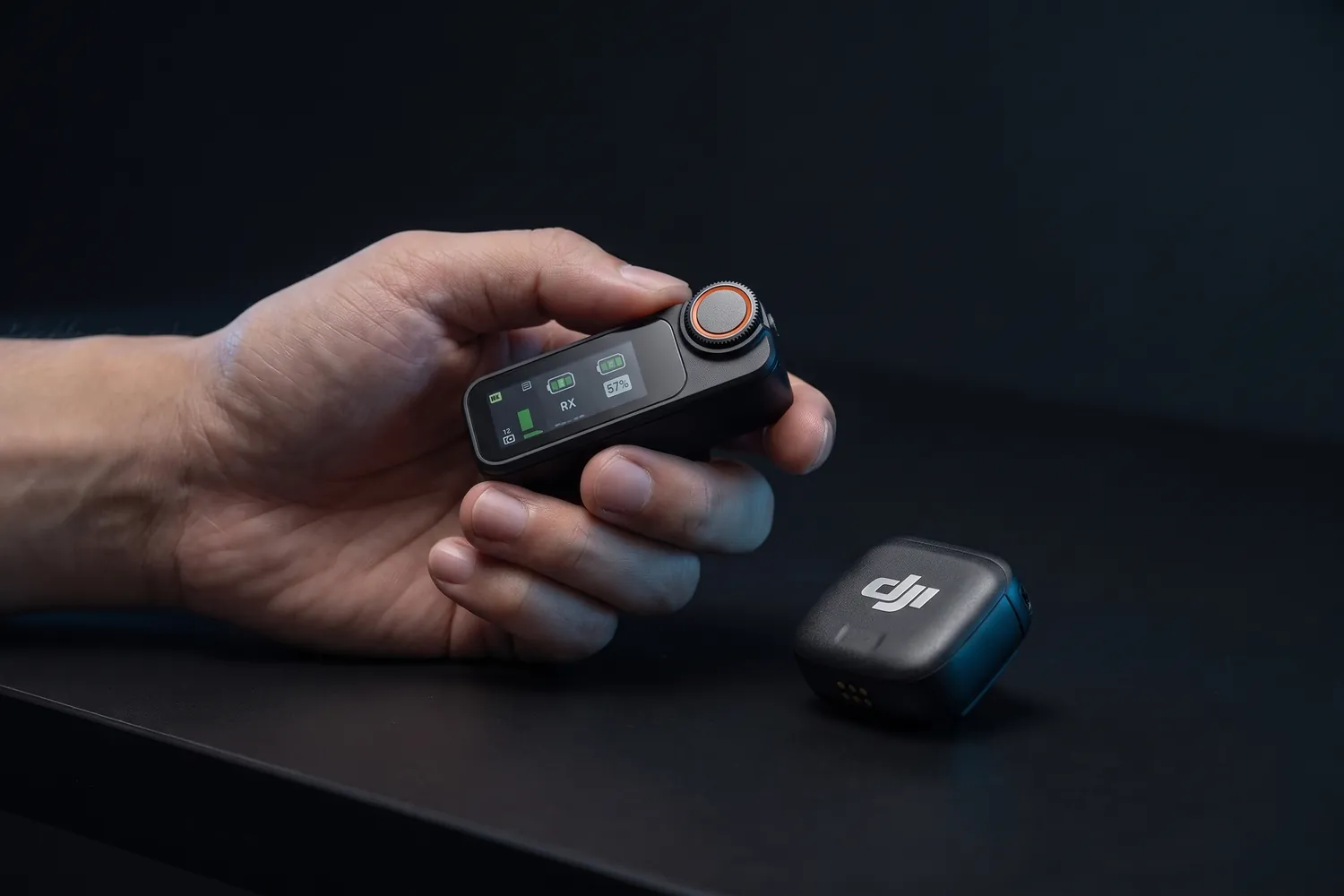
DJI Mic Mini 2 charging case with the receiver and two transmittersAI-generated image
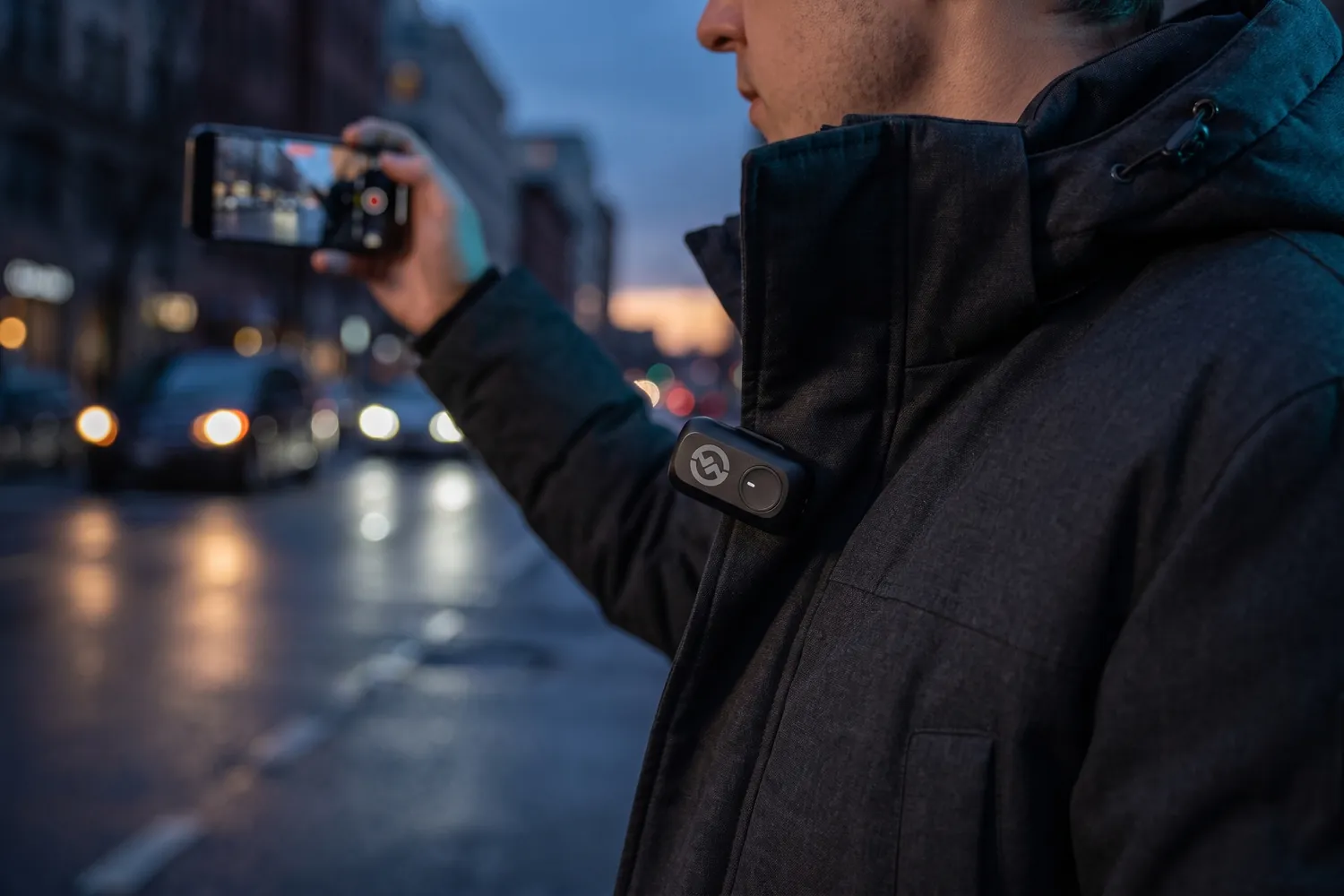
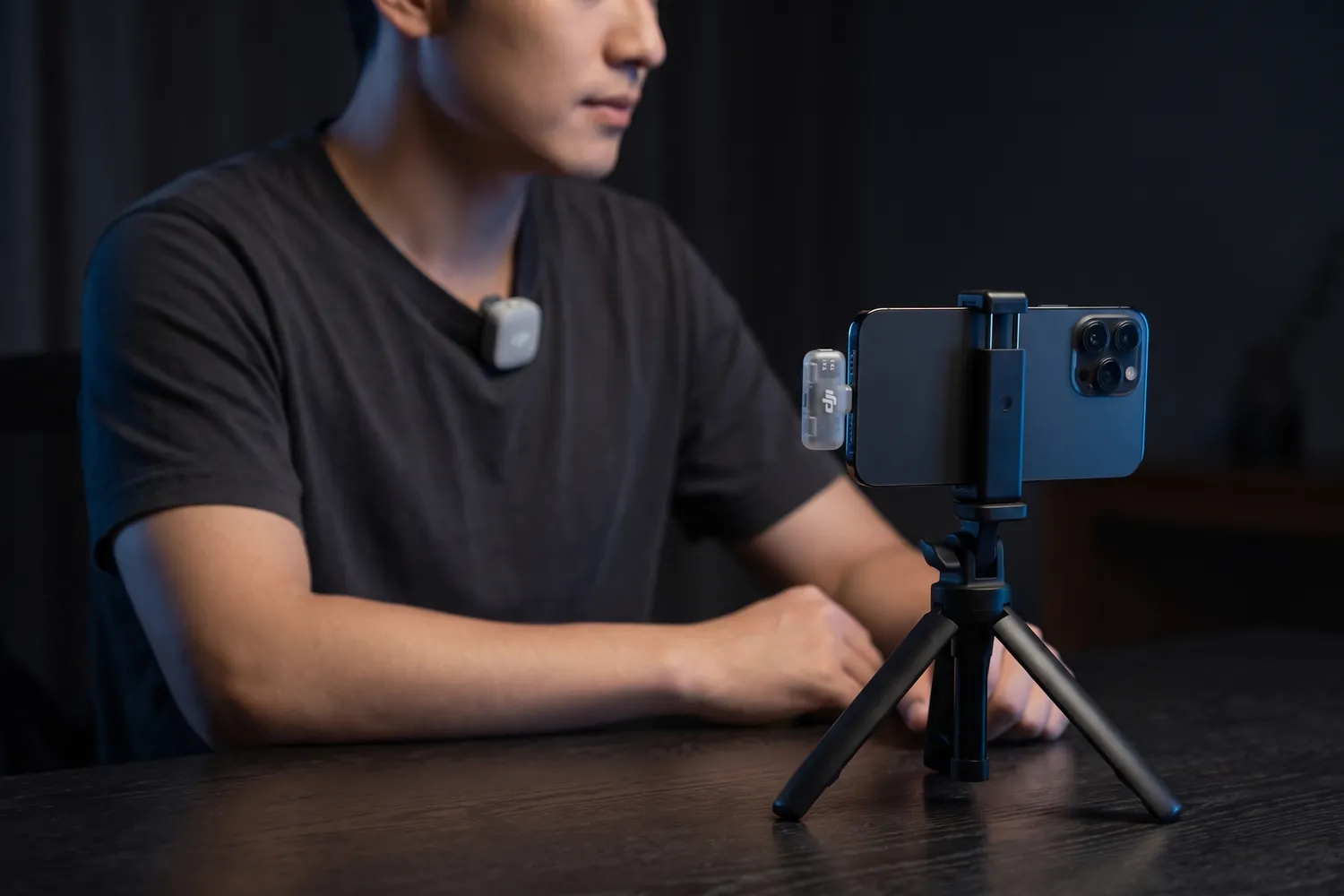
A creator filming a talking-head video on a phone, a DJI Mic Mini 2 transmitter on the T-shirt and the receiver in the phoneAI-generated image
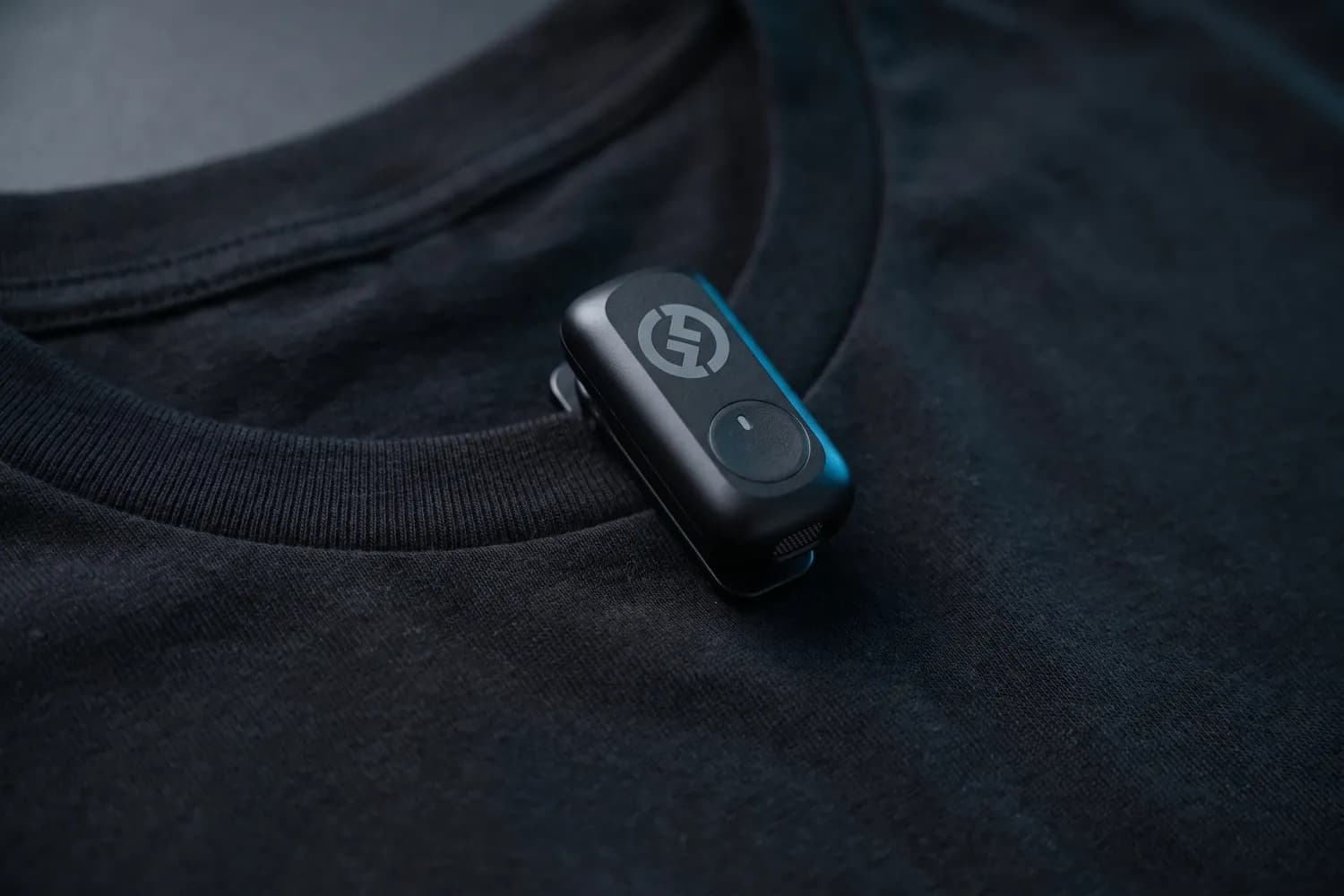
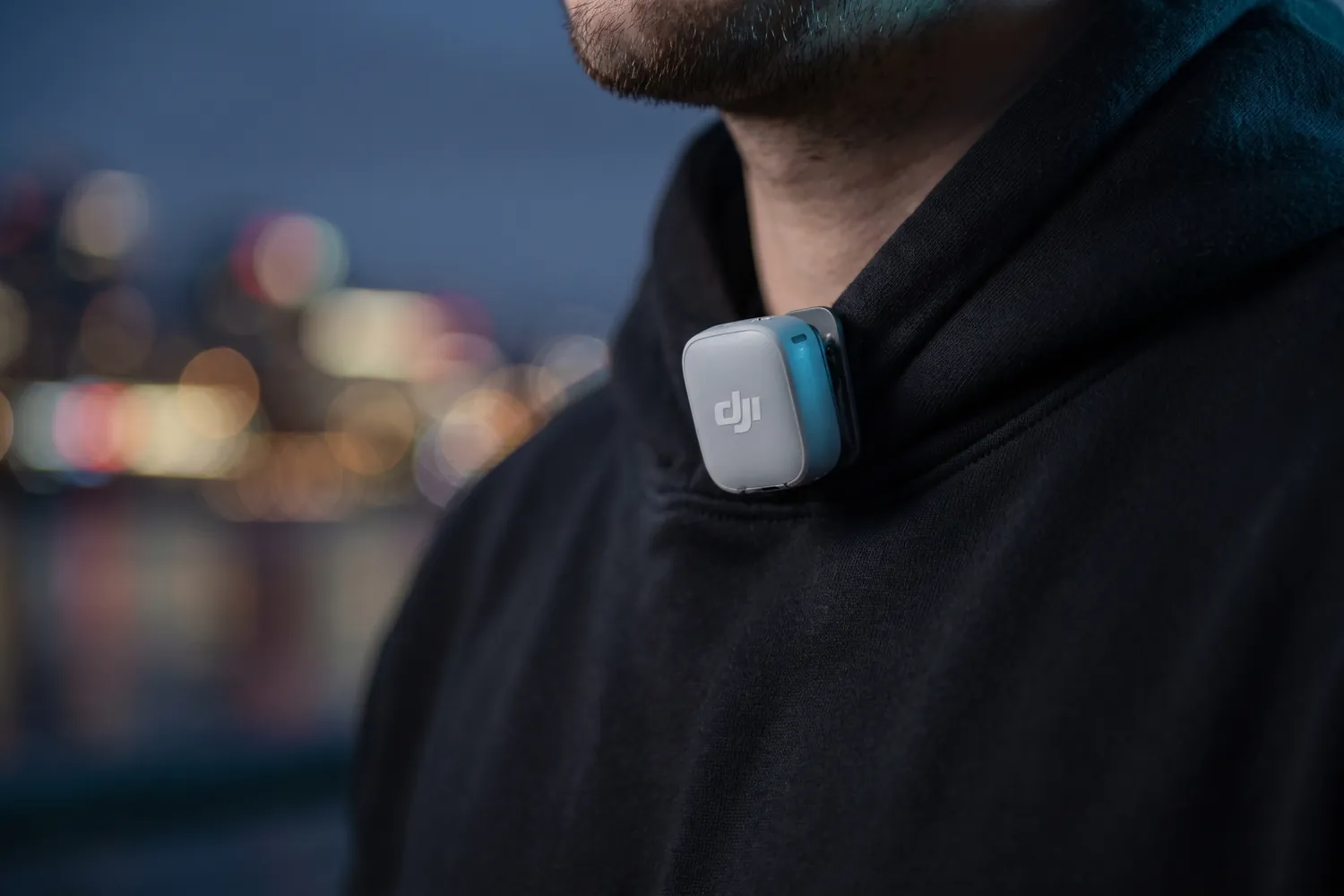
DJI Mic Mini 2 transmitter clipped to the collar of a black hoodieAI-generated image
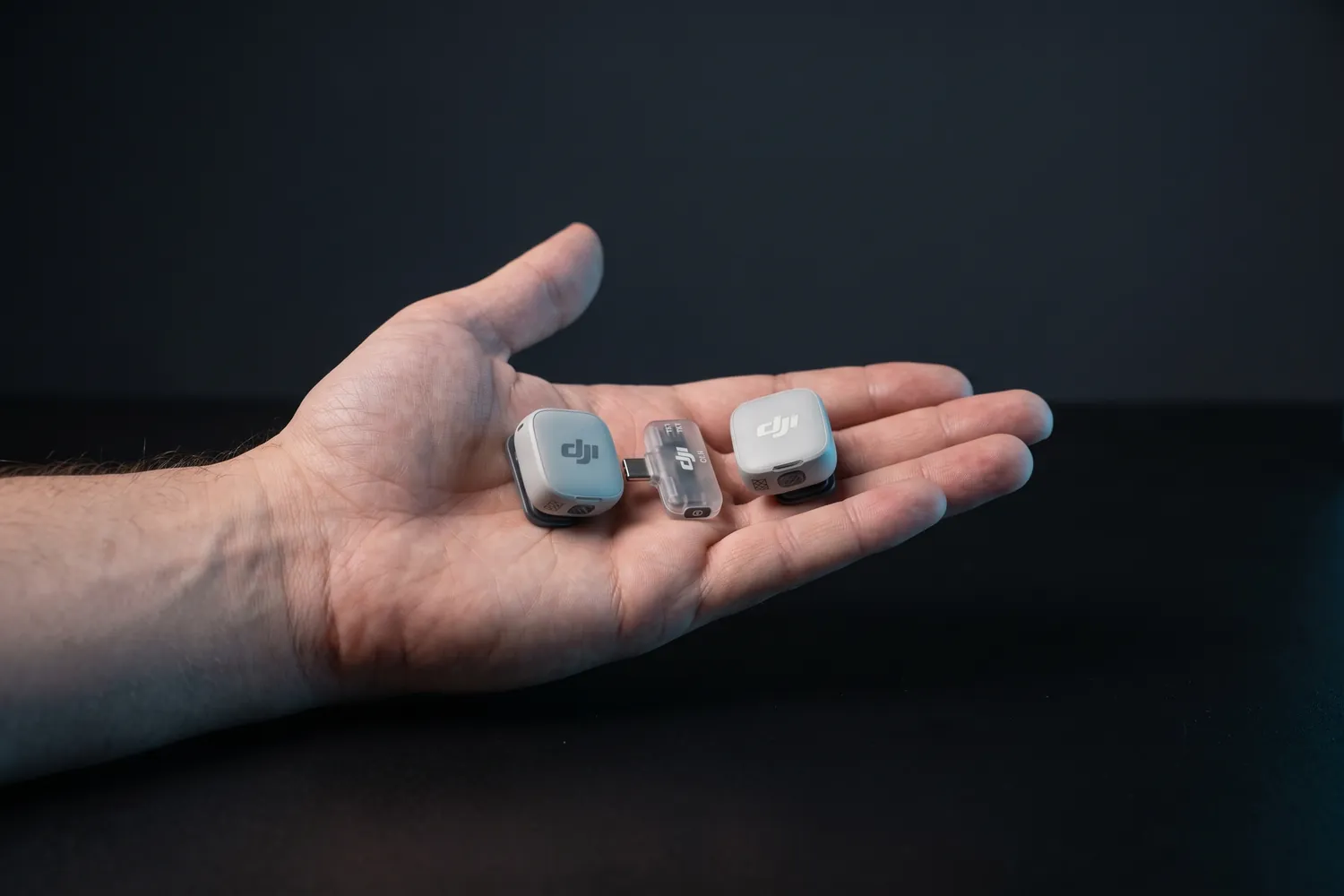
Both DJI Mic Mini 2 transmitters and the receiver in an open handAI-generated image

Best for most creators

DJI Mic Mini 2

2 transmitters, phone receiver, charging case

Two tiny clip-on transmitters and a receiver that plugs into your phone, in a charging case.

Why we recommend it

  • Transmitters weigh about 11 g — they disappear on a T-shirt
  • About 11.5 hours per transmitter; the case recharges the set about three and a half times
  • Two transmitters: film yourself and a guest at the same time
Who actually needs this?
Anyone who talks on camera — talking heads, interviews, vlogs. Our default pick.
Skip it if
You want a backup recording inside the transmitter — the Mic Mini 2S and the Mic 3 add that.

Good to know: Not officially sold in the US; there, the RØDE Wireless Micro is the easy alternative.

≈ €77typical price, Sep 2026 · may change
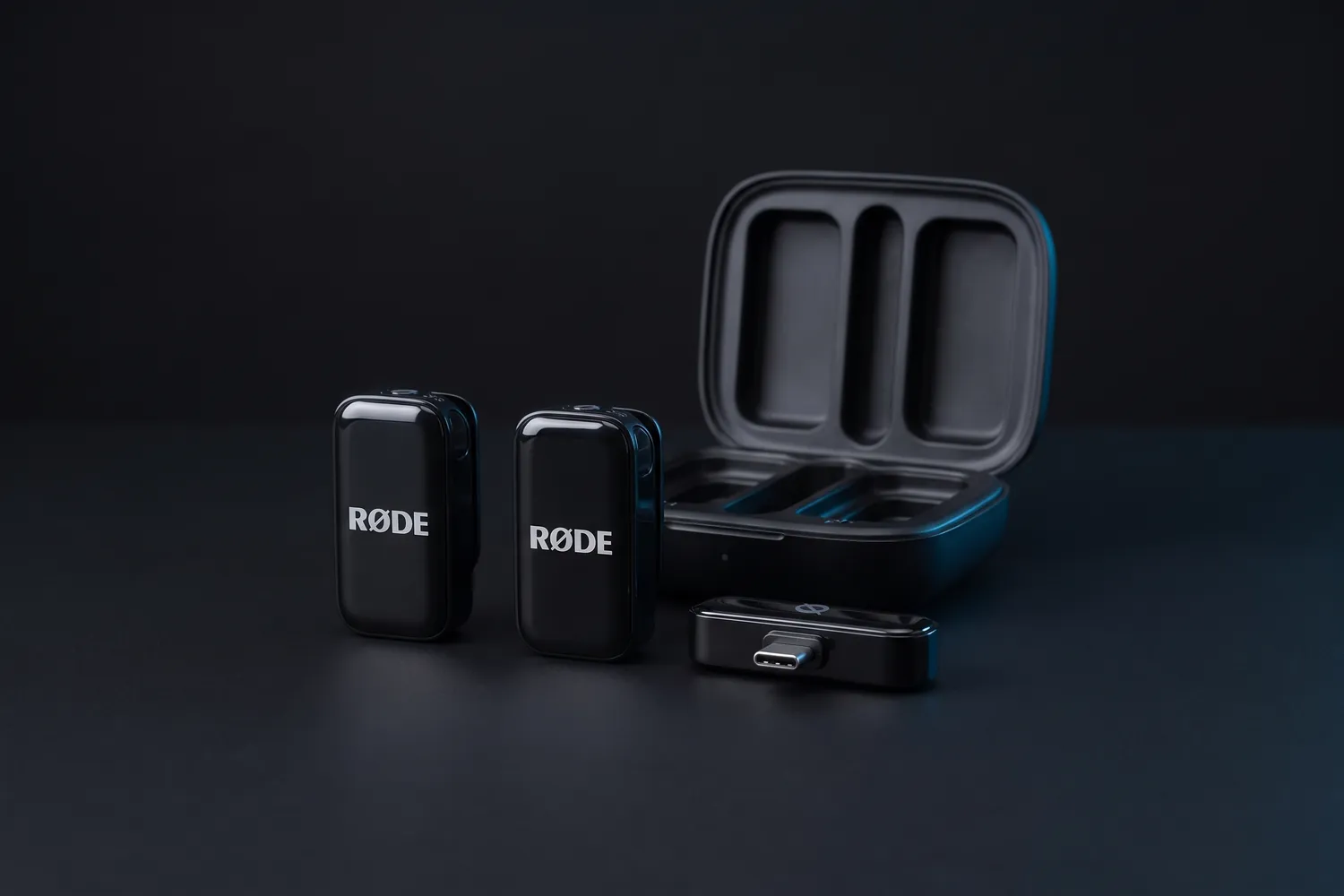
RØDE Wireless Micro: two transmitters, the USB-C receiver and the charging caseAI-generated image
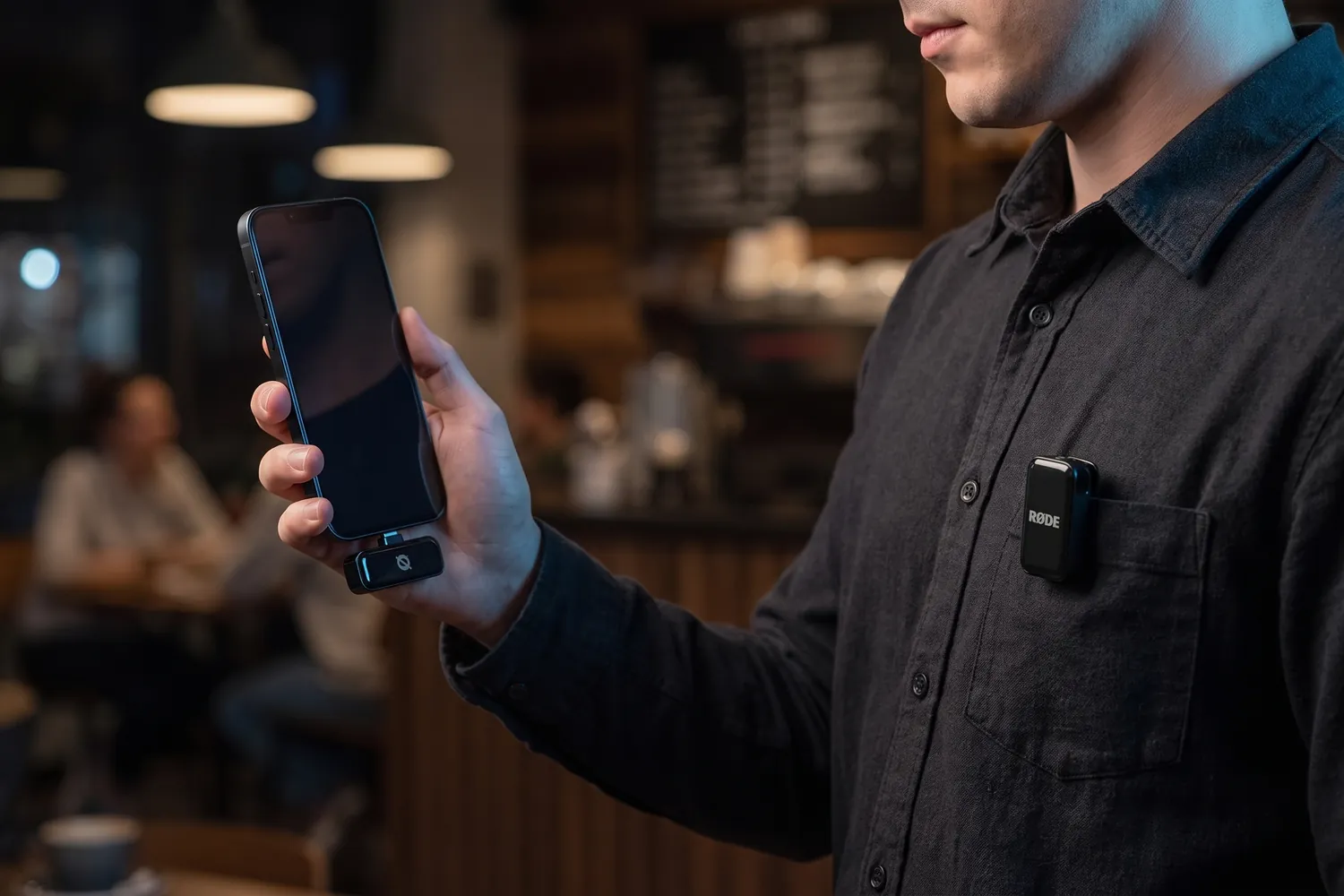
A creator filming with a phone that has the RØDE Wireless Micro receiver plugged in, a transmitter on the shirt pocketAI-generated image
Two people on a park bench, each wearing a RØDE Wireless Micro transmitterAI-generated image
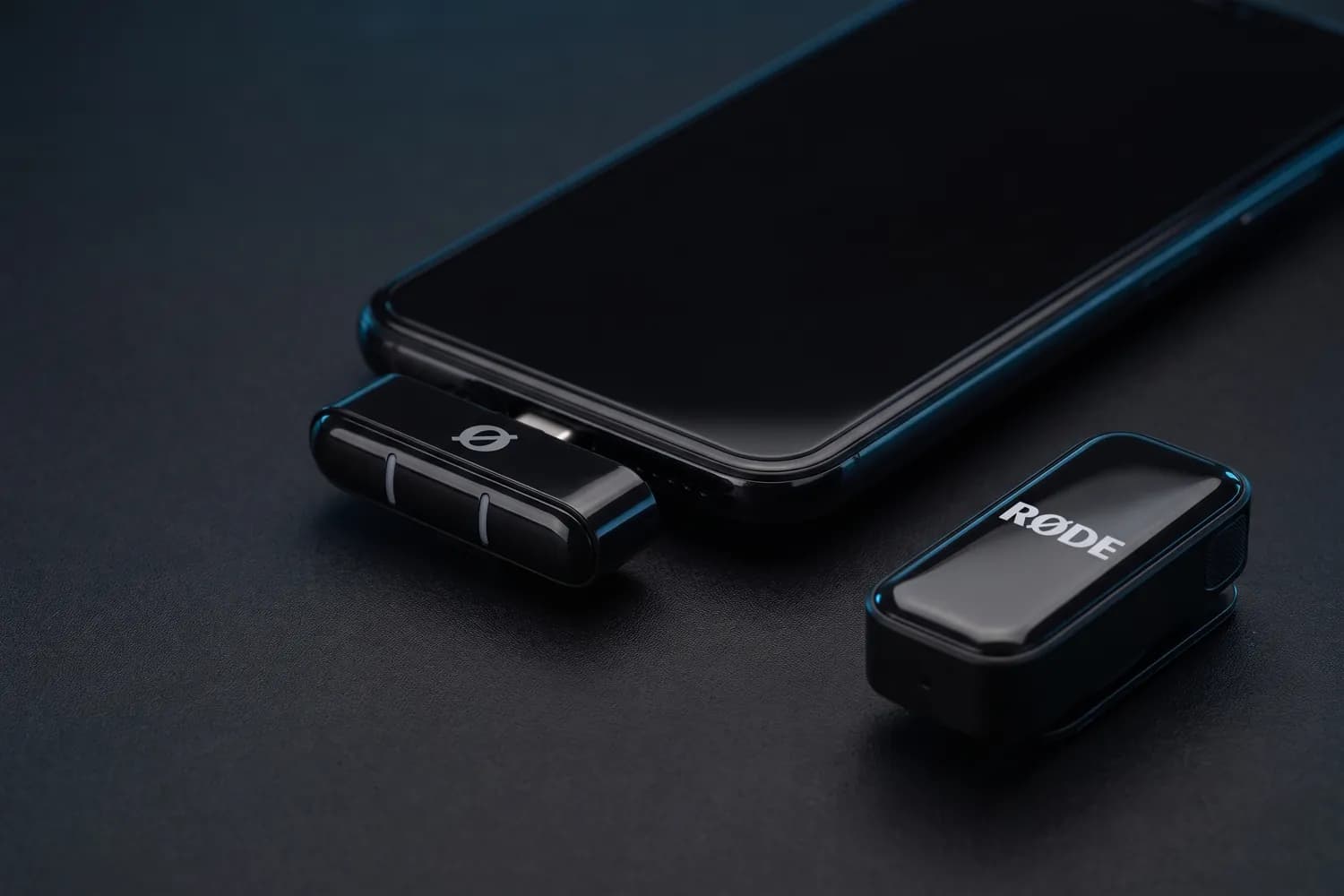
RØDE Wireless Micro receiver in a phone's USB-C port, a transmitter beside itAI-generated image

Best for phone-only creators

RØDE Wireless Micro

USB-C version (Lightning for older iPhones), 2 transmitters

A wireless kit made for phones: the receiver plugs straight into the phone's port.

Why we recommend it

  • The receiver sits in your phone's USB-C or Lightning port — no cables
  • Charging case with two transmitters, up to 21 hours of use in total
  • On an iPhone, the transmitters can also connect over Bluetooth in RØDE's Capture app
Who actually needs this?
Creators who only film on a phone and want the fewest parts possible.
Skip it if
You also film with a camera or need a backup recording — neither is its job.
DJI Mic 3 charging case with the receiver, two transmitters in frontAI-generated image
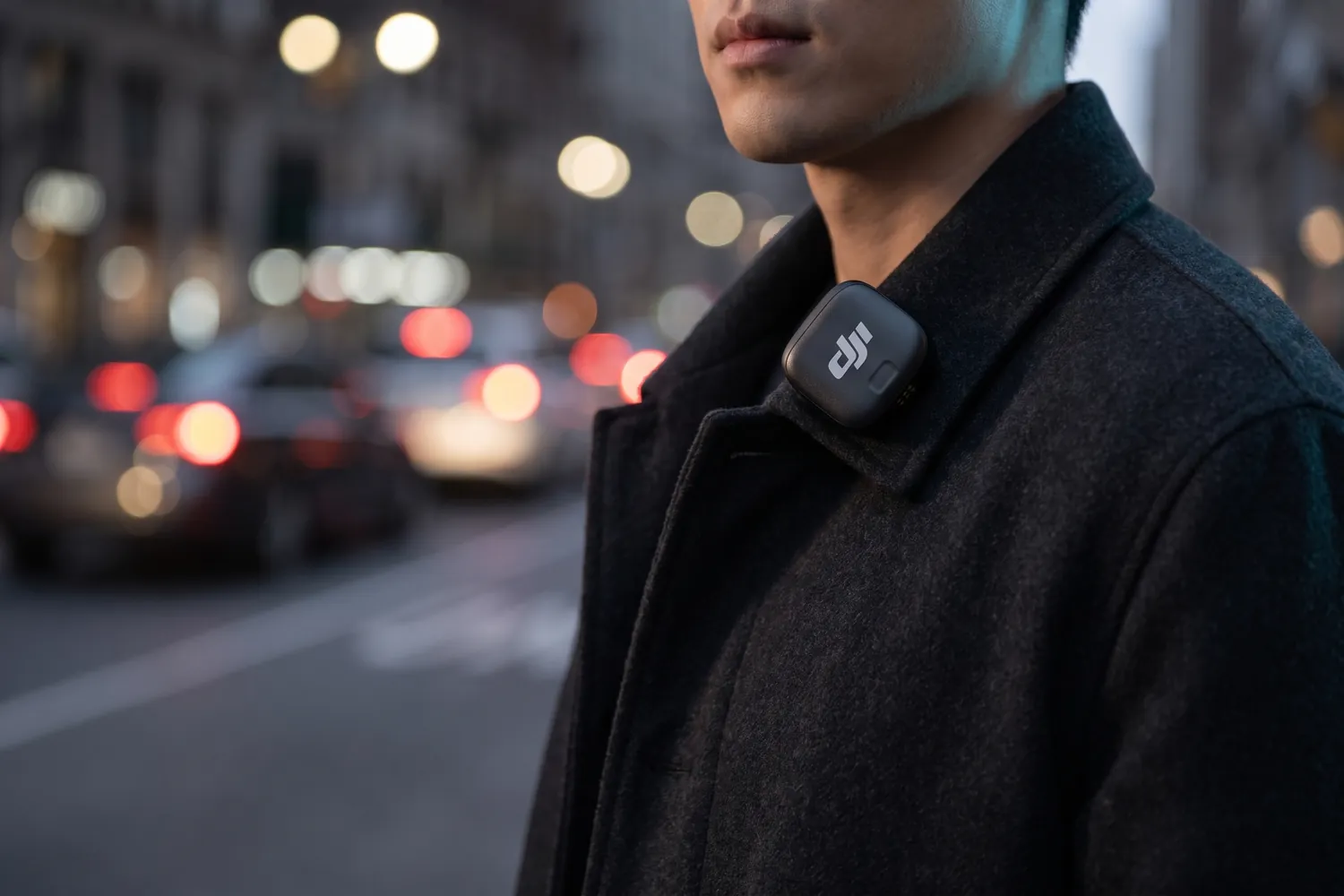
DJI Mic 3 transmitter clipped to a coat collar on a city street at duskAI-generated image
Camera on a tripod with the DJI Mic 3 receiver in its hot shoe, two chairs for an interview behindAI-generated image
DJI Mic 3 receiver with its touchscreen and dial in a hand, a transmitter beside itAI-generated image

Upgrade: phone and camera

DJI Mic 3

2 transmitters, 1 receiver, charging case

The step up: every transmitter also records a backup, so a dropout never ruins a take.

Why we recommend it

  • 32-bit float backup recording in each transmitter
  • Up to 28 hours with the charging case; transmitters weigh about 12.5 g
  • Works with phones and cameras, up to four transmitters, with timecode
Who actually needs this?
Creators who film with a camera or can't repeat a take — interviews, events, paid shoots.
Skip it if
You only film short phone clips — the Mic Mini 2 covers that for far less.

Good to know: No input for an external lavalier. A USB-C phone adapter is included; the Lightning one costs extra.

≈ €219typical price, Sep 2026 · may change
Do you actually need this?

Do you need a wireless mic?

Yes, if…

  • You talk to the camera
  • You film interviews or anyone besides yourself
  • You film outside, in wind or traffic

Not yet, if…

  • Your videos are music, visuals and captions only
  • You only record voiceovers at a desk — a USB mic is enough

Which mic for which situation?

SituationMic typeWhy
Talking head at homeWireless or wired clip-onClose to your mouth and nearly invisible in frame
Street interviewsWireless, two transmittersBoth voices clean, no cable between you
Vlogging on the moveWireless or on-camera shotgunQuick to set up; use the windscreen outside
Podcast at a deskDynamic USB mic on an armRejects room echo and sounds full
Rapping or singing to cameraNone on set — use the studio takeLip-sync to the recorded vocal; phone mics distort loud voices

Other microphones

A shotgun mic for cameras, a low-cost wireless kit for the smallest budget, and a desk setup for podcasts.

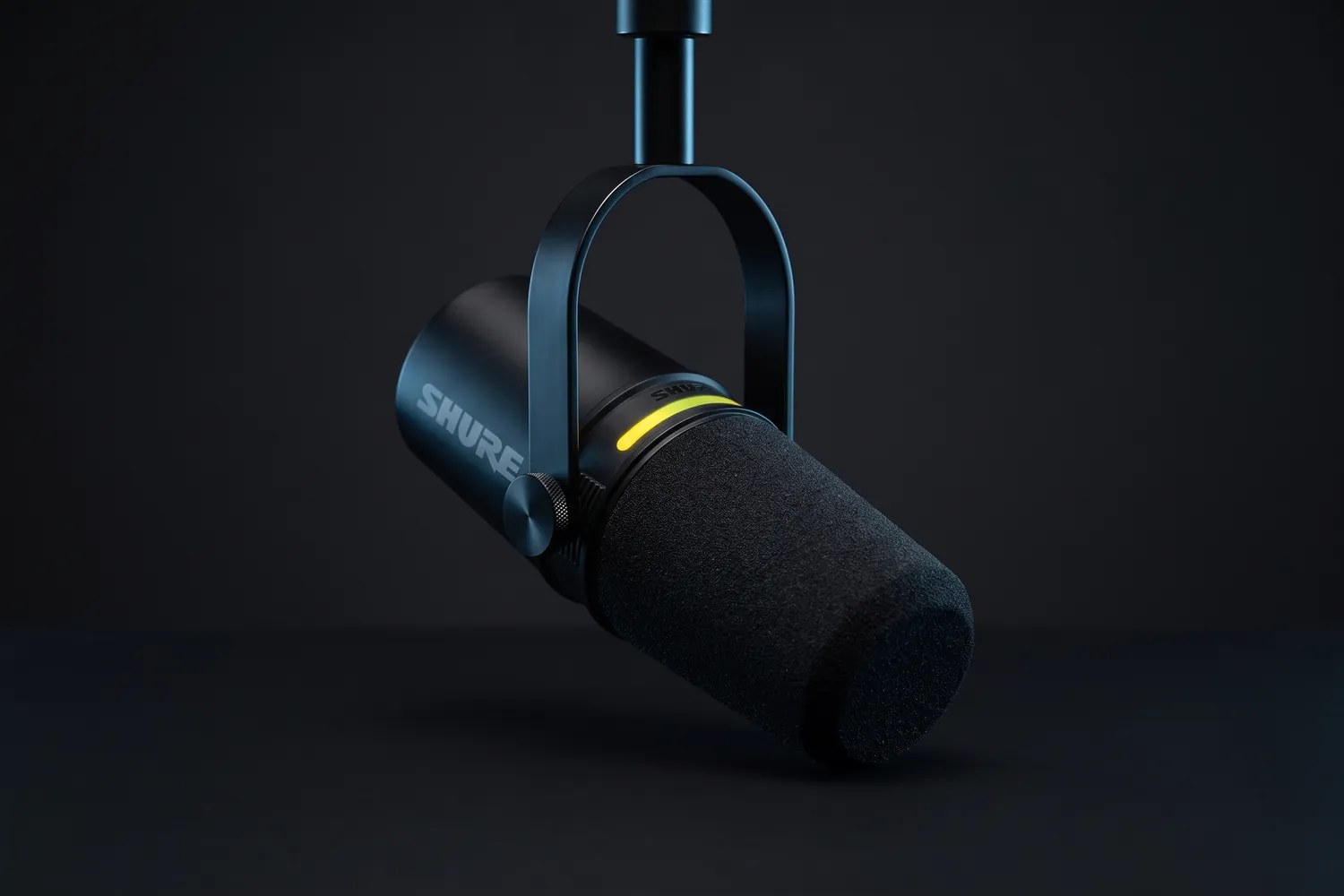
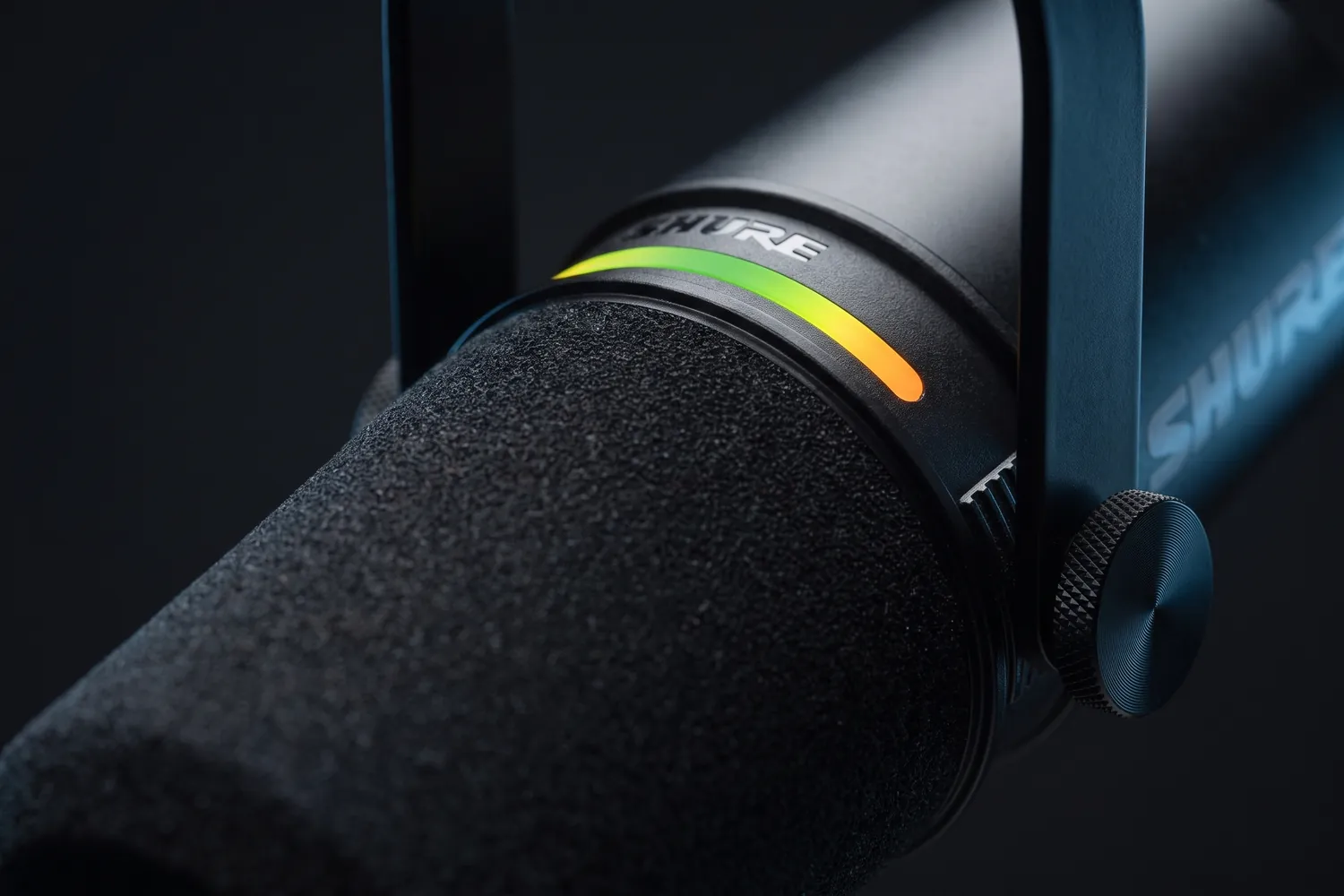
Shure MV7+ hanging from its yoke, the LED strip glowingAI-generated image
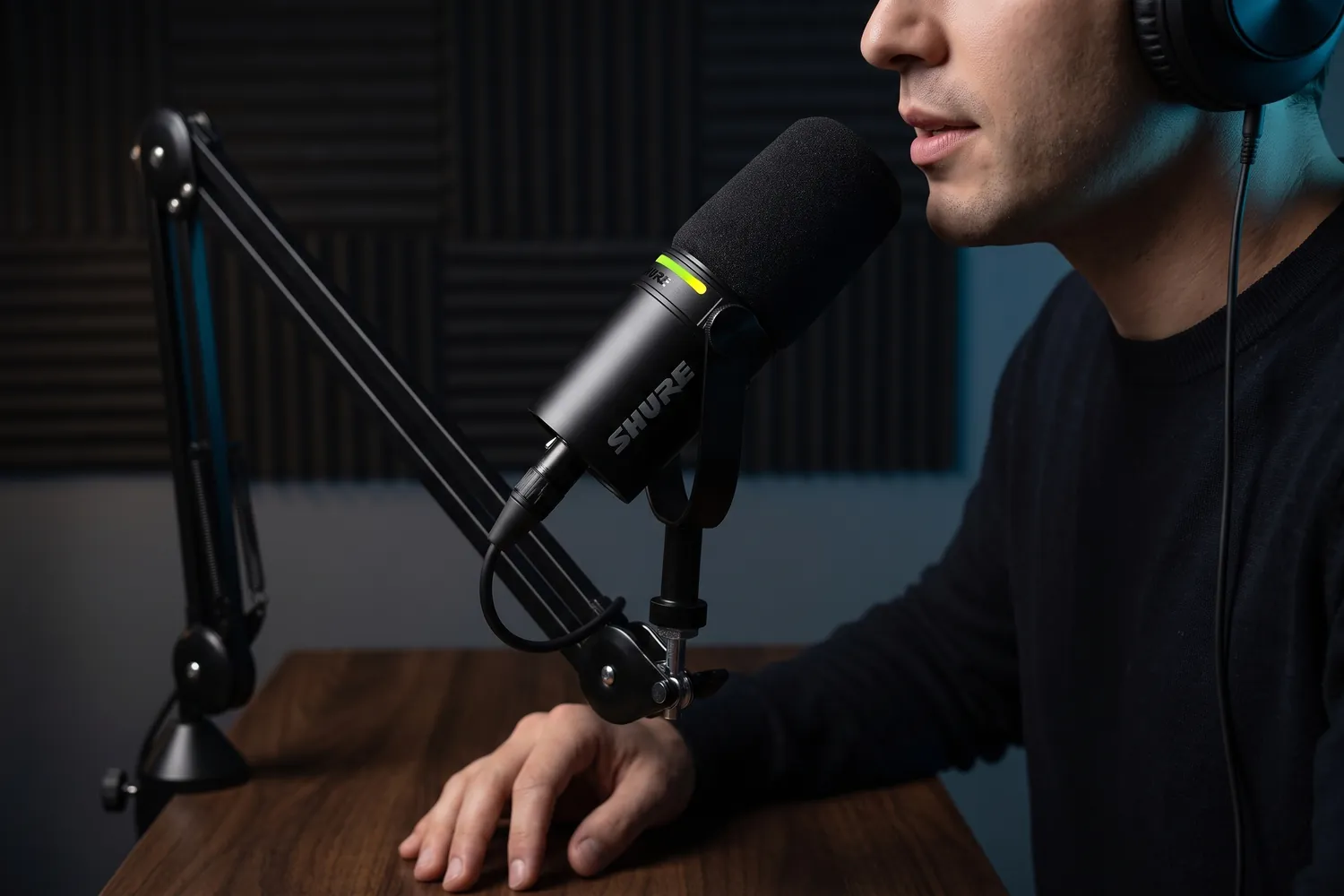
A podcaster speaking into the Shure MV7+ on a boom armAI-generated image
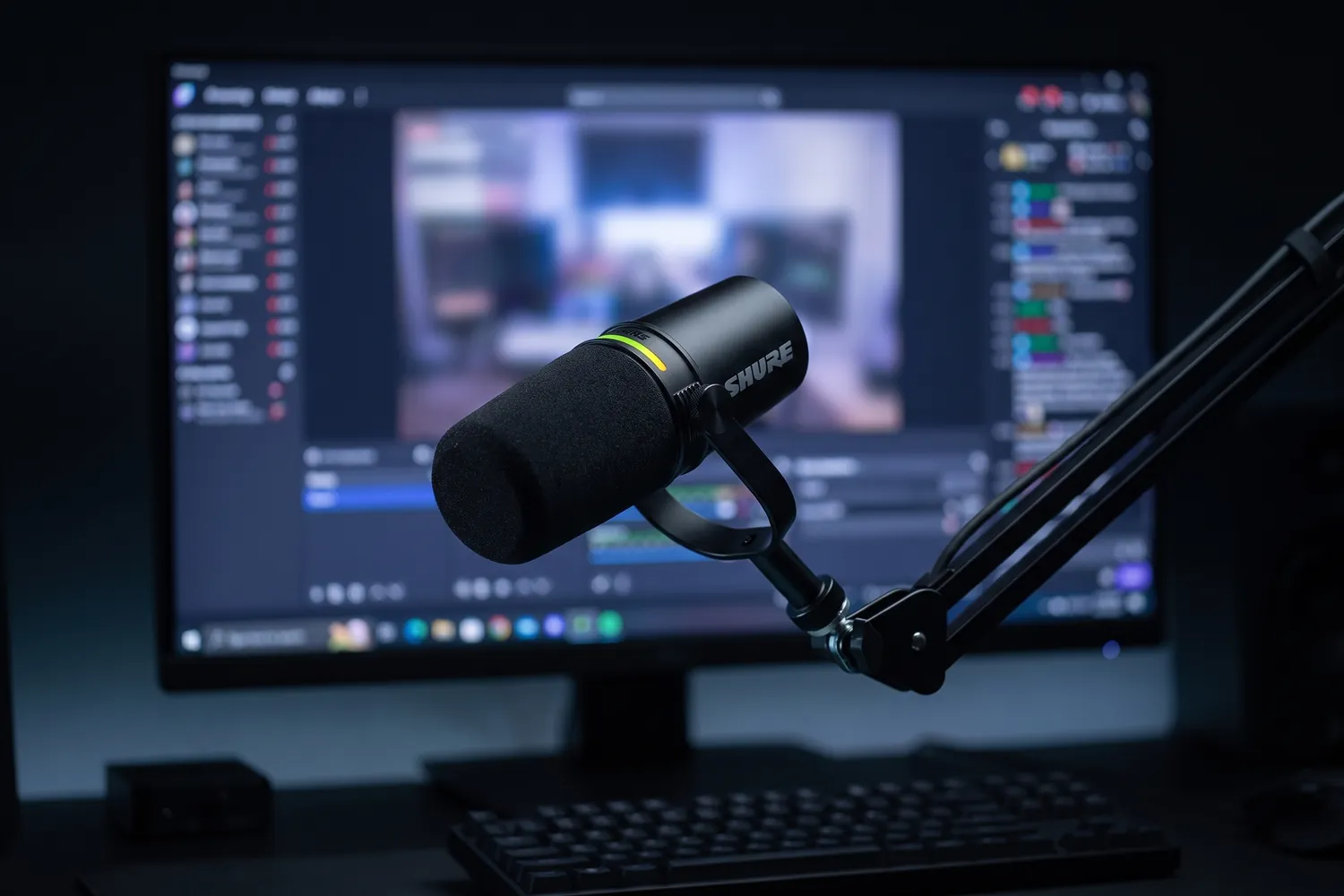
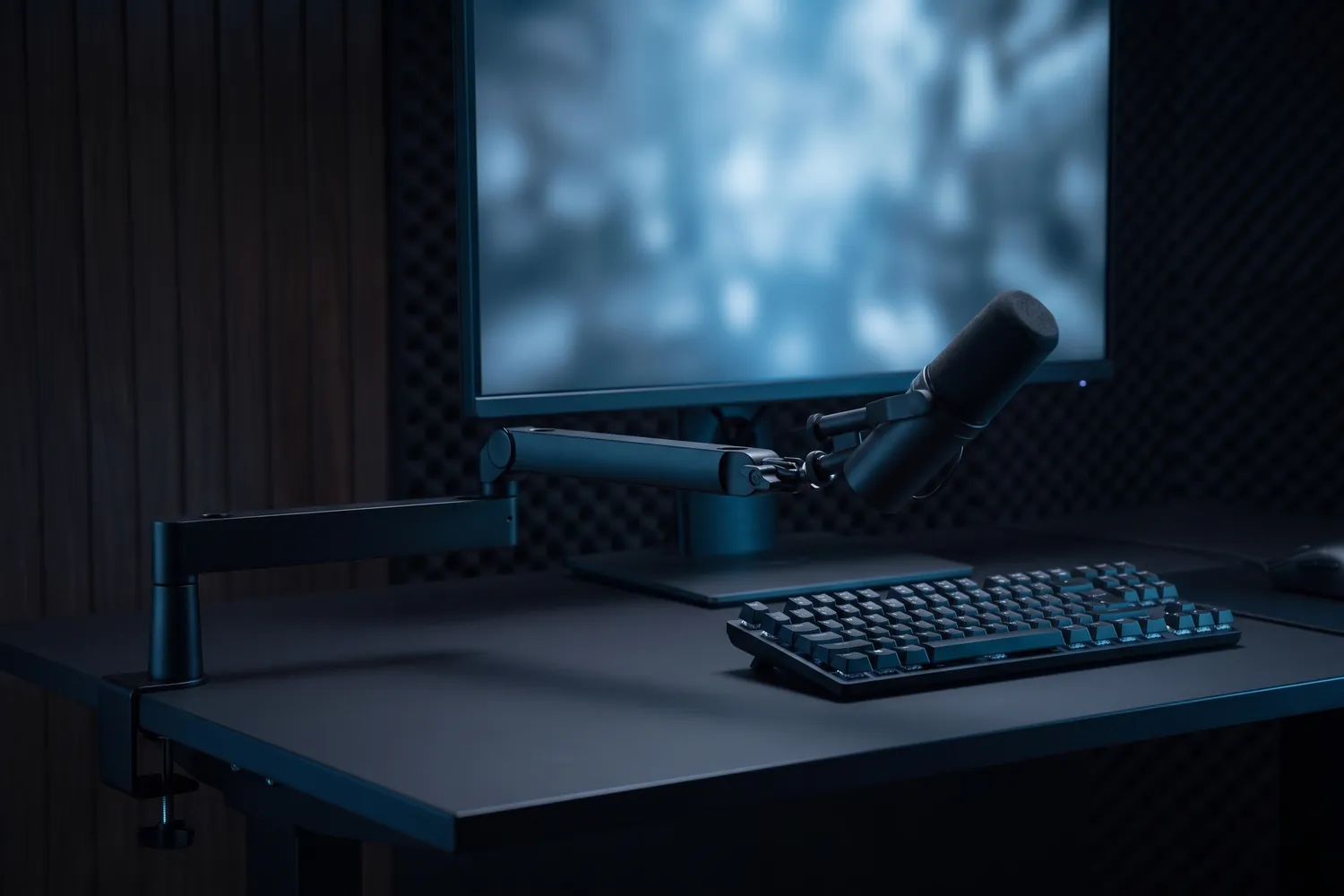
Shure MV7+ on a boom arm in front of a streaming monitor and keyboardAI-generated image
Close-up of the Shure MV7+ LED touch stripAI-generated image

Best for podcasts

Shure MV7+

A dynamic podcast mic with USB-C and XLR that focuses on your voice, not the room.

Why we recommend it

  • Dynamic mic: picks up your voice and far less of the room
  • USB-C for a computer today, XLR for an audio interface later
  • Built-in denoiser, digital pop filter and automatic level
Who actually needs this?
Podcasts, voiceovers and desk streams recorded at a computer.
Skip it if
You film away from a desk — a clip-on mic moves with you.

Good to know: It comes without a stand — plan for a mic arm or desk stand.

≈ €279typical price, Sep 2026 · may change
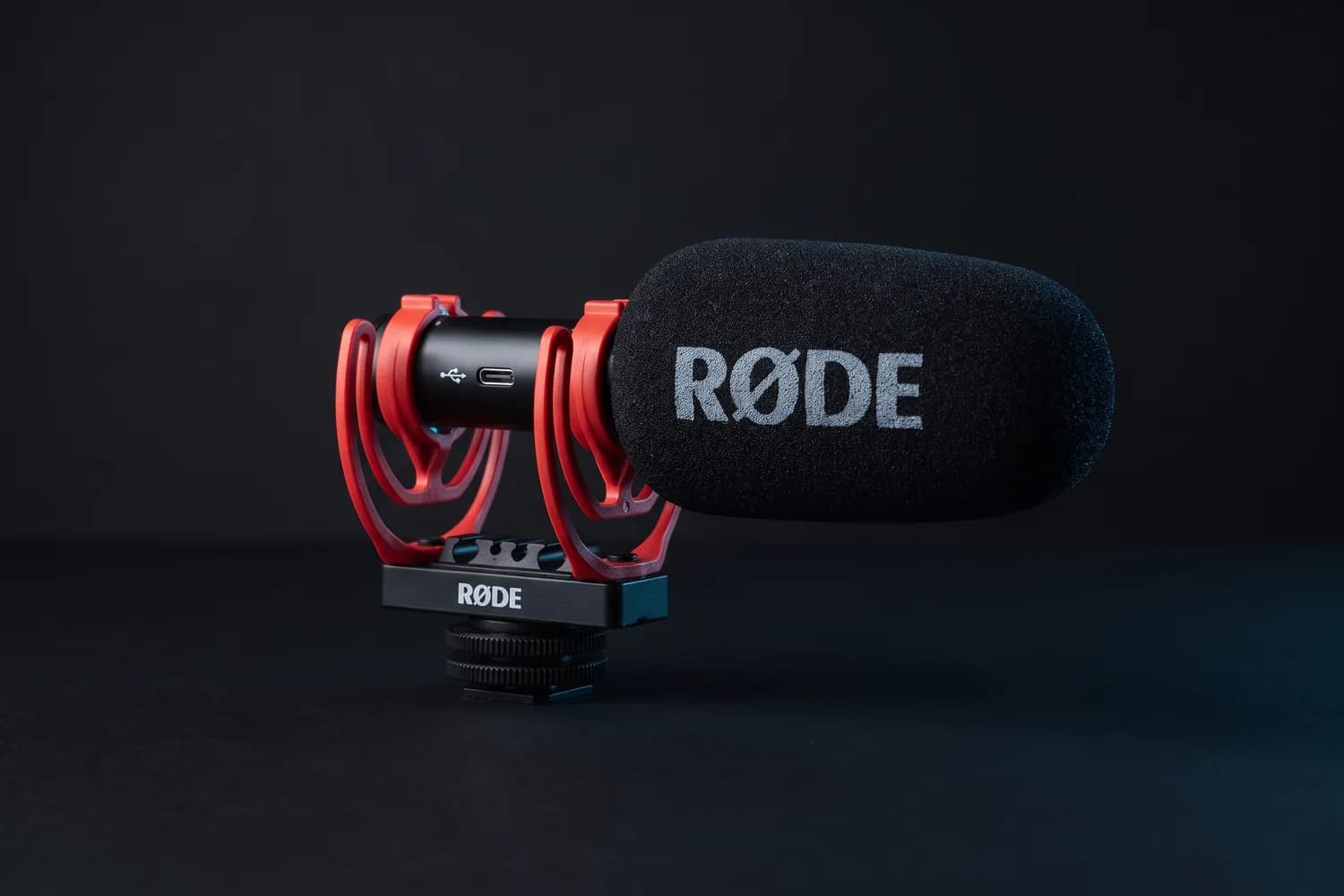
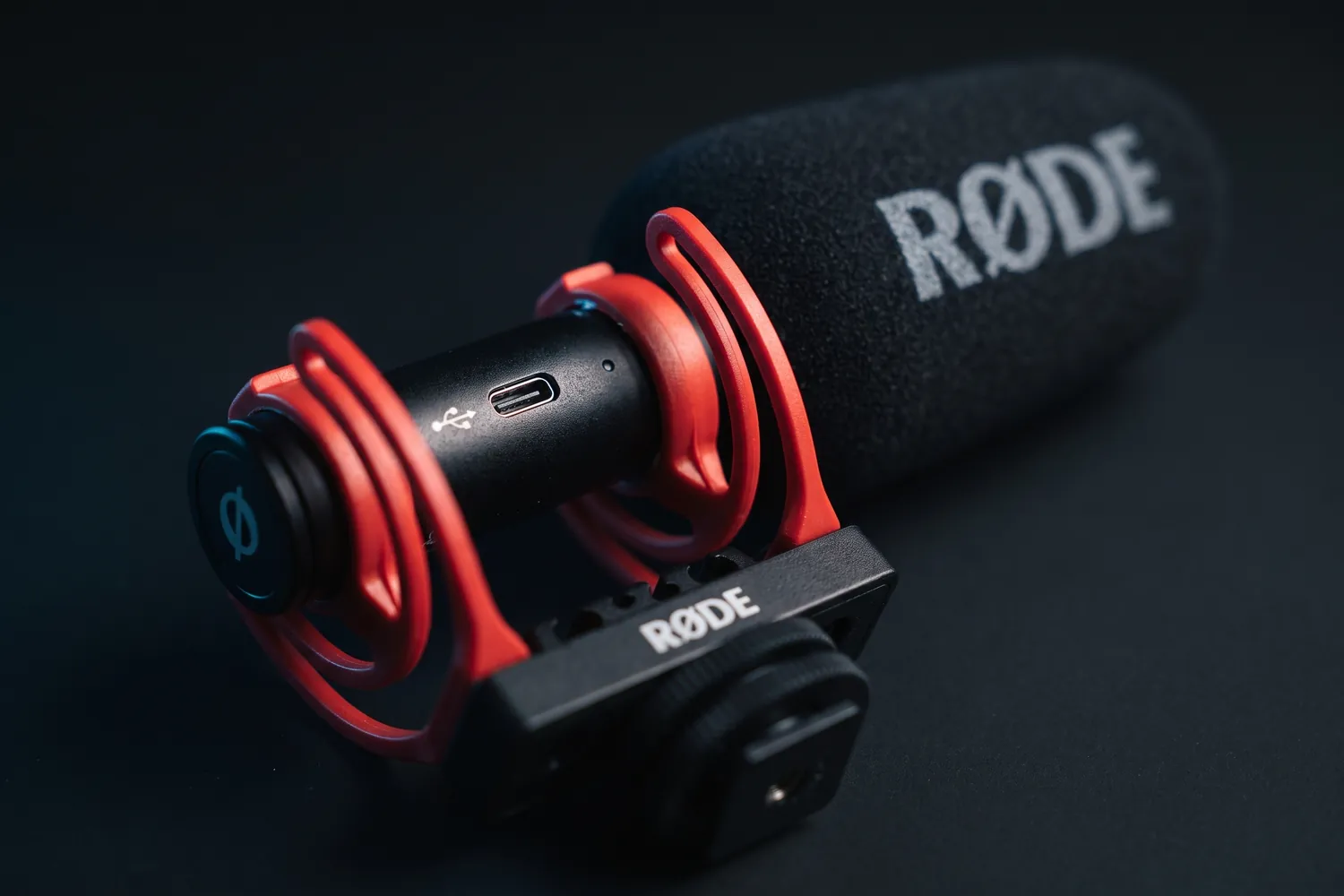
RØDE VideoMic GO II with its red shock mountAI-generated image
RØDE VideoMic GO II on a camera on a small tripodAI-generated image
A vlogger holding a camera with the RØDE VideoMic GO II on topAI-generated image
Close-up of the RØDE VideoMic GO II's USB-C port and red shock mountAI-generated image

On-camera shotgun

RØDE VideoMic GO II

A light shotgun mic for the top of a camera — no battery, no pairing.

Why we recommend it

  • Weighs 33 g, so it doesn't unbalance small cameras
  • Needs no battery of its own
  • 3.5 mm output for cameras, USB for phones and computers
Who actually needs this?
Camera users who vlog or film run-and-gun and want better sound than the built-in mic.
Skip it if
You talk far from the camera — go wireless.

Good to know: Phones need RØDE's matching SC-series cable, sold separately.

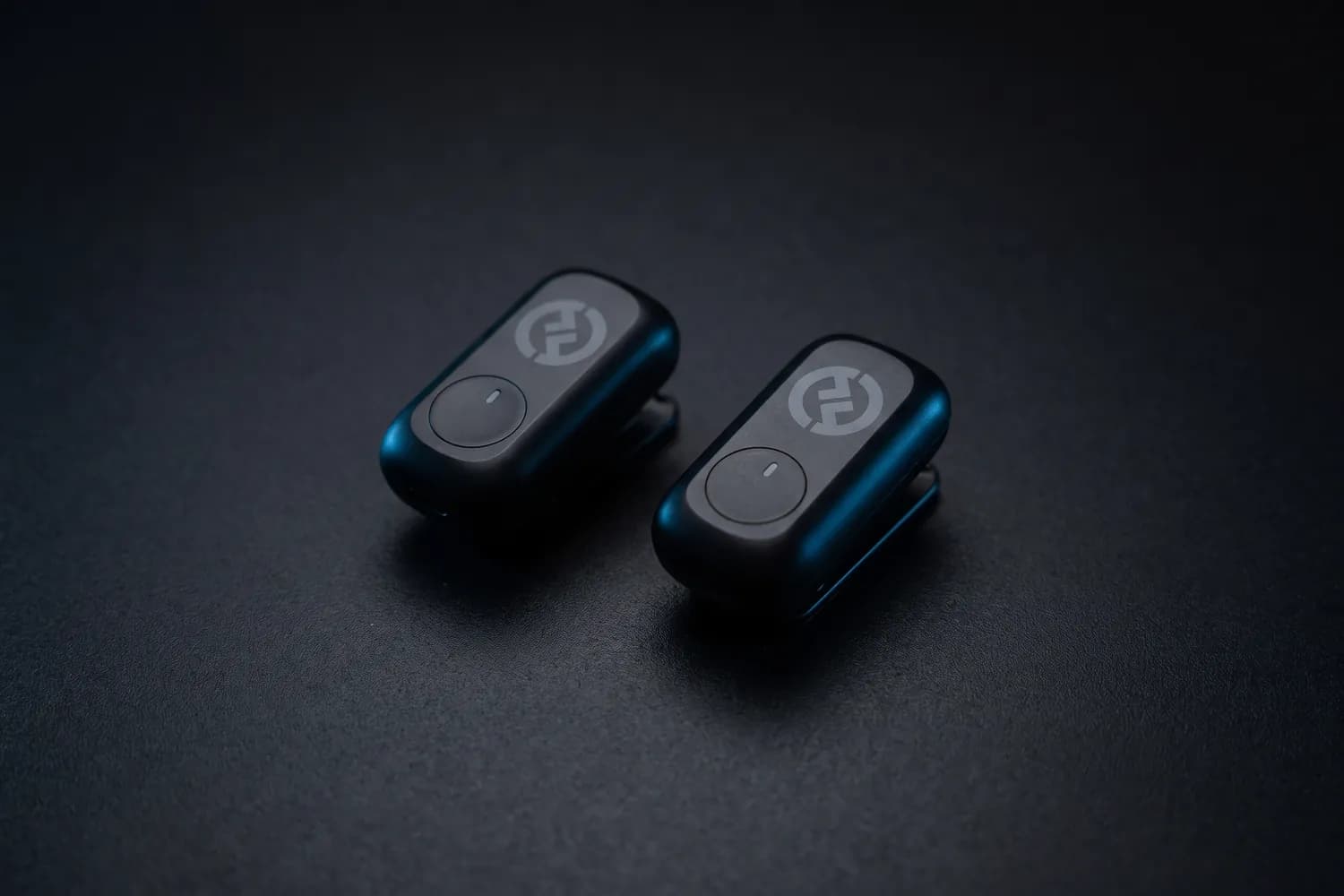
Two Hollyland LARK A1 transmitters on a dark surfaceAI-generated image
A creator filming a phone vlog on a city street, a LARK A1 transmitter on the jacketAI-generated image
Hollyland LARK A1 transmitter clipped to the collar of a black T-shirtAI-generated image

Cheapest wireless kit

Hollyland LARK A1

Mini Duo: 2 transmitters, USB-C receiver, no charging case

A low-cost wireless kit: two tiny transmitters and a receiver for USB-C phones.

Why we recommend it

  • Transmitters weigh 8 g each and hold on magnetically
  • Built-in noise cancellation with three levels
  • Up to 9 hours per charge; 24-bit/48 kHz digital audio
Who actually needs this?
Creators on a small budget who talk on camera and film on a USB-C phone.
Skip it if
You want a charging case — the Mini set has none; the DJI Mic Mini 2 comes with one.

Good to know: For iPhones with Lightning, Hollyland sells a Lightning version.

≈ €38typical price, Sep 2026 · may change

Check the connector before you buy

iPhone 15 and newer and almost all Android phones use USB-C; older iPhones use Lightning. Wireless receivers come in both versions — pick the one that fits your phone.

More microphones, compared

USB mics for vocals, recorders for rehearsals, dynamic mics for podcasts — the microphone guide compares them, with audio setups by budget.

See the microphone guide

04 · Lighting

Light is the cheapest way to look expensive

Cameras need light to show detail. A face lit softly from the side looks sharper, calmer and more professional than one lit by the ceiling lamp — on the same phone.

Ceiling light → soft light from the side

One lamp straight above

  • Dark shadows under the eyes
  • Flat, greyish skin
  • The background is brighter than you

Window or LED at about 45°

  • Soft, even light on your face
  • A gentle shadow gives it shape
  • You stand out from the background
Where the light goes. Switch off the ceiling light and put a window or a key light about 45° in front of you, a little above your eyes. The light falls softly across your face instead of straight down.

From free to studio in three steps

  1. Step 1: Window light

    Face the window, don't turn your back to it. Free, soft and often the best light you'll get.

    Free

  2. Step 2: A small LED

    Fills shadows, works after dark and fits in a pocket.

    from ≈ €30

  3. Step 3: A soft key light

    One larger, diffused light at 45° — the base of every studio look.

    from ≈ €150

Typical prices, September 2026 — they may change.

Lights we recommend

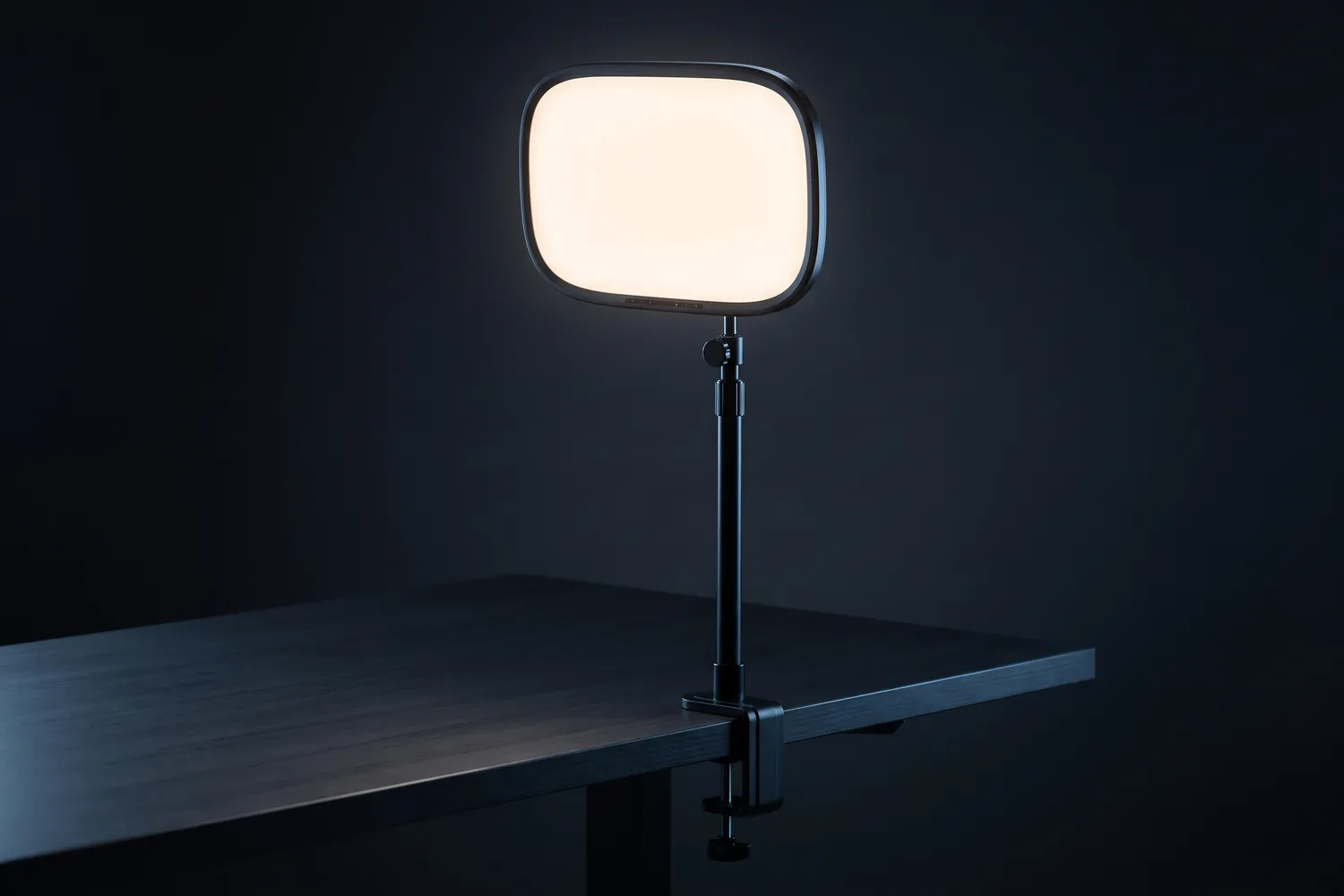
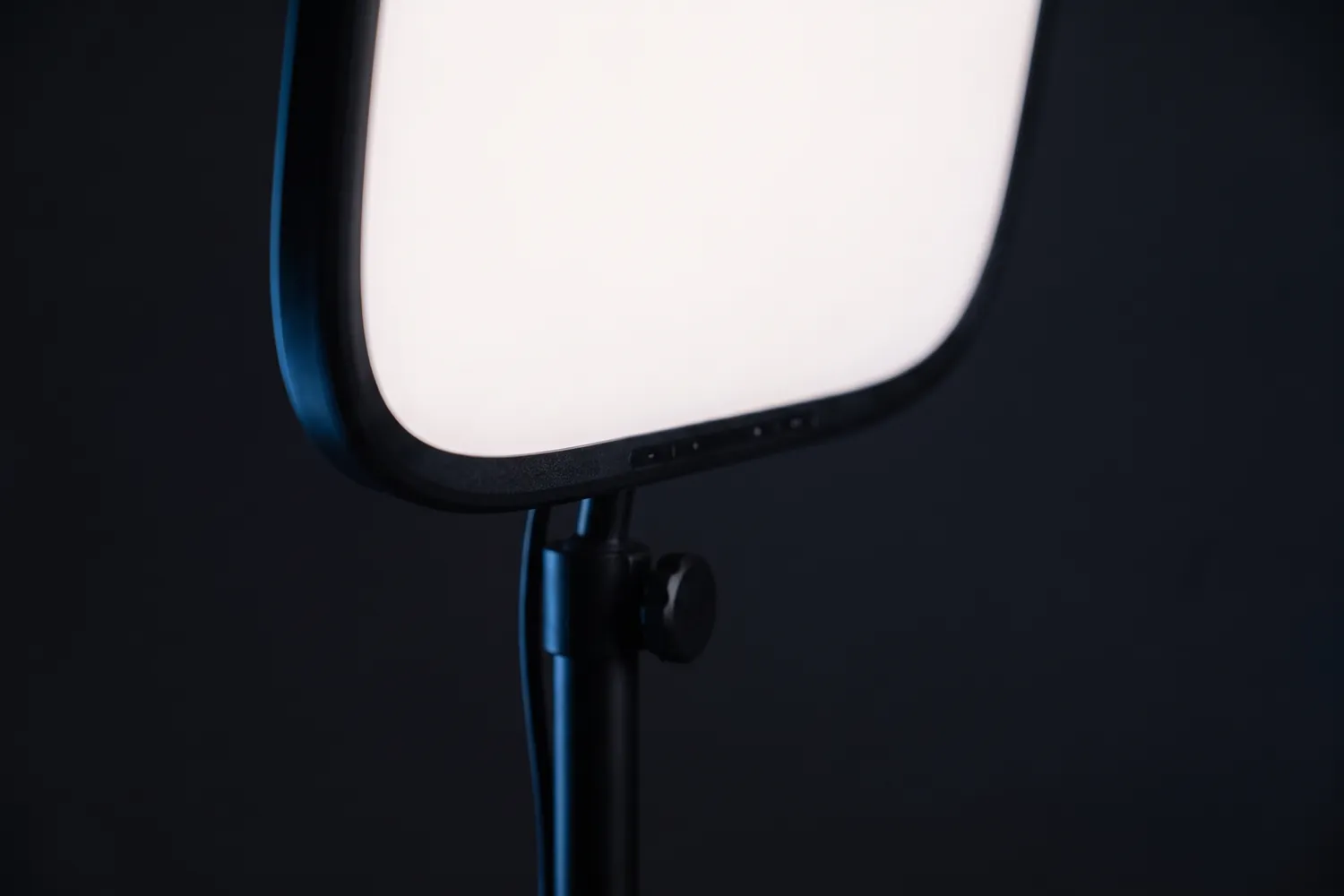
Elgato Key Light Air clamped to a desk, the panel glowingAI-generated image
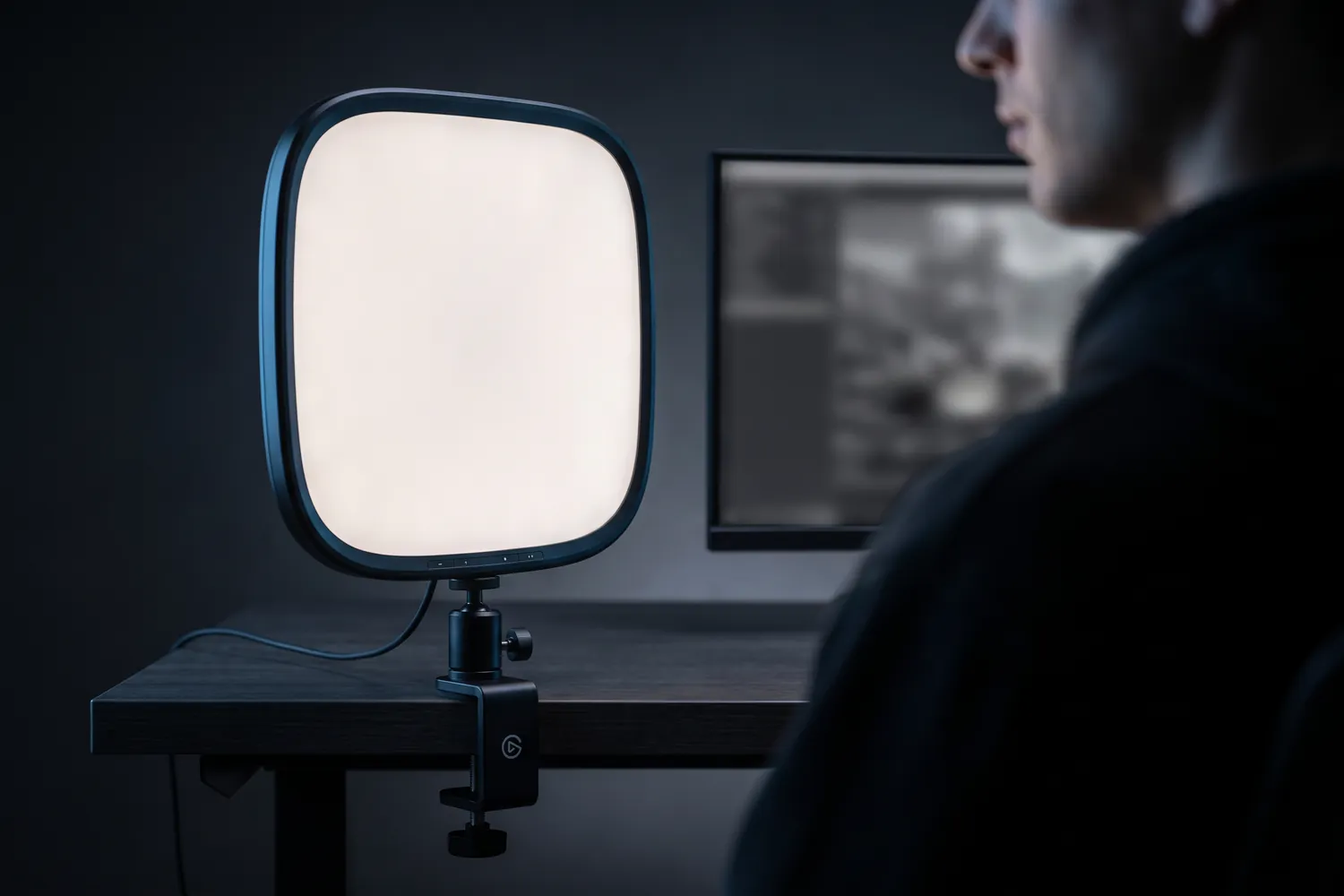
Elgato Key Light Air lighting a streamer in front of a monitorAI-generated image
Close-up of the Elgato Key Light Air's panel and tilt jointAI-generated image

Best for desk and talking heads

Elgato Key Light Air MK.2

With desk clamp

A flat, diffused panel on a desk pole that you control from your phone or computer.

Why we recommend it

  • Large diffused panel: soft light on your face
  • 2,900–7,000 K, adjustable by touch, app or Stream Deck
  • The desk pole adjusts from 60 to 88 cm
Who actually needs this?
Talking heads, podcasts and streams filmed at a desk.
Skip it if
You film standing or in different places — a light on a stand is more flexible.

Good to know: Full brightness needs a USB-C charger with at least 30 W, which isn't included.

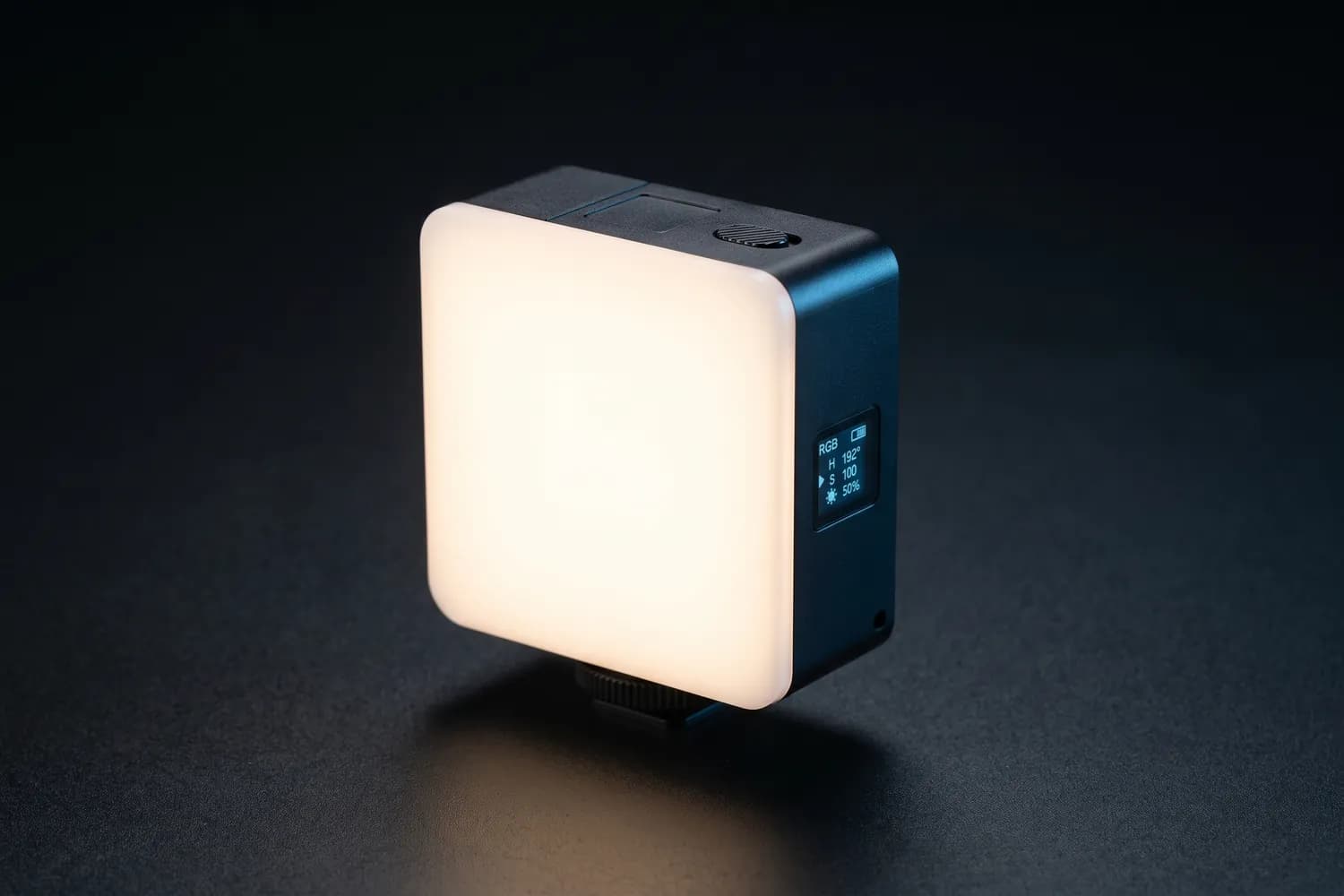
Ulanzi VL49 Pro pocket LED light glowing on a dark surfaceAI-generated image
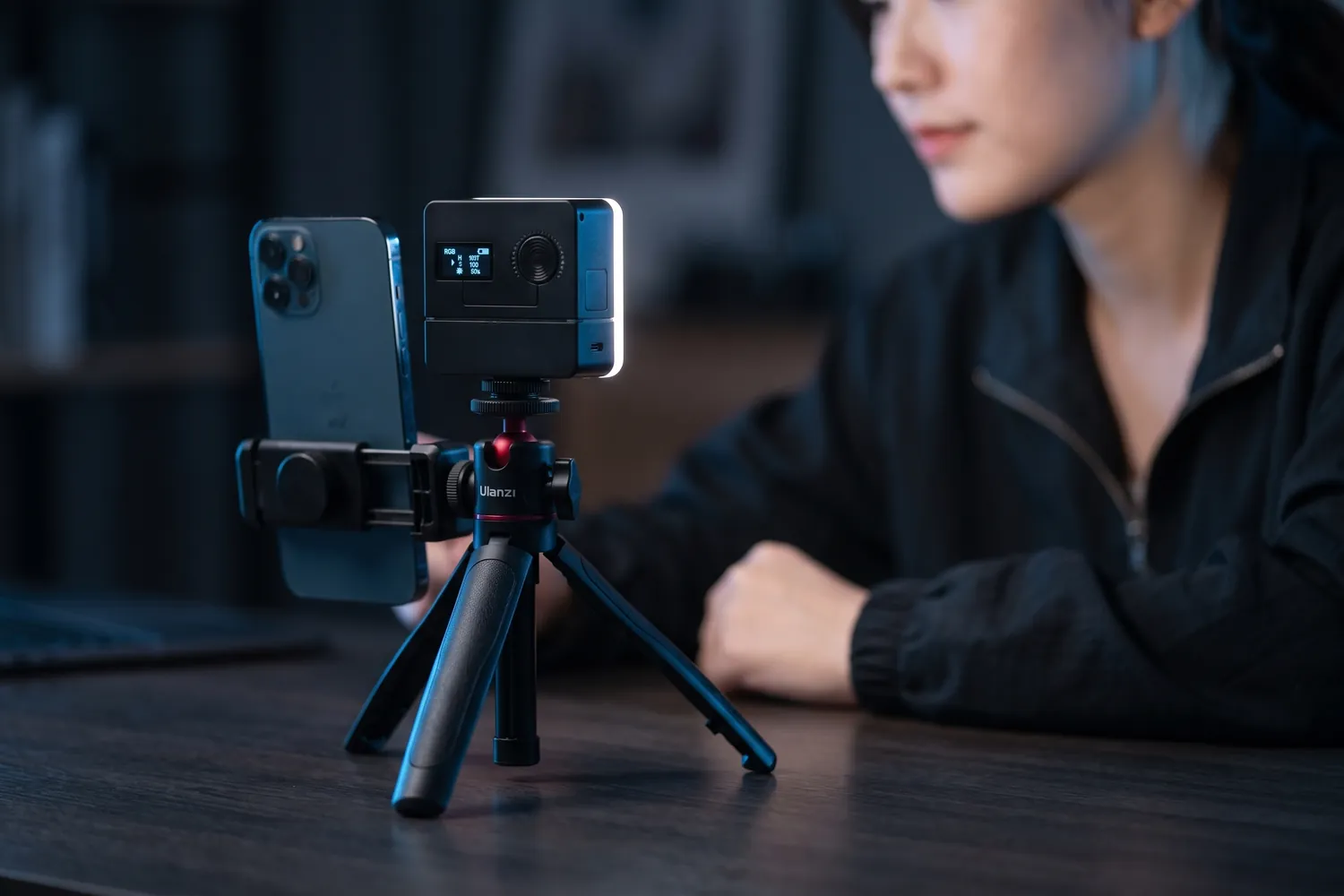
Ulanzi VL49 Pro next to a phone on a small tripod, lighting a creator at a deskAI-generated image
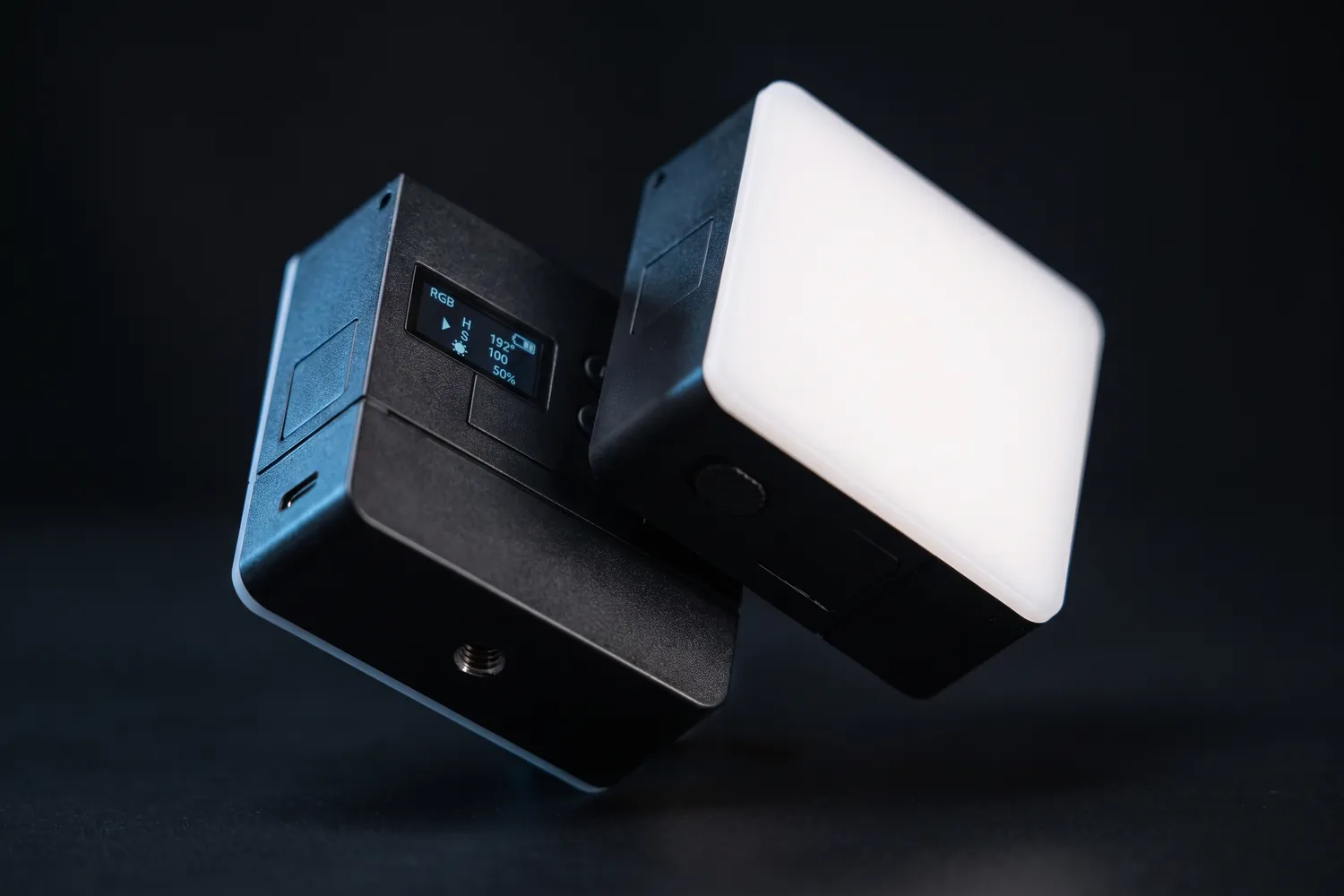
Close-up of the Ulanzi VL49 Pro's display and mount threadAI-generated image

Pocket light

Ulanzi VL49 Pro

A pocket-sized LED light with adjustable colour, for fill light anywhere.

Why we recommend it

  • About 90 minutes at full brightness; charges over USB-C
  • Accurate colour (CRI 95+), 2,500–9,000 K plus RGB
  • Weighs about 114 g — it fits in any bag
Who actually needs this?
Anyone filming after dark or in dim rooms, especially on the go.
Skip it if
You need to light a whole face softly from a distance — get a bigger key light.

≈ €30typical price, Sep 2026 · may change
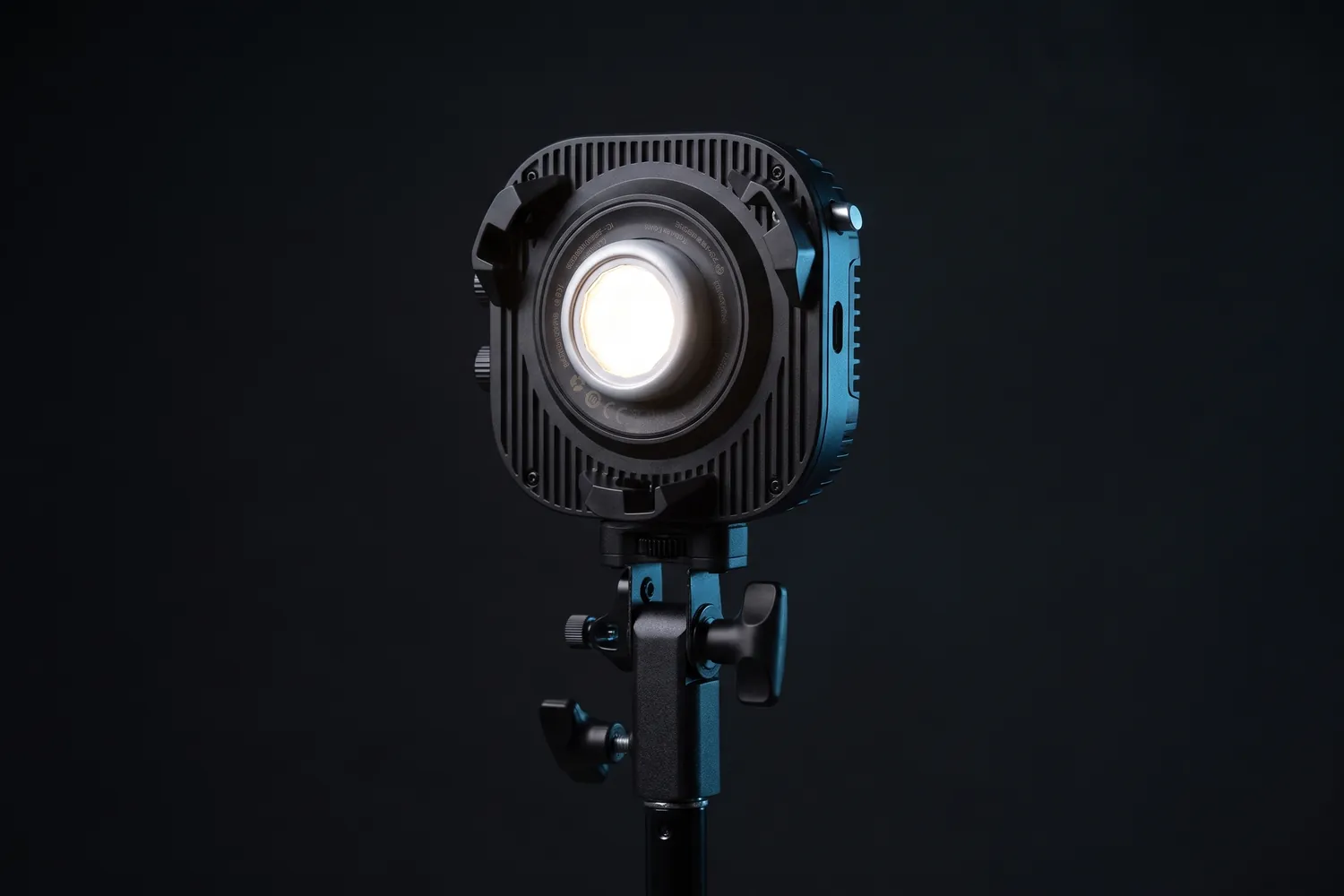
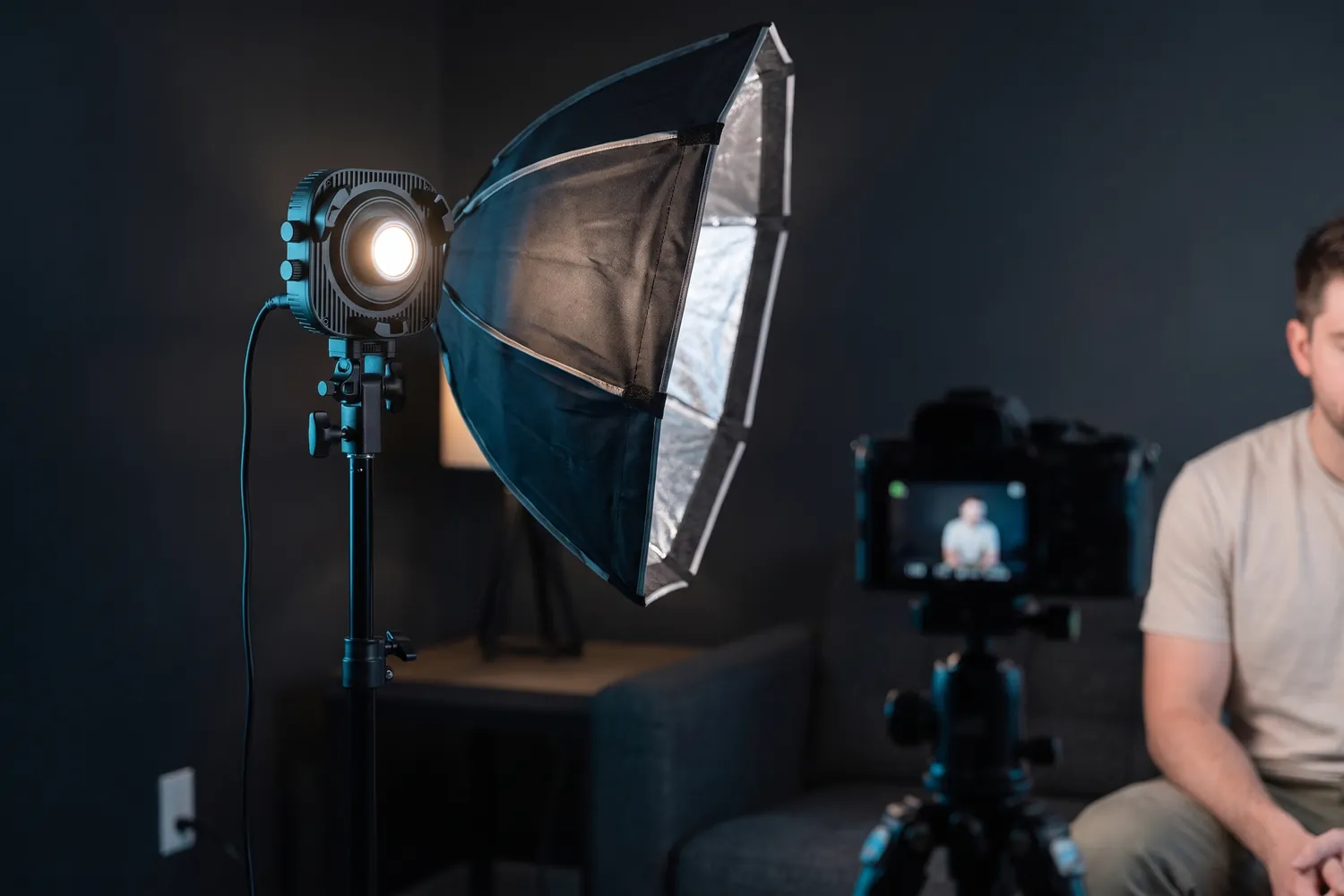
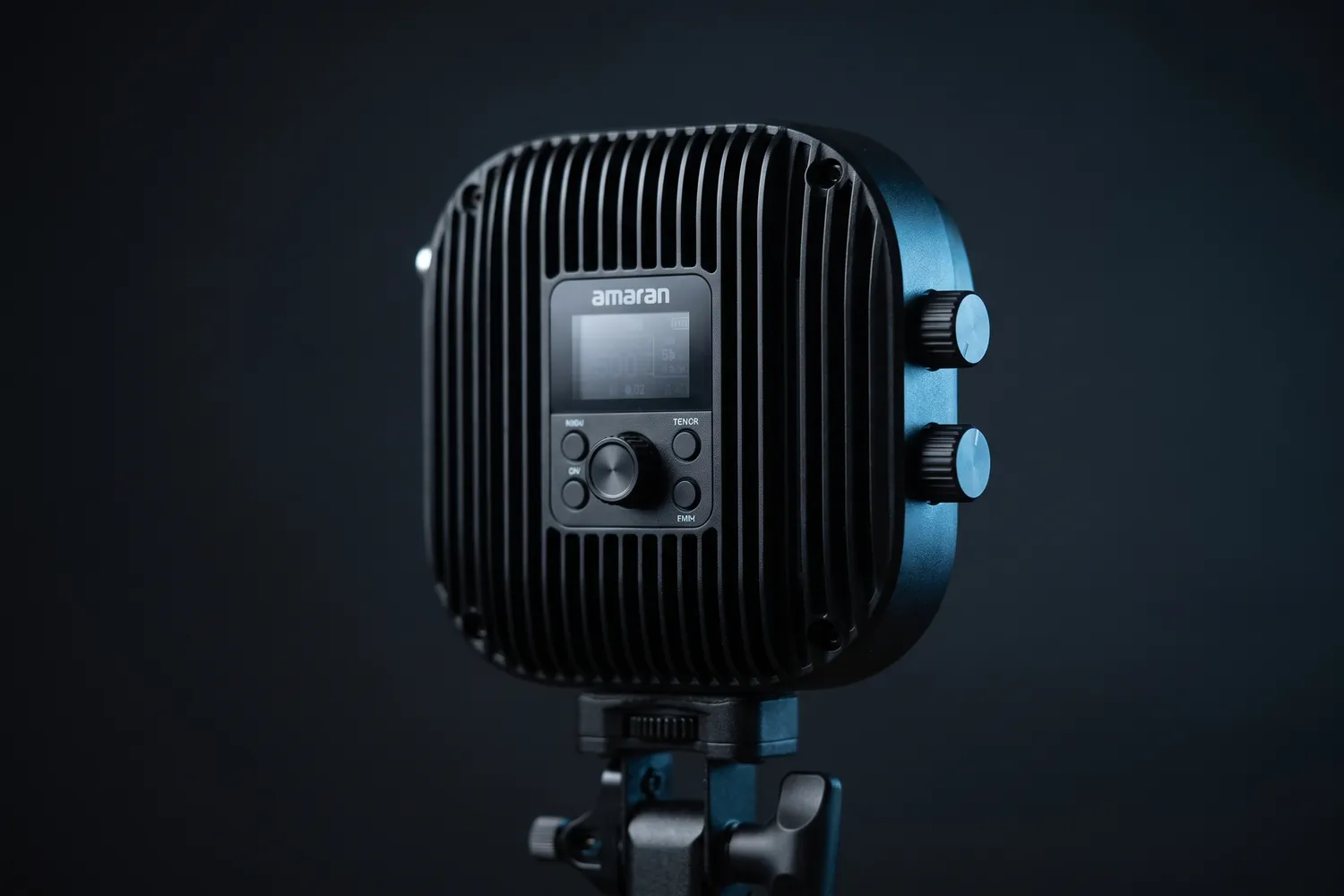
amaran Halo 100x COB light glowing on a standAI-generated image
amaran Halo 100x with a softbox lighting a creator in a home studioAI-generated image
Close-up of the amaran Halo 100x's control panel and cooling finsAI-generated image

Studio upgrade

amaran Halo 100x

A compact 100 W studio light for a softbox — the classic soft key light.

Why we recommend it

  • 100 W: bright enough to light a person through a softbox
  • Very accurate colour (CRI 96+), 2,700–6,500 K
  • Bowens mount: softboxes from many brands fit
Who actually needs this?
Studio reels, music videos and anyone filming standing in one room.
Skip it if
You film at a desk — a flat panel is simpler.

Good to know: It ships without a reflector, so it needs a softbox for soft light.

≈ €159typical price, Sep 2026 · may change
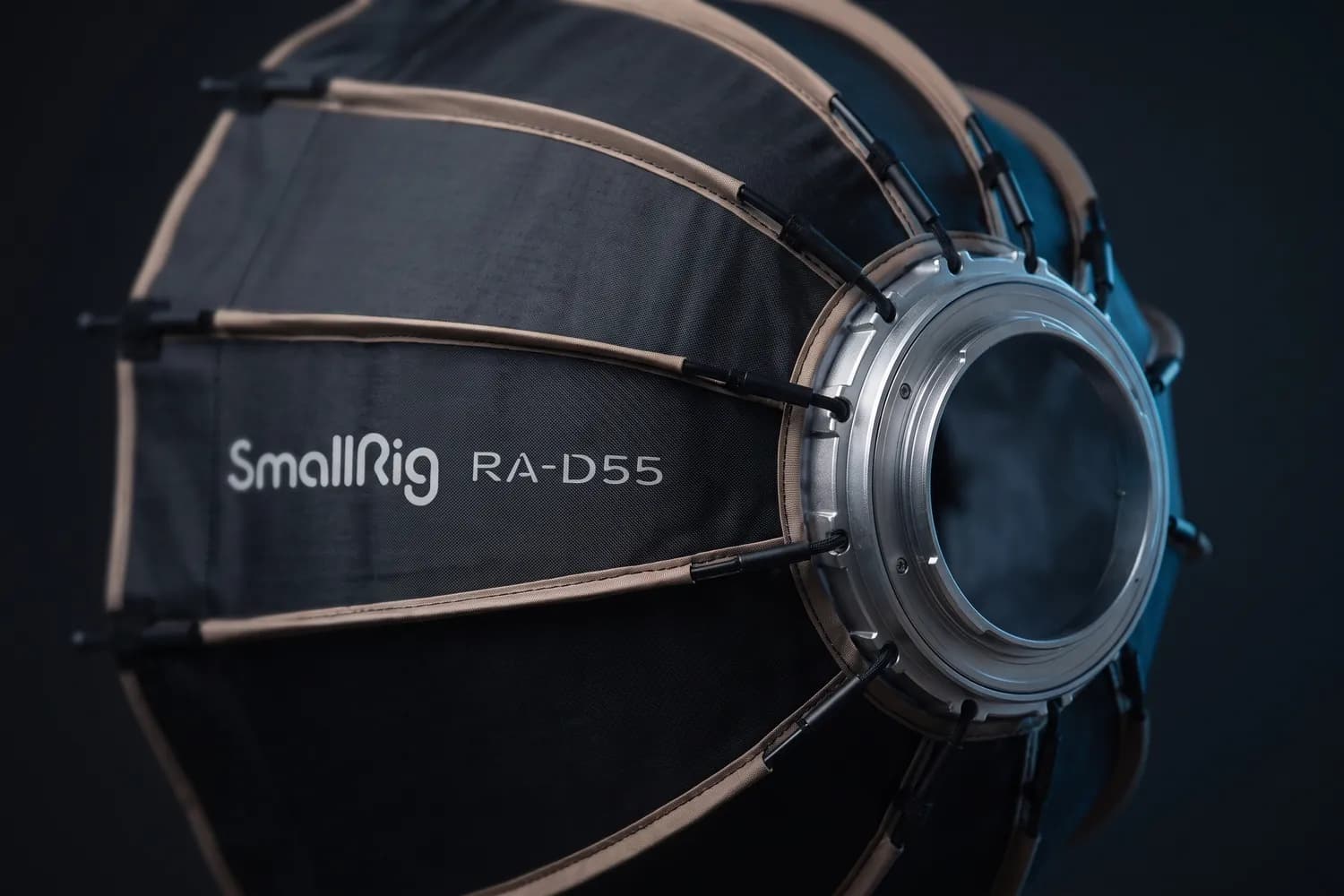
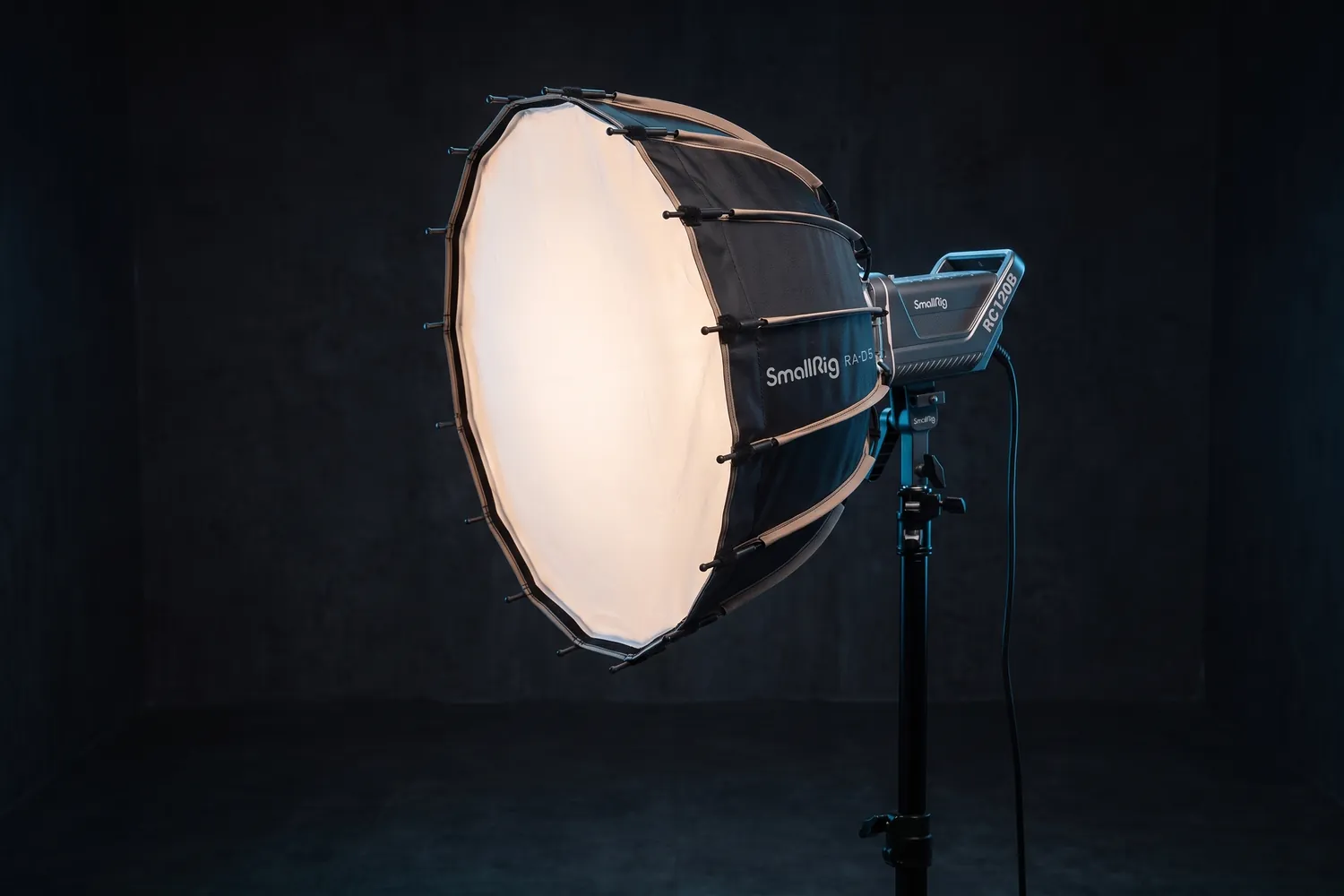
SmallRig RA-D55 parabolic softbox on a light, glowingAI-generated image
Close-up of the SmallRig RA-D55's ribs and Bowens mountAI-generated image

For the studio light

SmallRig RA-D55 parabolic softbox

55 cm, Bowens mount

A 55 cm softbox that turns a COB light into one large, soft source.

Why we recommend it

  • Bowens mount: fits the amaran Halo and most COB lights
  • Parabolic shape for soft, even light on a face
  • Quick-release design, so setting up takes seconds
Who actually needs this?
Anyone using a COB light for talking heads, studio reels or music videos.
Skip it if
You use a flat panel like the Key Light — it's already diffused.

Do you actually need this?

Do you need a light?

Yes, if…

  • You film after dark or in a room without a window
  • Your face looks grey or has dark shadows under the eyes
  • You want the same look in every video, whatever the weather

Not yet, if…

  • You can film facing a window during the day
  • You mostly film outdoors

Switch off the ceiling light

Mixing warm lamps with daylight makes skin look odd. Use one kind of light, and turn off the one directly above you.

05 · Tripods & mounts

Steady shots, free hands

A tripod does more than stop the shaking. It frees your hands, keeps the framing identical across takes and lets you film yourself without asking anyone for help.

Eye level, eyes on the top third. Set the lens at the height of your eyes, not below them. In the frame, put your eyes on the upper line of the thirds grid; most phone cameras can show that grid in their settings.

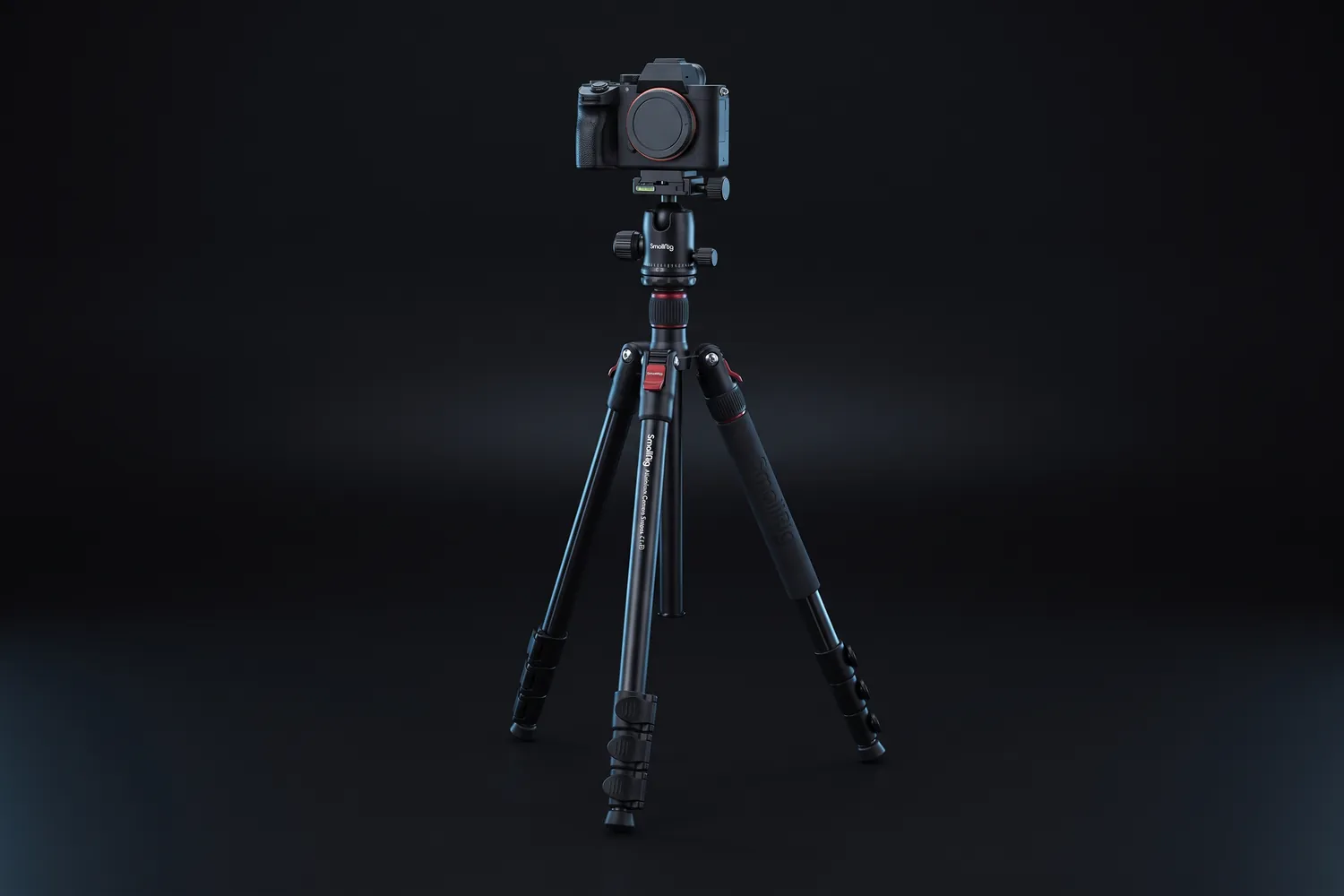
Tripods

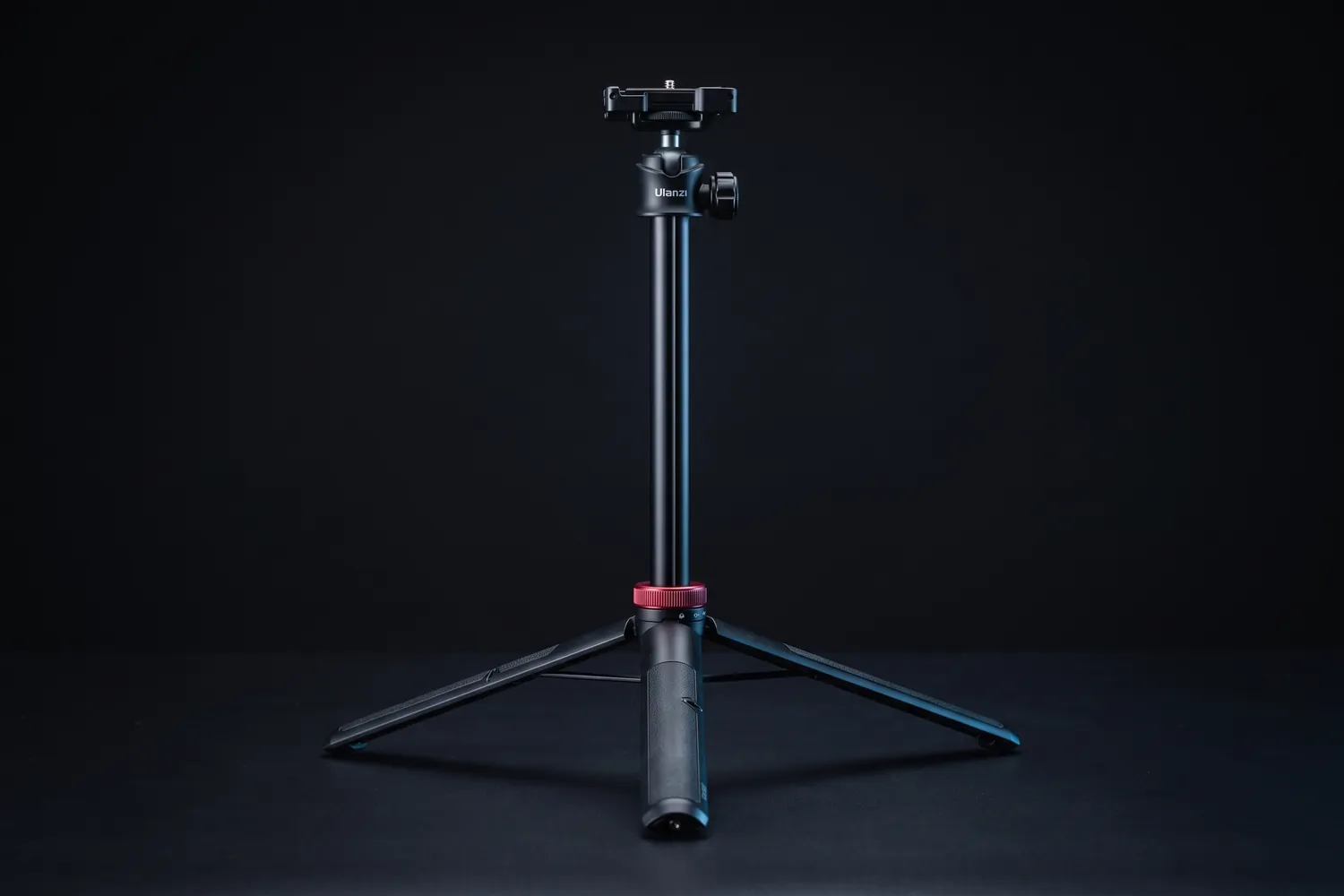
Ulanzi MT-44 tripod extended with its phone clampAI-generated image
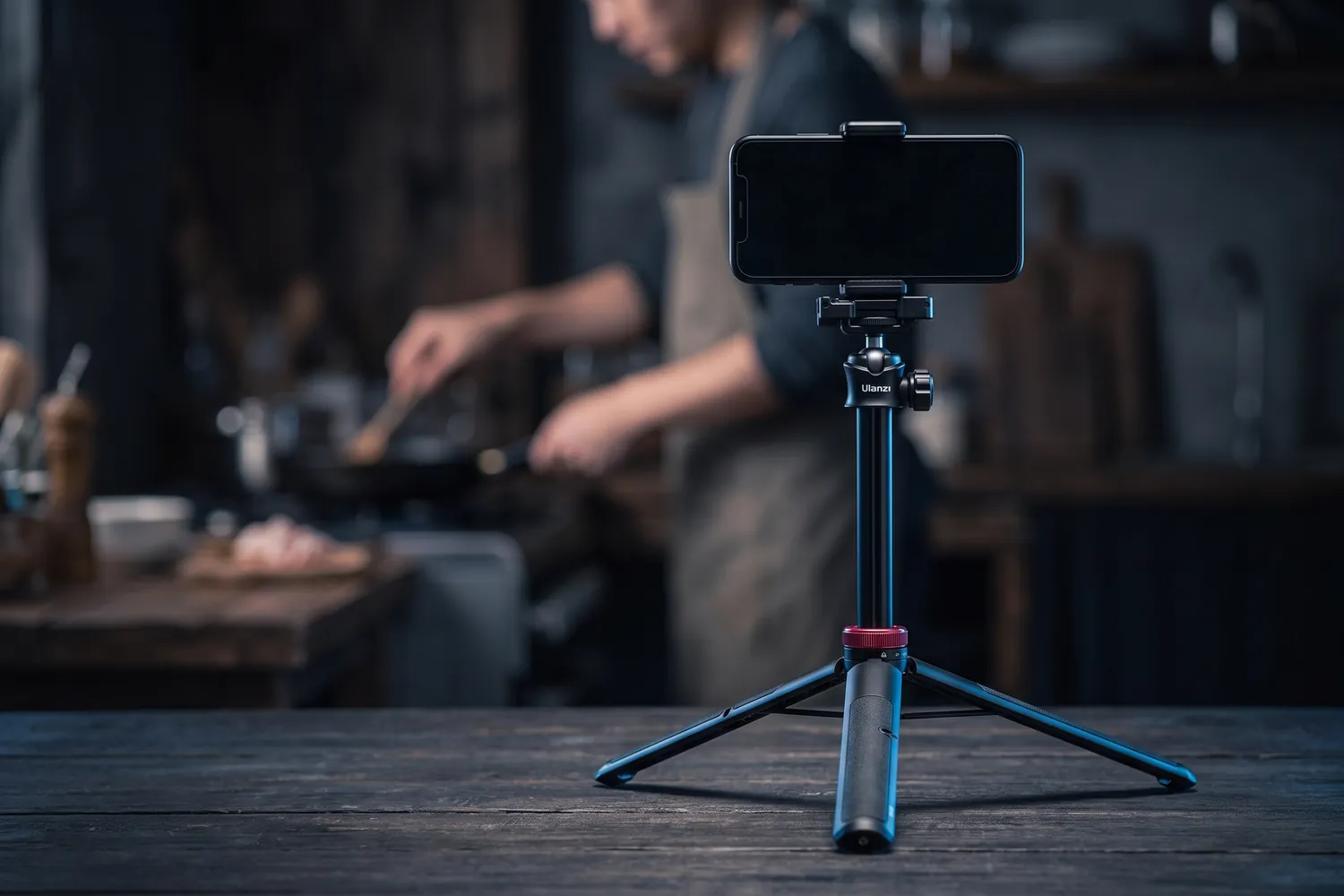
Ulanzi MT-44 holding a phone on a kitchen table, filming someone cookingAI-generated image
Close-up of the Ulanzi MT-44's ball head and phone clampAI-generated image

Best for most creators

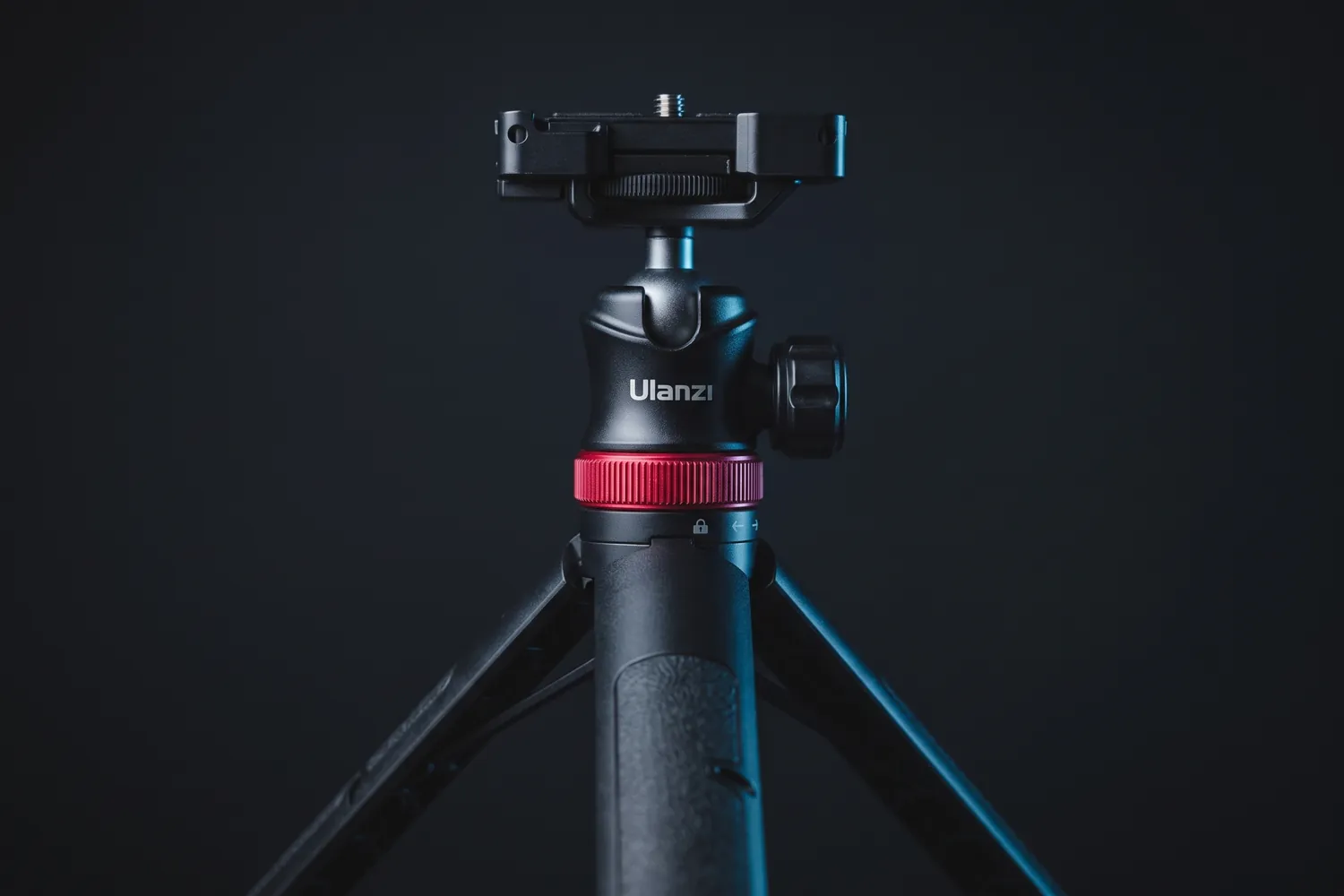
Ulanzi MT-44

A light tripod that doubles as a selfie stick and extends to standing height.

Why we recommend it

  • Extends from 32 to 146.5 cm: desk height to standing
  • Six sections, with a phone clamp that folds away
  • Tripod and selfie stick in one
Who actually needs this?
Everyone — the first tripod for desk, handheld and travel.
Skip it if
You often film at full height outdoors — reviewers note it sways fully extended; a floor tripod is steadier.

≈ €26typical price, Sep 2026 · may change
Ulanzi MT-33 bendable tripod holding a small cameraAI-generated image
Ulanzi MT-33 wrapped around a railing, filming a city at dusk with a phoneAI-generated image
Close-up of the Ulanzi MT-33's ball head and bendable legsAI-generated image

Wraps around anything

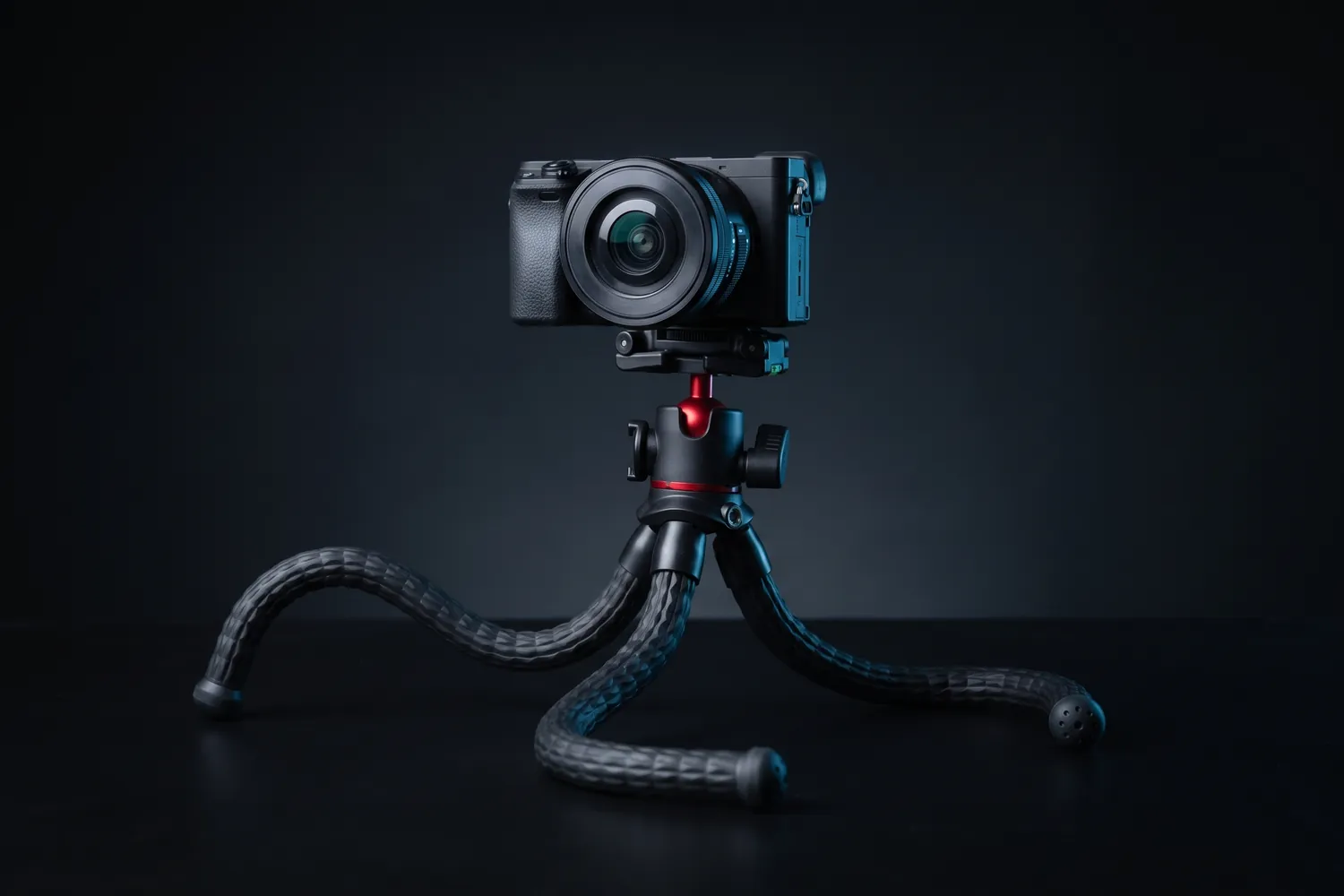
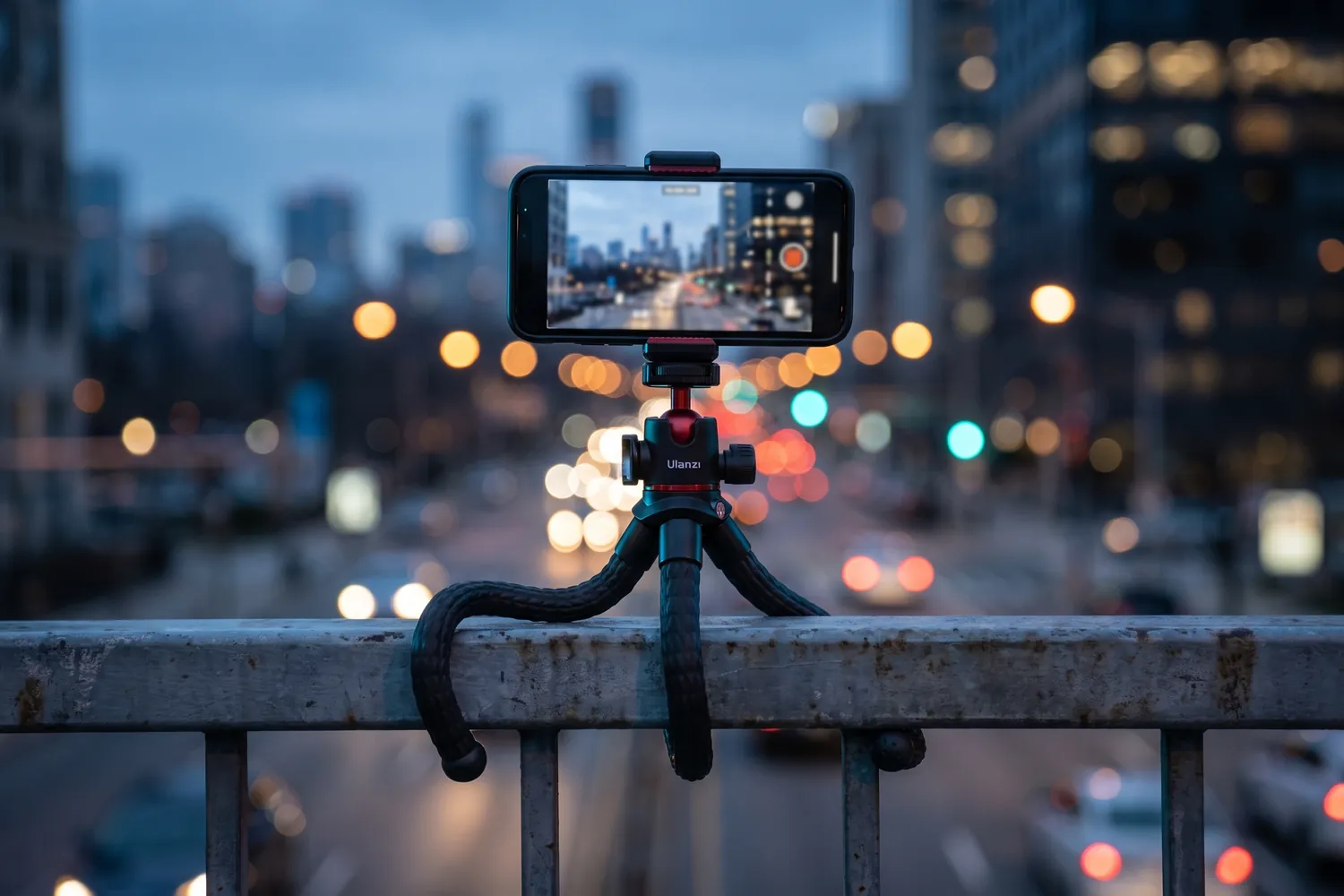
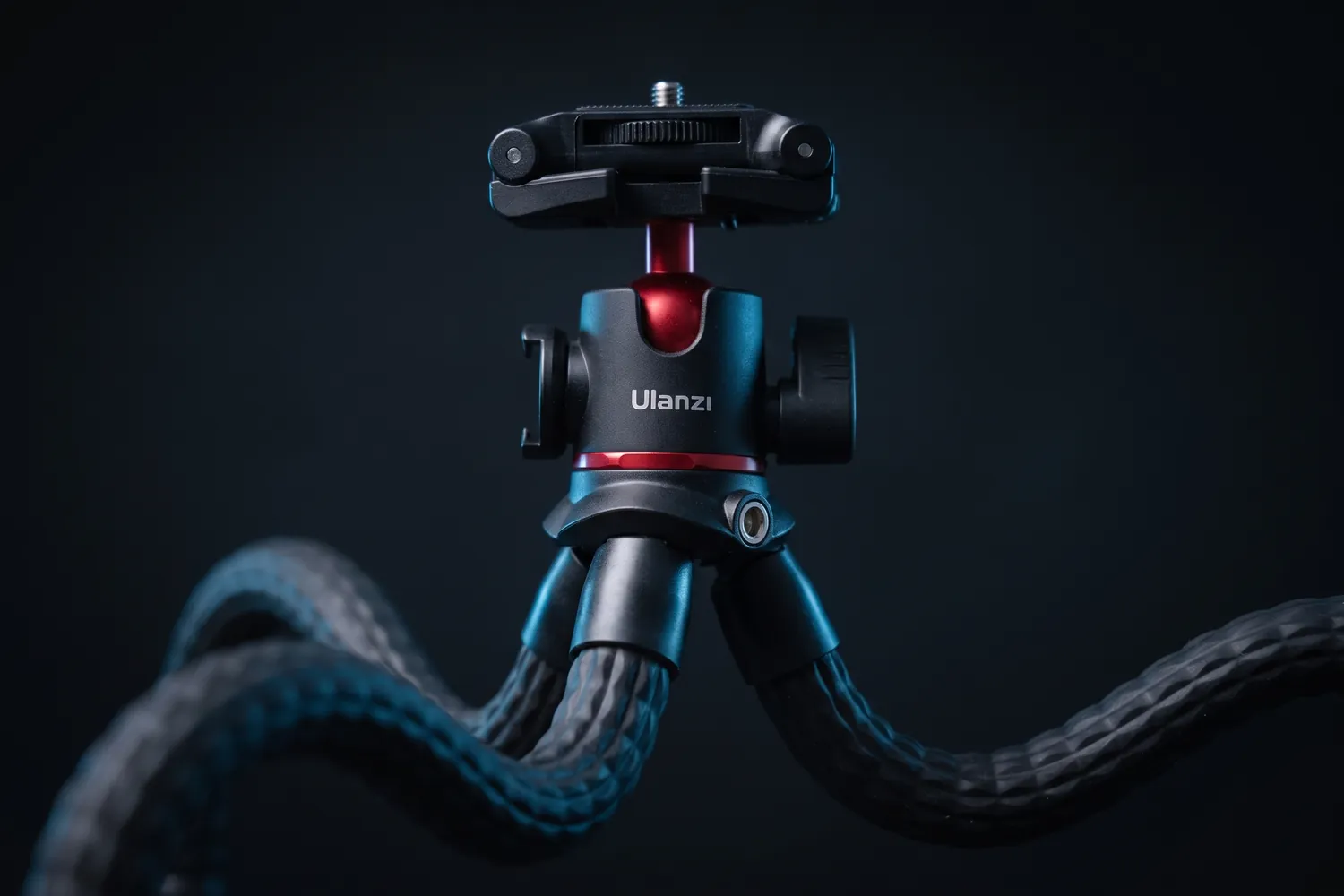
Ulanzi MT-33

Bendable legs that wrap around poles and benches — or stand on a desk.

Why we recommend it

  • Built-in phone clamp for phones 6 to 8.5 cm wide, on a 360° ball head for upright or sideways shots
  • Cold shoes on top and at the side for a mic receiver or a small light
  • Holds up to 2 kg and weighs 321 g
Who actually needs this?
Travel, vlog and POV creators who film in unpredictable places.
Skip it if
You want eye-level shots — the legs are short.

≈ €28typical price, Sep 2026 · may change
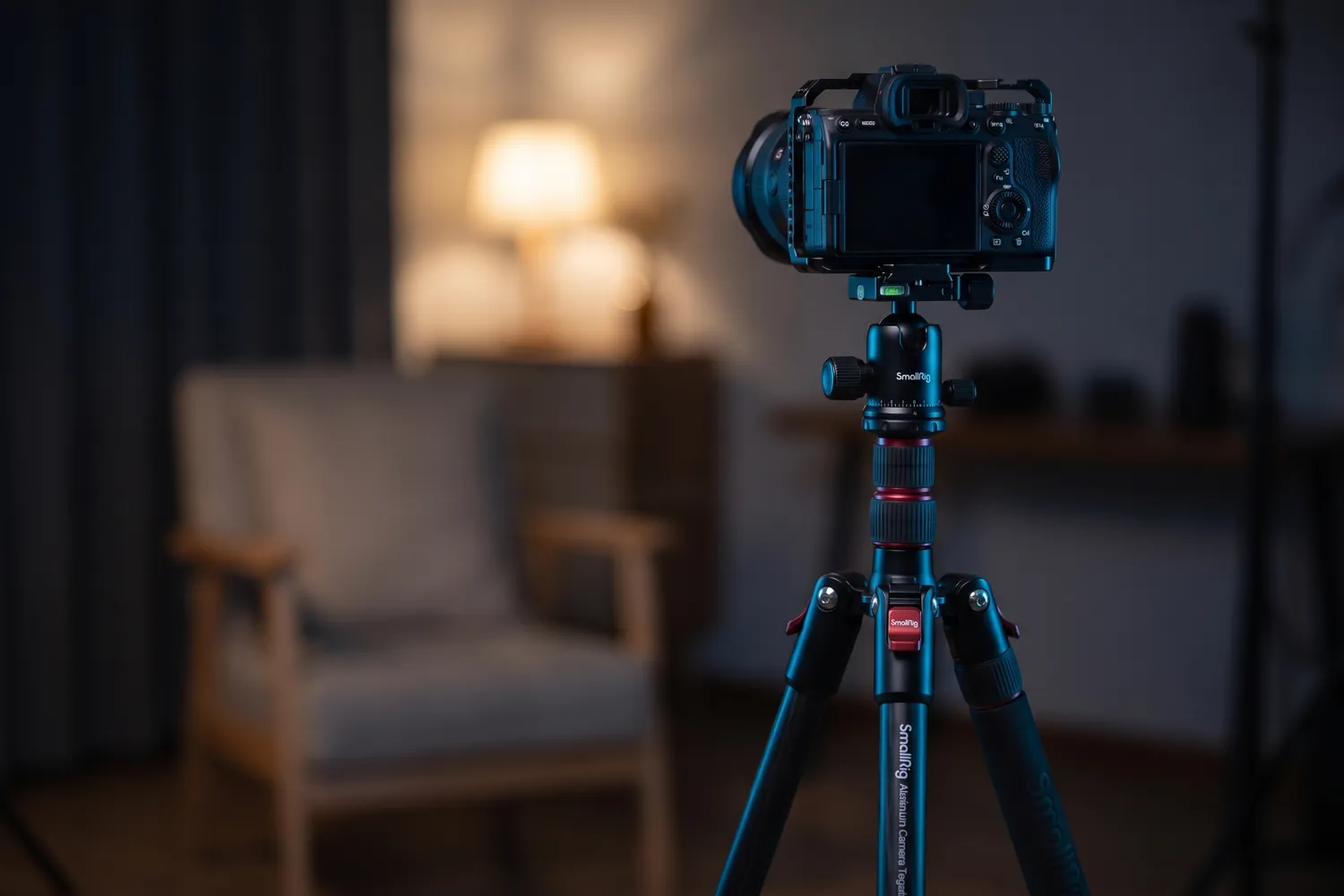
SmallRig CT-10 tripod fully extended with a cameraAI-generated image
SmallRig CT-10 holding a camera for a talking-head video in a home studioAI-generated image
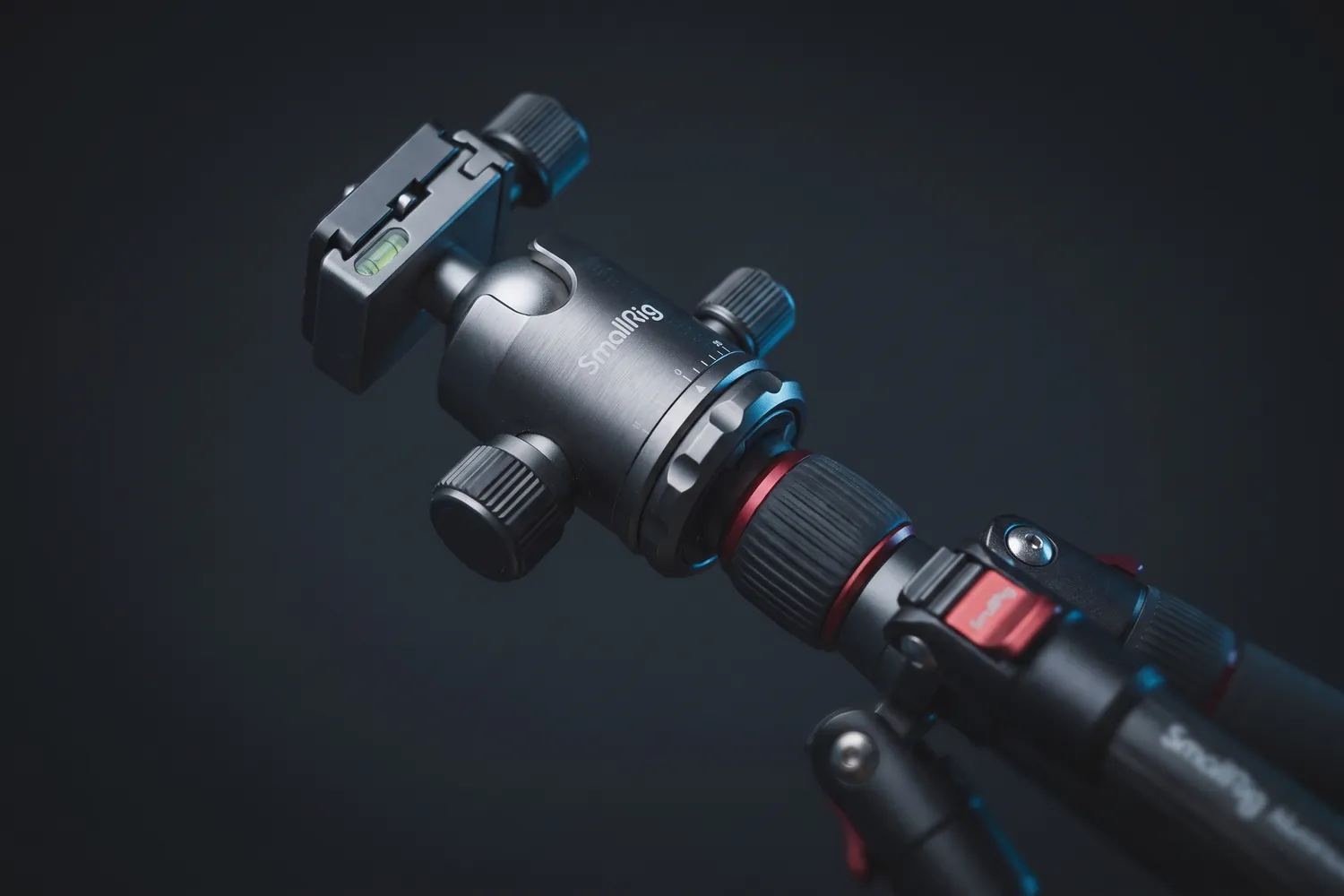
Close-up of the SmallRig CT-10's ball head and leg lockAI-generated image

Standing and full-body shots

SmallRig CT-10

A sturdy floor tripod that brings the lens to eye level, even for tall people.

Why we recommend it

  • 59 to 180 cm, and it holds up to 15 kg
  • Ball head and phone holder included
  • Turns into a monopod
Who actually needs this?
Performance clips, music videos, dance and anyone filming standing up.
Skip it if
You travel light — at 1.53 kg it's a tripod for home and set.

≈ €77typical price, Sep 2026 · may change
Grips, gimbals and mounts

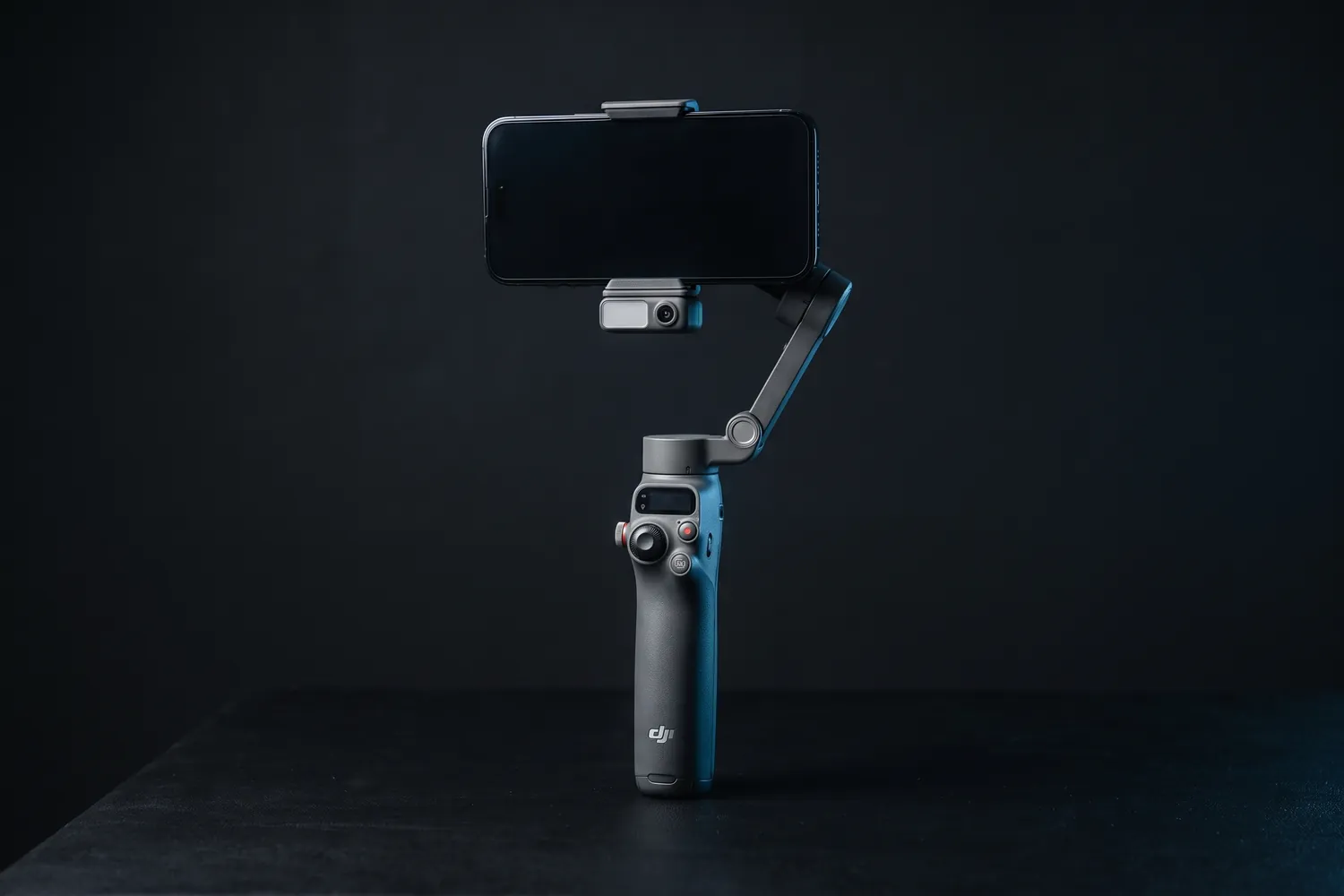
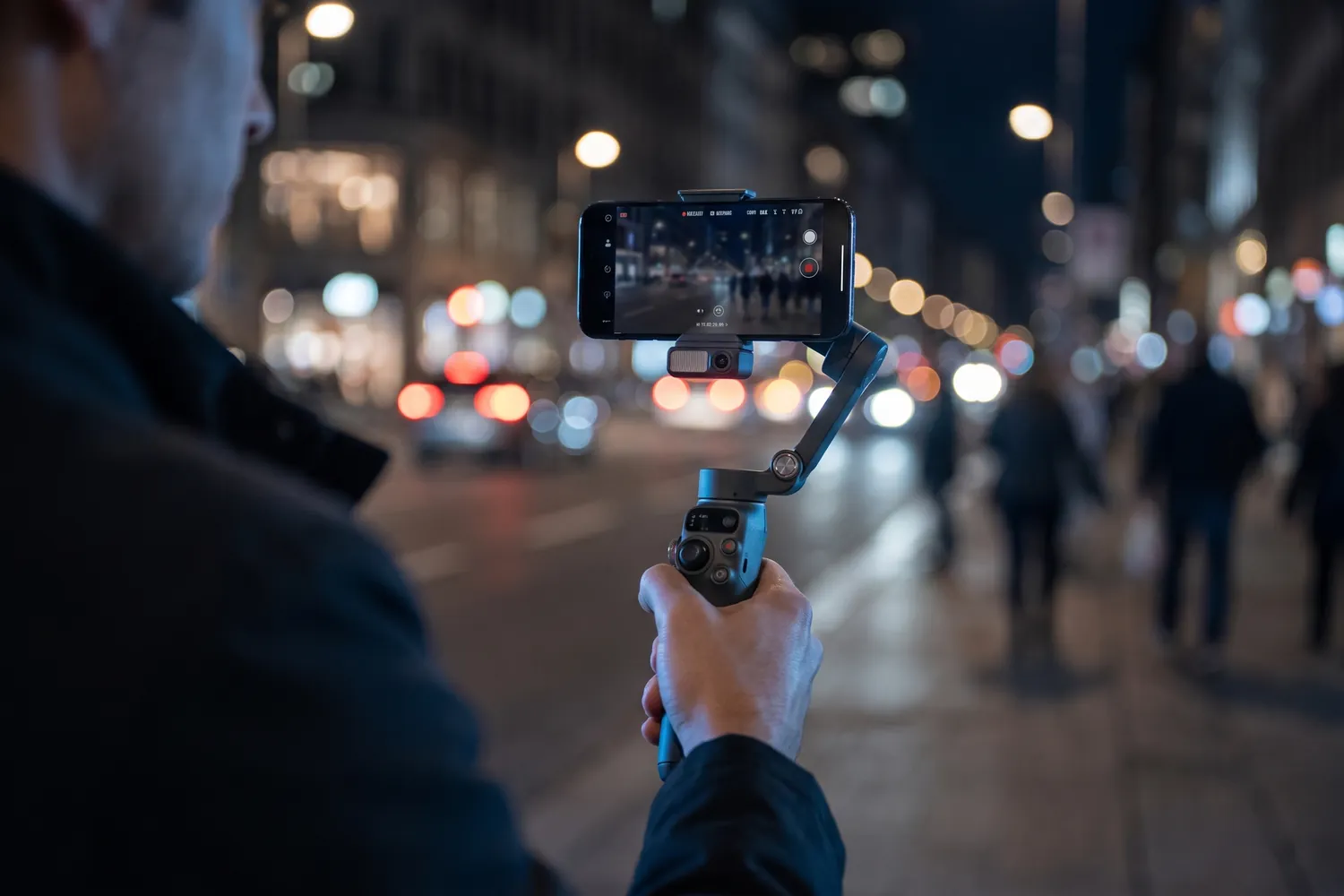
DJI Osmo Mobile 8 gimbal holding a phoneAI-generated image
A creator filming a city street at night with the DJI Osmo Mobile 8AI-generated image
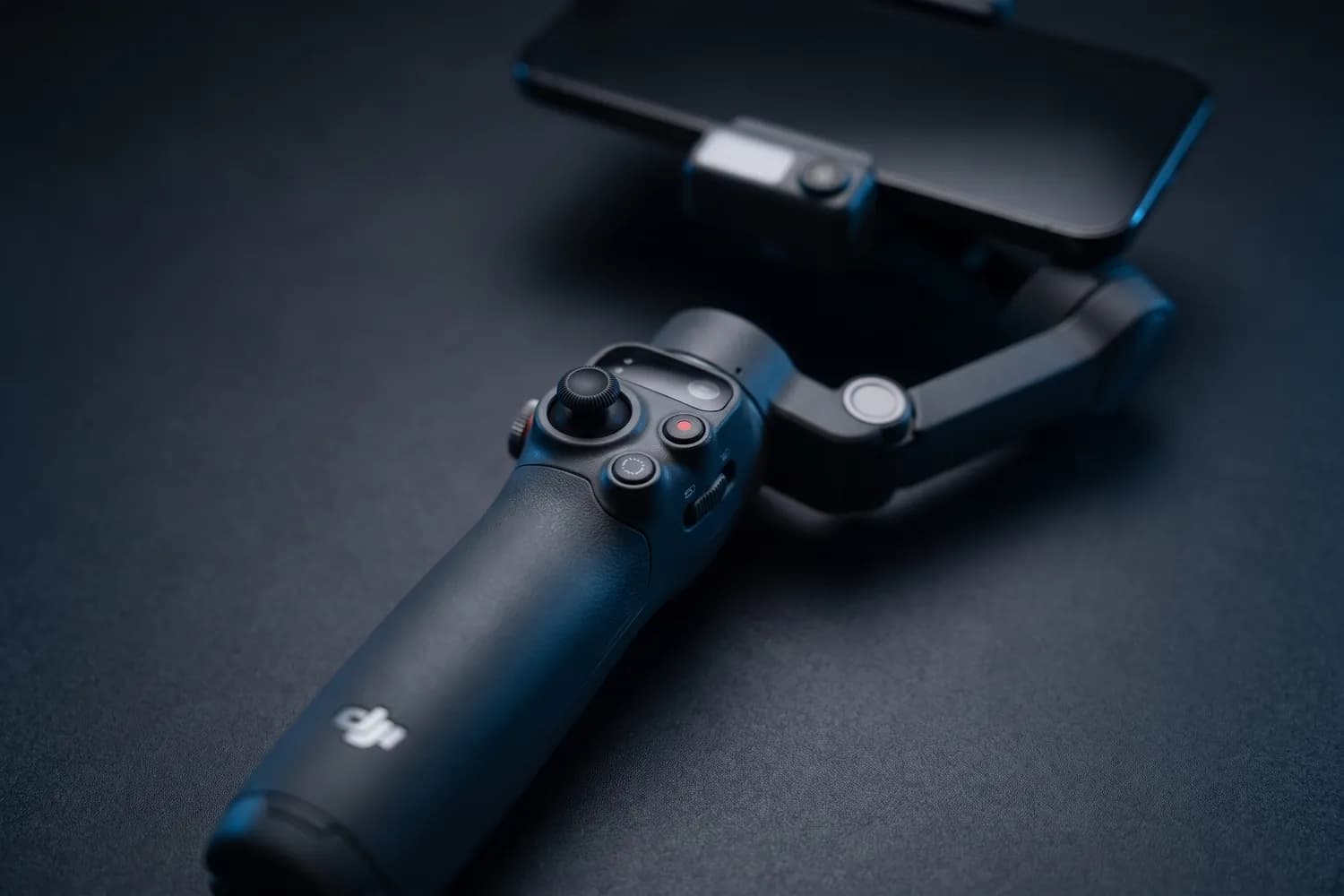
Close-up of the DJI Osmo Mobile 8's handle controlsAI-generated image

Smooth shots while walking

DJI Osmo Mobile 8

Standard Combo

A motorised phone handle that keeps footage smooth while you move.

Why we recommend it

  • 3-axis stabilisation with unlimited 360° panning
  • Built-in extension rod and tripod
  • About 10 hours of battery — and it can charge your phone
Who actually needs this?
Anyone filming while walking — vlogs, travel, events, B-roll.
Skip it if
You film standing still; your phone's stabilisation plus a tripod is enough.

Good to know: Not officially sold in the US; there, the Insta360 Flow 2 Pro is the alternative.

≈ €96typical price, Sep 2026 · may change

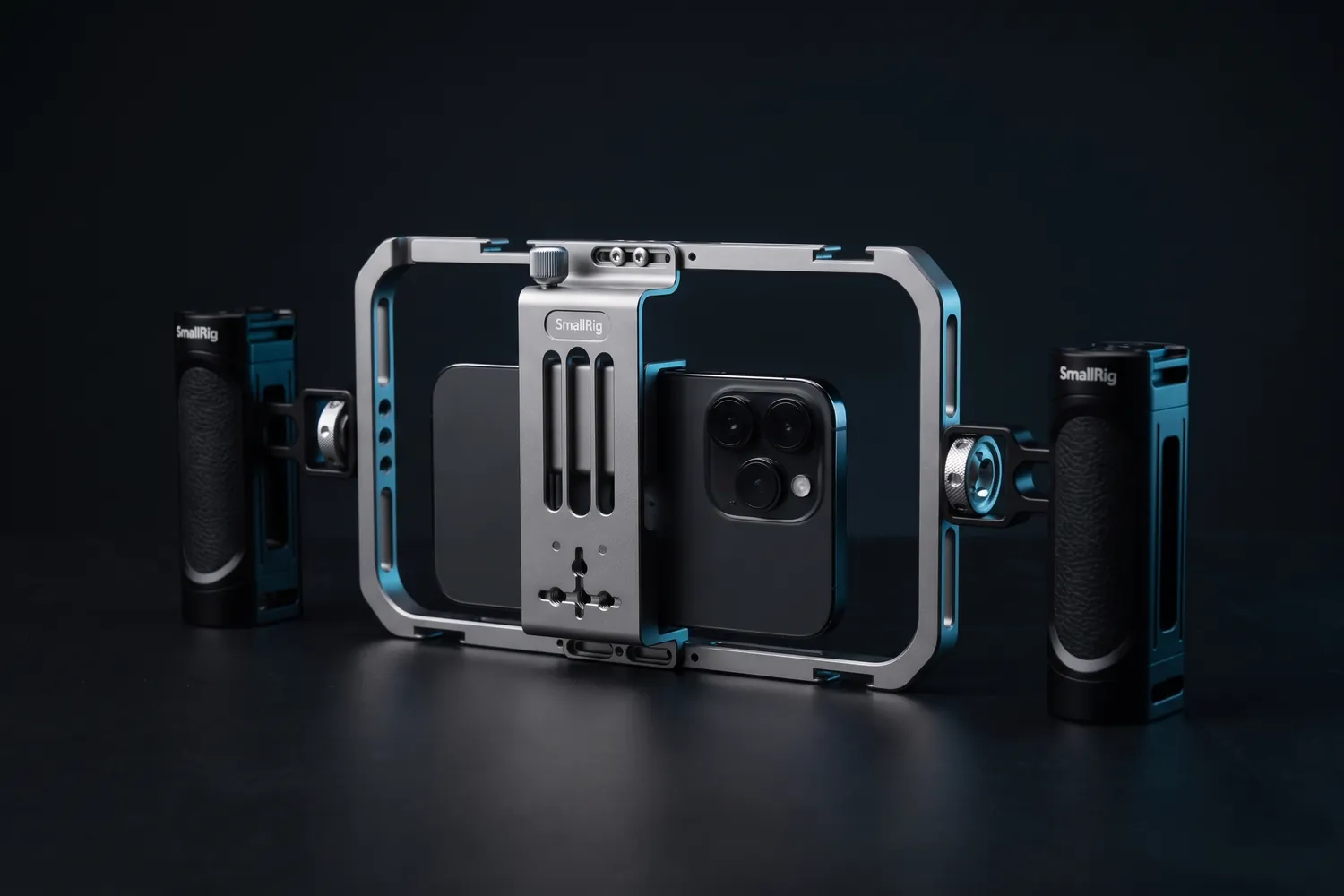
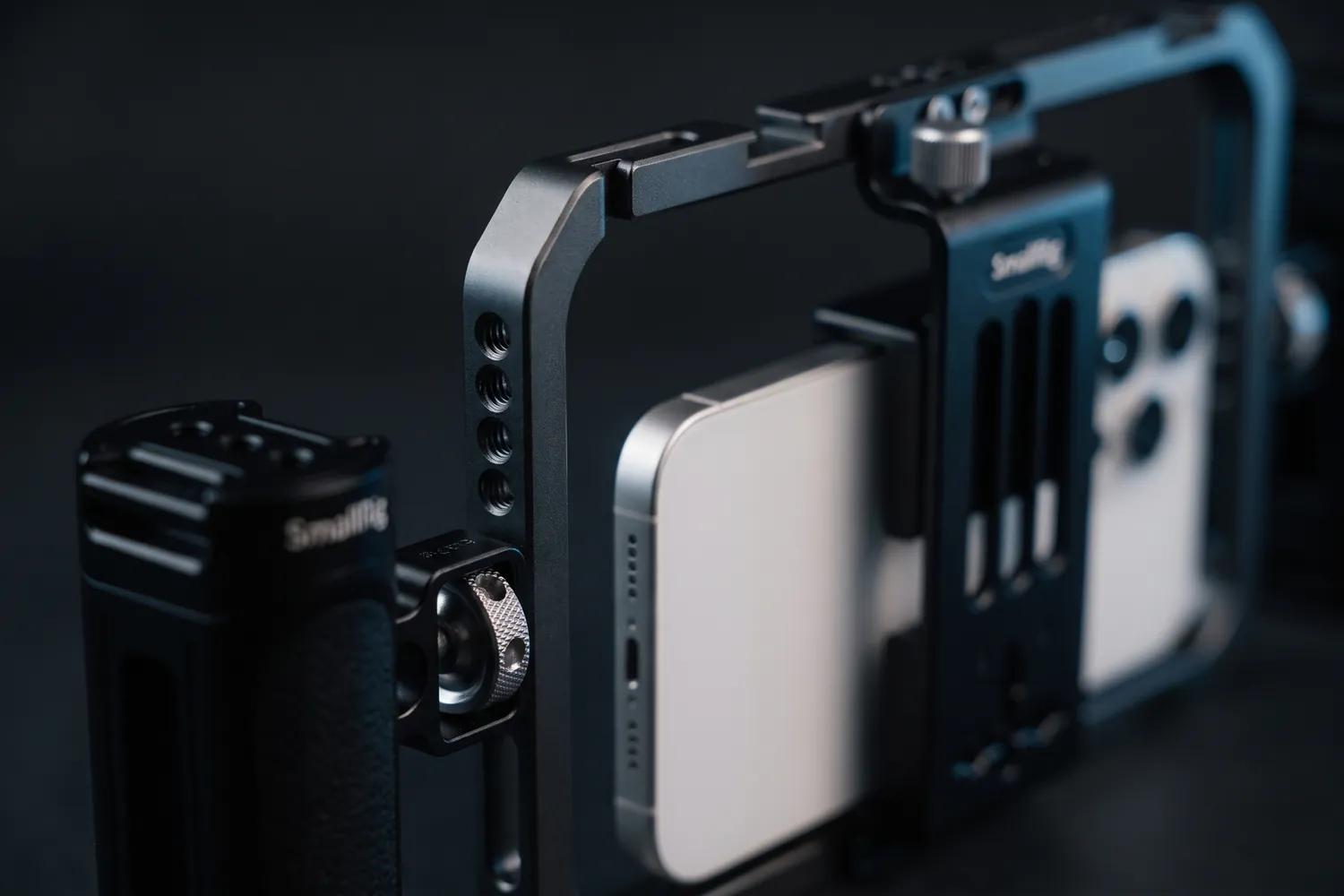
SmallRig phone cage with a phone and two side handlesAI-generated image
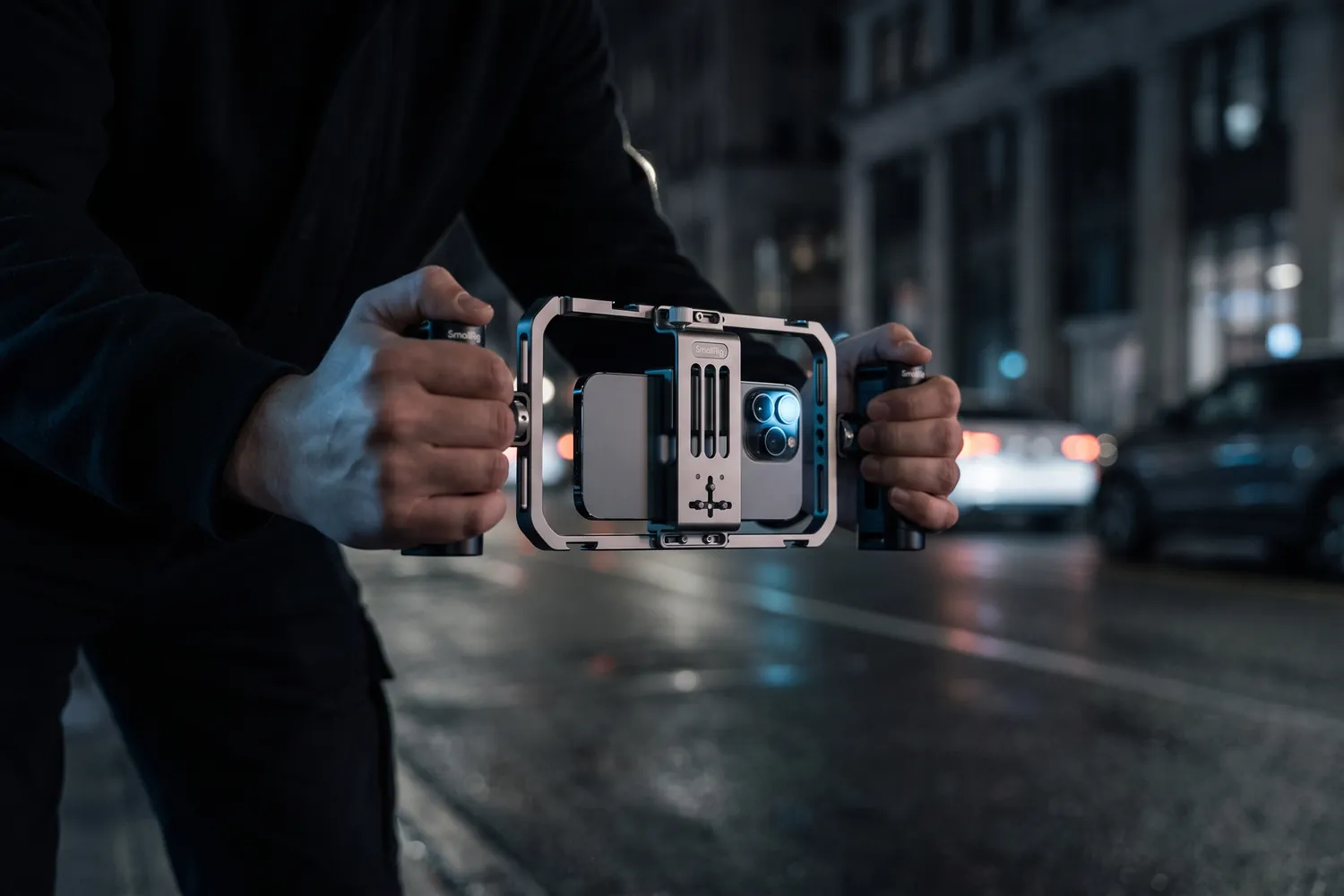
Hands holding the SmallRig phone cage by both handles on a street at nightAI-generated image
Close-up of a SmallRig handle and the cage's phone clampAI-generated image

Street interviews

SmallRig All-in-One Video Kit Basic

Phone cage with two handles

A phone cage with two handles and mounts for a mic and a light.

Why we recommend it

  • Two handles: steady one- or two-handed filming
  • Cold shoes and 1/4-inch threads for a mic receiver and a light
  • Vertical or horizontal; fits phones 5.7–9 cm wide, case included
Who actually needs this?
Street interviews and handheld vlogs.
Skip it if
You mostly film on a tripod.
Elgato Wave Mic Arm LP clamped to a desk, holding a microphoneAI-generated image
Elgato Wave Mic Arm LP reaching in below a monitor on a streaming deskAI-generated image
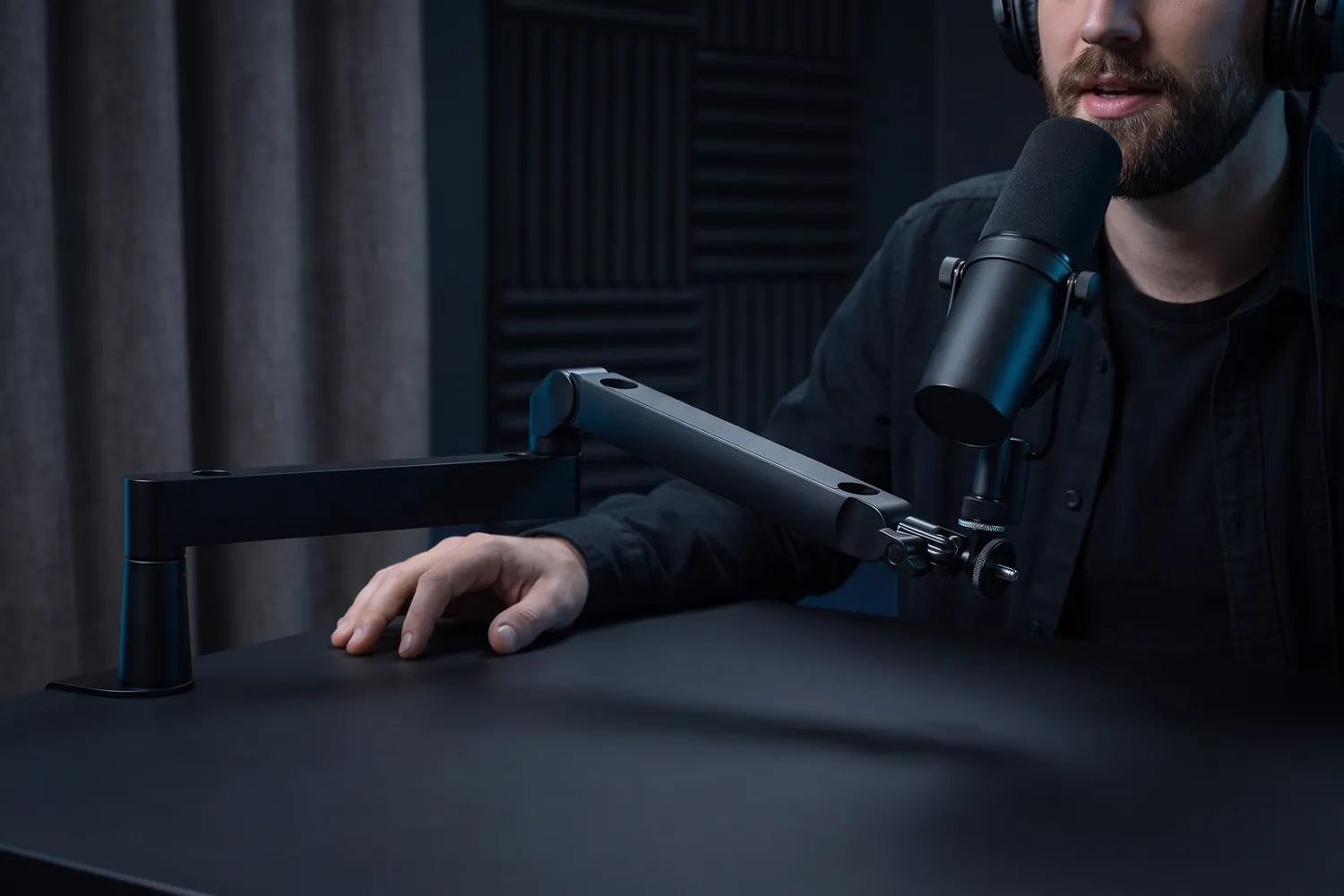
A podcaster speaking into a microphone on the Elgato Wave Mic Arm LPAI-generated image
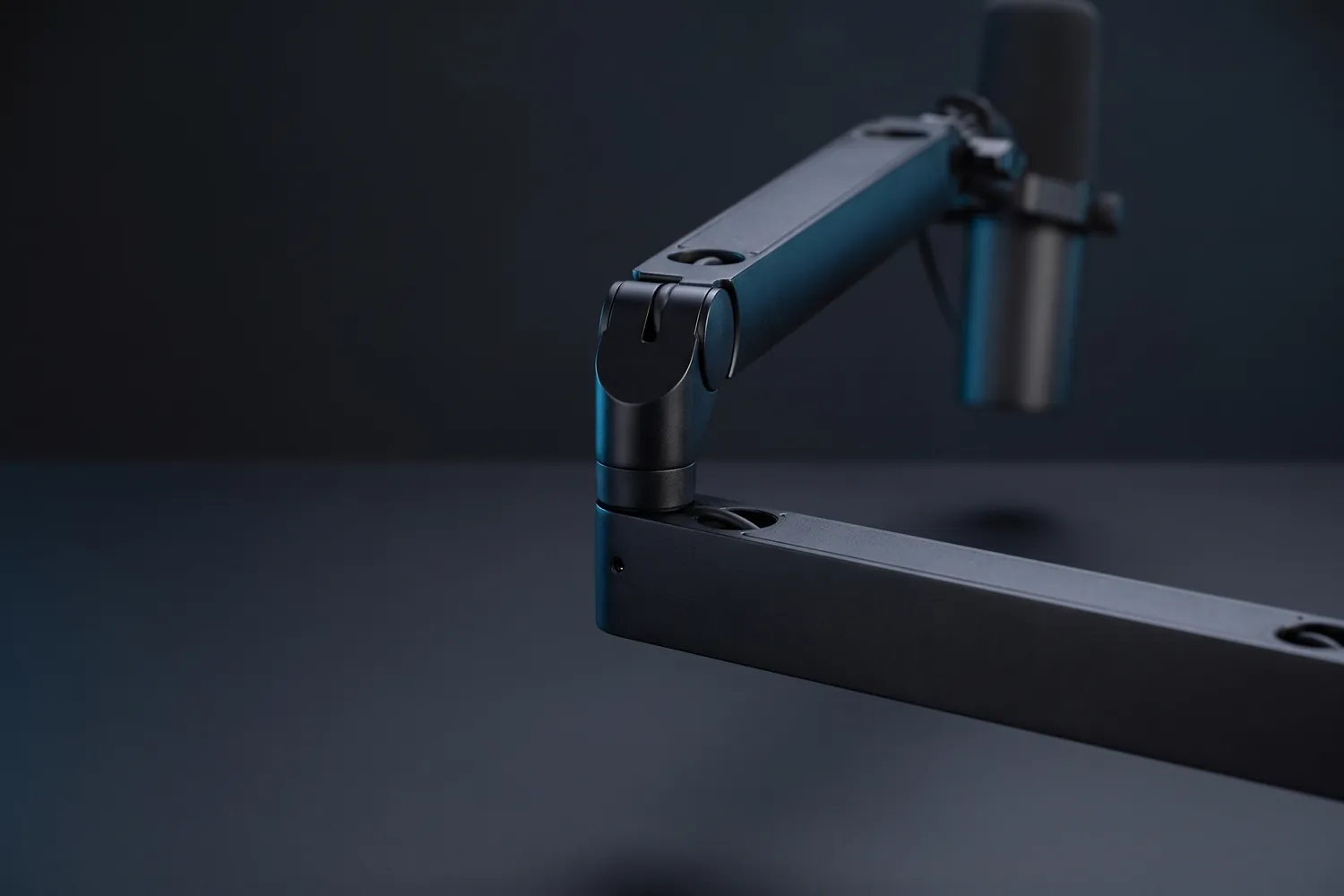
Close-up of the Elgato Wave Mic Arm LP's hinge and flat arm segmentsAI-generated image

Desk mount for podcasts

Elgato Wave Mic Arm LP

A low-profile desk arm that holds the mic close to your mouth and below the camera's view.

Why we recommend it

  • Runs just 7 cm above the desk, so it stays out of the shot
  • Holds mics up to 2 kg with a 74 cm reach
  • Clamps to desks up to 6 cm thick
Who actually needs this?
Anyone filming podcasts or voiceovers at a desk.
Skip it if
Your mic sits on a desk stand and the framing works for you.
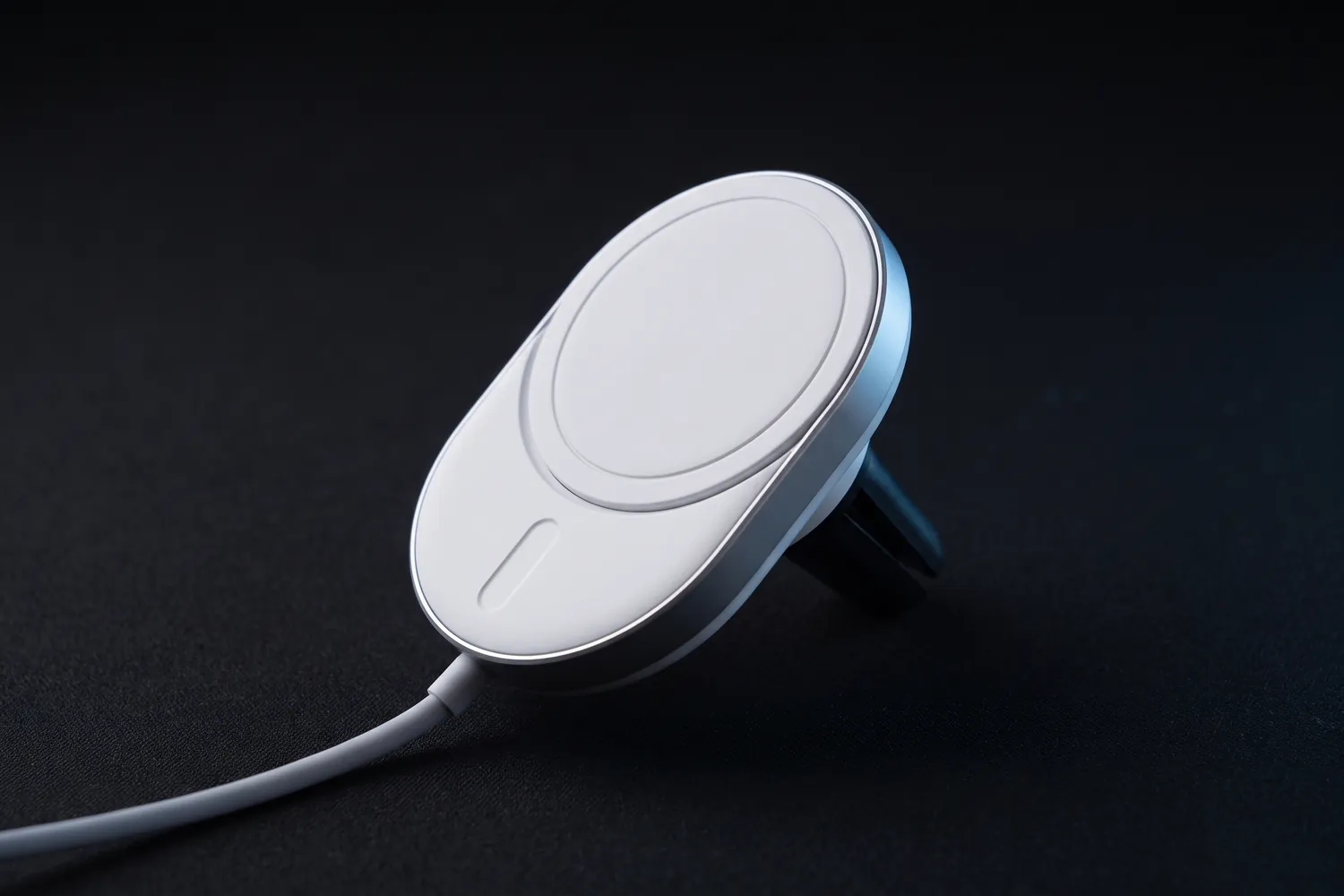
Belkin BoostCharge Pro Qi2 car mount with its magnetic charging padAI-generated image
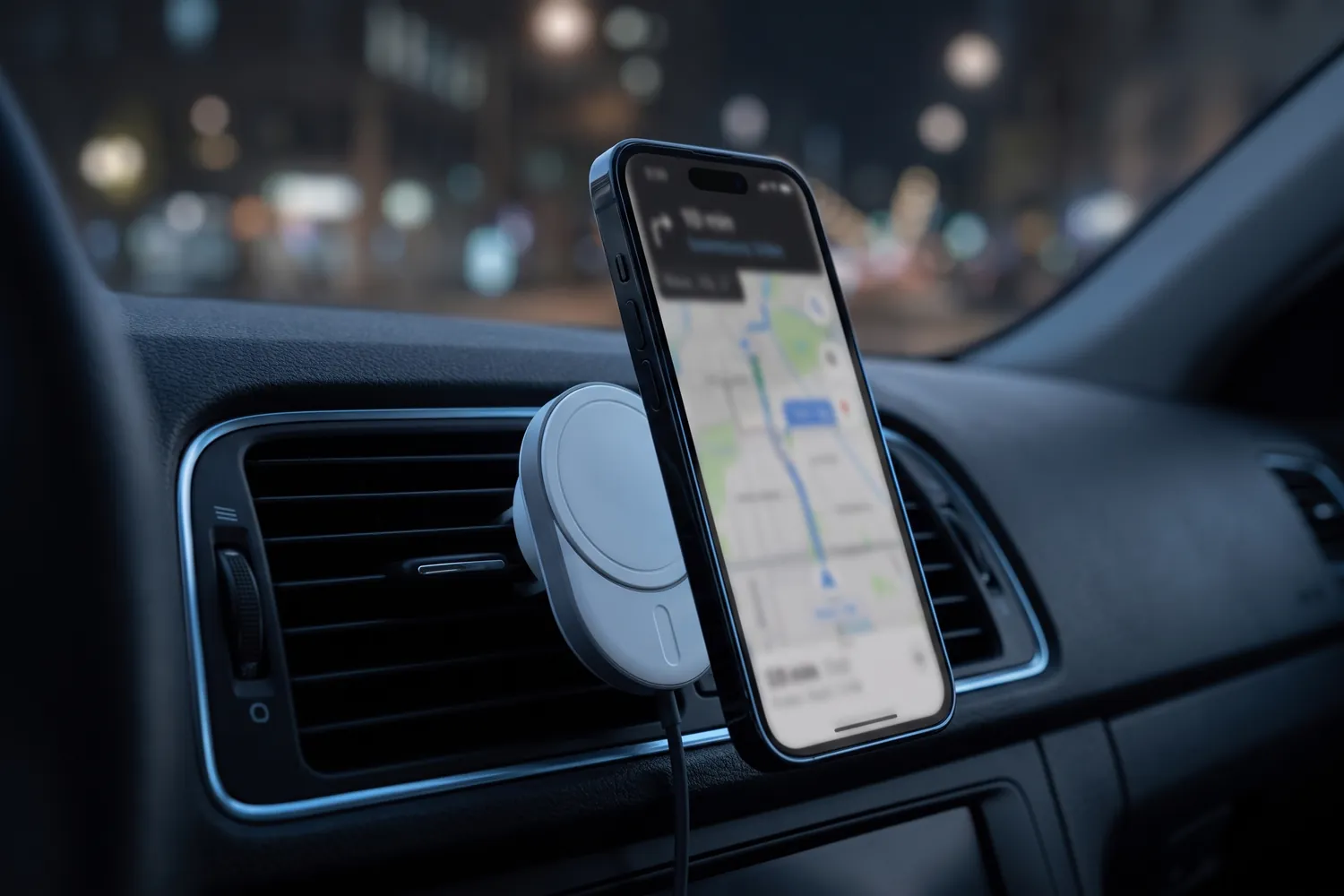
Belkin car mount on a car's air vent holding a phone with a map at nightAI-generated image
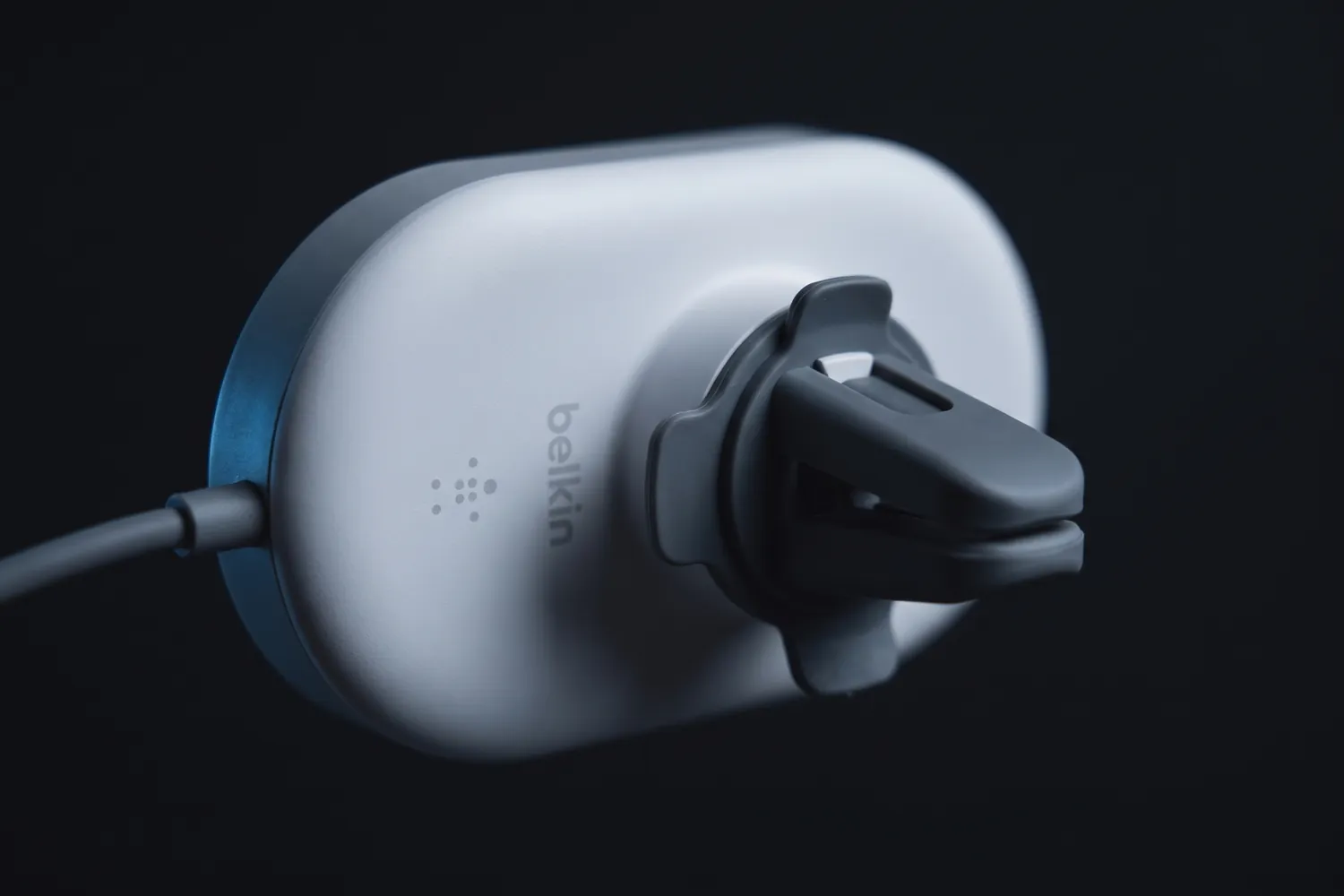
Close-up of the Belkin car mount's vent clipAI-generated image

Filming in the car

Belkin BoostCharge Pro Qi2 car mount

Vent mount with a 20 W USB-C car adapter

A magnetic vent mount that holds your phone steady and charges it.

Why we recommend it

  • Magnetic: the phone snaps on and off in a second
  • Charges wirelessly at up to 15 W (Qi2) while it holds
  • Turns for vertical or horizontal framing
Who actually needs this?
Car talks and reactions — filmed parked, never while driving.
Skip it if
Your phone has no magnets and you don't want a MagSafe-compatible case.

Good to know: Works with iPhone 12 and newer, and with Qi2 Android phones in a magnetic case.

Do you actually need this?

Do you need a gimbal?

Yes, if…

  • You film while walking, running or on the move
  • You shoot travel or event content with a lot of motion

Not yet, if…

  • You film standing still — a tripod does the job
  • Your phone's own stabilisation already looks smooth to you

Lens at eye level

Put the camera at eye height, not below your chin. It's the easiest way to look more confident on camera — and the reason a tall tripod pays off.

06 · Editing setup

An editing setup that keeps up

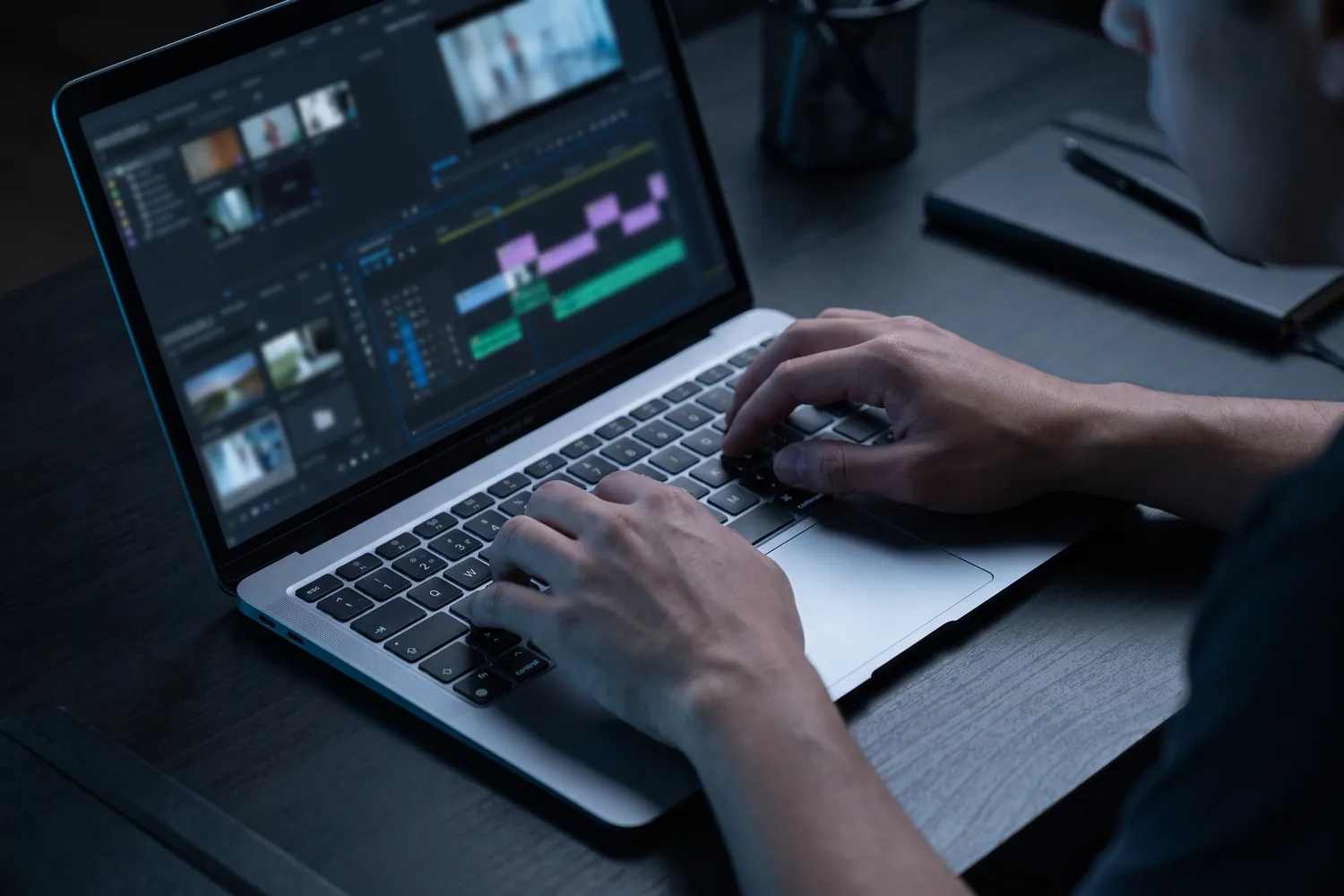
You can edit short-form entirely on your phone. A computer pays off once you edit longer videos, batch a week of content or work with footage from a camera.

Start with free software: CapCut runs on phones and computers, and DaVinci Resolve has a free version that professionals use too. What slows editing down is often storage — a full phone or a slow drive — not the processor.

What's worth buying

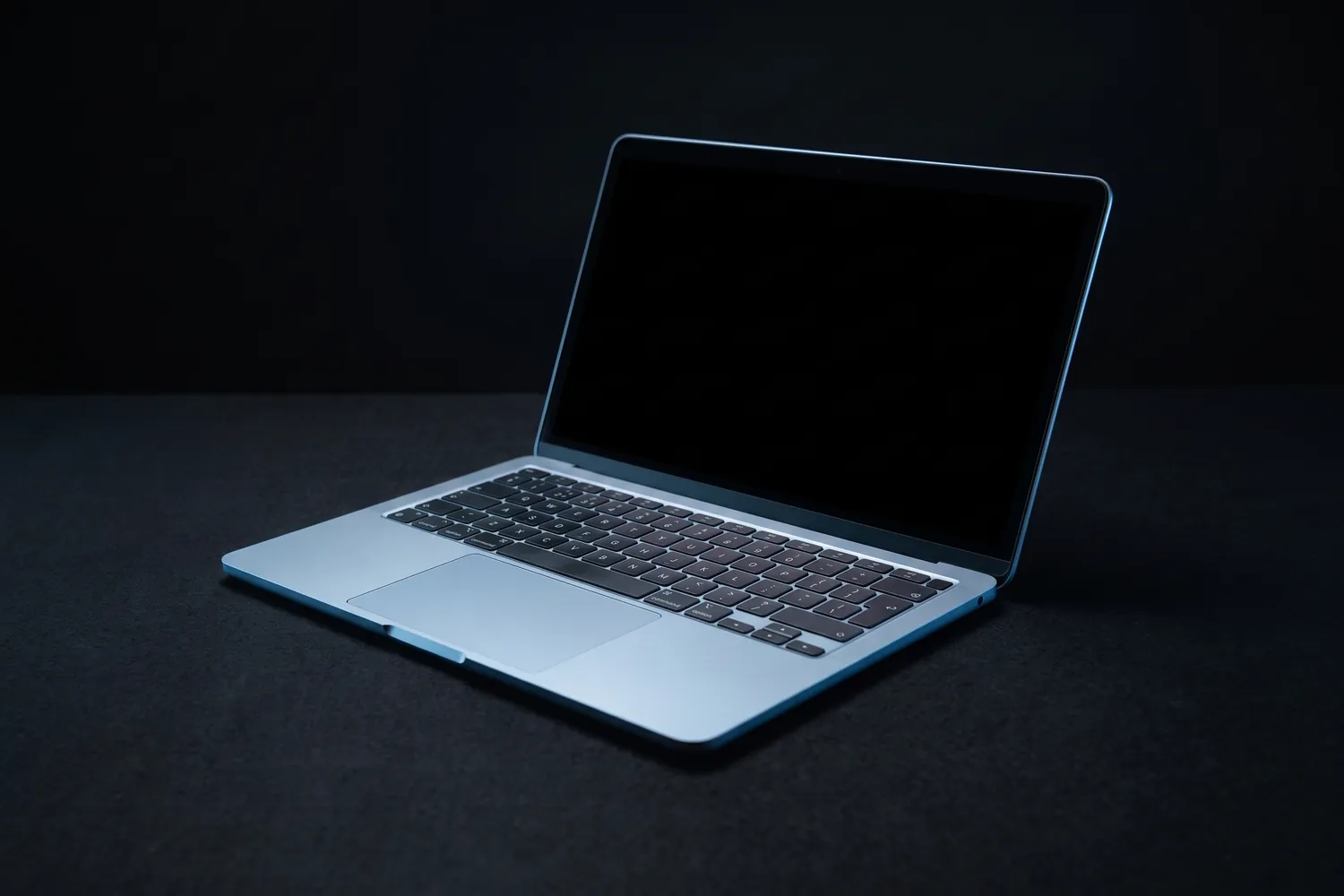
Apple MacBook Air 13-inch, half open on a dark surfaceAI-generated image
Hands editing video on an Apple MacBook Air at nightAI-generated image
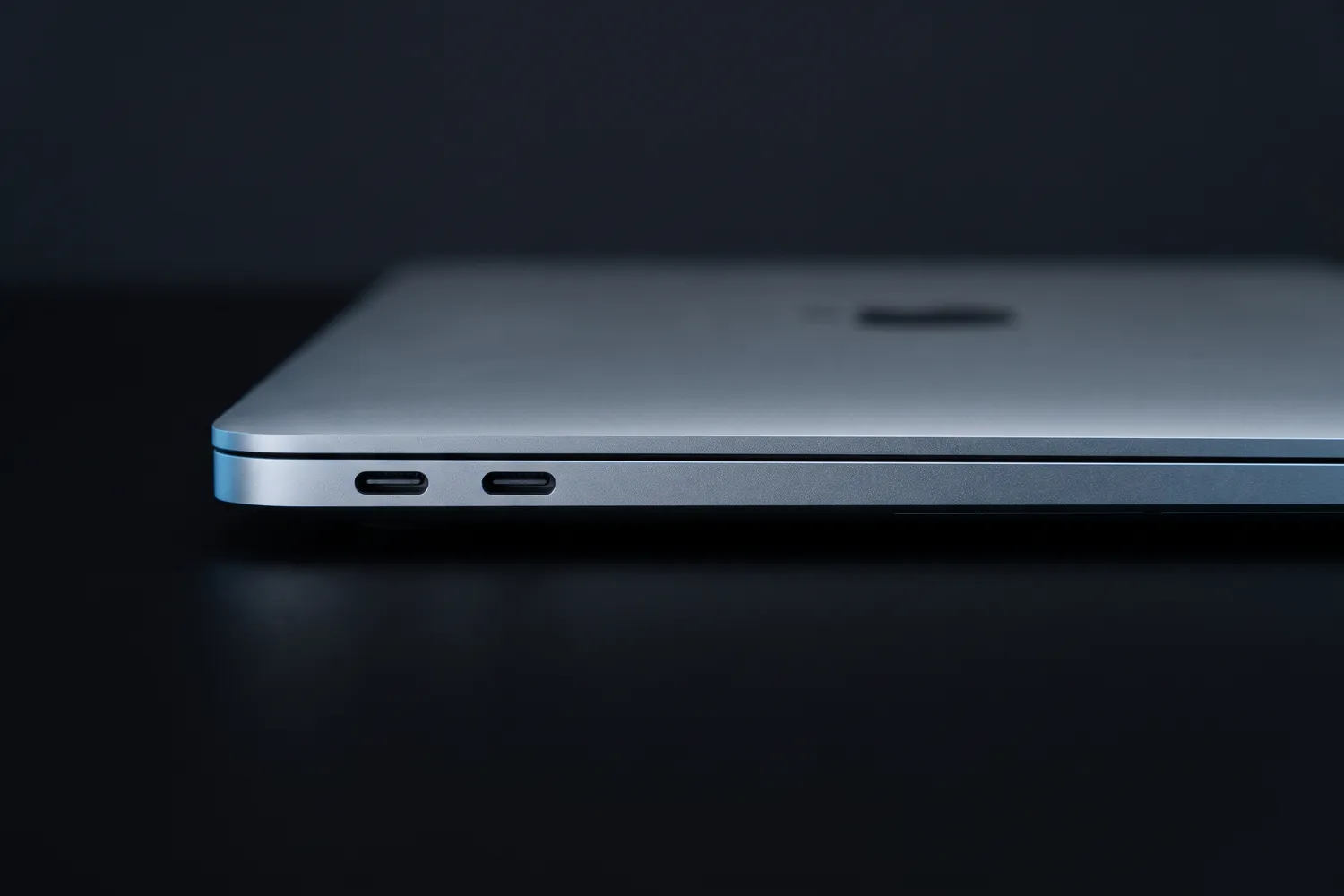
Close-up of the Apple MacBook Air's edge with its USB-C portsAI-generated image

Best laptop for most creators

Apple MacBook Air 13″ (M5)

16 GB memory, 512 GB storage

A silent, fanless laptop with plenty of power for editing and a battery that lasts the day.

Why we recommend it

  • No fan: silent while you record voiceovers next to it
  • Up to 18 hours of battery
  • 512 GB of storage in the base model, and it drives two external displays
Who actually needs this?
Creators who edit longer videos or camera footage regularly.
Skip it if
Your computer is only a few years old — a fast SSD helps more for less.
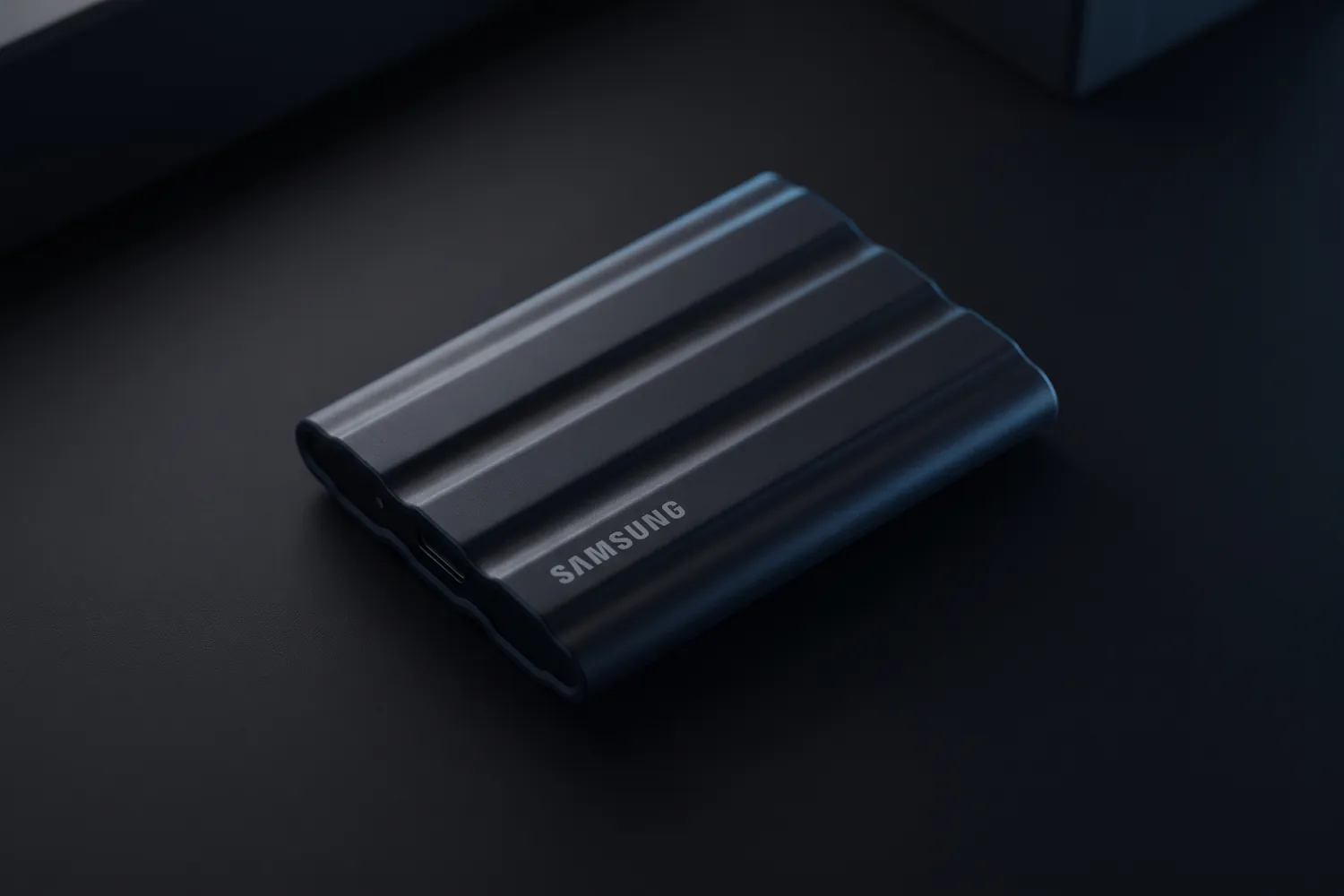
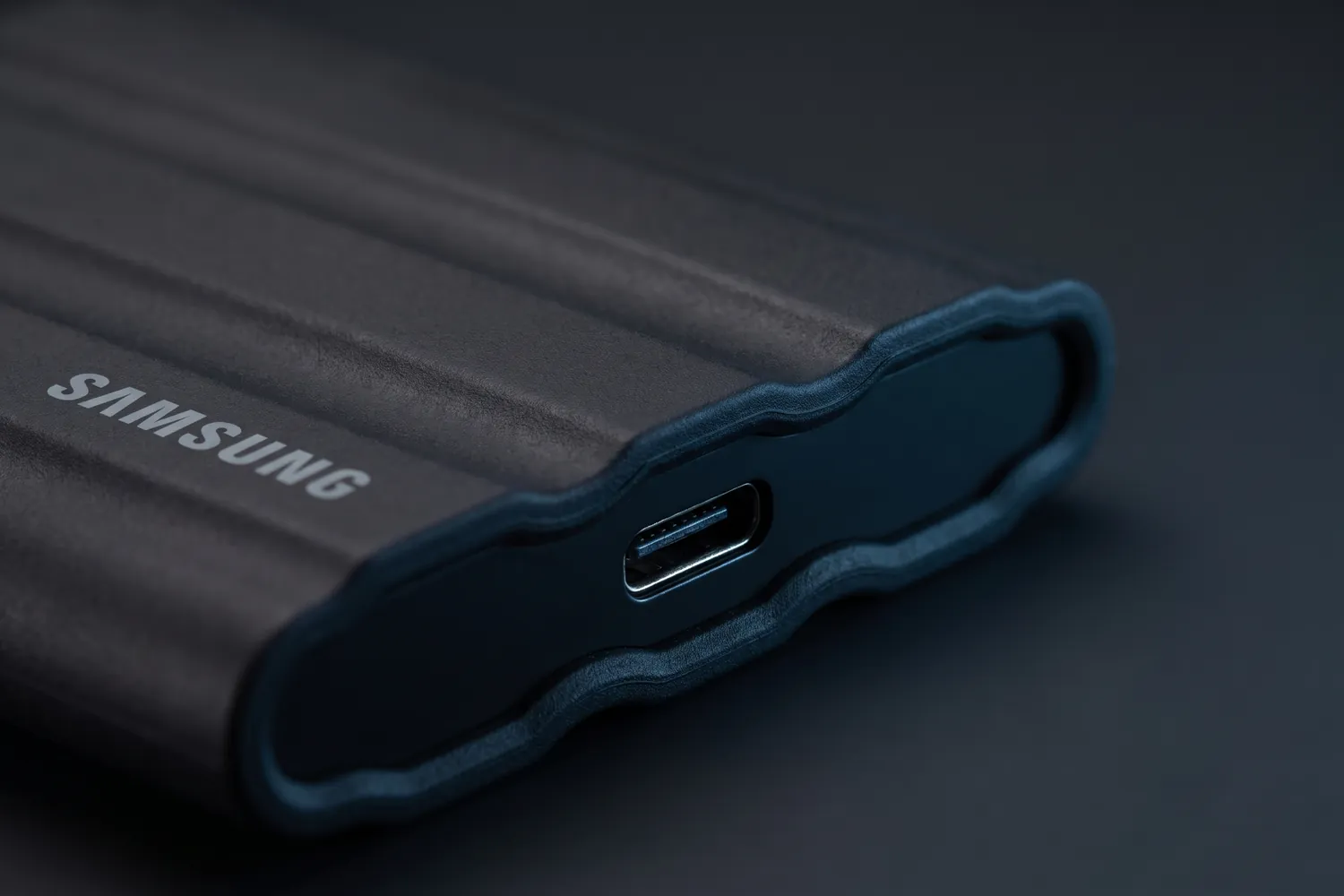
Samsung T7 Shield portable SSD on a dark surfaceAI-generated image
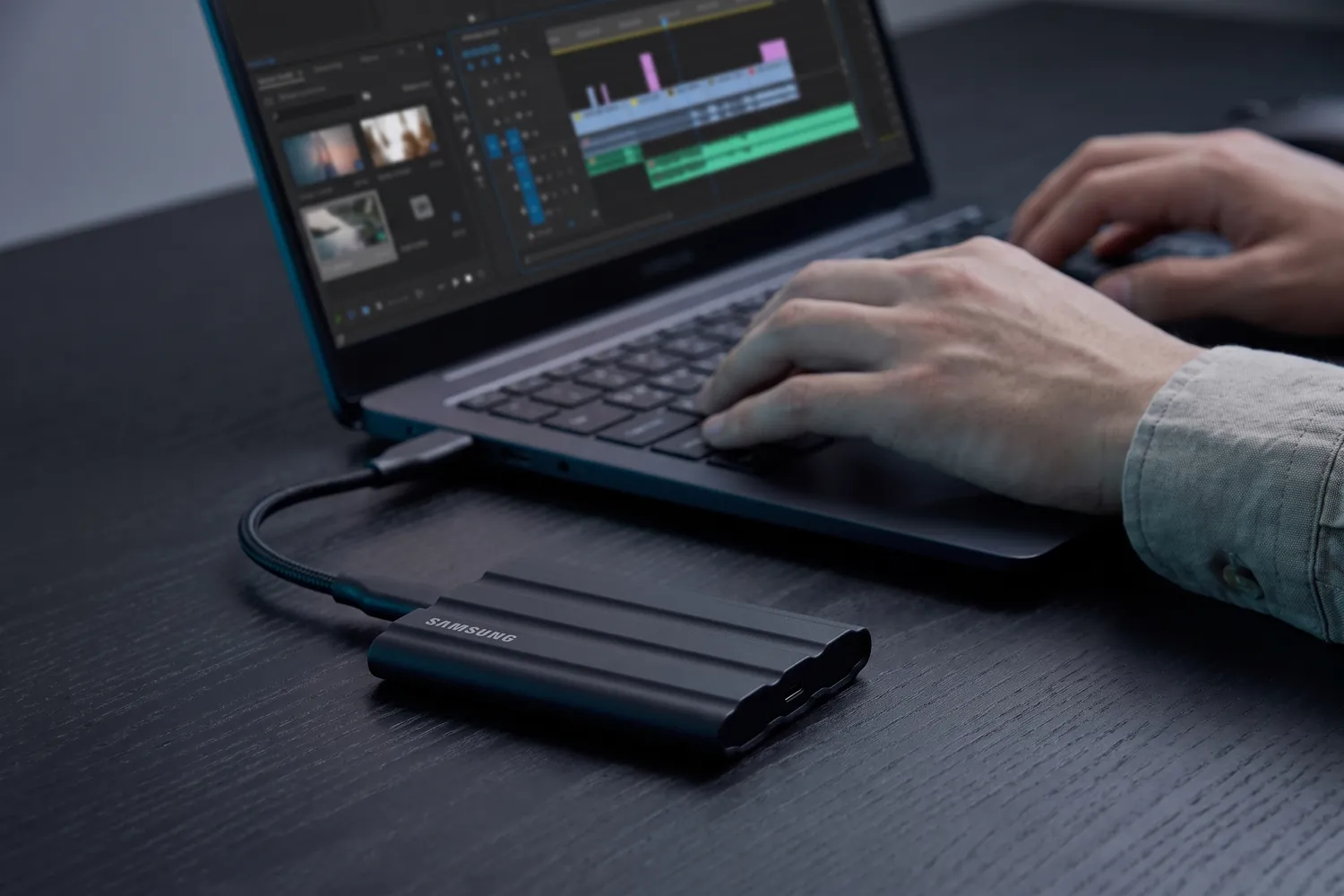
Samsung T7 Shield connected to a laptop while someone edits videoAI-generated image
Close-up of the Samsung T7 Shield's USB-C port and rubber shellAI-generated image

Fast storage

Samsung T7 Shield 1 TB

A rugged pocket drive that moves footage off your phone or laptop fast.

Why we recommend it

  • Up to 1,050 MB/s — far faster than a hard drive or USB stick
  • Dust- and water-resistant (IP65) and survives 3 m drops
  • 98 g, with a 3-year warranty
Who actually needs this?
Anyone whose phone or laptop keeps running out of space.
Skip it if
You keep only a few clips and back up to the cloud.

Good to know: SSD prices roughly doubled in 2026 — compare before you buy.

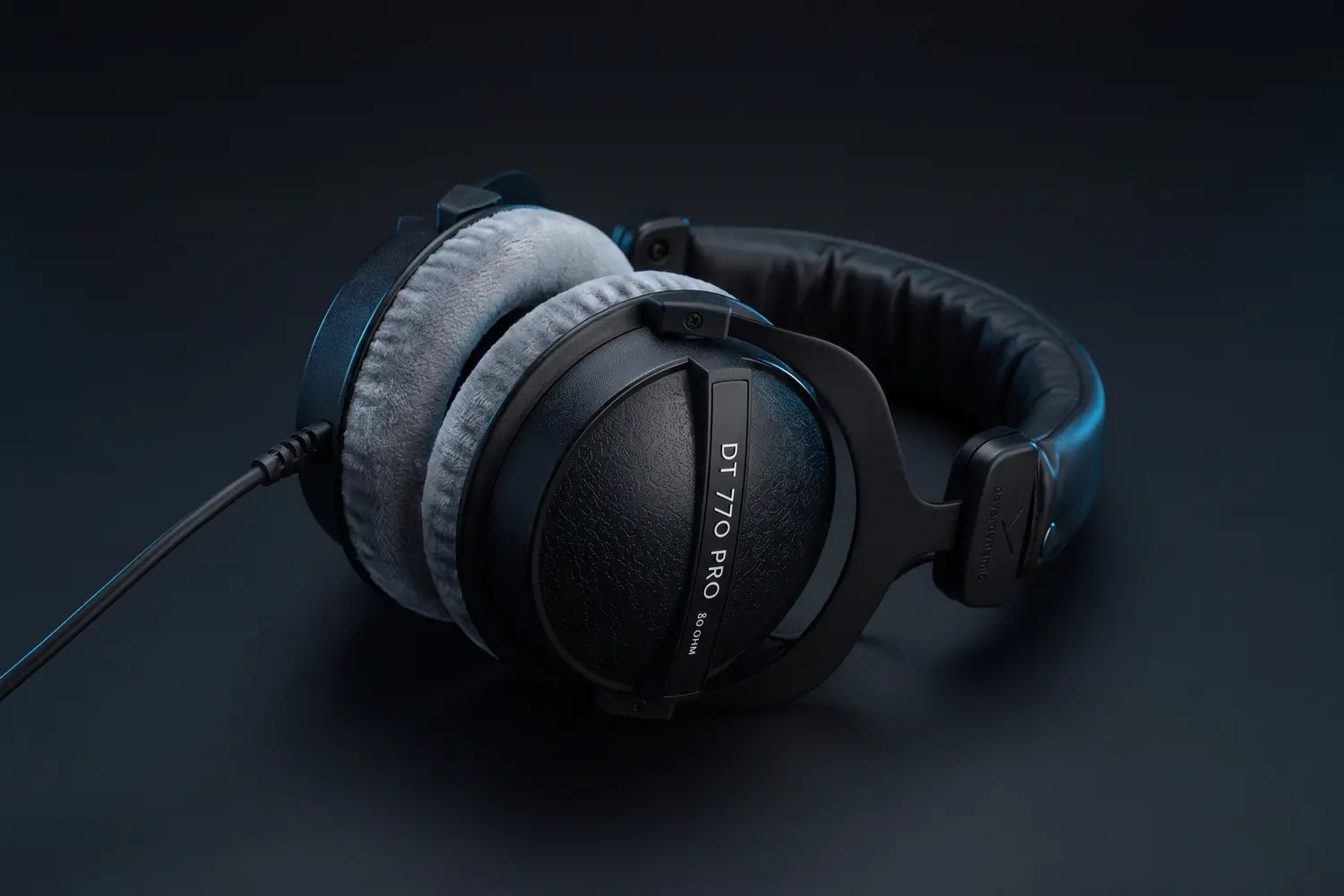
beyerdynamic DT 770 PRO 80 ohm headphones with grey velour ear pads, lying on a dark surfaceAI-generated image
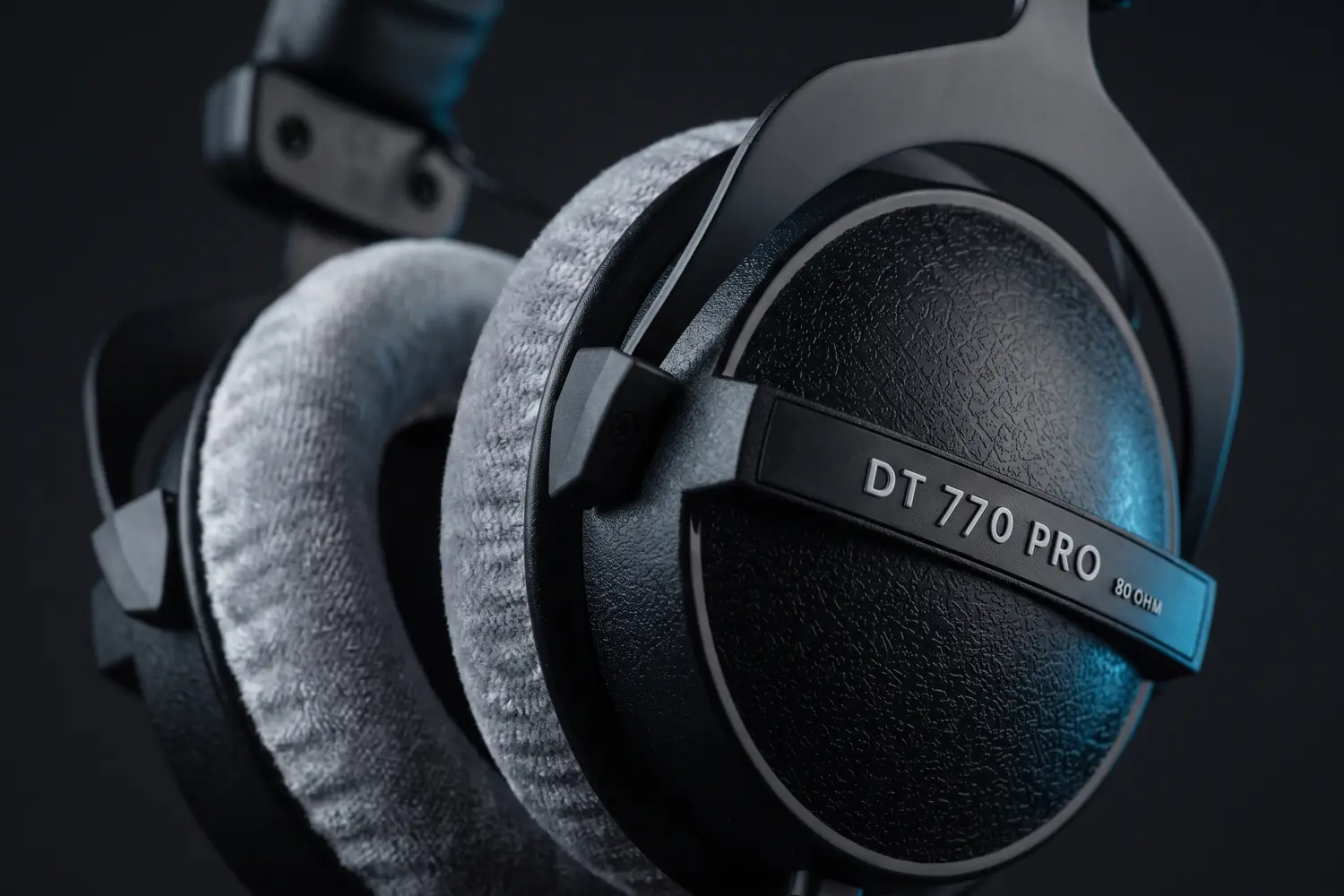
Close-up of a DT 770 PRO ear cup with its 80 OHM label and grey velour padAI-generated image

Hear what you publish

beyerdynamic DT 770 PRO

80 ohms

Closed studio headphones with velour ear pads, in the 80-ohm version beyerdynamic makes for the studio.

Why we recommend it

  • Closed back, so little of what you hear leaks into the mic
  • Grey velour ear pads and a 3 m coiled cable
  • Made in Germany, and every part can be replaced
Who actually needs this?
Anyone editing sound, recording podcasts or checking a mix.
Skip it if
You want a cable you can unplug — this one is fixed; the Audio-Technica ATH-M50x has a detachable one.

Good to know: From a phone it plays quieter than the 32-ohm version, which beyerdynamic makes for mobile devices.

Do you actually need this?

Do you need a computer for editing?

Yes, if…

  • You edit videos longer than a minute or two
  • You film on a camera
  • You batch-produce content for the week

Not yet, if…

  • You film and post from your phone
  • Your edits are short cuts with captions

07 · Accessories

Small things that save a shoot

A shoot rarely fails because of the camera. It fails because the battery dies, the storage is full or the adapter is at home.

Worth having in your bag

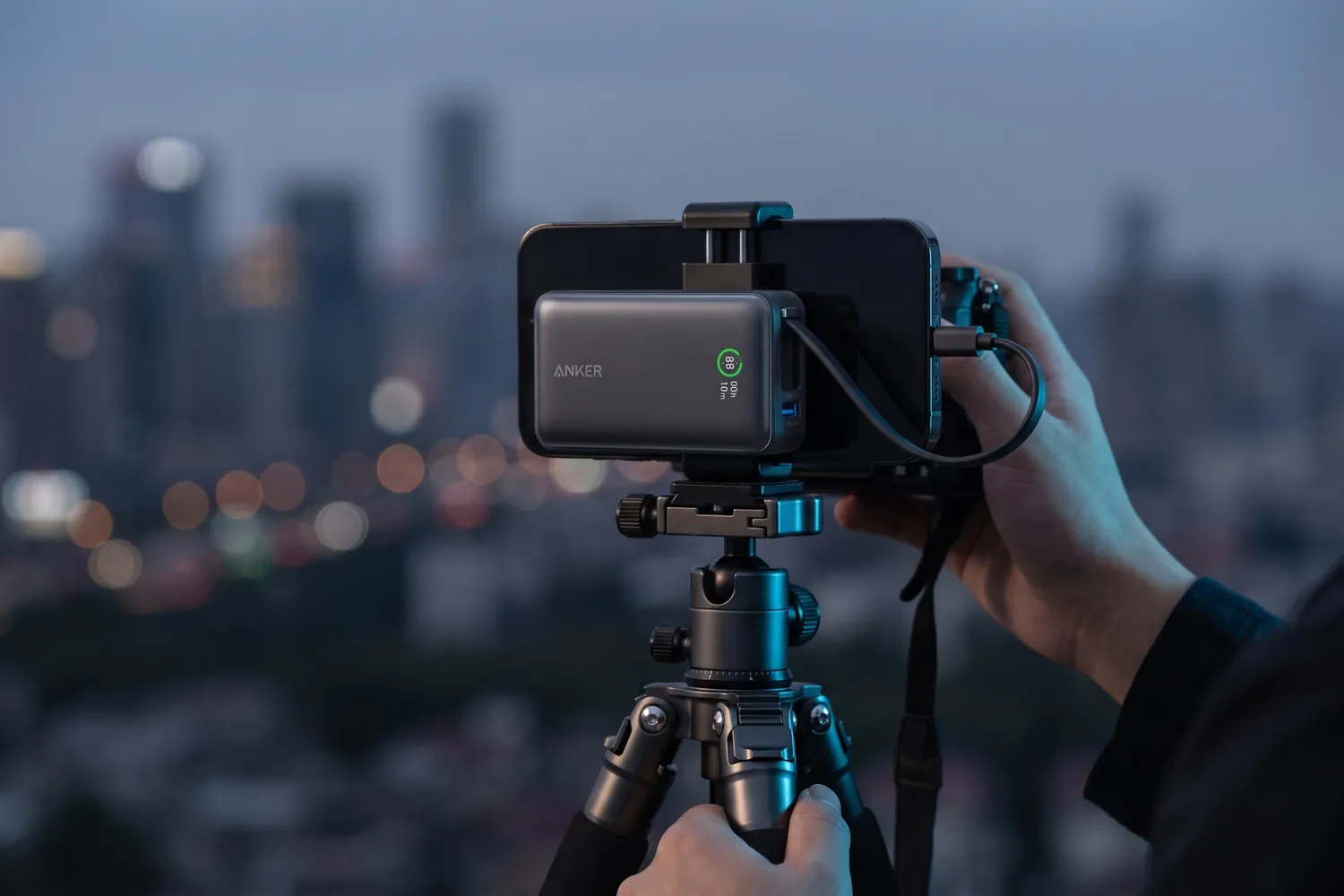
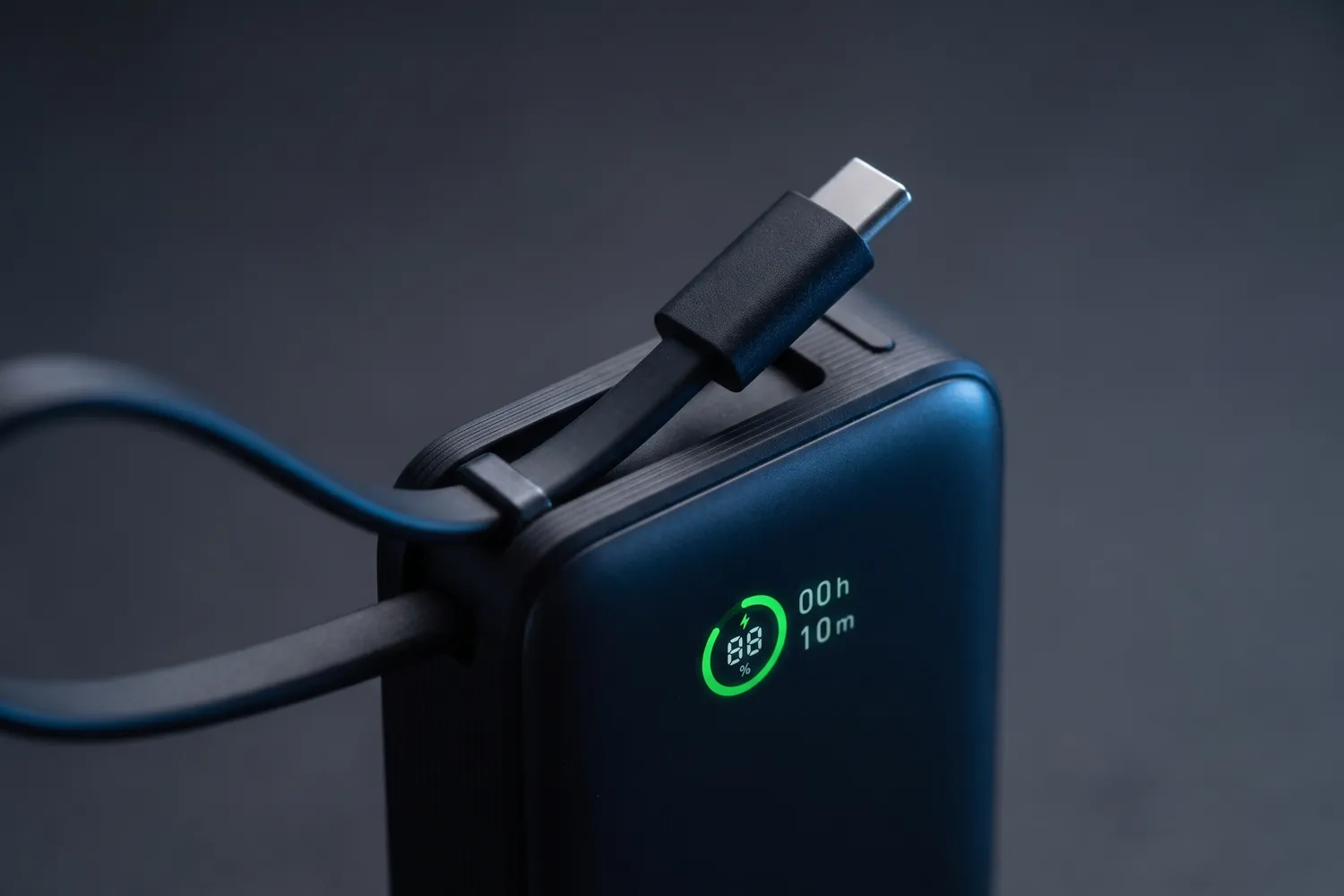
Anker Nano Power Bank with its built-in USB-C cableAI-generated image
Anker Nano Power Bank charging a phone on a tripod during an outdoor shootAI-generated image
Close-up of the Anker Nano Power Bank's display and built-in cableAI-generated image

Best for most creators

Anker Nano Power Bank (10,000 mAh, 30 W)

With built-in USB-C cable

A compact power bank with its own cable for phone, mic and light.

Why we recommend it

  • 10,000 mAh with up to 30 W output
  • Built-in USB-C cable, plus USB-C and USB-A ports
  • Weighs 215 g
Who actually needs this?
Everyone who films away from a socket.
Skip it if
You only film at home next to a charger.

For pocket and action cameras

SanDisk Extreme microSDXC 128 GB

A fast memory card for pocket cameras, action cameras and drones.

Why we recommend it

  • Rated V30 and U3: fast enough for 4K recording
  • Up to 190 MB/s read for quick transfers
  • SD adapter included
Who actually needs this?
Anyone using a pocket camera, action camera or drone.
Skip it if
You only film on your phone.
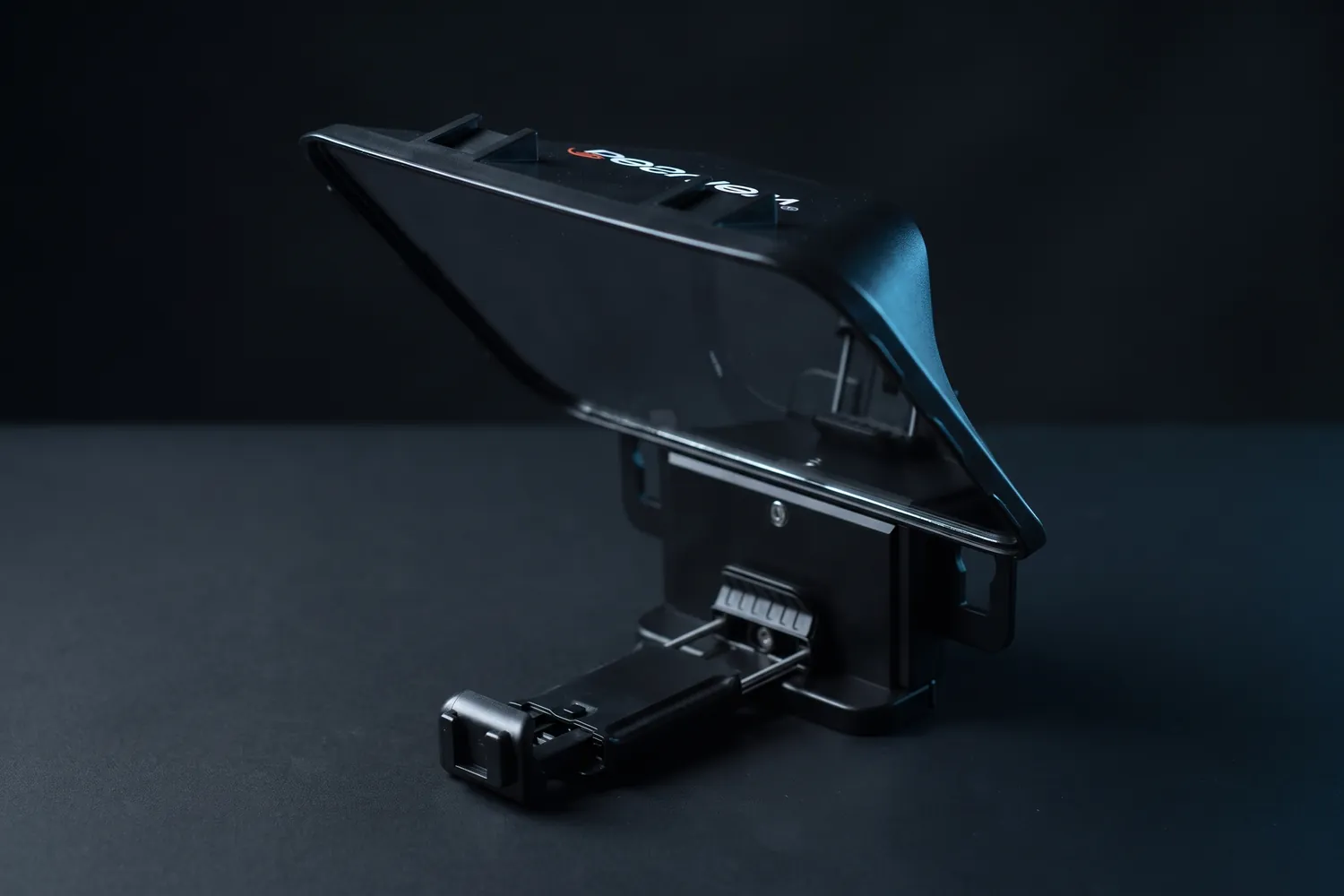
Desview T3 teleprompter on a dark surfaceAI-generated image
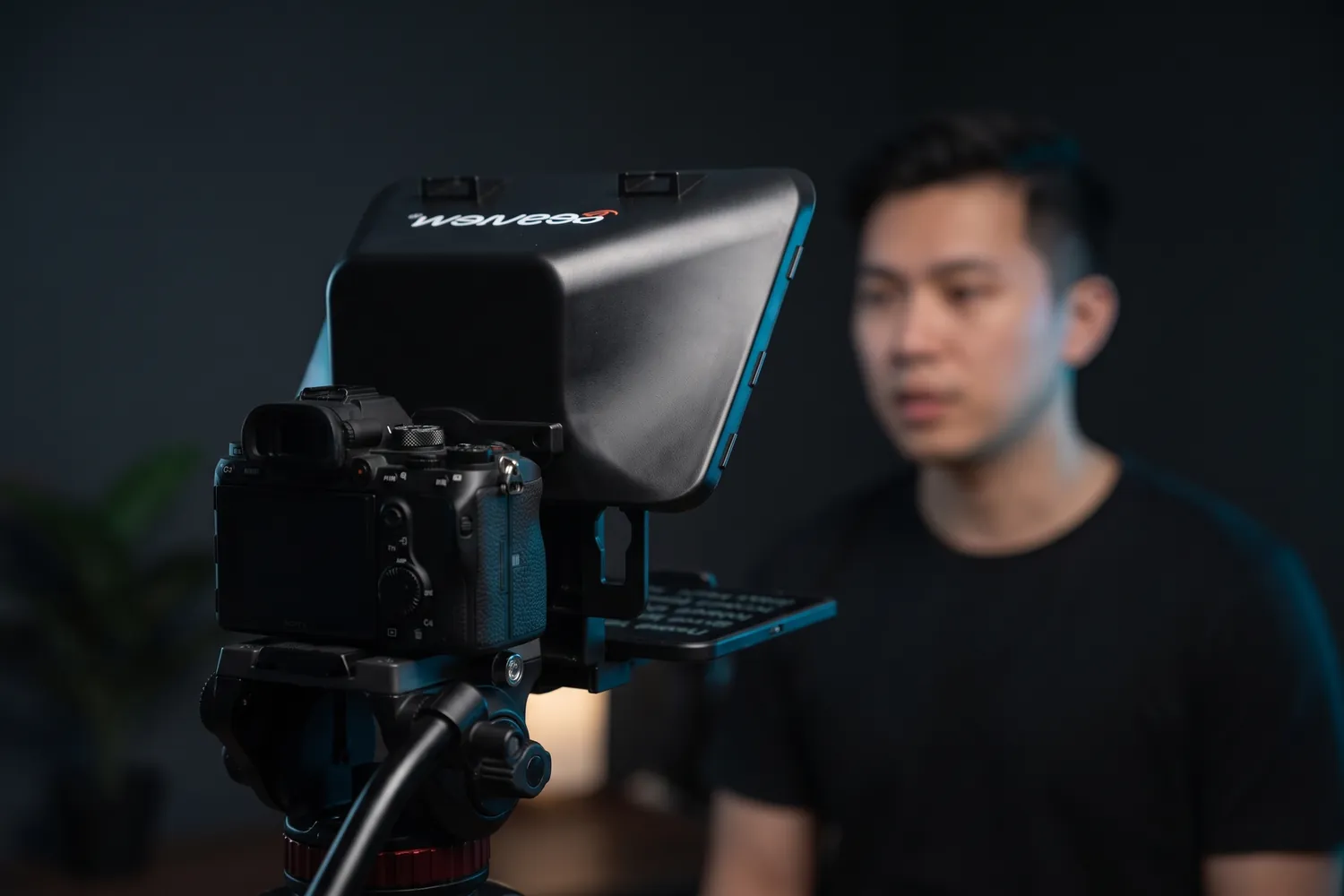
Desview T3 on a camera, a creator reading from it in a home studioAI-generated image
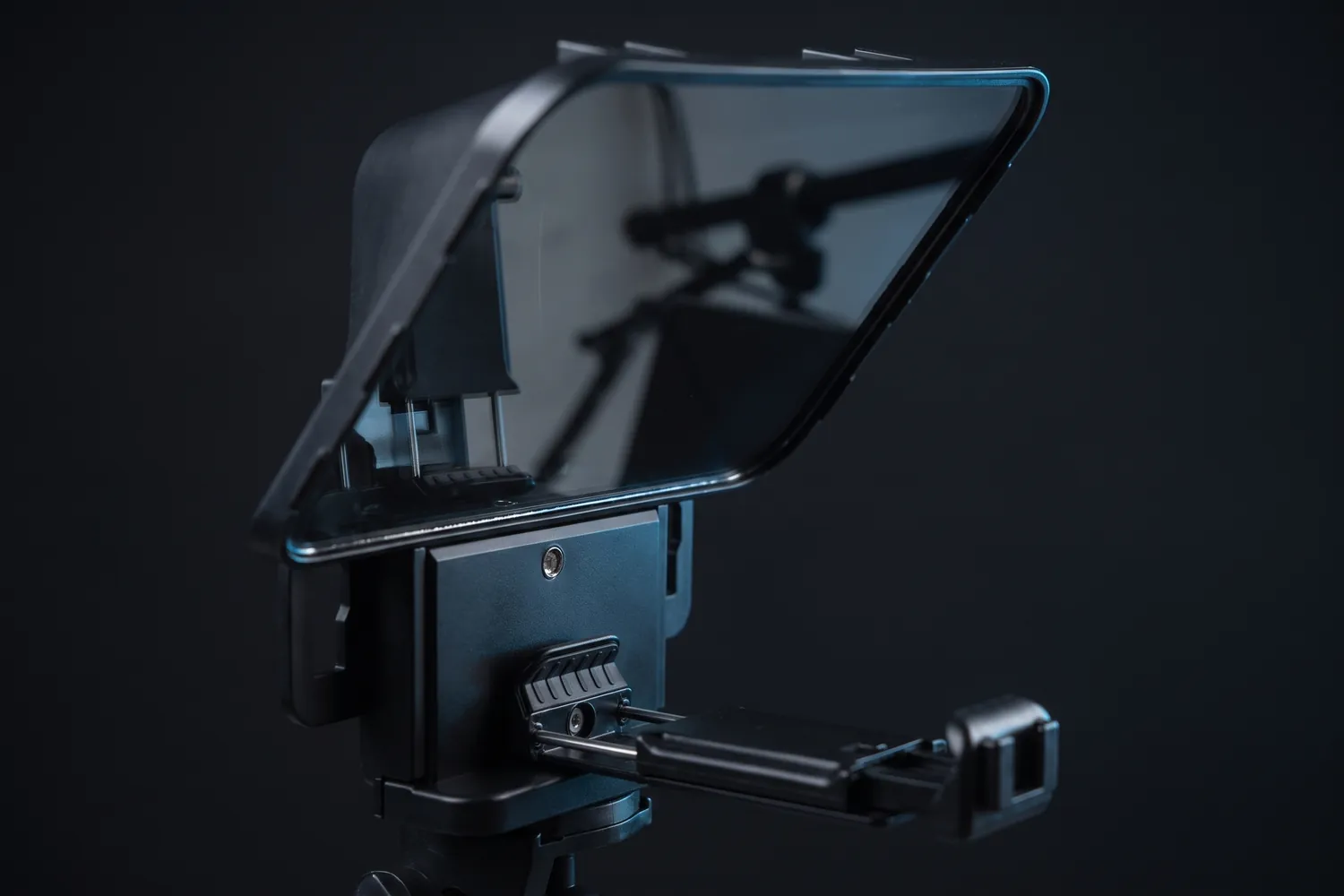
Close-up of the Desview T3's glass and phone holderAI-generated image

For scripted videos

Desview T3

A glass that shows your script right in front of the lens, so you read while looking into the camera.

Why we recommend it

  • Eye contact while reading — no glancing to the side
  • Holds a phone or tablet up to 11 inches as the script screen
  • Bluetooth remote and lens adapter rings included
Who actually needs this?
Scripted explainers, ads and longer talking-head videos.
Skip it if
You speak freely or film short clips — a free teleprompter app is enough.

≈ €106typical price, Sep 2026 · may change
Pack a mini kit

Power bank, a short USB-C cable, a lens cloth and the mic's spare windscreen. It fits in a jacket pocket and prevents most bad shoot days.

08 · By budget

Setups by budget

Set your own budget, or start from four setups that build on each other. Totals are typical prices for the gear on top of the phone you already have.

Build a kit for your budget

Enter what you want to spend and, if you like, what matters most. The builder works through our upgrade list in order, or you pick the products yourself.

How do you want to build it?

In euros, for everything on top of your phone.

What matters most? (optional)

1 is least, 10 is most. Left alone, all three count the same.

5
5
5

Your kit

≈ €267of your €300 budget

Setup score

6.3out of 10

Sound
6
Light
6
Video
7

The Setup score shows how much of our upgrade list for sound, light and video your kit covers: 1 is just your phone, 10 is the whole list.

Amazon asks you to sign in and confirm before anything goes into your cart.

Typical total, September 2026. Amazon’s price may differ, so your cart can come to more than your budget.

The €0 setup

Everything you need is already at home. Master this first — every later upgrade builds on it.

€0nothing to buy

  • Your phoneRear camera, 1080p or 4K at 30 fpsFree
  • A windowFace it and switch off the ceiling lightFree
  • A stack of booksPuts the lens at eye levelFree
  • A free editing appCapCut or your phone's own editorFree

09 · By content type

Setups by content type

Different formats need different gear. Start with the setup for the format you post most — the rest can wait.

Talking head

You, a camera at eye level and a clear voice. Most of the look comes from the light.

≈ €253in total

Typical prices, September 2026 — they may change.

Transparency

How we pick gear

  • We start with the problem — sound, light, a steady frame — and only then name a product.
  • Every pick works with the phone you already have, unless the card says otherwise.
  • When something cheaper does the job, we say so.
  • Picks are based on specs, reviews and price. Gear we use ourselves is marked “We use this”.

Prices are typical German street prices, checked in September 2026. They change often — the shop always shows today’s price.
FAQ

Quick answers

The questions creators ask before buying their first gear.

Set up and ready to edit? Sound effects, fonts and colour presets for your edits are in our editing packs.

See the editing packs
Is my phone good enough to start?

Yes. Any phone from the last few years films sharp enough for short-form video. Fix sound and light first — they make a bigger difference than a new camera.

What should I buy first?

A microphone, if anyone talks in your videos. It improves every single one of them. Then a light, then a tripod.

Do I need 4K?

Not for short-form. Platforms compress uploads heavily. Film in 4K when you want to crop or zoom in the edit; otherwise 1080p saves storage and battery.
iPhone or Android?
Both work well. What matters more is your phone's connector — USB-C or Lightning — because wireless mic receivers and wired mics come in one or the other.

Do I need all of this?

No. Start with the €0 setup, post for a few weeks and buy only what fixes a problem you actually notice. That's what the “Do you actually need this?” checks are for.

Next step

Need ideas for what to film with this setup?

Viral Music Content Ideas collects 100 proven short-form formats for music and rap creators — each with the original videos and the hook that worked. The first 10 are free.