SFX
Sound effects
Music edits
Launching soon — the shop opens shortly.
What’s open nowEditing packs for editors and creators
Sound effects, fonts, LUTs and overlays for short-form video in any niche, with text animations coming later. Drop them into your edit, line them up with your cuts and post.
Packs
Outnow
Inspector
LookWarm film
FontCondensed Black
AaAnimationPop · 0.5 s
whoosh_fast.wav
Transitions · 0:01
Warm filmLUT
The packs
Take the piece your videos are missing — or all four in the bundle. Text animations come later.
SFX
Sound effects
Music edits
Text
in
MotionMotionMotion
Text animations
Titles & captions
Aa
Fonts
Fonts
Display & captions
LUTs
LUTs
Colour looks
Overlays
Overlays
Light & texture
SFX
Sound effects
Music edits
LUTs
LUTs
Colour looks
Aa
Fonts
Fonts
Display & captions
Overlays
Overlays
Light & texture
Four packs
Editing packs
The bundle
Pack 01 · SFX
Whooshes, hits and risers for cuts and transitions.
Transitions, impacts, build-ups and textures for any short-form edit — vlogs, tutorials, gaming clips or music videos.
More about Sound EffectsAudio previews coming soon.
Editing packs / Sound Effects10 folders
Pack 02 · Text
Titles and captions that move with your edit.
Animated titles, captions and callouts — add them to your edit and time them to your cuts.
More about Text Animationswatch till the end
Editing packs / Text Animations8 folders
Pack 03 · Fonts
Ready-made text styles and the free fonts they use.
12 ready-made text styles for titles and captions, plus the free fonts they use (TTF, with their open licences). Each style comes with its settings, a style card and an overlay to match it in your editor.
More about FontsBold Hook · Anton
Out now
Editorial Quote · DM Serif Display
Out now
Outline Title · Archivo Black
Out now
Chrome · Rubik Mono One
Out now
Terminal Caption · Space Mono
Out now
Clean Caption · Poppins
Out now
Editing packs / Fonts6 folders
Pack 04 · LUTs
One-click colour looks for your footage.
Colour looks for vlogs, city shots, talking heads and night scenes. Apply one in your desktop editor, dial in the intensity, done.
More about LUTs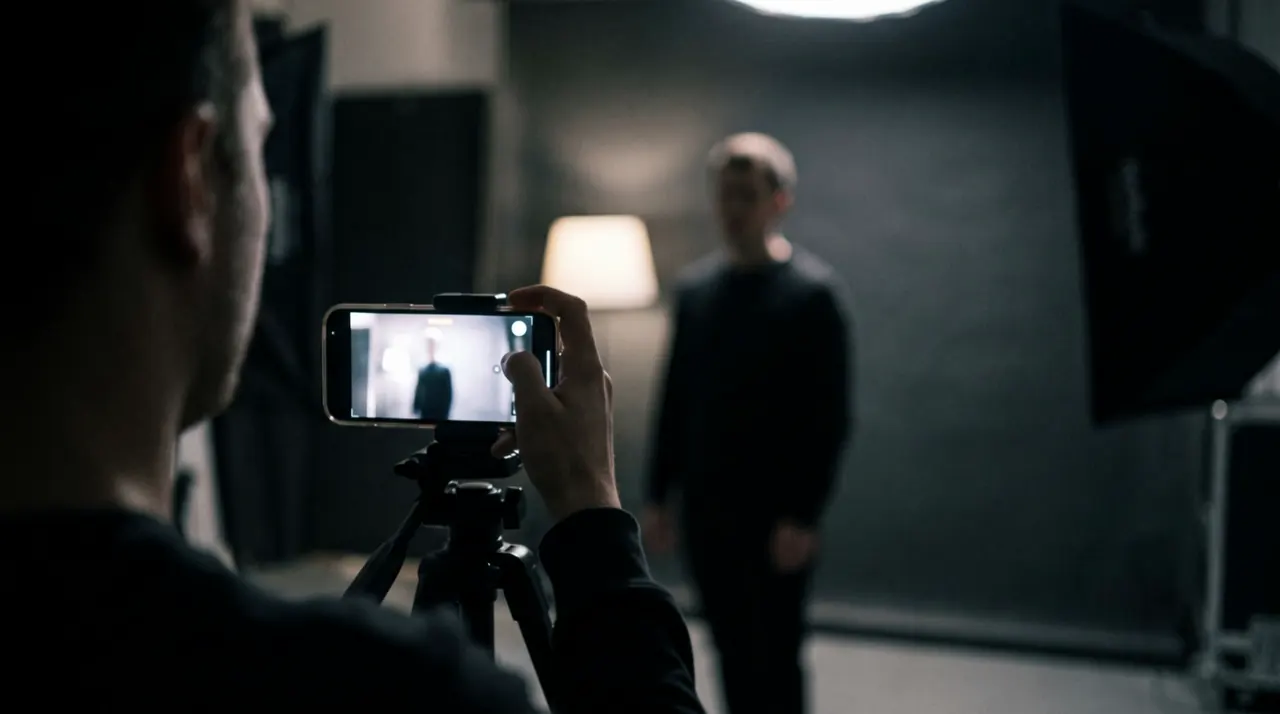
Editing packs / LUTs6 folders
Pack 05 · Overlays
Light leaks, grain and textures that give footage character.
Light leaks, film grain, dust, VHS and camera frames for any video. Lay one over a clip, set its blend mode (Screen, or Overlay for grain) and phone footage gets a film look.
More about Overlays
Editing packs / Overlays8 folders
Bundle
Sound effects, fonts, LUTs and overlays in one checkout — everything lands in your account together.
SFX
Sound effects
Music edits
LUTs
LUTs
Colour looks
Aa
Fonts
Fonts
Display & captions
Overlays
Overlays
Light & texture
Four packs
Editing packs
The bundle
The bundle
€40 when bought one by one — you save €11
Already own single packs? For now the bundle is €29 for everyone.
How it works
100:01
Take the one your edit is missing, or all four in the bundle.
200:02
Secure checkout. No subscription.
300:03
Your files unlock in your account right after payment.
400:04
Add sounds, fonts, looks and overlays to your edit and post.
FAQ
Make music content? Browse content ideas for music and rap creators.
Browse free ideasFiles for your editor, sorted into folders: sound effects, fonts, colour looks or overlays, depending on the pack. Text animations come later. Every pack has its own page with a preview of what it covers.
Sound effects and overlays work in CapCut, Premiere Pro and DaVinci Resolve. The LUTs work in Premiere Pro, DaVinci Resolve and CapCut on desktop, the fonts in Premiere Pro, DaVinci Resolve and other apps that use installed fonts. Each pack lists its editors.
Right after payment the packs unlock in your account. Download them from there whenever you need them.
No. You pay once per pack and keep the files.
No. A pack stays as you bought it, and you can download it from your account whenever you need it. New sounds, looks and overlays come as new packs.
No. If you can place a clip on a timeline, you can use the packs — every file is ready to drop into your edit.
If you want the full set, yes: the bundle holds all four packs on sale — sound effects, fonts, LUTs and overlays — in one checkout.
Ready when you are
Sound effects, fonts, LUTs and overlays — take the pack you need or all four together.
SFX
Sound effects
Music edits
LUTs
LUTs
Colour looks
Aa
Fonts
Fonts
Display & captions
Overlays
Overlays
Light & texture
Four packs
Editing packs
The bundle